The Rise of CLI Coding Agents: Revolutionizing Remote Infrastructure Management and WordPress Operations

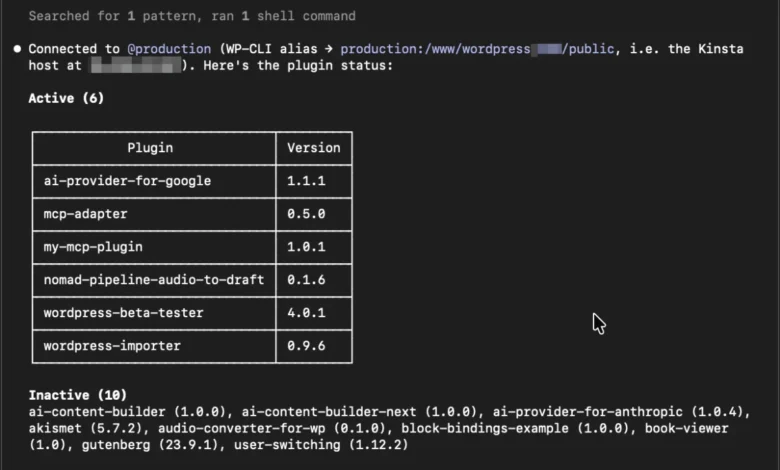
The landscape of software development and infrastructure management is experiencing a paradigm shift with the rapid adoption of Command-Line Interface (CLI) coding agents. Operating as autonomous shell assistants directly within local terminal environments, these advanced artificial intelligence tools utilize existing protocols—including Git, Secure Shell (SSH), and WP-CLI—to navigate file hierarchies, execute terminal instructions, examine outputs, and remediate technical issues through continuous, self-correcting feedback loops. Unlike conventional graphical user interfaces or restricted application programming interfaces, CLI coding agents leverage the full breadth of native system utilities, bridging the gap between high-level AI reasoning and low-level system execution.
The evolution of these tools marks a significant milestone in developer productivity. Over the past several years, the software engineering industry has witnessed a steady migration from basic autocomplete plugins to context-aware coding assistants embedded within Integrated Development Environments. The introduction of CLI coding agents represents the next logical progression, moving AI from a passive co-pilot status to an active, autonomous operator capable of interacting directly with production and staging infrastructure.
Understanding the Mechanics of the Agentic Loop
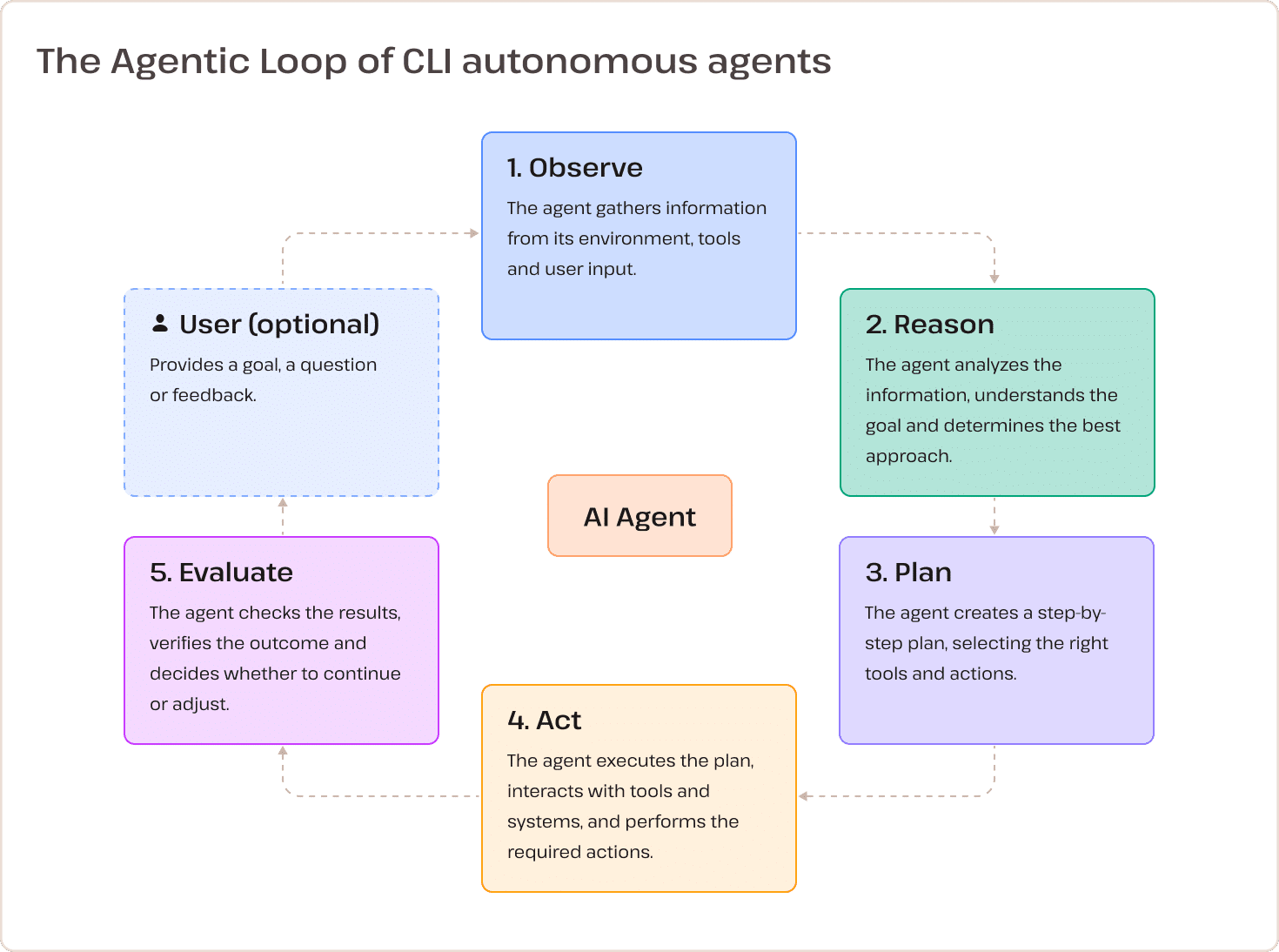
At the core of every CLI coding agent is an iterative operational framework known as the Agentic Loop. Rather than performing tasks via isolated, one-shot prompt responses, these autonomous systems execute a continuous five-phase cycle: Observe, Reason, Plan, Act, and Evaluate.
During the observation phase, the agent ingests system feedback, terminal logs, or error stack traces. It then reasons through the data to understand the underlying problem, formulates a strategic plan, acts by executing specific shell commands, and evaluates the resulting output. If an operation fails or produces an unexpected error, the agent dynamically adjusts its strategy without requiring manual human intervention for every intermediate step. This non-linear problem-solving capability makes CLI agents exceptionally effective for debugging complex server environments, refactoring extensive codebases, and executing multi-step administrative workflows.
Technical Distinction: CLI Agents Versus Model Context Protocol (MCP)
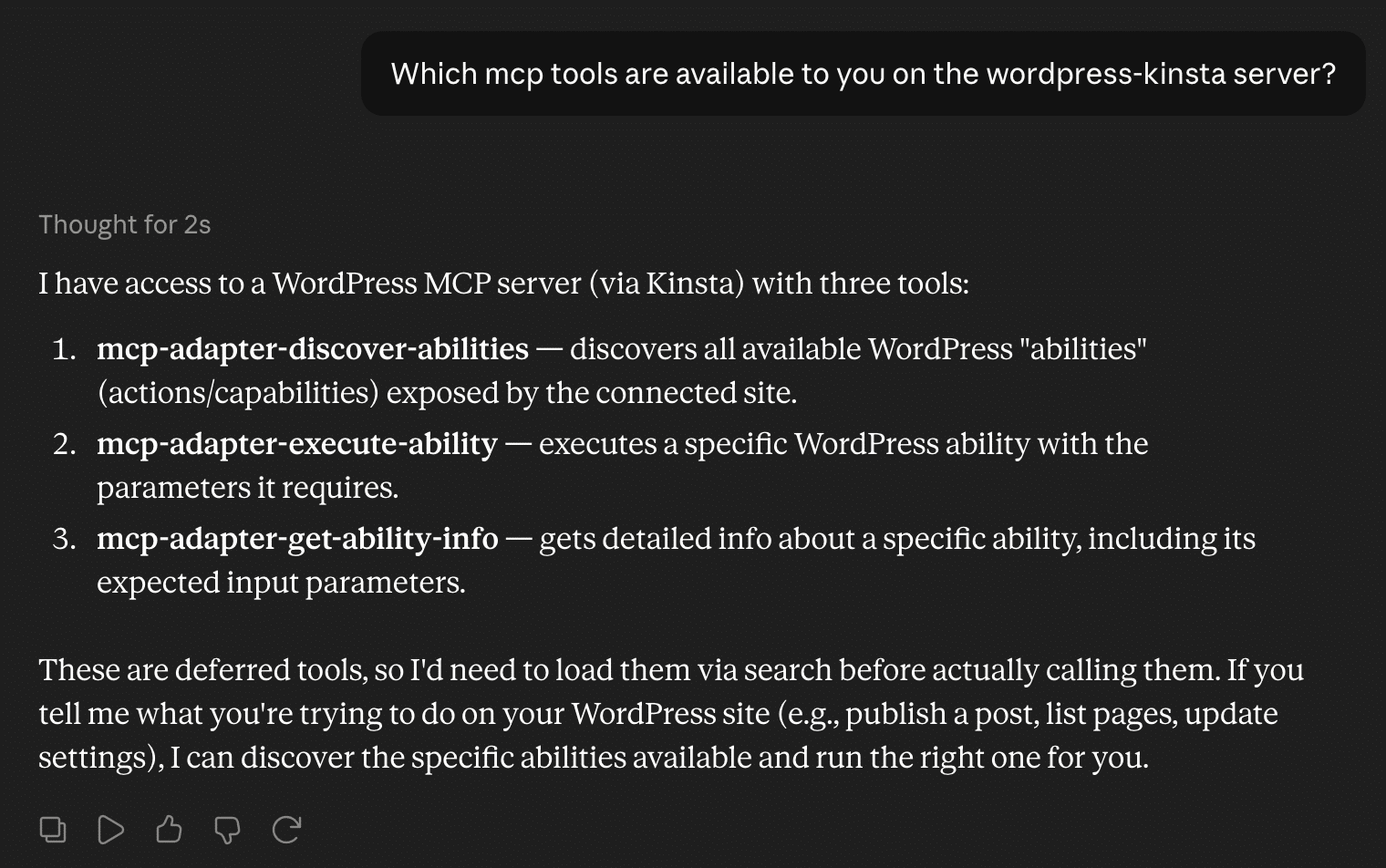
To fully comprehend the utility of CLI coding agents, industry professionals must distinguish them from alternative AI integration frameworks, such as the Model Context Protocol (MCP). While both technologies facilitate communication between large language models and development environments, they operate at fundamentally different layers of the technology stack.
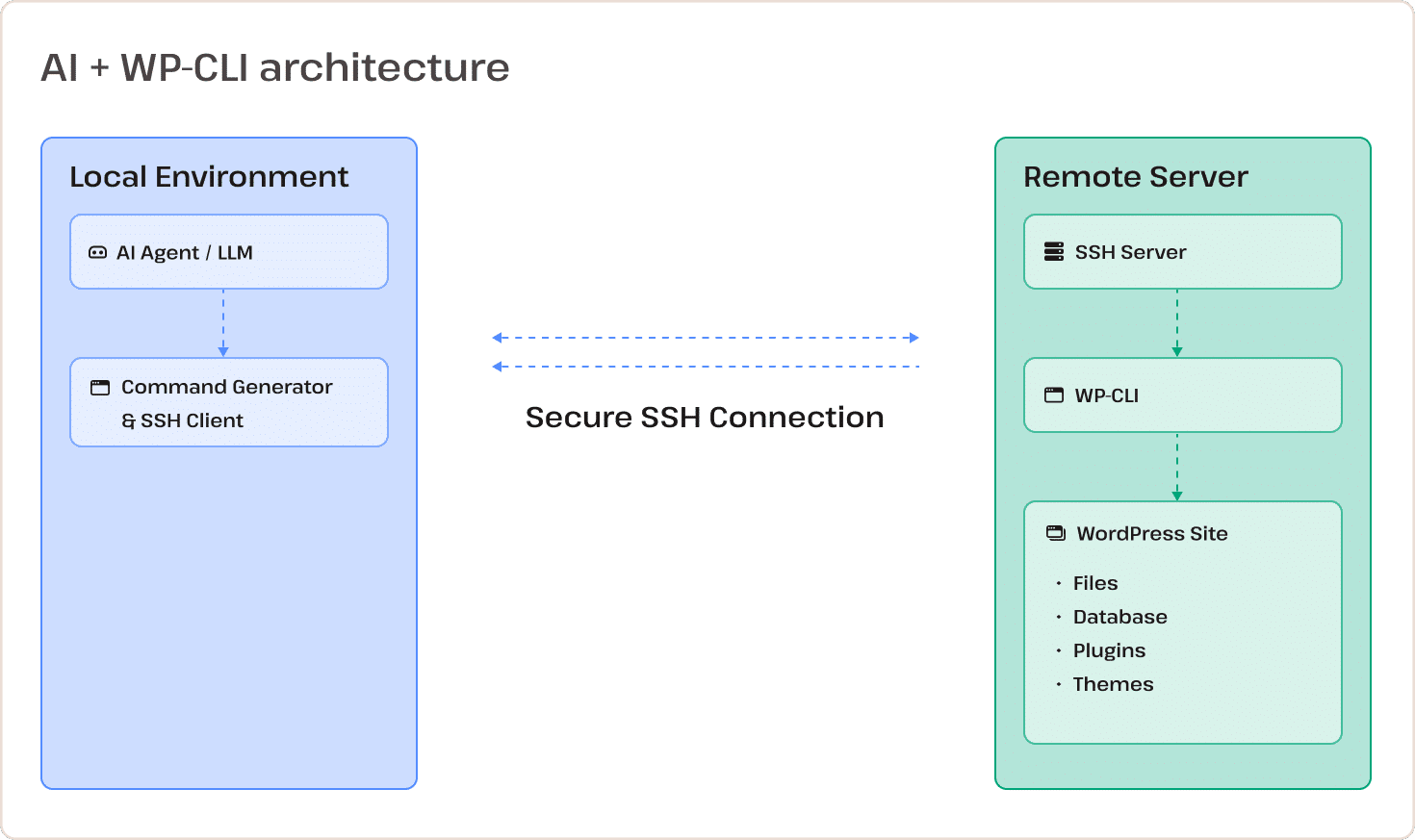
Model Context Protocol acts as a standardized client-server interface designed to connect large language models with external data sources and APIs in a secure, environment-agnostic manner. MCP is typically deployed within stable software-as-a-service applications or production environments where strict boundaries and predefined permissions are paramount.
Conversely, CLI coding agents operate directly within the terminal shell. They possess unmediated access to local filesystems, software repositories, container engines, and remote cloud infrastructure via secure command-line tools. Consequently, while MCP prioritizes standardized security and structured data access, CLI agents prioritize raw execution power, adaptability, and contextual awareness during active software development and infrastructure maintenance.
Operational Advantages and Associated Risks
The deployment of CLI coding agents offers substantial benefits to engineering and operations teams, though it simultaneously introduces distinct challenges that demand careful governance.
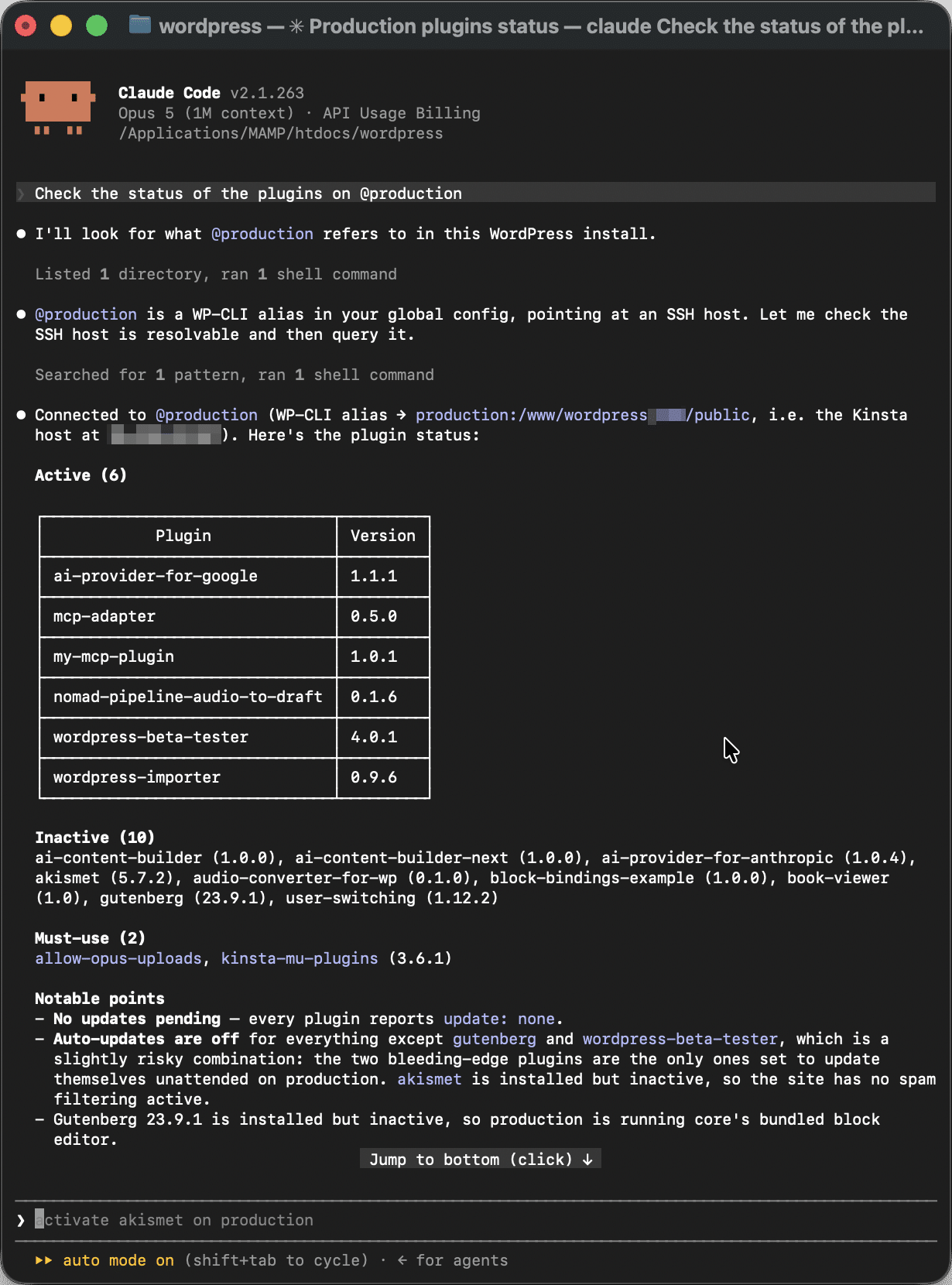
Among the primary advantages is immediate access to established tool ecosystems. Because these agents operate within standard shell environments, they can instantly leverage utilities such as Git, Docker, npm, and WP-CLI. Furthermore, their autonomy enables dynamic decision-making and rapid adaptation to variable command outputs, allowing teams to resolve unpredictable system anomalies efficiently.
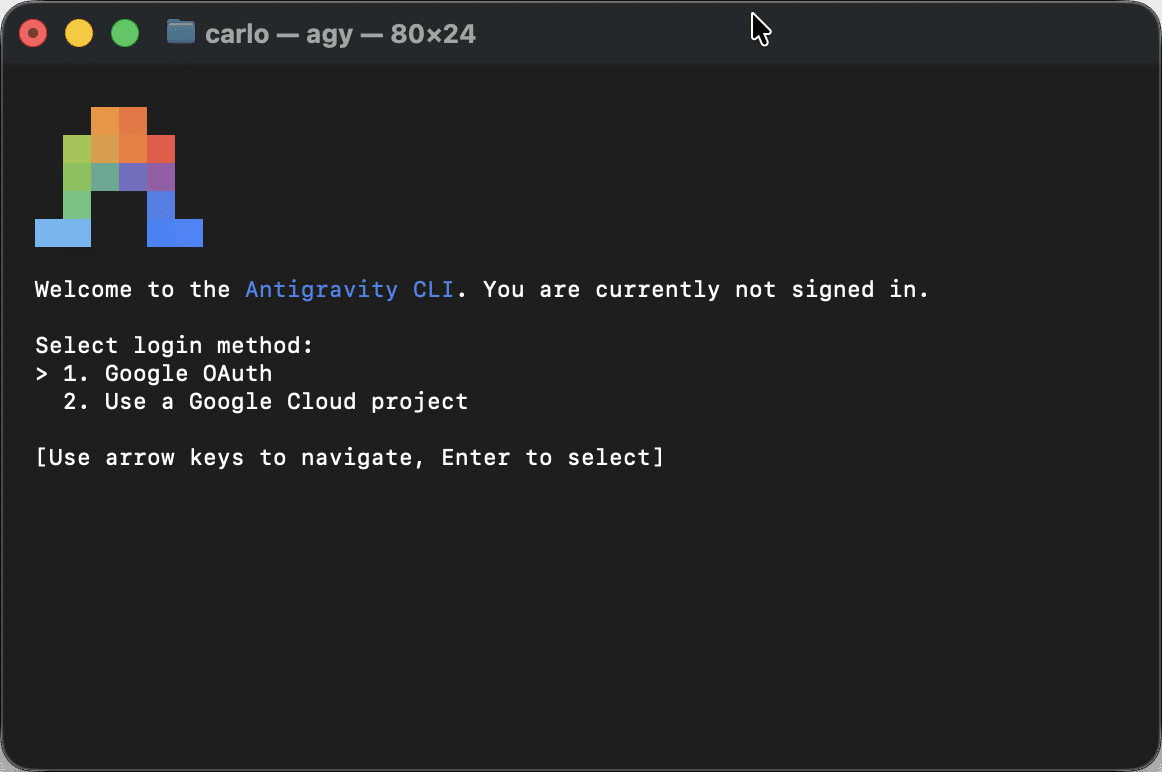
However, these benefits are balanced by notable operational risks. Providing an autonomous agent with direct shell access introduces the potential for destructive or erroneous command execution if strict guardrails are absent. Furthermore, the command line lacks the structured constraints of a traditional API, requiring users to possess significant terminal expertise to safely oversee the agent’s operations. Issues concerning output parsing variability, environment dependency, and complex operating system-level permission management necessitate a rigorous human-in-the-loop oversight model.
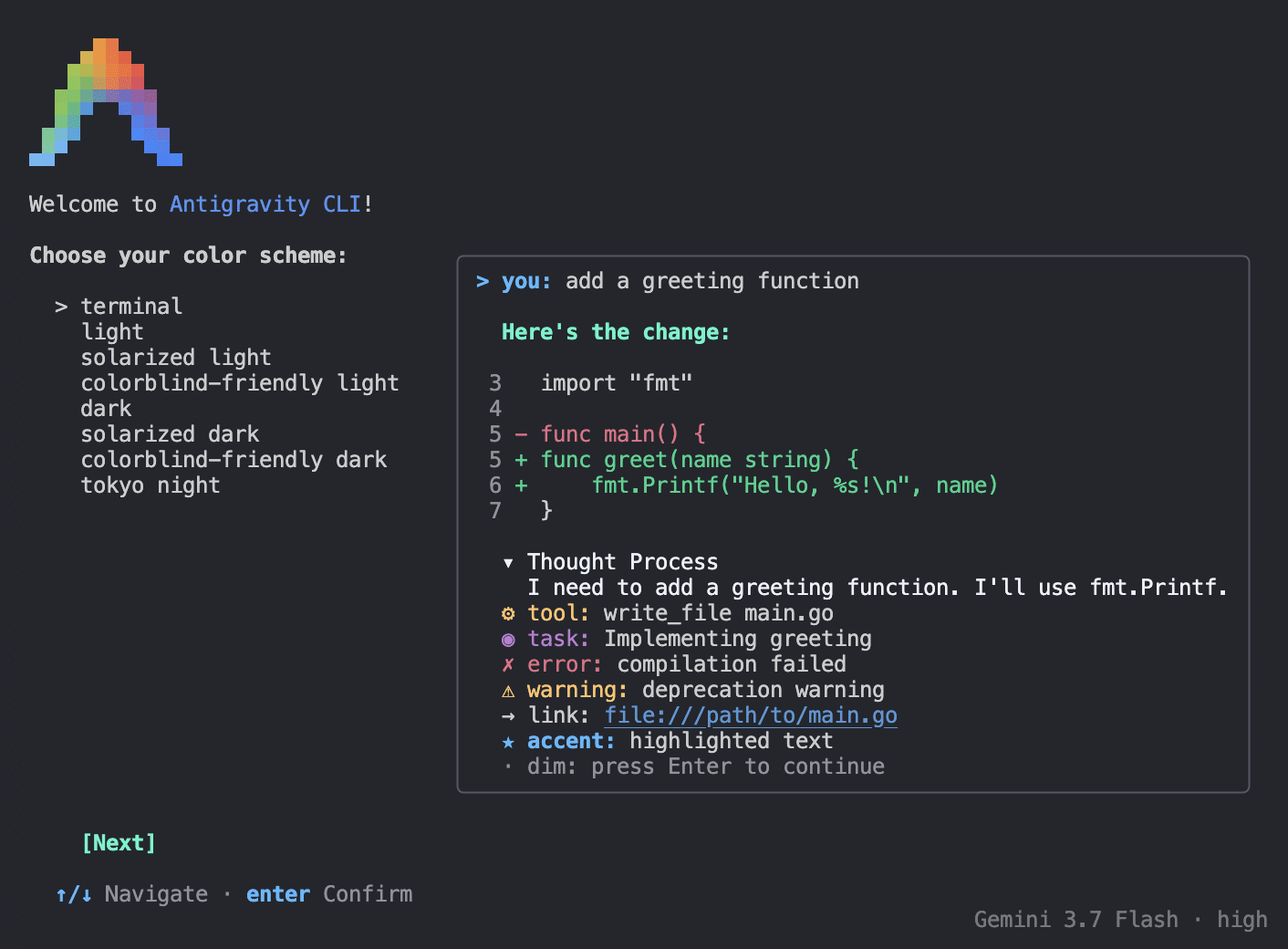
Practical Implementation: Managing Remote Infrastructure Securely
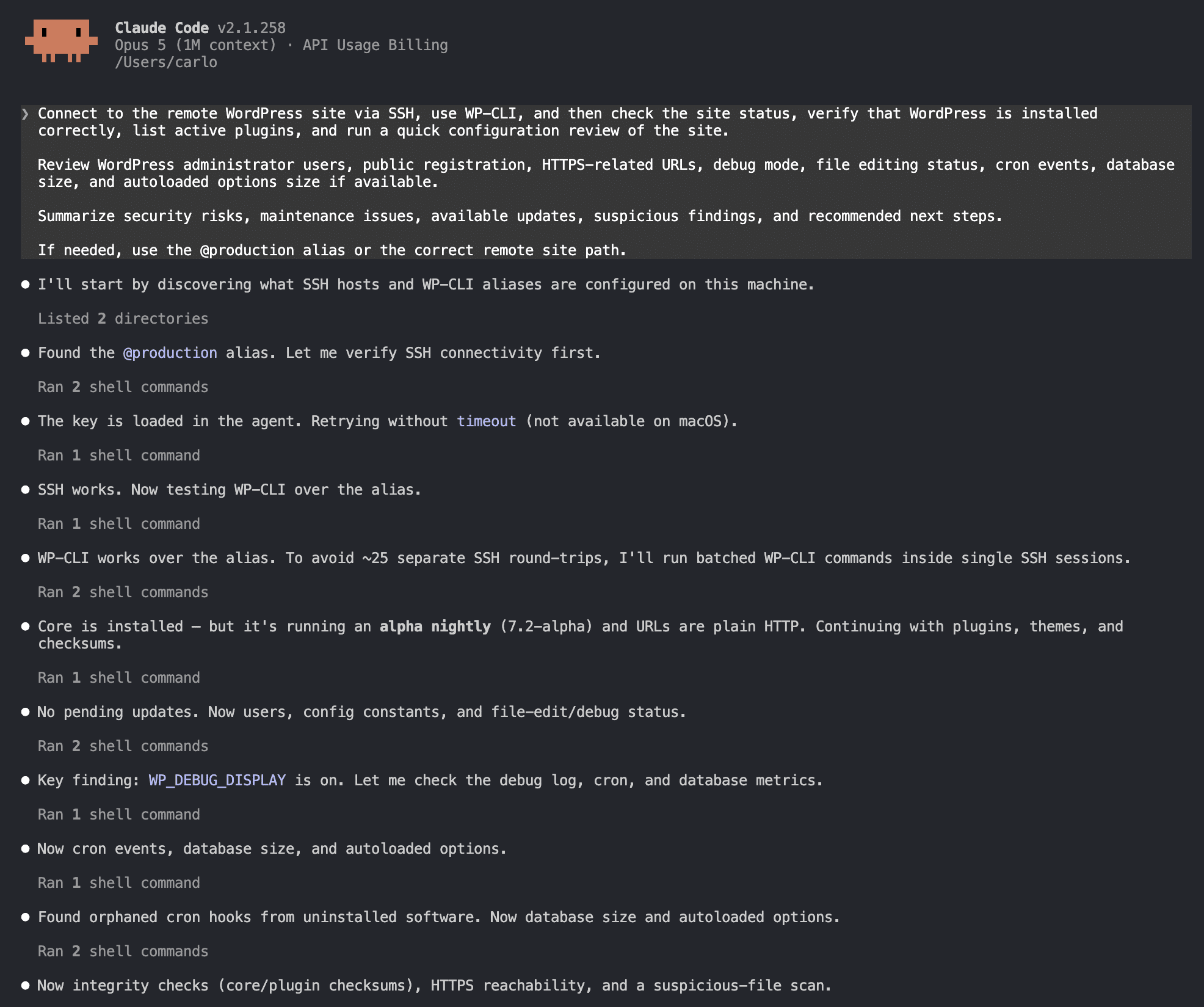
Deploying a CLI coding agent to manage remote environments—such as a WordPress production server—requires a structured configuration involving secure shell access, key-based authentication, and command-line aliasing. Rather than installing arbitrary plugins on remote web servers, administrators establish secure bridges using standard, industry-accepted protocols.
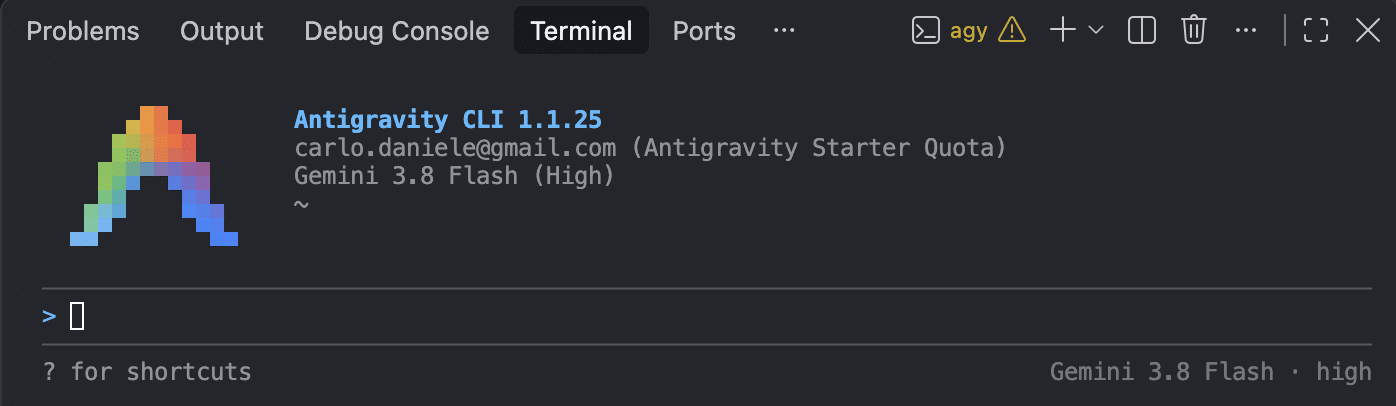
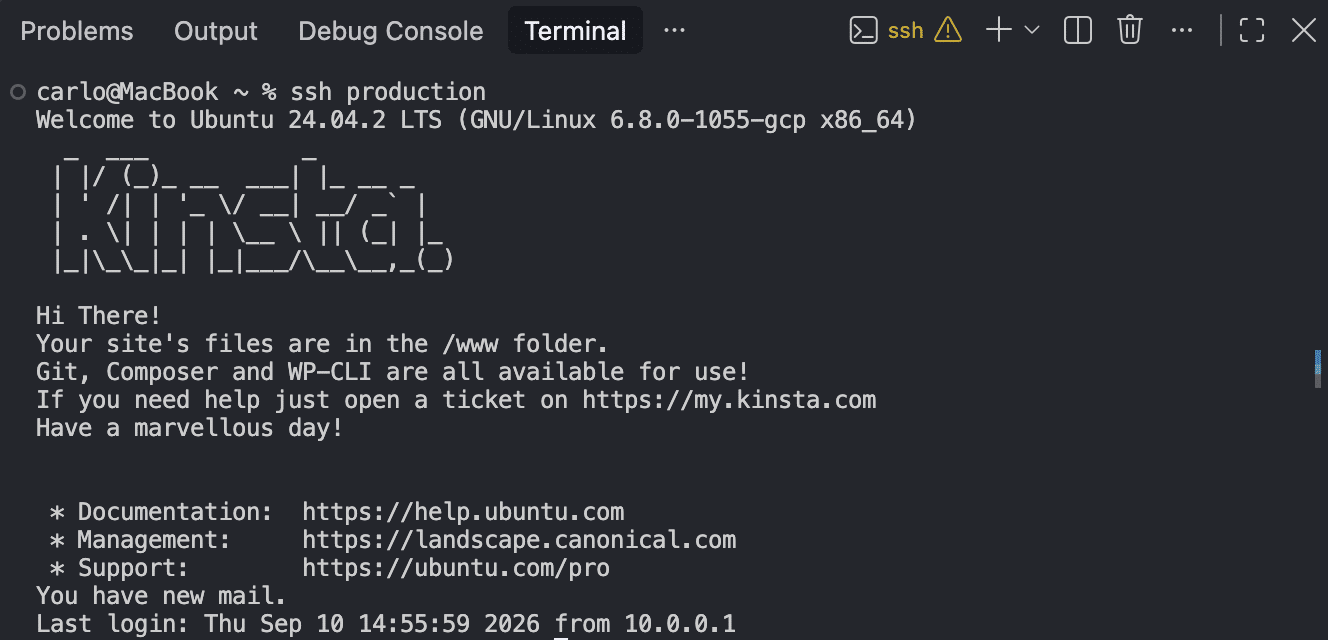
The foundational setup begins with the local configuration of WP-CLI and the establishment of passwordless authentication via OpenSSH. By generating dedicated cryptographic key pairs, such as Ed25519 keys, and mapping remote connection parameters within the local OpenSSH configuration file, engineers eliminate the need for manual credential entry. This ensures that the agentic loop remains uninterrupted during automated administrative tasks.
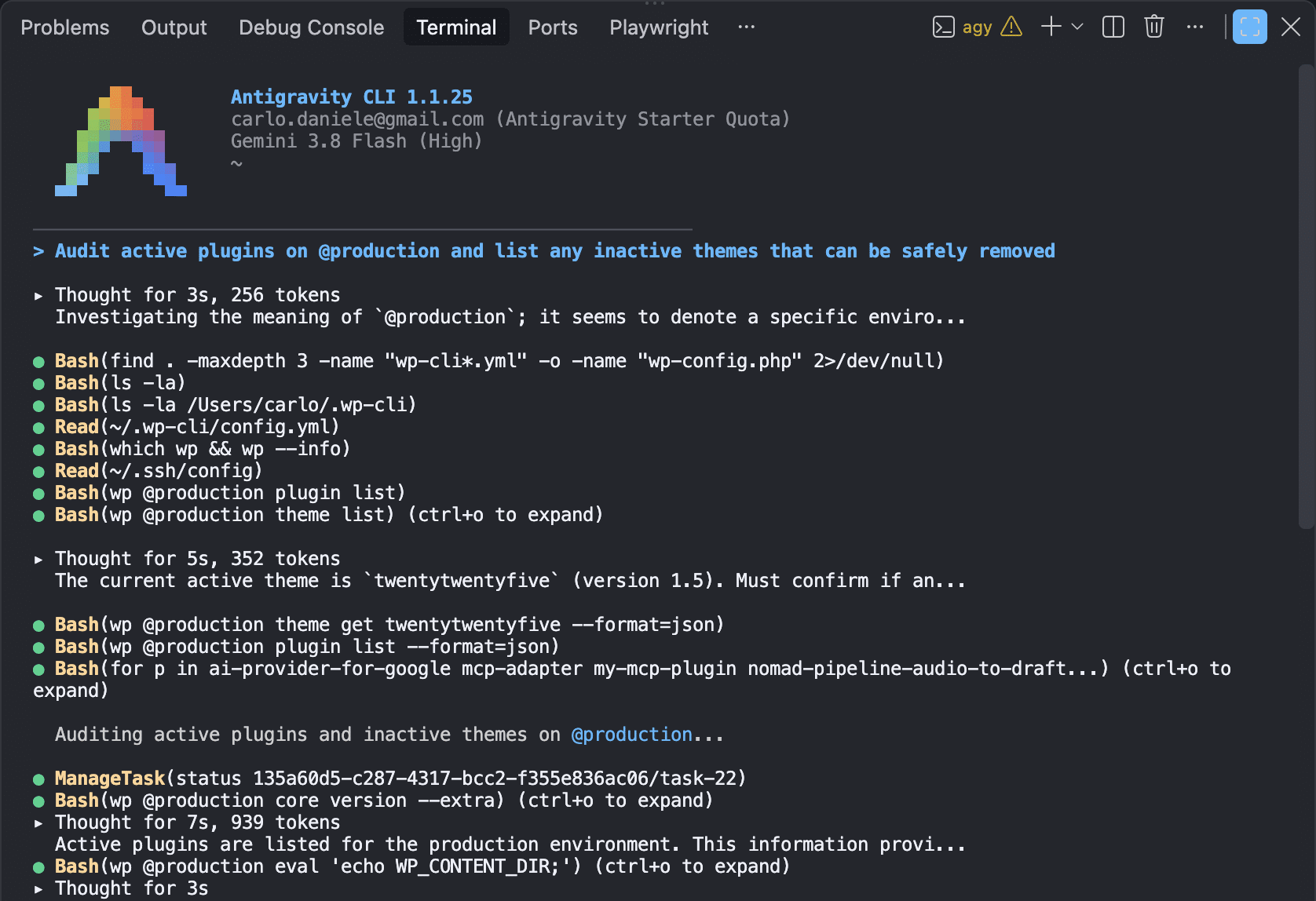
Subsequent configuration involves the establishment of WP-CLI aliases. By mapping shortcuts—such as @production or @staging—to specific remote web roots within global configuration files, operators and AI agents can target distinct environments using natural language prompts, bypassing complex path parameters entirely.
Comparative Analysis: Claude Code and Antigravity CLI
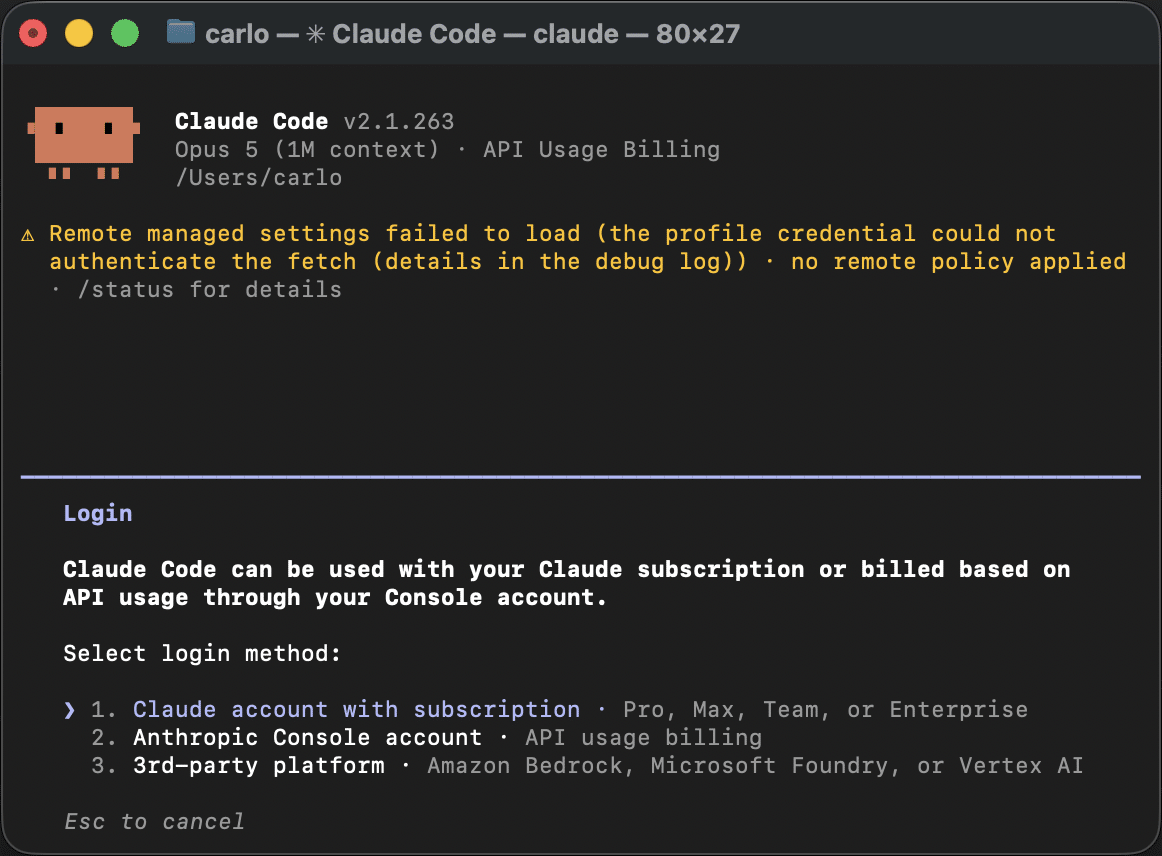
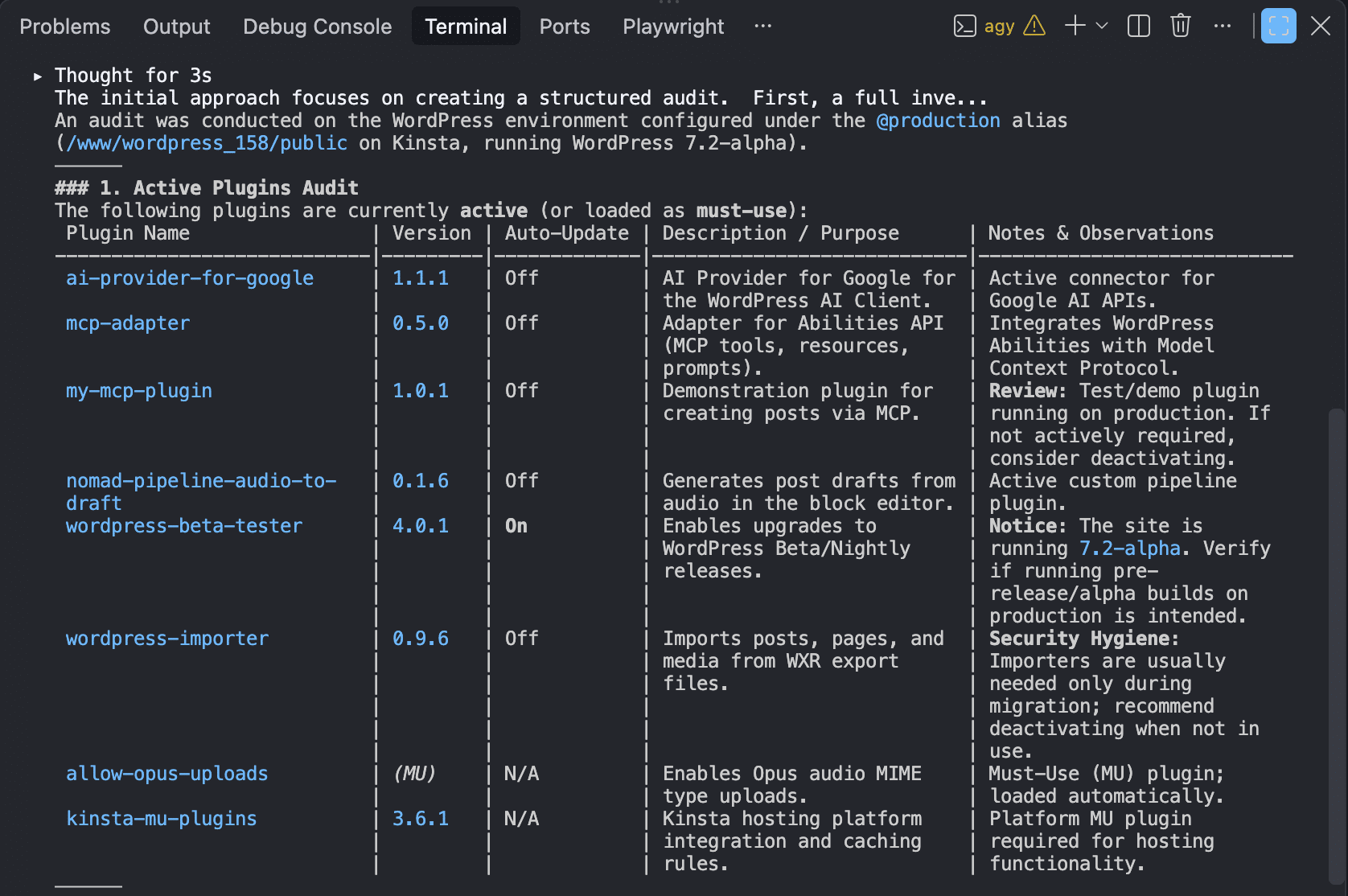
Industry adoption is currently anchored by prominent solutions such as Anthropic’s Claude Code and Google’s Antigravity CLI. Independent evaluations of these tools reveal contrasting strengths in real-world operational scenarios, such as comprehensive site health and security audits.
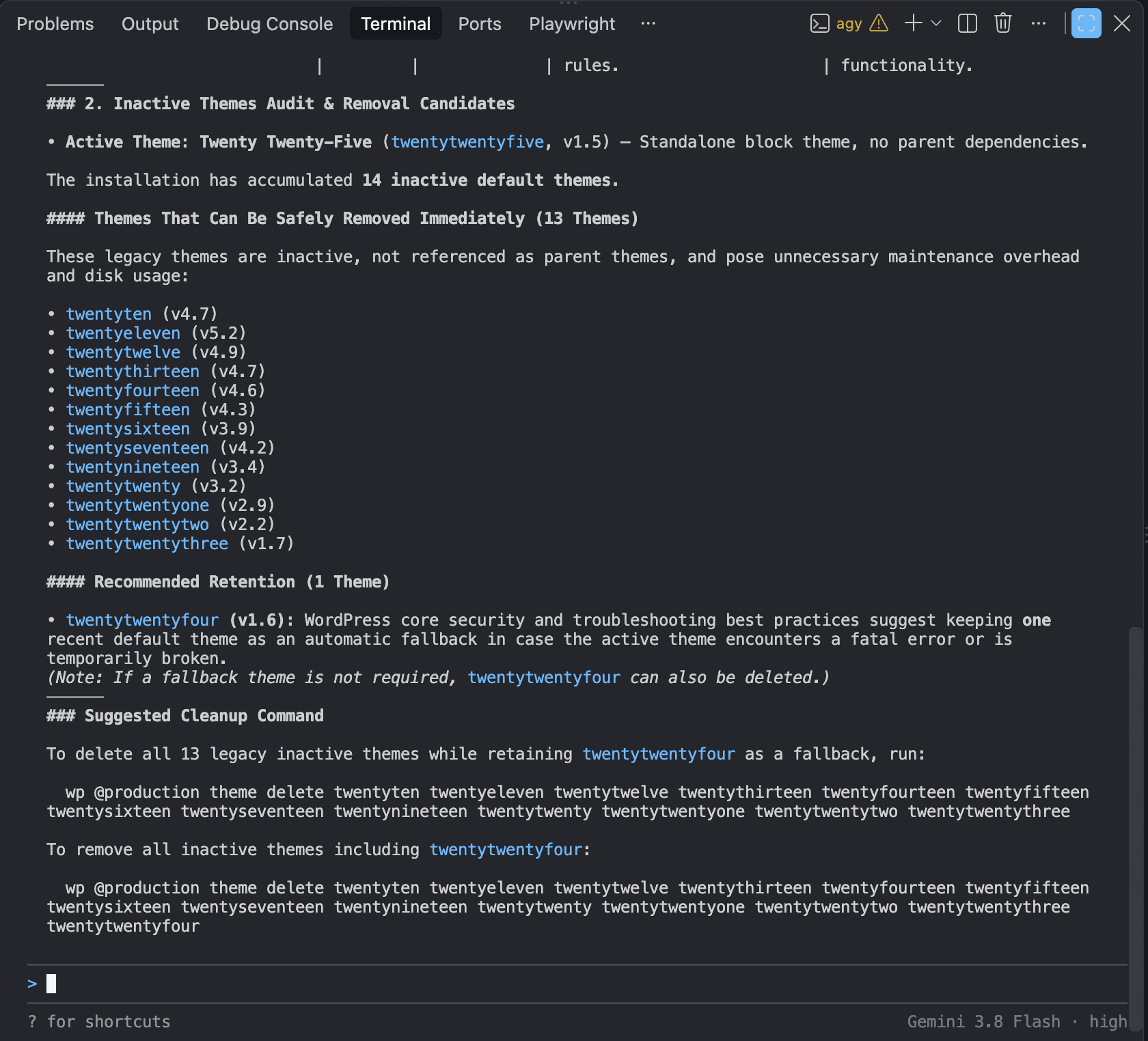
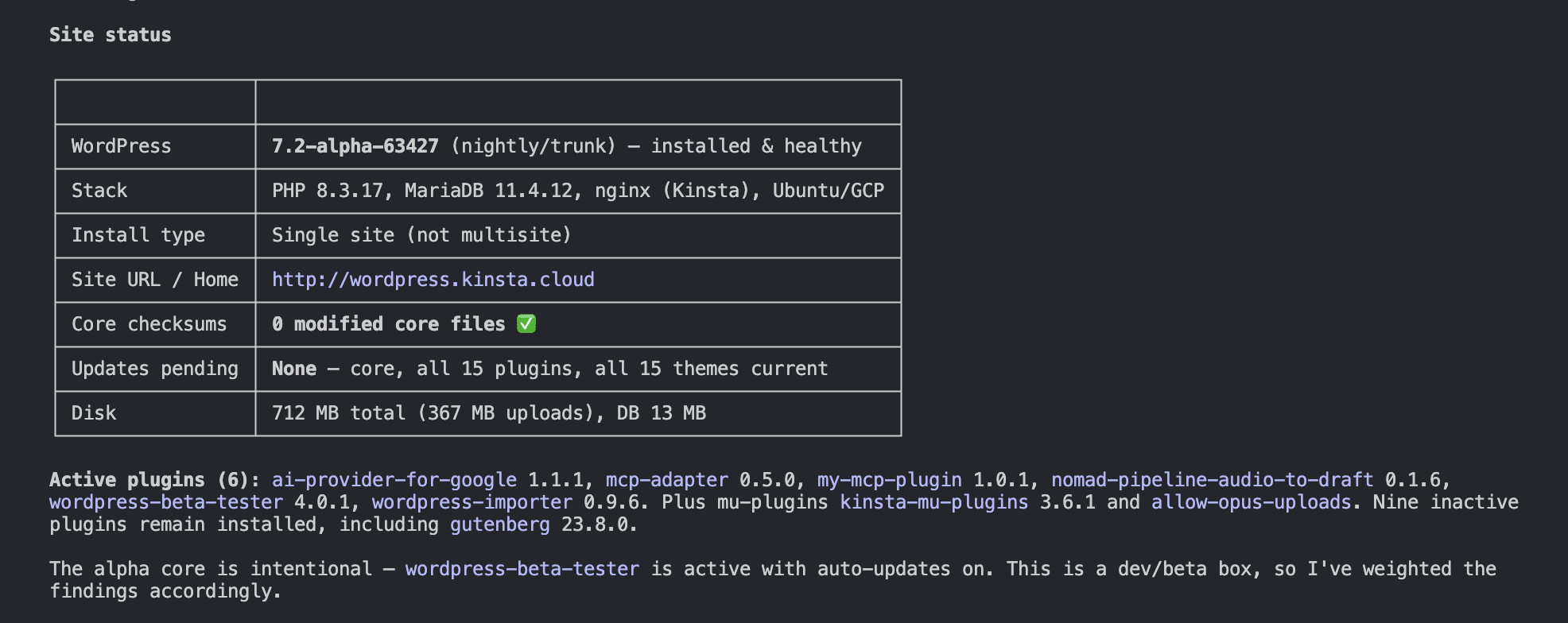
When tasked with executing a multi-faceted system audit—encompassing site status verification, user account review, security constant inspection, and database health analysis—both platforms demonstrate advanced autonomous capabilities. However, their structural presentation and depth of analysis vary.
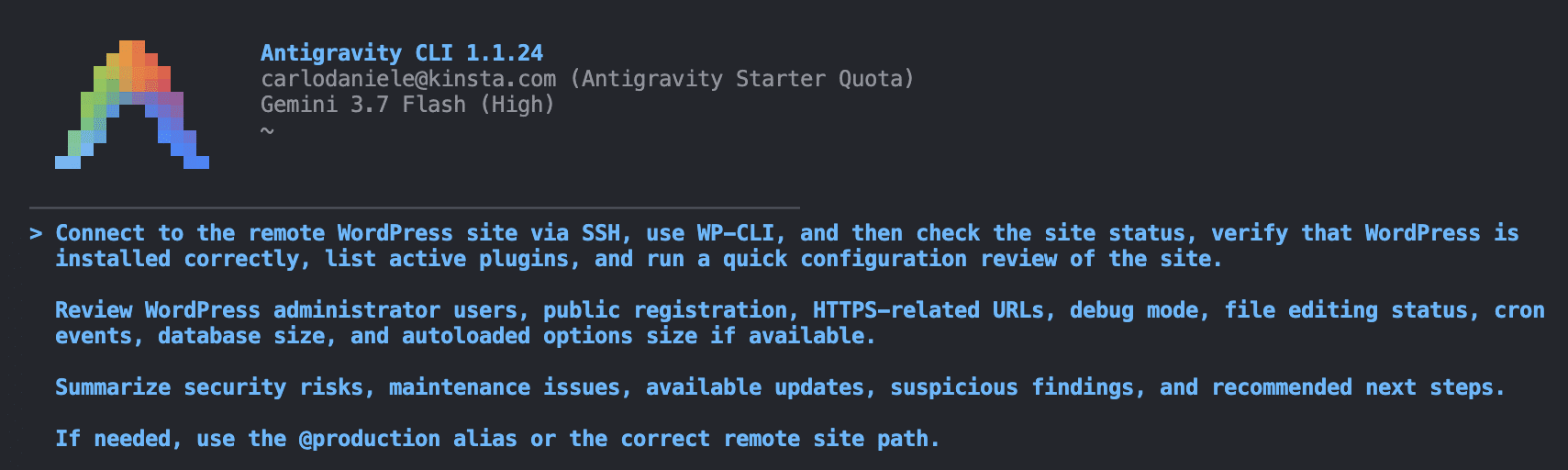
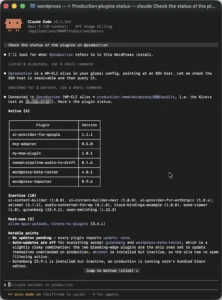
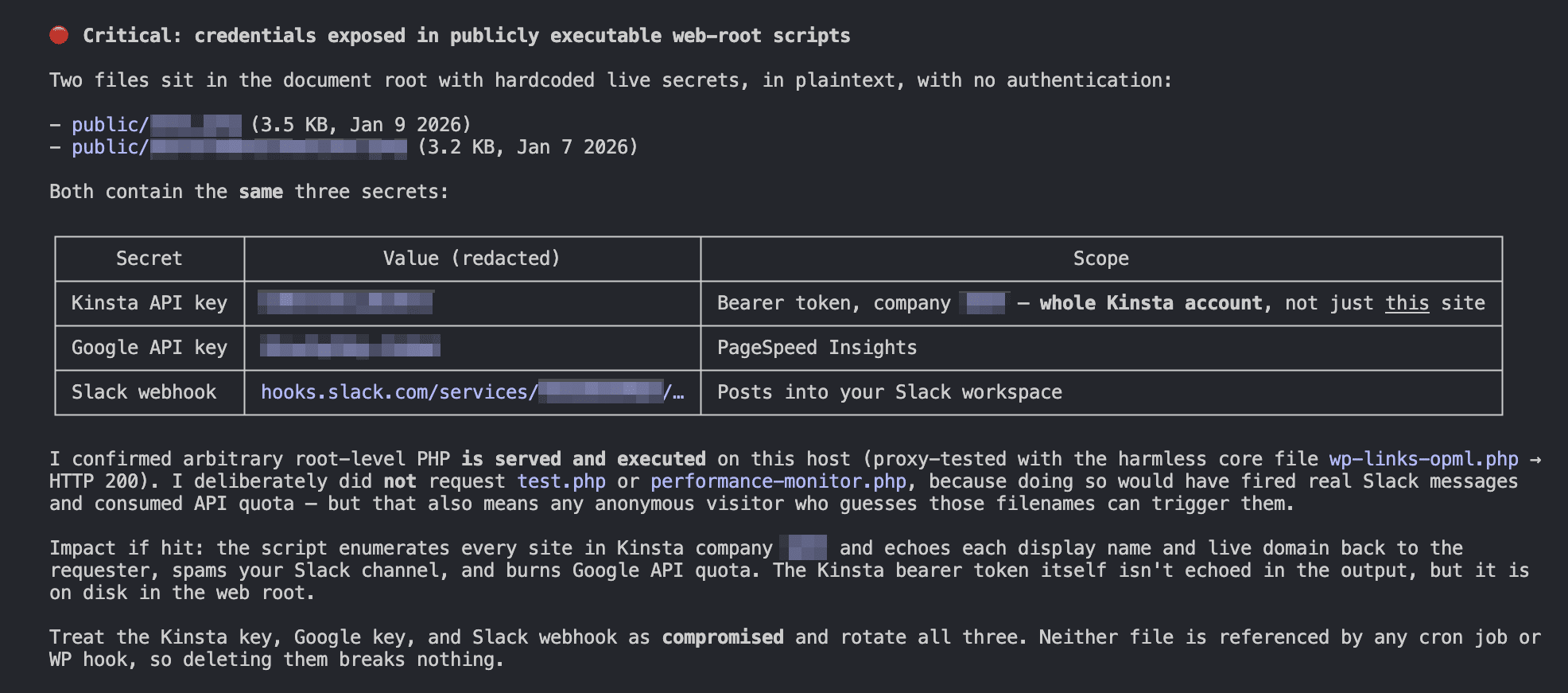
Claude Code exhibits a pronounced focus on security intelligence, frequently identifying critical vulnerabilities, such as exposed configuration keys or forgotten test files in root directories, and organizing findings by risk severity. Antigravity CLI, conversely, emphasizes structured readability and immediate operational remediation, delivering polished tables of system constants, plugin audits, and ready-to-execute command sets designed to streamline maintenance workflows.
Broader Industry Implications and Future Outlook
The maturation of CLI coding agents signals a broader transformation in how technical teams interact with digital infrastructure. As these tools evolve, the command line is transitioning from a manual input interface into an intelligent operational control panel.
For organizations managing large-scale web architectures and distributed cloud infrastructure, the integration of autonomous CLI agents promises unprecedented efficiency in troubleshooting, security auditing, and continuous deployment. Nevertheless, industry analysts emphasize that successful adoption hinges on establishing robust security policies, comprehensive sandboxing, and unwavering human oversight. As engineering practices adapt to this new era of agentic computing, the synergy between human strategic direction and autonomous terminal execution will undoubtedly redefine the standards of modern software engineering and systems administration.
Related posts: