How to Audit Any Webpage in Three Minutes Using the SEOquake Chrome Extension

In the fast-paced world of digital marketing and search engine optimization, website owners, content creators, and agencies often find themselves facing underperforming assets. Whether it is an e-commerce product page that has slipped down the search engine results pages (SERPs), a competitor’s blog post capturing valuable organic traffic, or a client website failing to convert visitors into paying customers, the need for immediate, actionable answers is critical. Historically, diagnosing these issues required running heavy, time-consuming site-wide crawls that generated massive spreadsheets full of data, much of which was irrelevant to the immediate problem at hand. Today, however, digital professionals can bypass lengthy initial audits by leveraging specialized browser-based diagnostic tools. Among the most popular and efficient tools for this purpose is the SEOquake Chrome extension, a free utility developed by Semrush that allows users to perform comprehensive technical and on-page audits directly within their web browser without ever leaving the target page.
Understanding the Evolution and Utility of Browser-Based SEO Diagnostics
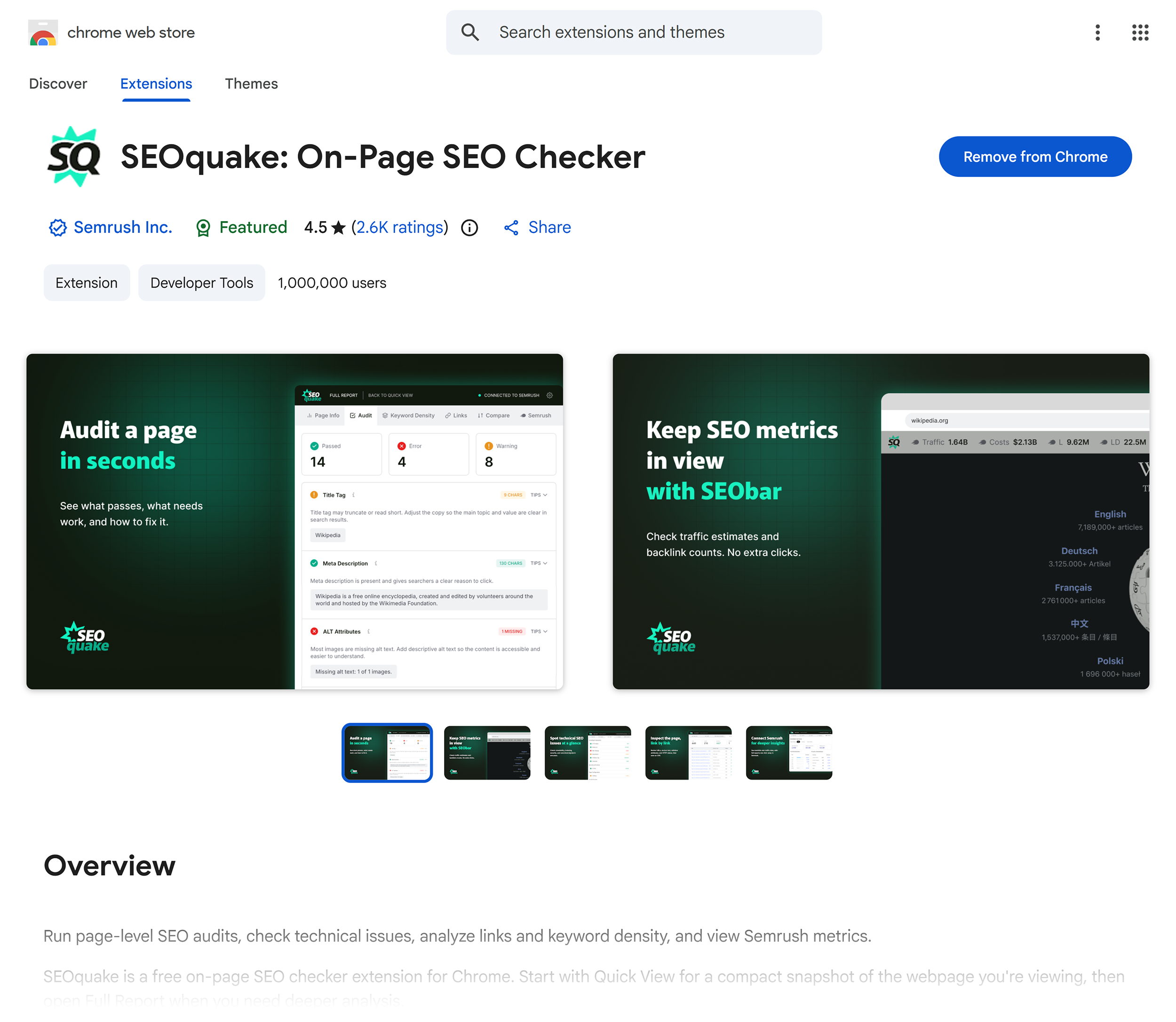
SEOquake has long been recognized as a staple in the digital marketing toolkit. Originally introduced as a versatile browser add-on, the extension provides deep visibility into a webpage’s technical signals, on-page optimization elements, internal and external linking structures, and core Semrush metrics. By eliminating the friction associated with traditional auditing software, SEOquake democratizes access to high-level SEO data. Users simply need to install the extension from the Chrome Web Store, navigate to any webpage they wish to evaluate, and click the browser icon to instantly initiate a streamlined research and analysis session.
The tool provides two primary mechanisms for evaluating a page: the Quick View pop-up, designed for rapid 60-second triage, and the Full Report, which offers deep-dive panels for granular diagnosis. Throughout these reports, data is meticulously color-coded—typically utilizing green for optimized elements, orange for warnings that require professional judgment, and red for critical errors. This intuitive visual hierarchy enables practitioners to quickly pinpoint anomalies, assess severity, and prioritize corrective actions effectively.
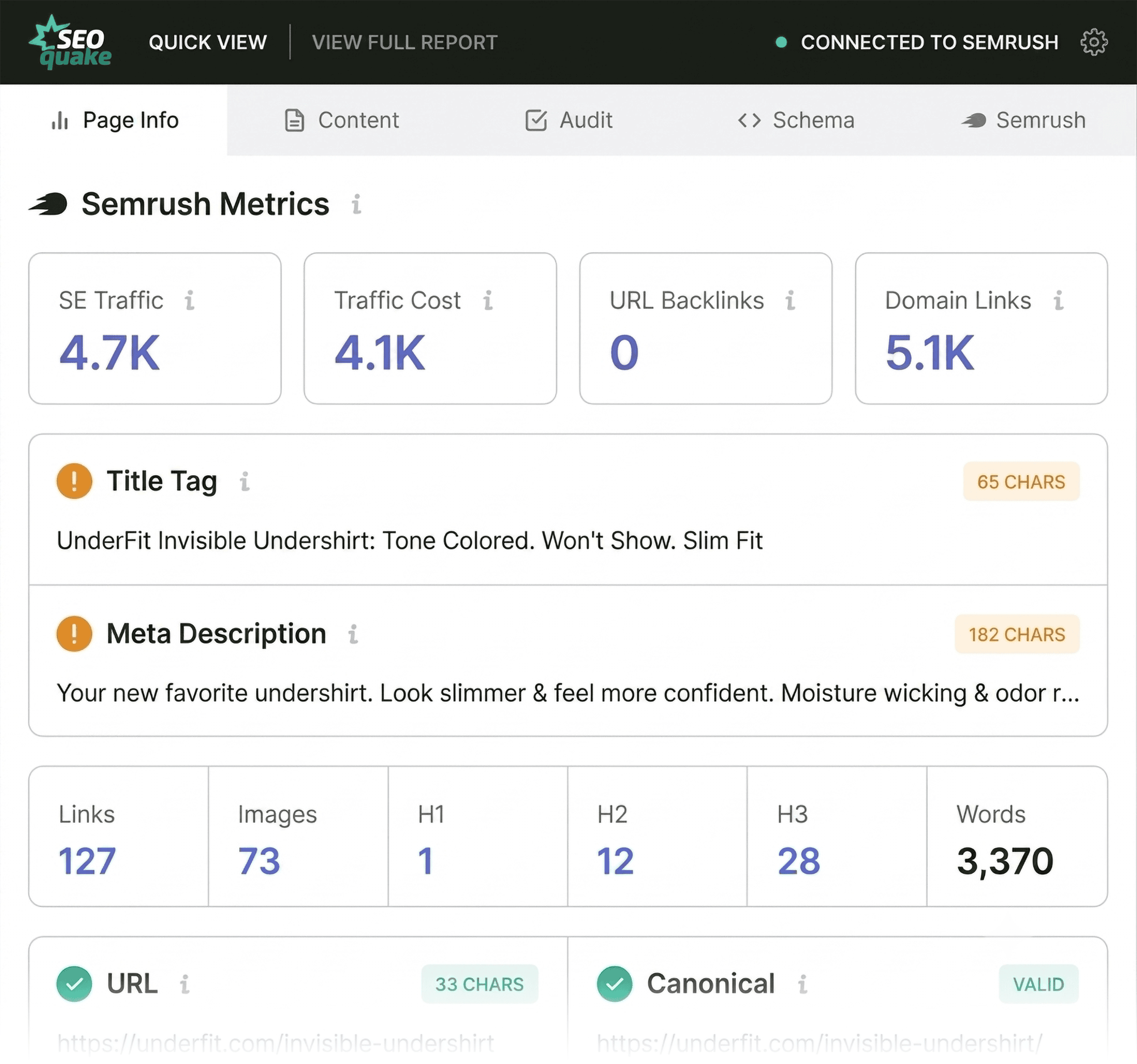
Conducting a Rapid One-Minute Triage via the Quick View Pop-Up
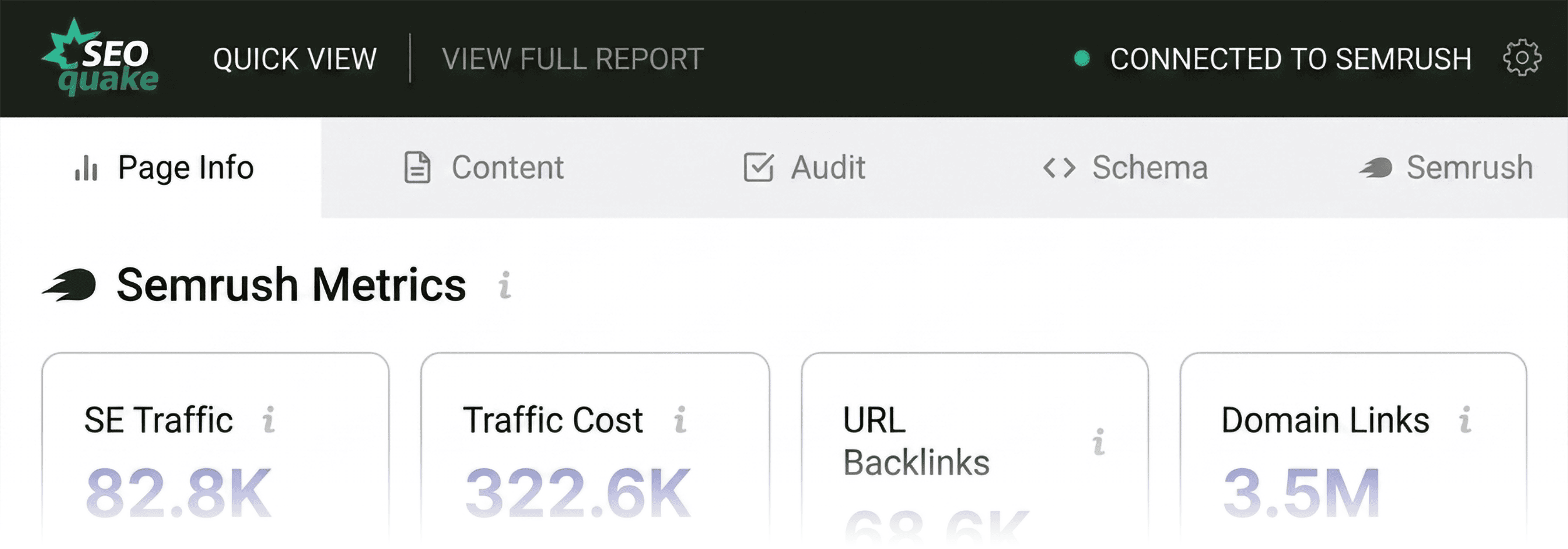
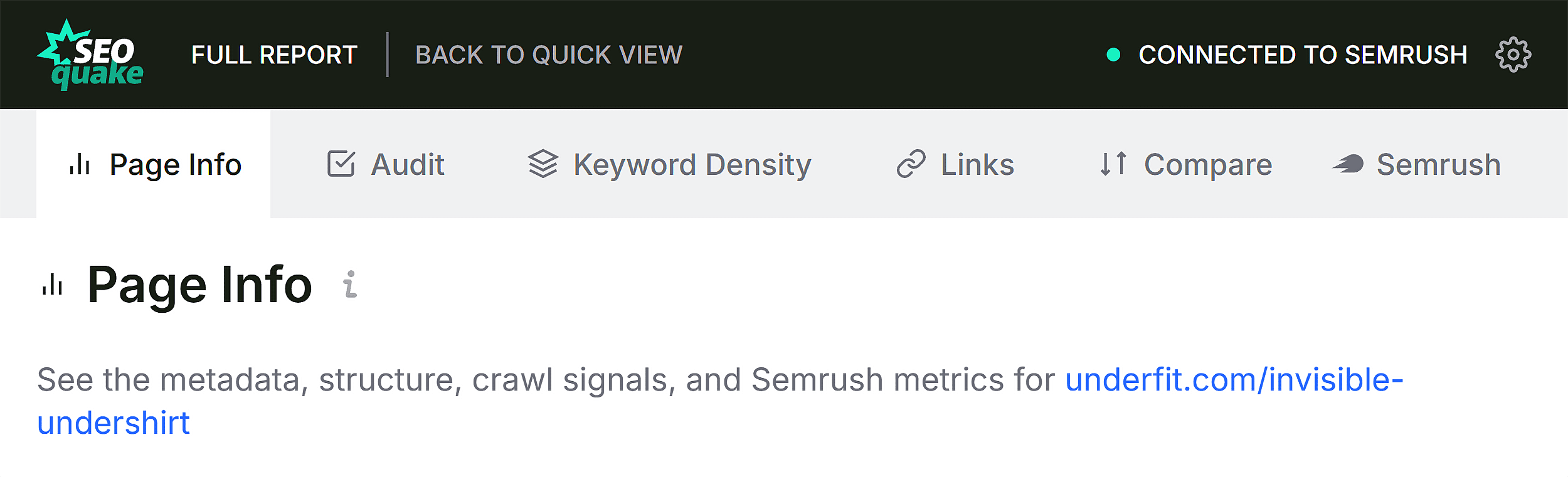
The first phase of a rapid webpage audit relies on the SEOquake Quick View pop-up, structured specifically for immediate triage. Within sixty seconds, an auditor can answer a fundamental question: Is there an obvious, high-level issue preventing this page from performing to its potential? The pop-up features five distinct tabs, with three holding the most immediate value for initial assessments: Page Info, Audit, and Content. Dedicating roughly twenty seconds to each of these panels yields a comprehensive initial read on a page’s health.
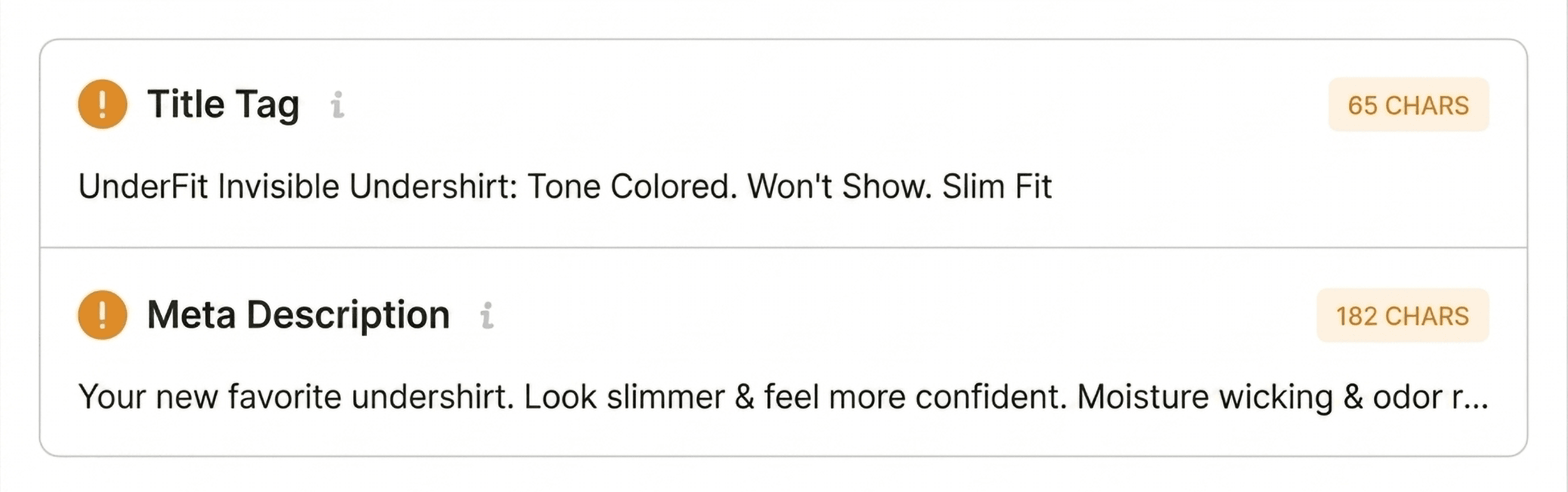
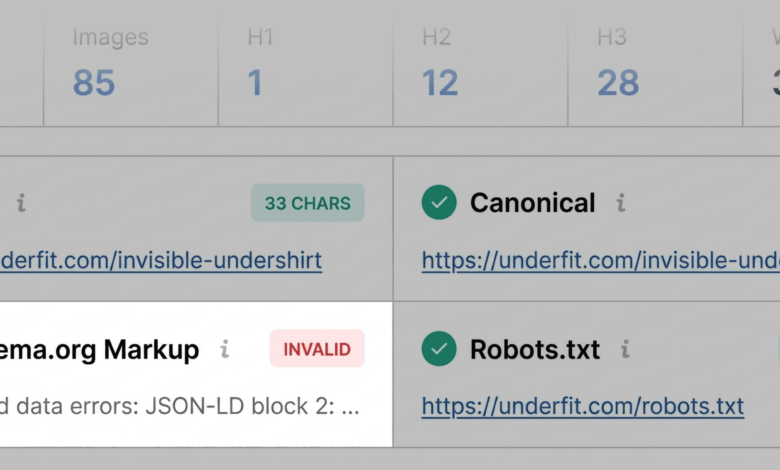
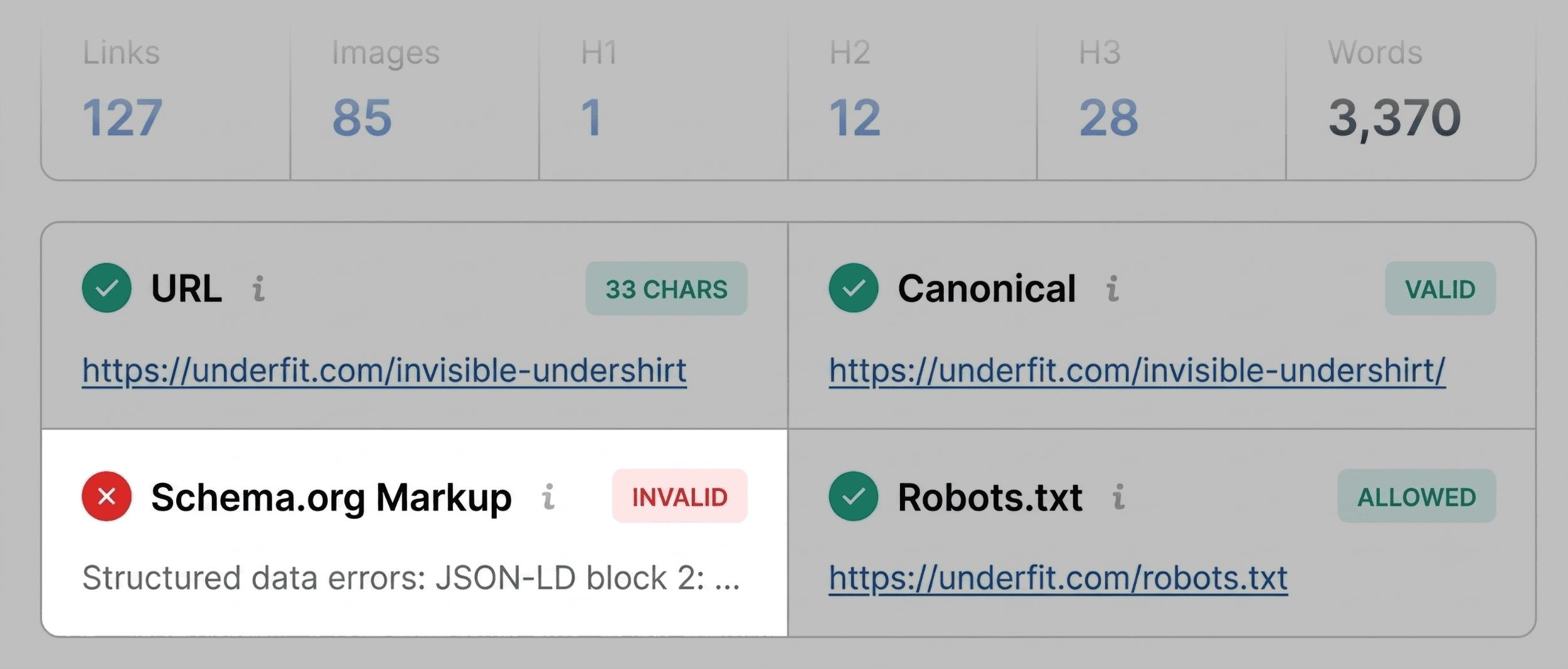
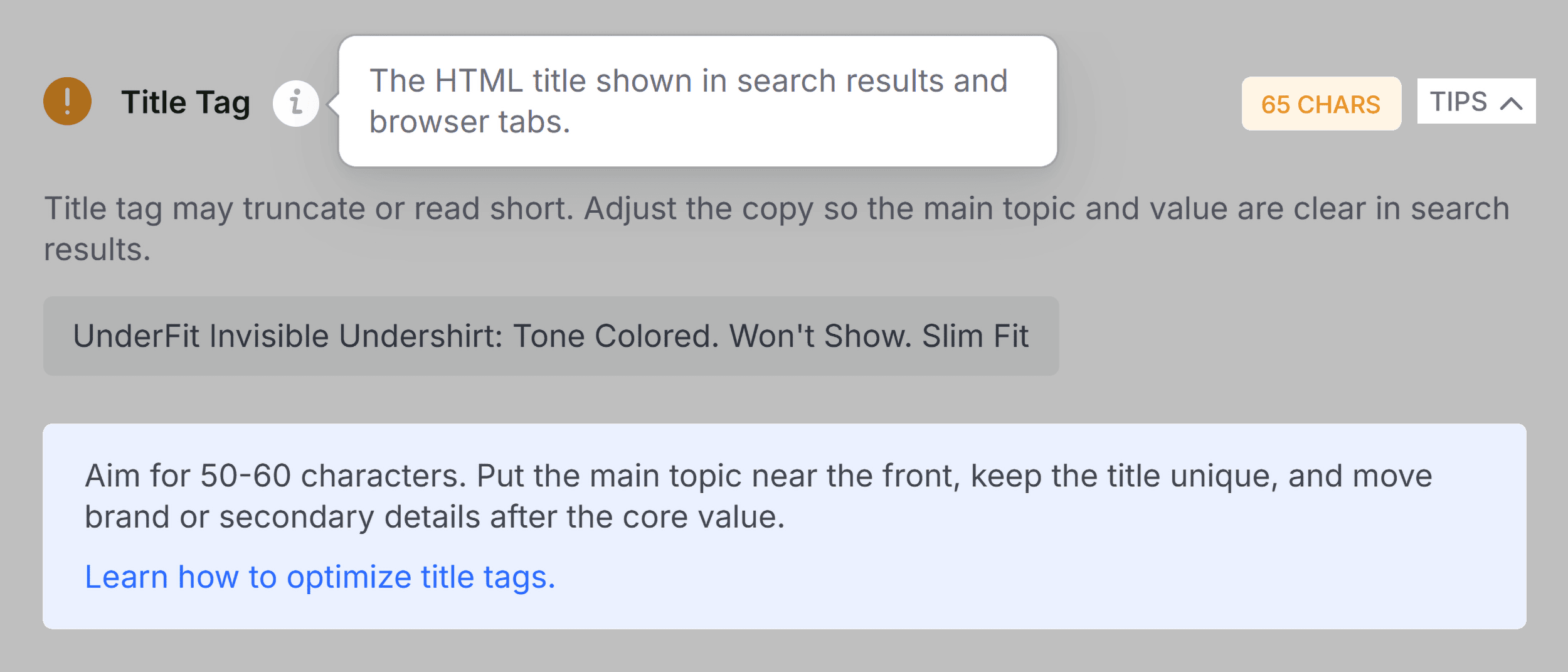
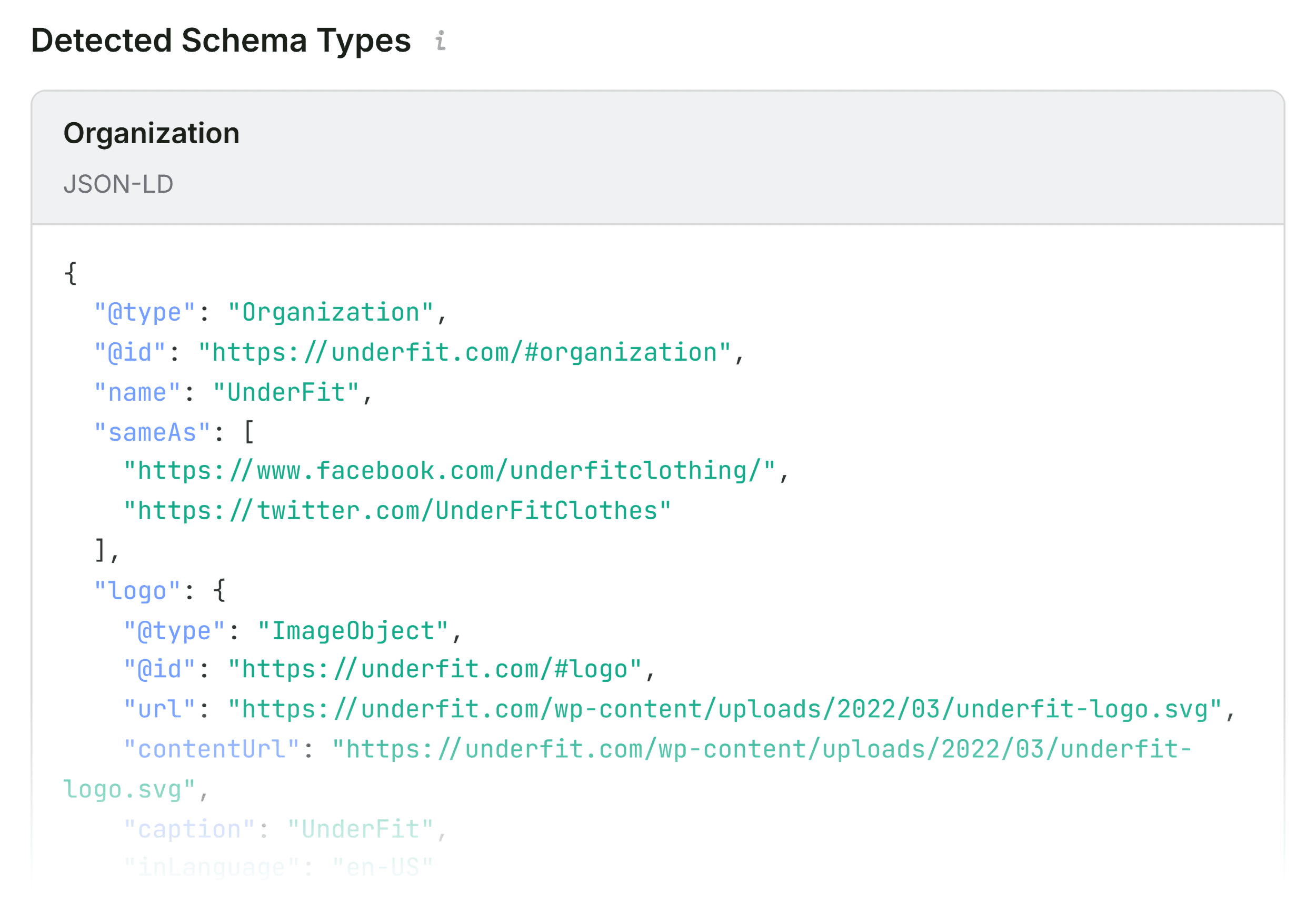
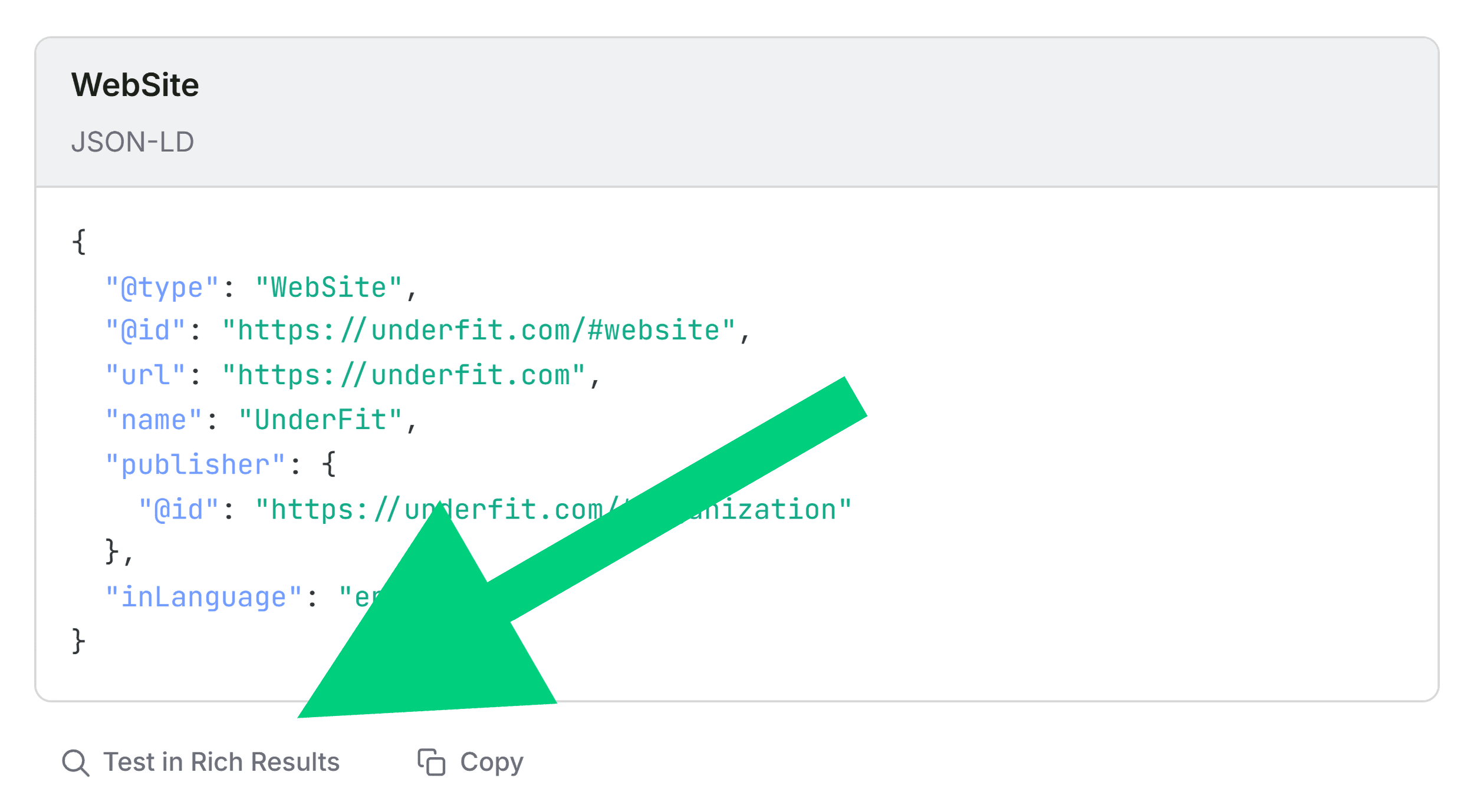
The Page Info tab serves as an optimal starting point, offering a synthesized overview of core optimization signals, including title tags, meta descriptions, HTTP status codes, and basic canonical implementations. During a scan of an e-commerce product page, for instance, an auditor will look for title tag lengths, clear meta descriptions, and structural compliance with established on-page SEO best practices. Critically, this initial scan often reveals major red flags, such as invalid Schema.org markup. For modern e-commerce sites, broken JSON-LD structured data can disqualify a page from capturing valuable rich results in search engine listings—such as dynamic pricing, product availability, and user ratings—thereby severely hampering click-through rates. While minor discrepancies, such as slightly suboptimal title tag lengths, may not act as immediate ranking blockers, they are cataloged for further review during the secondary diagnostic phase.
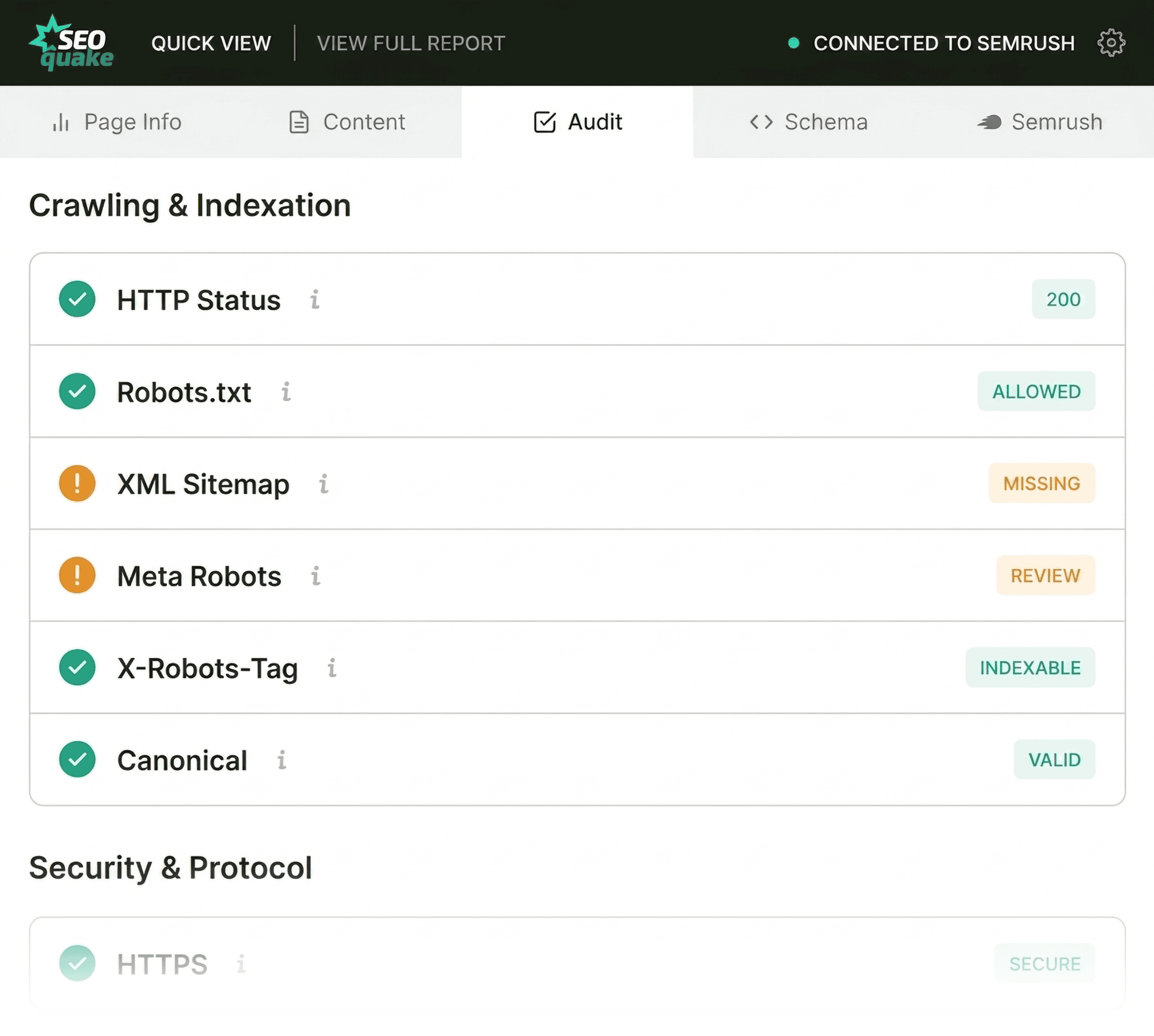
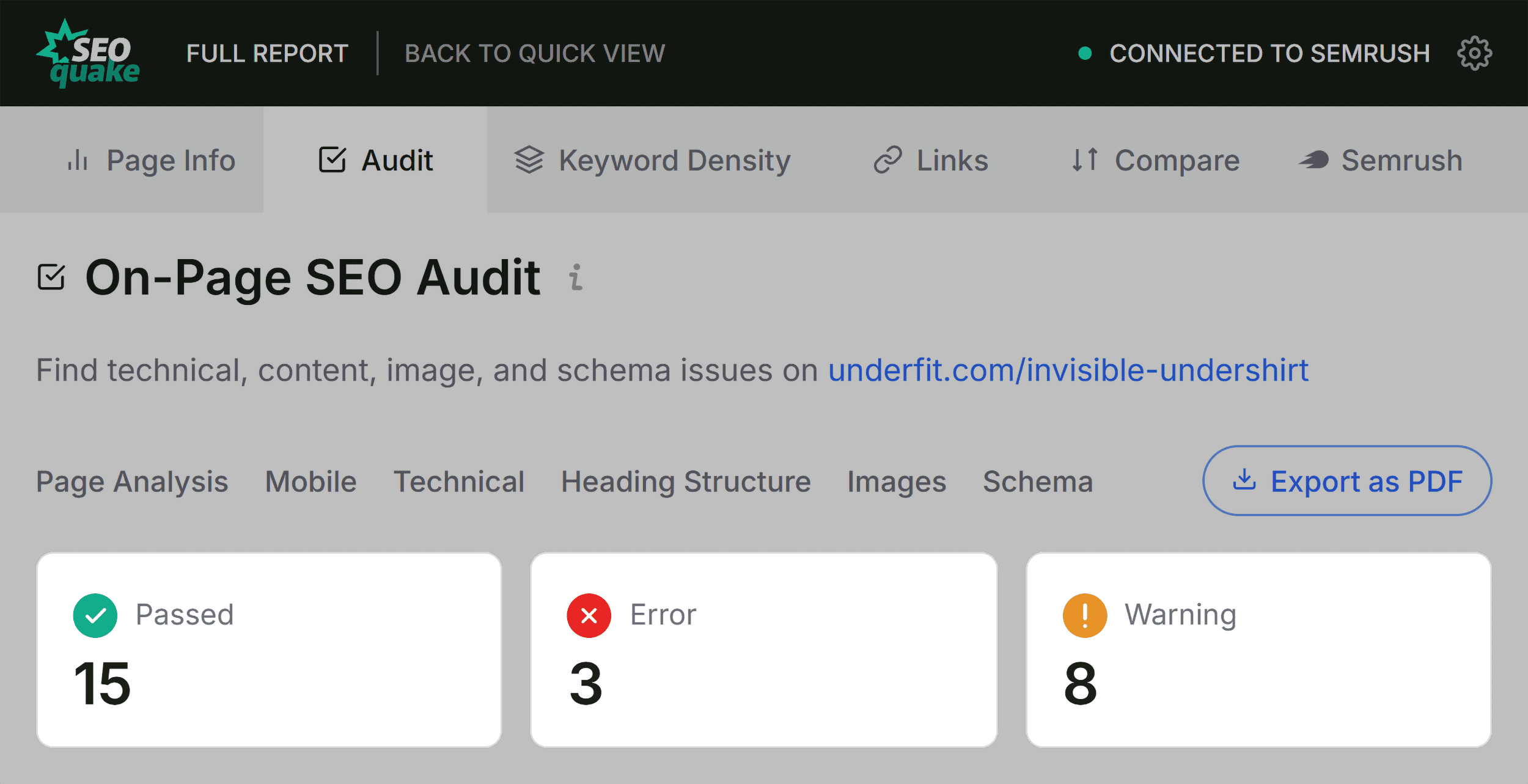
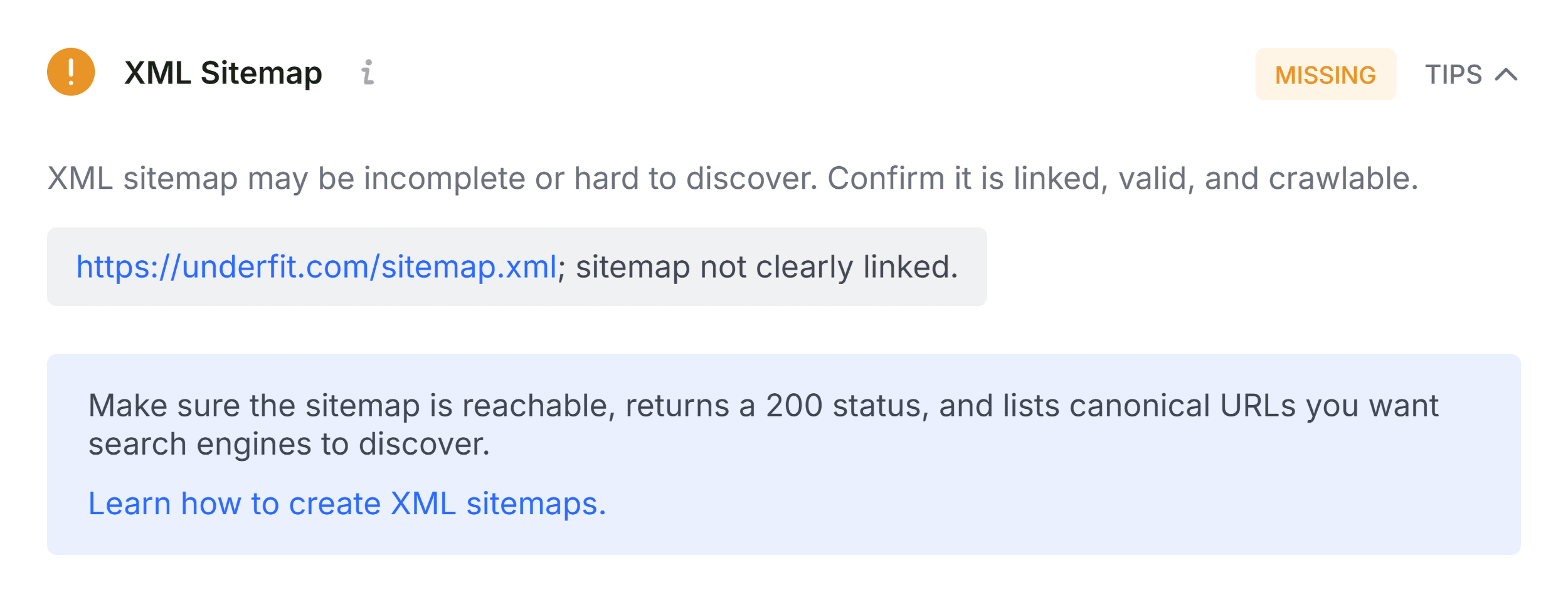
Transitioning to the Audit tab within the Quick View pop-up allows practitioners to screen for broader technical complications, including mobile responsiveness, HTTPS implementation, and sitemap accessibility. While green indicators signify fully optimized components, orange warnings demand qualitative evaluation based on the specific context of the website. For example, a warning regarding missing or improperly configured hreflang attributes may be entirely benign for a single-region domestic business, yet disastrous for an international enterprise operating multi-lingual storefronts.

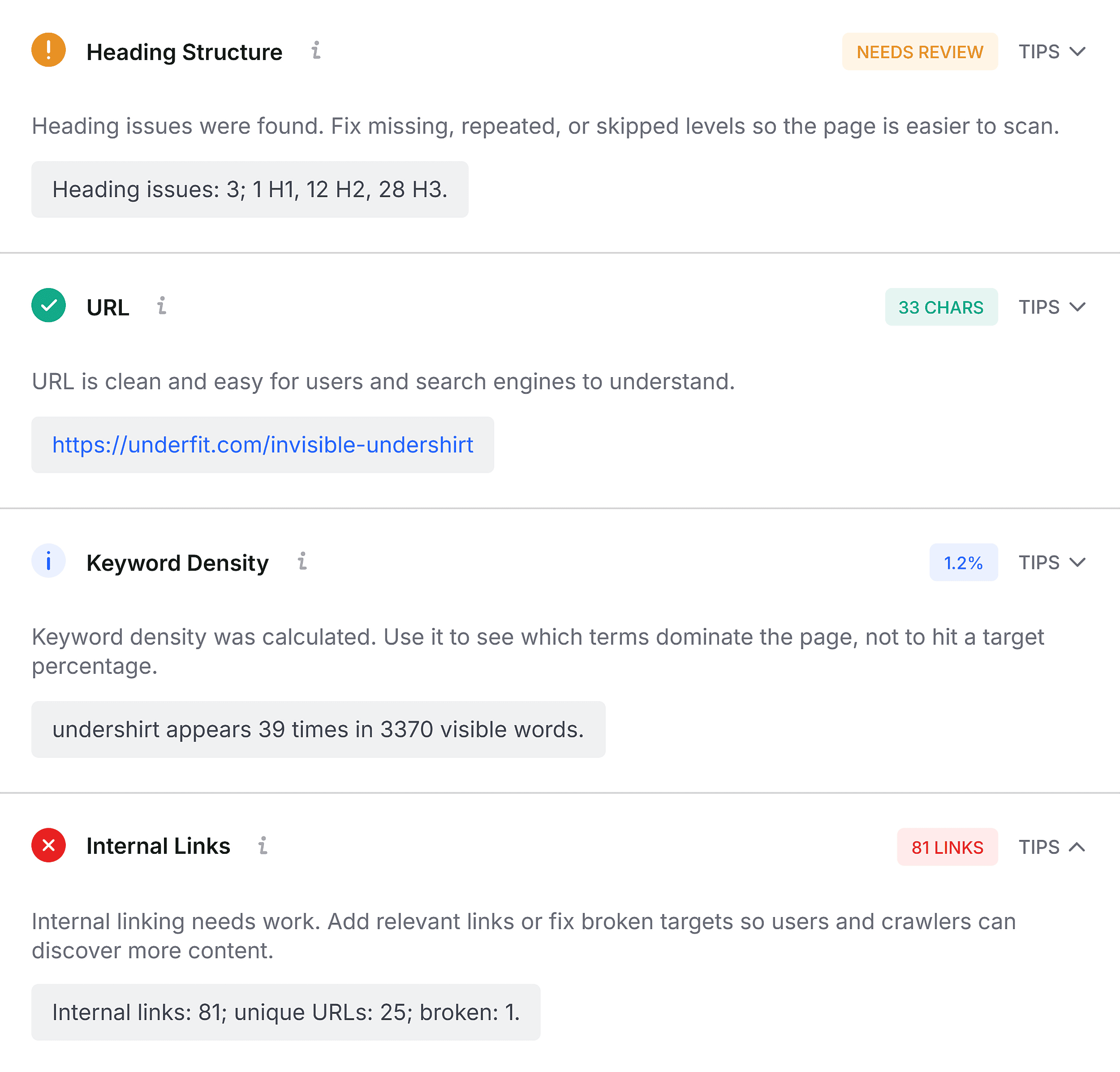
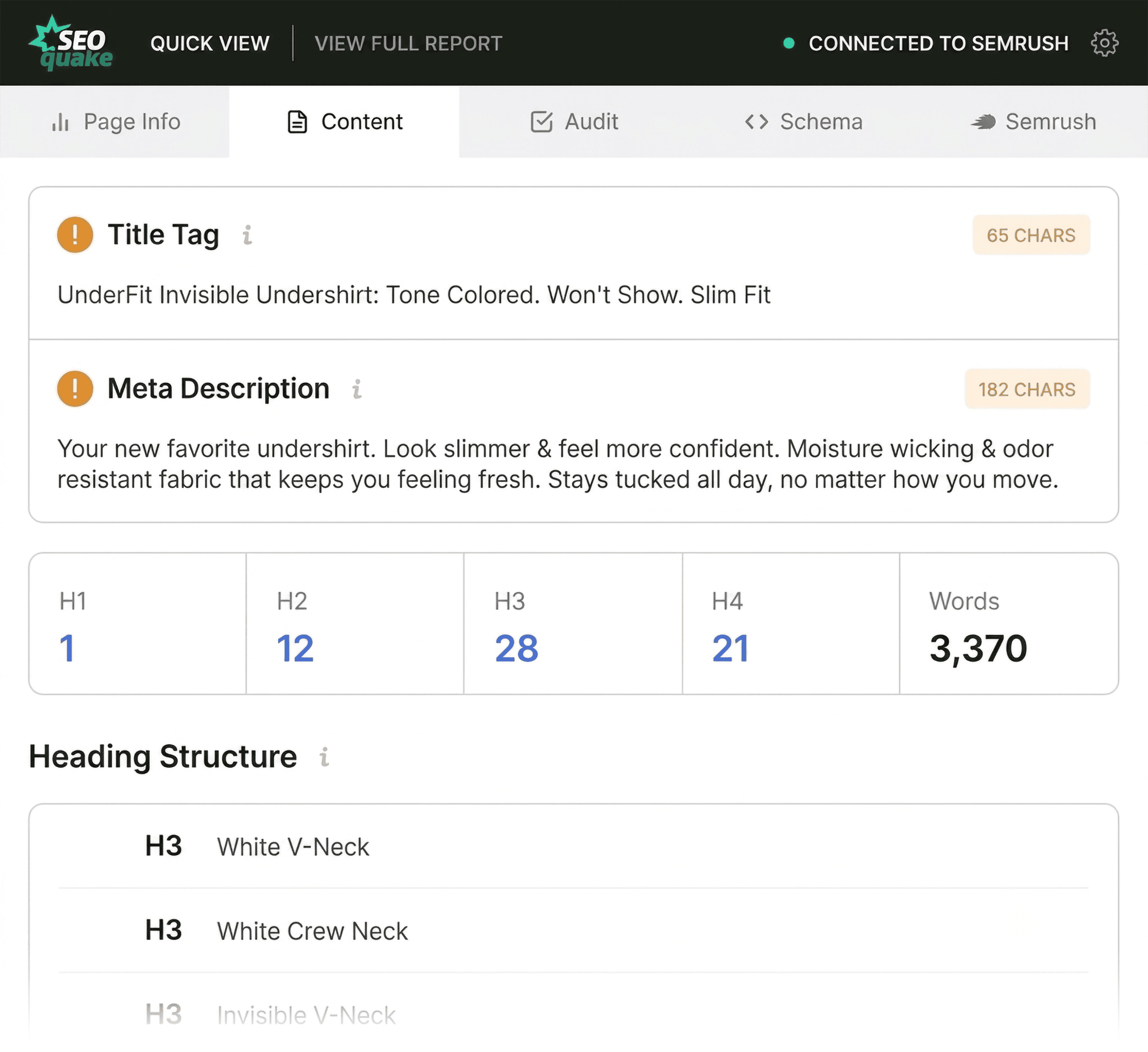
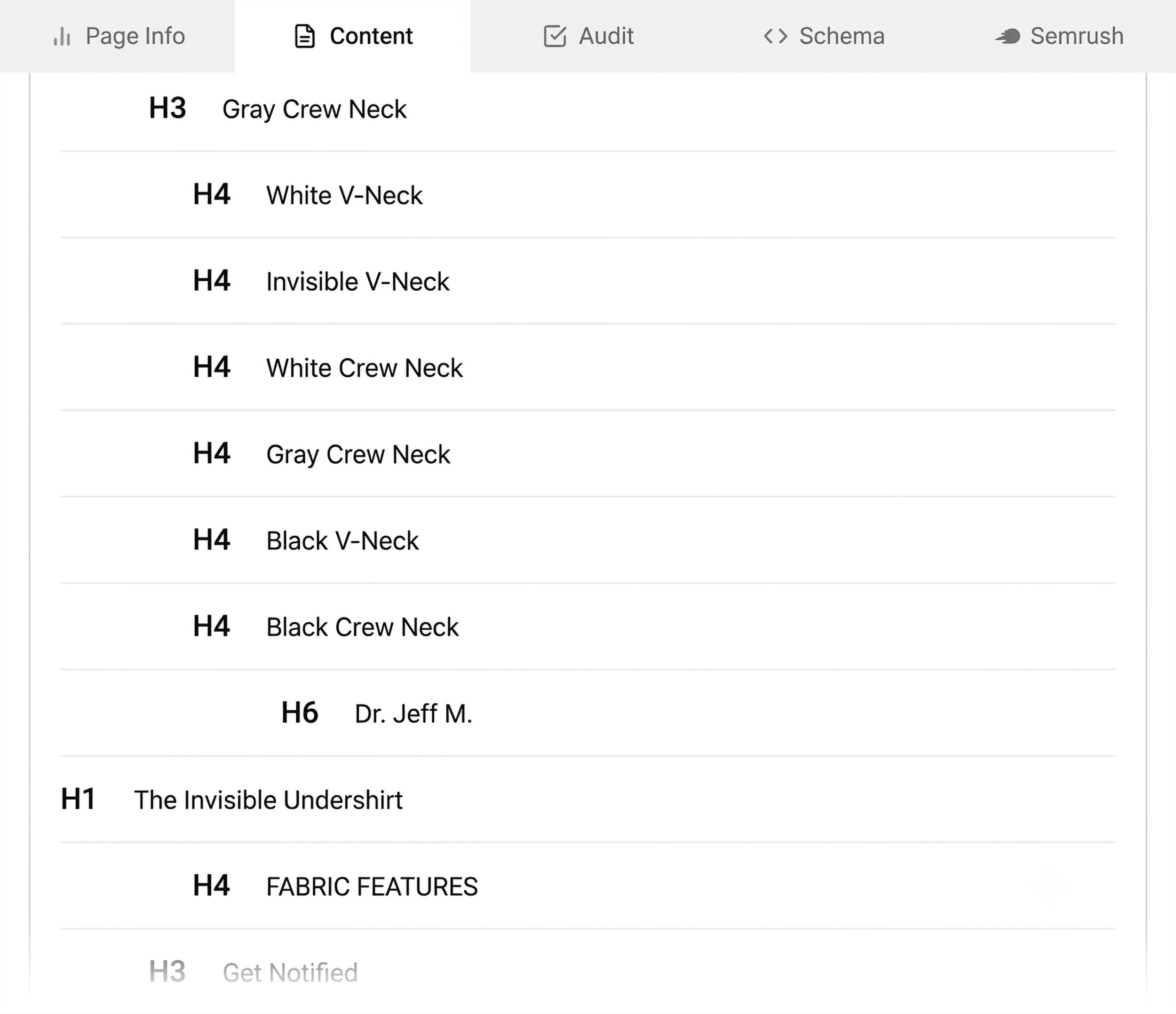
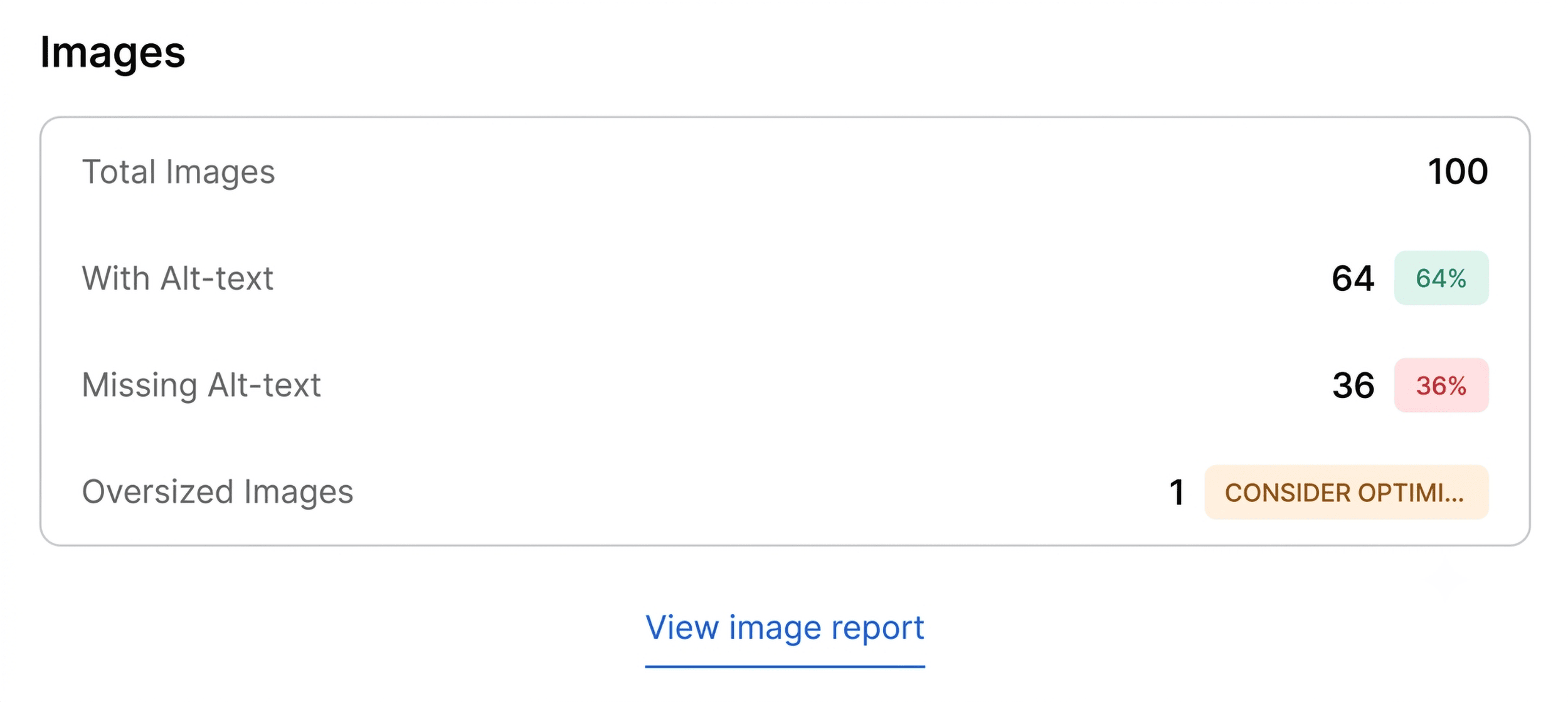
Completing the triage phase involves examining the Content tab, which breaks down the page’s structural hierarchy and heading distributions (H1 through H6). Proper heading structures are vital not only for human readability and accessibility compliance, but also for search engine spiders and emerging AI-driven retrieval systems that parse semantic relationships within text. An improper hierarchy—such as jumping directly from an H1 tag located deep within the page body down to an H4 heading—signals a need for structural remediation. Furthermore, image summaries within this tab often reveal missing alt text across dozens of product or editorial images, reducing both visual accessibility for impaired users and contextual indexing opportunities for search engines.
Deep-Dive Diagnosis Using the Full Report Panels
Once the initial sixty-second triage is complete, auditors transition into the deeper diagnostic phase, utilizing SEOquake’s Full Report panels to uncover the root causes of flagged anomalies. Accessible via the "View Full Report" prompt, this interface divides data into six distinct panels: Overview, Diagnostics, Internal Links, External Links, Keyword Density, and Semrush.
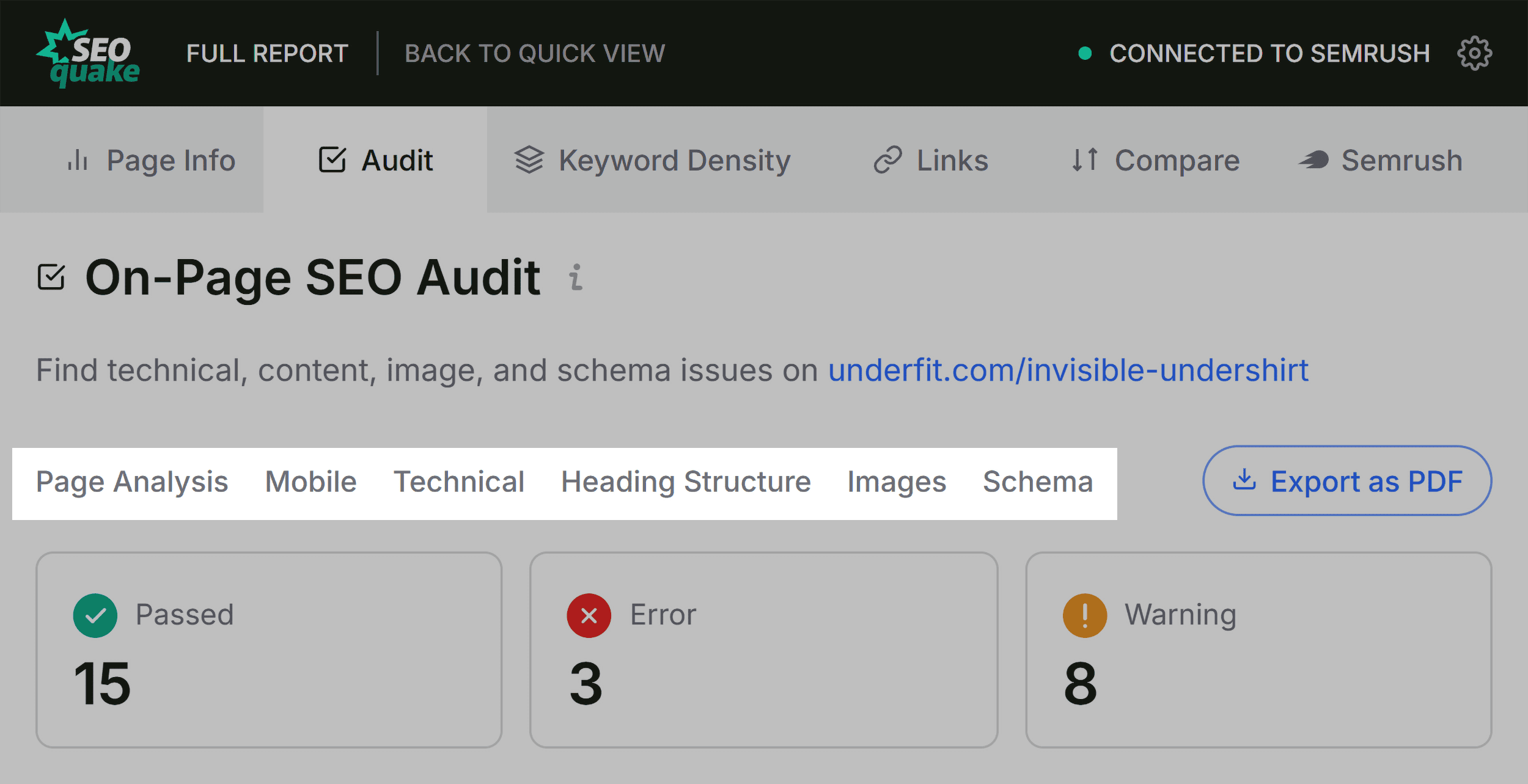
In the Full Audit panel, practitioners can systematically investigate crawlability, indexation rules, mobile compliance, and detailed schema validation. By utilizing the built-in integration with Google’s Rich Results Test, auditors can instantly verify whether structured data errors identified during triage will prevent search engines from rendering rich snippets. Simultaneously, reviewing the XML sitemap status confirms whether search engines can efficiently discover and index the URL in question.
Moving to the Keyword Density panel addresses potential topic coverage gaps and keyword stuffing issues. By analyzing the Keyword Cloud and detailed phrase tables (ranging from single-word terms to multi-word phrases), marketers can verify whether the visible content aligns with the intended search intent. While tools may occasionally extract noise from buttons, navigation menus, and hidden HTML elements, the primary focus remains on ensuring that core semantic keywords appear naturally within critical structural locations, such as title tags, meta descriptions, and primary headings.
The Links panel offers critical visibility into internal and external link health. Broken links—whether internal routing errors or external JavaScript-driven hyperlinks returning invalid status codes—create poor user experiences and waste crawl budget. Exporting these link profiles to CSV formats allows development teams to systematically audit and repair broken pathways across high-value templates.
Determining the Scope of Remediation: Page-Level Fixes Versus Site-Wide Audits
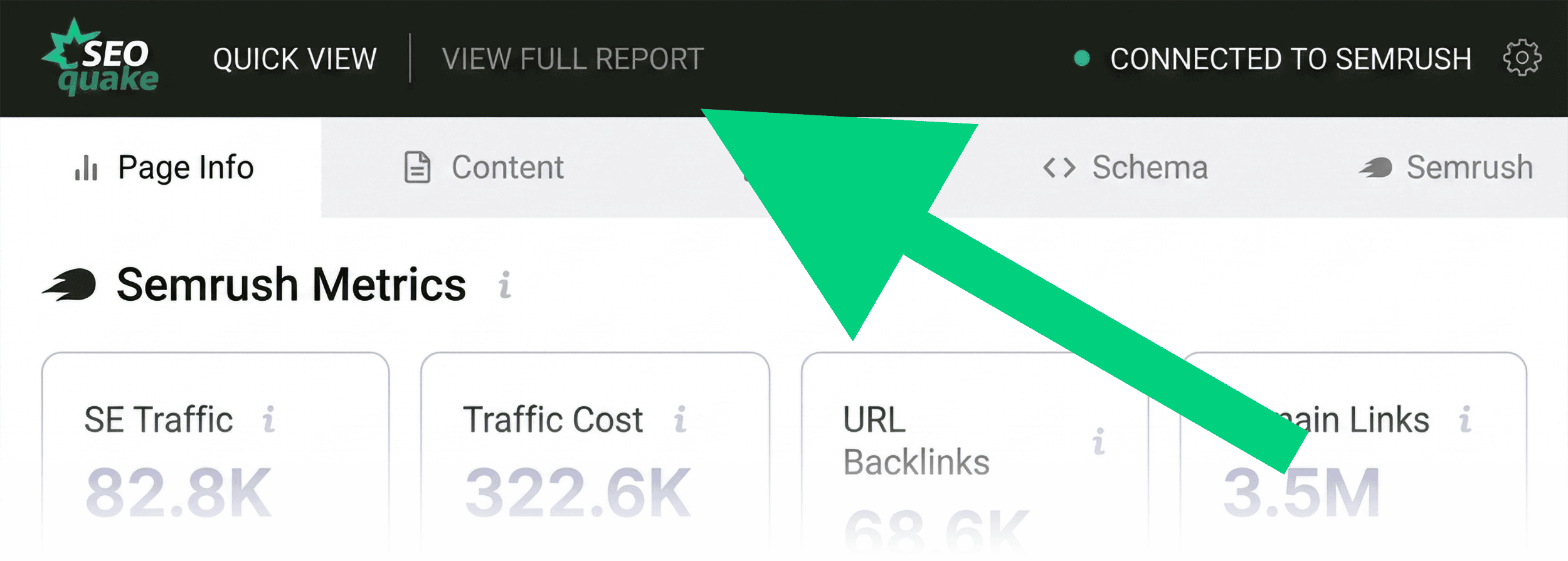
A crucial decision point in any SEO workflow involves determining whether a discovered issue is isolated to a single URL or indicative of a systemic, site-wide architectural failure. The Semrush panel within SEOquake provides essential macroeconomic context by displaying domain-level authority metrics, organic search visibility trends, and estimated traffic volumes.
When evaluating a weak or underperforming page residing on a domain with robust authority, healthy backlink profiles, and substantial overall organic traffic, the diagnosis typically points toward page-level optimization flaws, content gaps, or technical rendering issues unique to that template. Conversely, systemic errors—such as broken XML sitemaps, universal JSON-LD schema syntax errors across product templates, or sitewide canonical misconfigurations—require a broader operational response. In such scenarios, professionals must escalate their diagnostic workflow from browser-based extensions to comprehensive site crawling platforms, utilizing tools like Semrush Site Audit to scan hundreds or thousands of URLs simultaneously.
Broader Industry Implications and Best Practices for Modern SEO Audits
The reliance on lightweight browser extensions like SEOquake reflects a broader shift in digital marketing toward agile, data-informed operational workflows. As search engines increasingly rely on complex algorithmic ranking factors, including artificial intelligence integration, core web vitals, and structured data validity, the ability to rapidly assess technical health at the point of consumption has become an invaluable skill for digital strategists.
Industry experts emphasize that while tools like SEOquake dramatically accelerate the triage and initial diagnosis phases, they should serve as the gateway to deeper investigation rather than a standalone solution. Regular page-level auditing ensures that high-value landing pages, product listings, and core conversion funnels remain resilient against algorithm updates, code deployments, and shifting user search behaviors. By combining rapid browser-based triage with robust site-wide monitoring tools, digital marketers can maintain optimal search performance, protect organic visibility, and systematically resolve technical debt before it impacts revenue generation.
Related posts: