The Ultimate Guide to Scheduling Facebook Posts for Maximum Engagement and Efficiency

In the contemporary landscape of digital marketing, the ability to maintain a consistent social media presence is no longer a luxury but a fundamental operational requirement. For content creators, business owners, and community managers, the transition from manual, sporadic posting to automated scheduling represents a significant evolution in workflow management. This shift is particularly critical on Facebook, where algorithmic visibility is heavily tethered to posting frequency and audience interaction.
The challenge of maintaining a professional online presence is often exacerbated by the realities of modern business. Research indicates that manual, real-time posting leads to significant cognitive load and fragmented attention, often resulting in lower-quality content and missed opportunities for engagement. By adopting a structured scheduling approach, administrators can move away from reactive content creation toward a strategic, proactive model.

Understanding the Mechanics of Facebook Scheduling
The feasibility of scheduling content on Facebook depends entirely on the type of account being utilized. Meta, the parent company of Facebook, maintains specific API restrictions that dictate how and where third-party tools can interact with the platform.
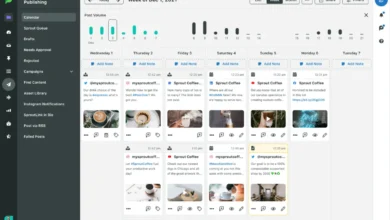
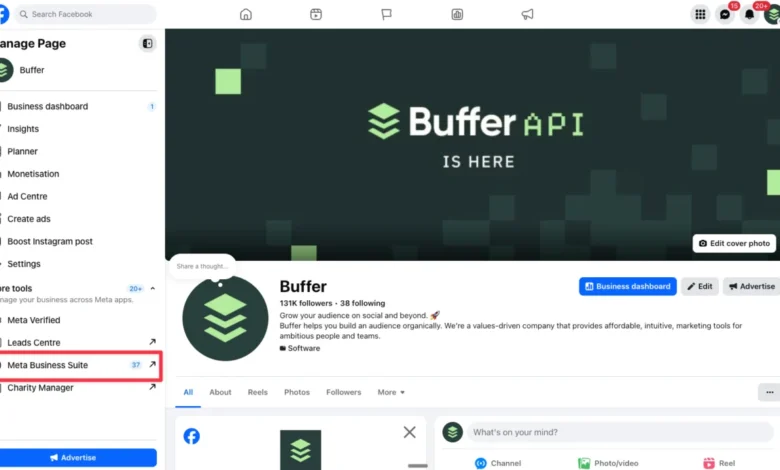
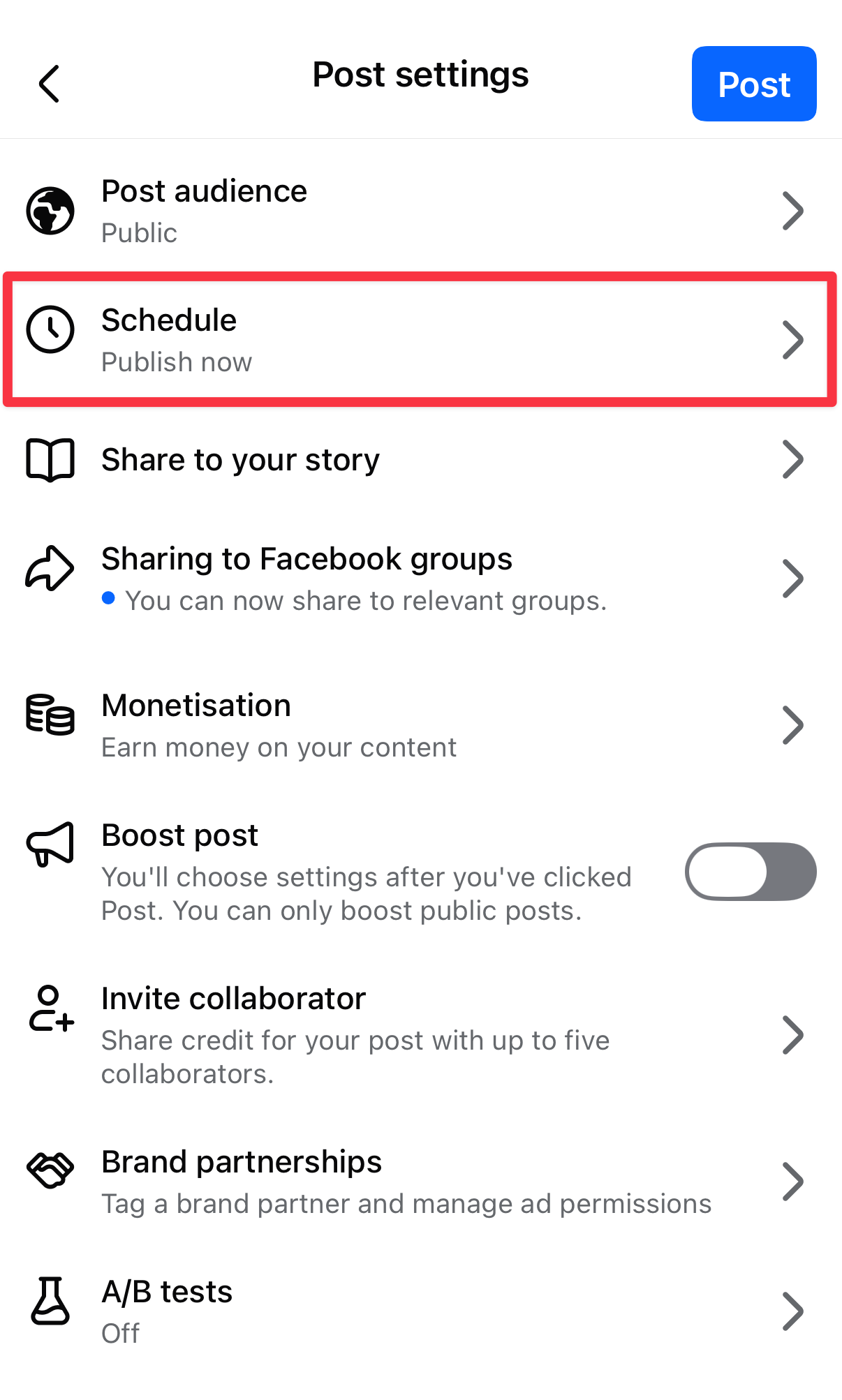
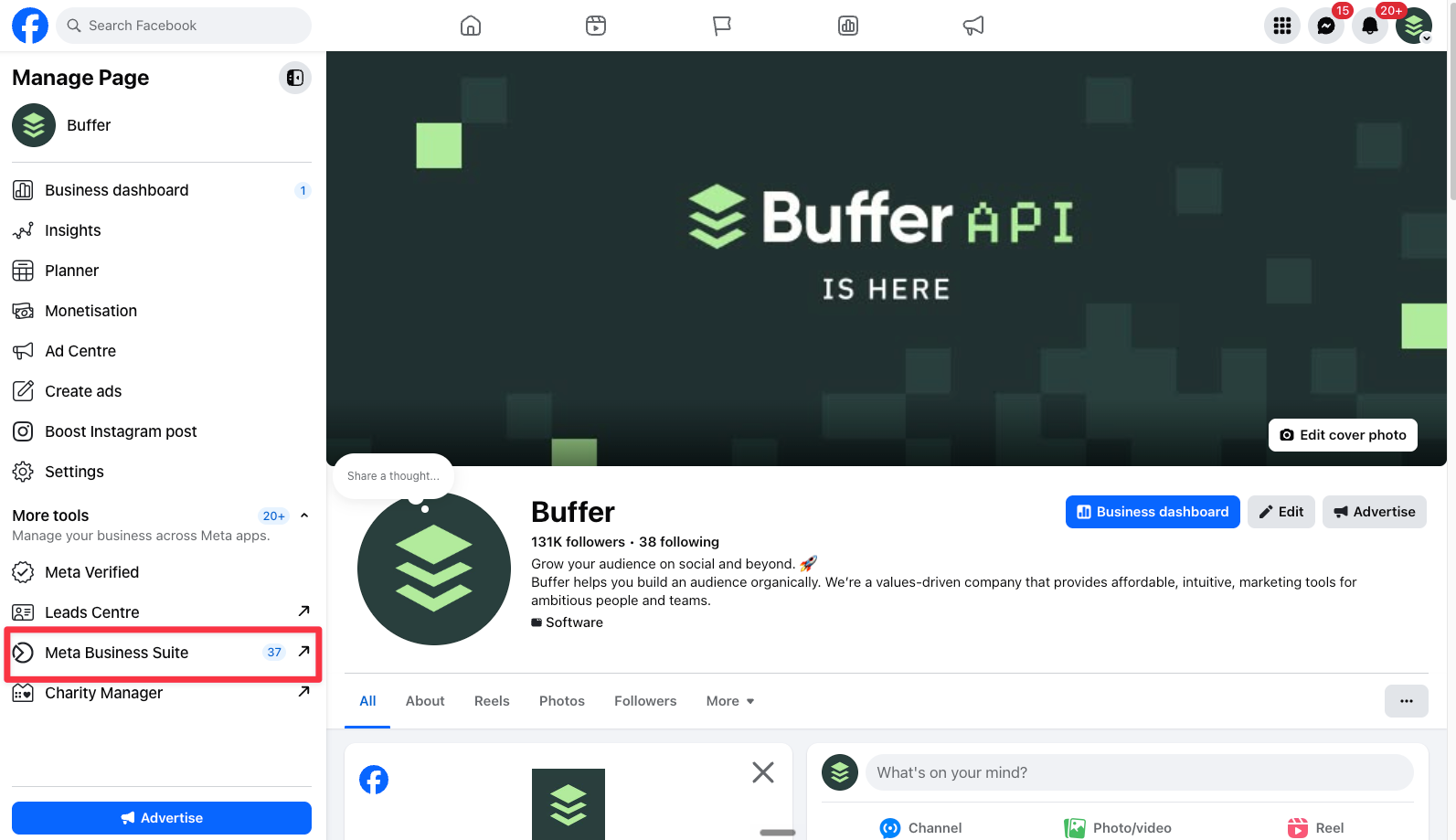
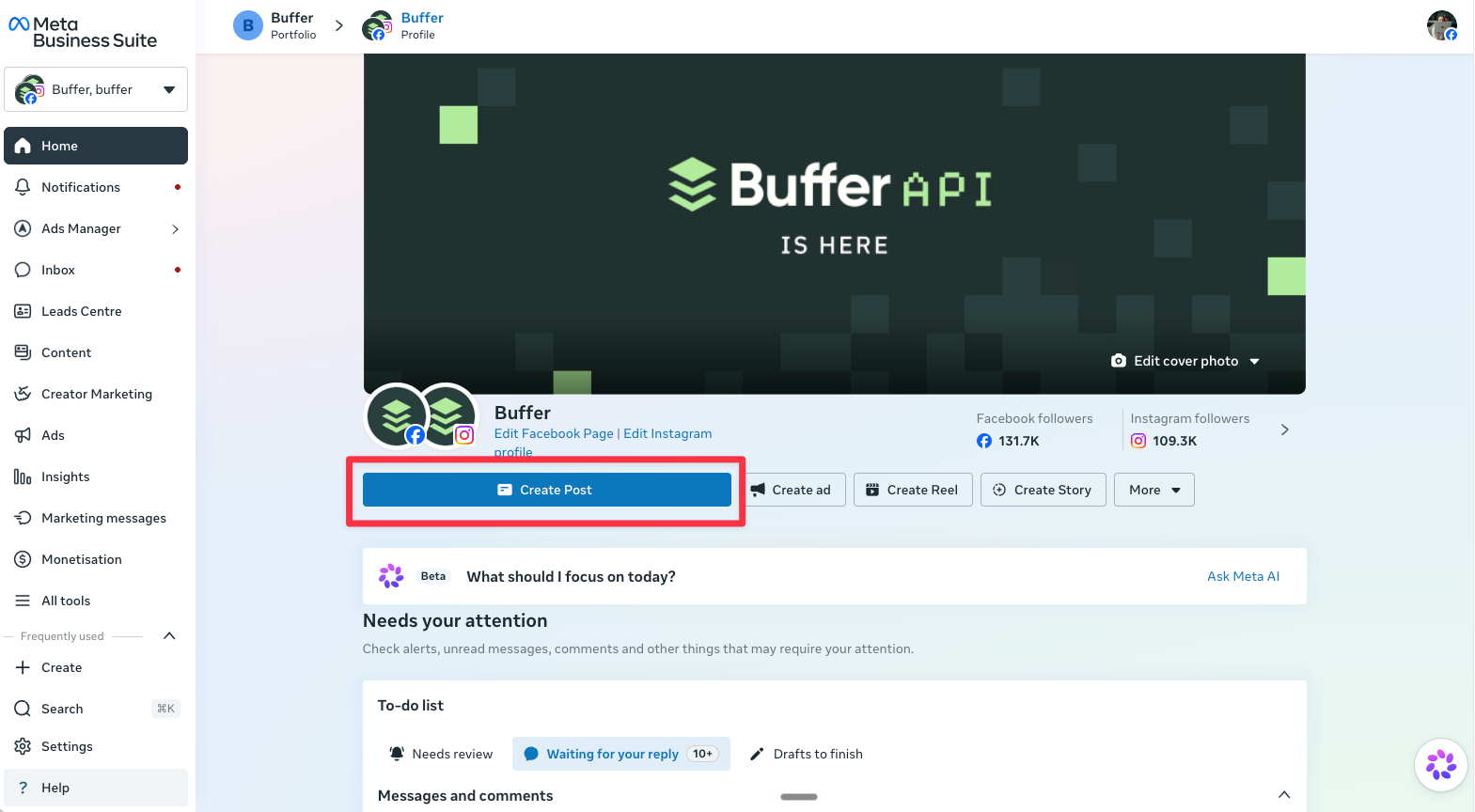
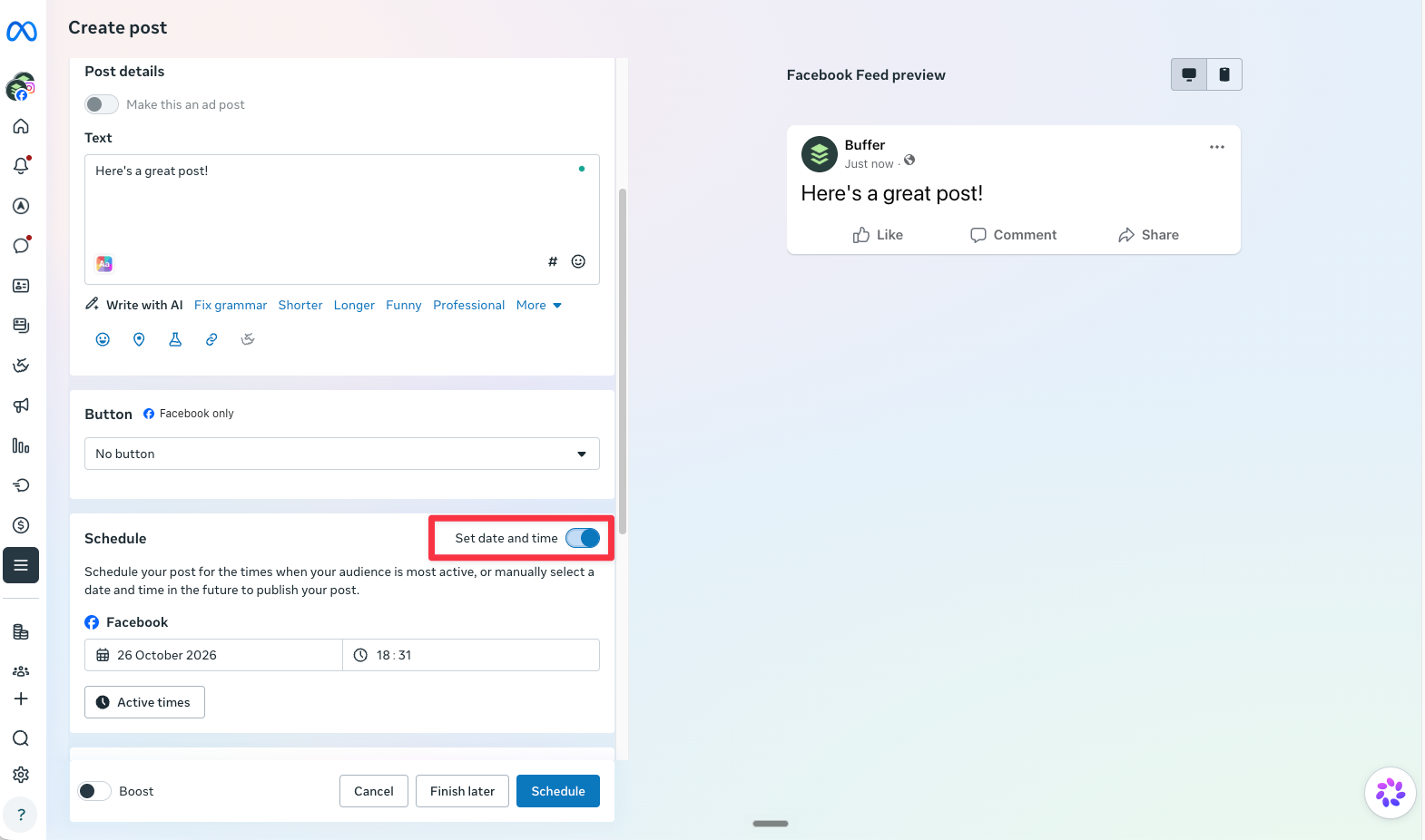
Facebook Pages, which serve as the primary hub for business and brand communication, offer the most comprehensive scheduling capabilities. Users can schedule content natively through the Facebook mobile application, via the Meta Business Suite—a dedicated professional dashboard—or through third-party management platforms such as Buffer or Hootsuite. These platforms allow for automated publication, ensuring that content reaches the audience at predetermined times without requiring the user to be active on the site.
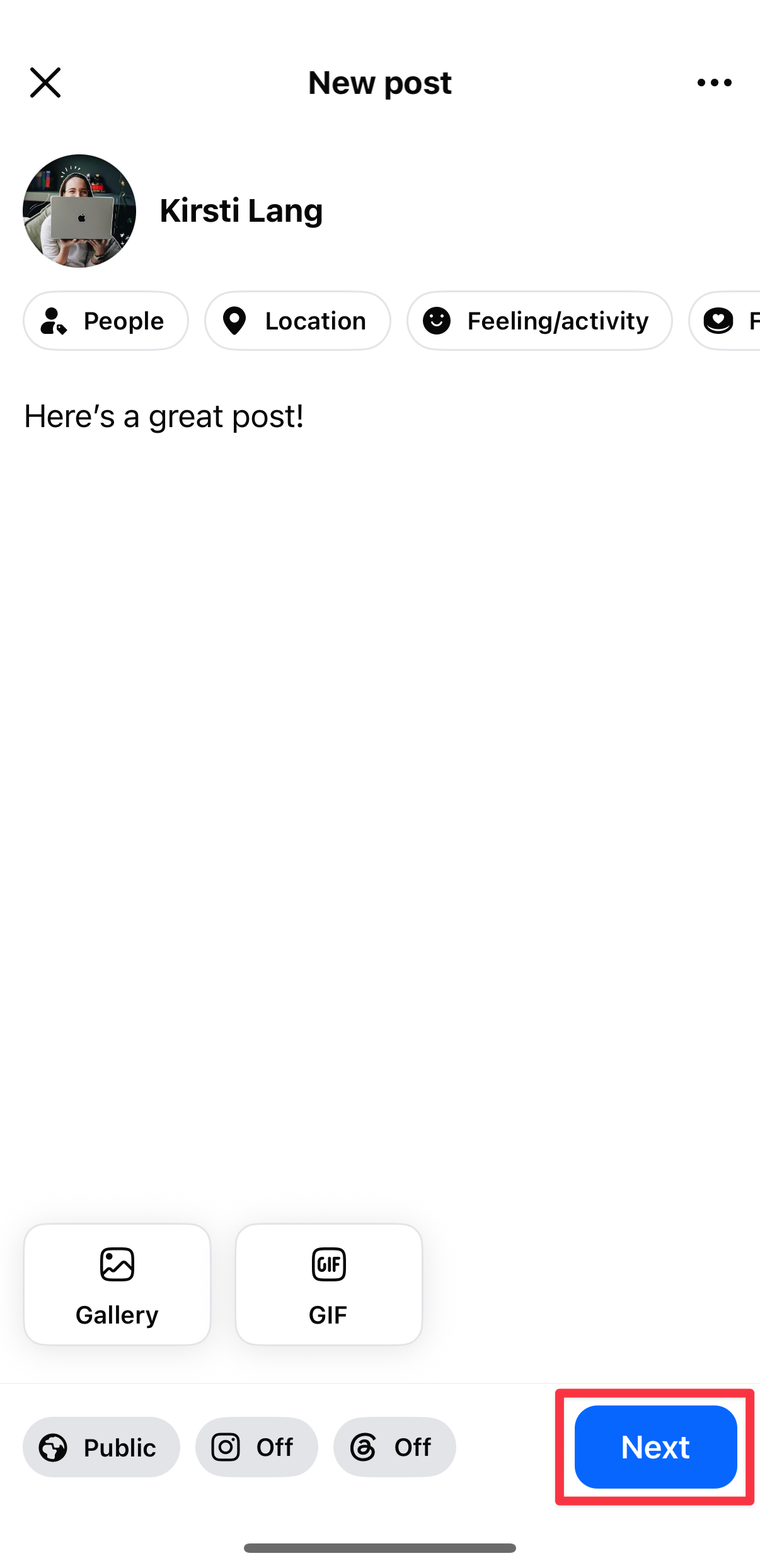
Conversely, personal profiles are subject to more stringent limitations. Under standard settings, a personal profile does not support native scheduling. However, by enabling "Professional Mode," users unlock a subset of tools similar to those found on Pages, including basic scheduling functionality. It is critical to note that Meta’s current API does not permit third-party scheduling tools to auto-publish content directly to personal profiles. Consequently, those relying on such tools for their personal accounts are often limited to receiving push notifications that serve as manual reminders rather than true automation.
Facebook Groups operate under a different set of constraints. While group administrators can utilize native scheduling tools within the group interface—including the ability to set up recurring posts—Meta Business Suite does not currently provide administrative support for Groups. Third-party tools like Buffer can facilitate scheduling for groups, but due to platform restrictions, they generally function by sending an automated notification to the administrator’s mobile device, prompting them to perform the final publishing action manually.
The Strategic Value of Consistency and Data-Driven Timing
Data analytics consistently demonstrate that frequency is a primary driver of social media success. An internal study conducted by the Buffer data team, which analyzed performance across multiple platforms including Facebook, Instagram, and LinkedIn, revealed that consistent publishers receive up to five times more engagement per post compared to those who post sporadically. This discrepancy is largely attributed to platform algorithms that prioritize accounts with established, predictable activity patterns.
The "best time to post" remains a debated topic among social media strategists. While universal rules are often ineffective due to the diverse nature of global audiences, empirical data suggests a general trend toward mid-morning interaction. A comprehensive analysis of over 14 million Facebook posts identified Thursday at 9:00 a.m. as a peak period for median engagement. This timing is theorized to be the result of a "momentum effect," where posts require several hours of visibility on a feed to reach their full potential reach before the weekend lull begins.
For organizations managing global audiences, the complexity increases. Administrators must often cross-reference local time zones to find a middle ground. For example, a brand targeting both the South African and North American markets might target a 12:00 p.m. slot in Johannesburg to align with the morning startup period in New York and Washington, D.C. Scheduling tools are the only viable mechanism for hitting these precise windows without tethering an employee to a computer screen at all hours of the day.
Workflow Efficiency and Cognitive Load
Beyond audience engagement, the primary benefit of a scheduling strategy is the reclamation of human capital. A 2024 study on task management and cognitive load highlighted that frequent task-switching—such as breaking away from deep work to compose and publish a social media update—significantly degrades performance and increases mental fatigue.
"Batching" content—the process of drafting, refining, and scheduling an entire week’s worth of posts in a single session—mitigates these risks. This workflow allows for higher editorial standards. A post drafted on a Monday and scheduled for a Wednesday can be reviewed, edited for tone, and verified for factual accuracy. This buffer period prevents the common pitfalls of "impulse posting," where emotional or reactionary content is published in haste, potentially damaging brand reputation.
Comparative Analysis of Scheduling Infrastructure
Selecting the appropriate tool for scheduling depends on the scope of an organization’s digital footprint.
-
Native Facebook Tools: These are ideal for solo creators or small businesses managing only a Page or a Group. They are free, seamlessly integrated, and provide immediate access to platform-specific features like native polls or specific interactive video formats. However, they lack the sophisticated "content library" features and cross-platform capabilities of dedicated management suites.
-
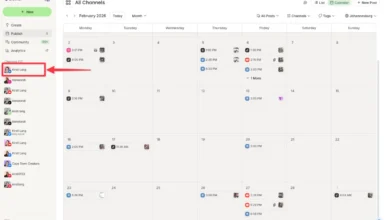
Meta Business Suite: This platform is designed for businesses that utilize both Facebook and Instagram simultaneously. It offers a centralized view of both platforms, including detailed analytics and an integrated "Planner" tool. While more powerful than the native Facebook app, it can be cumbersome for beginners and is currently limited to Meta’s own ecosystem, offering no support for X (formerly Twitter), LinkedIn, or other external networks.
-
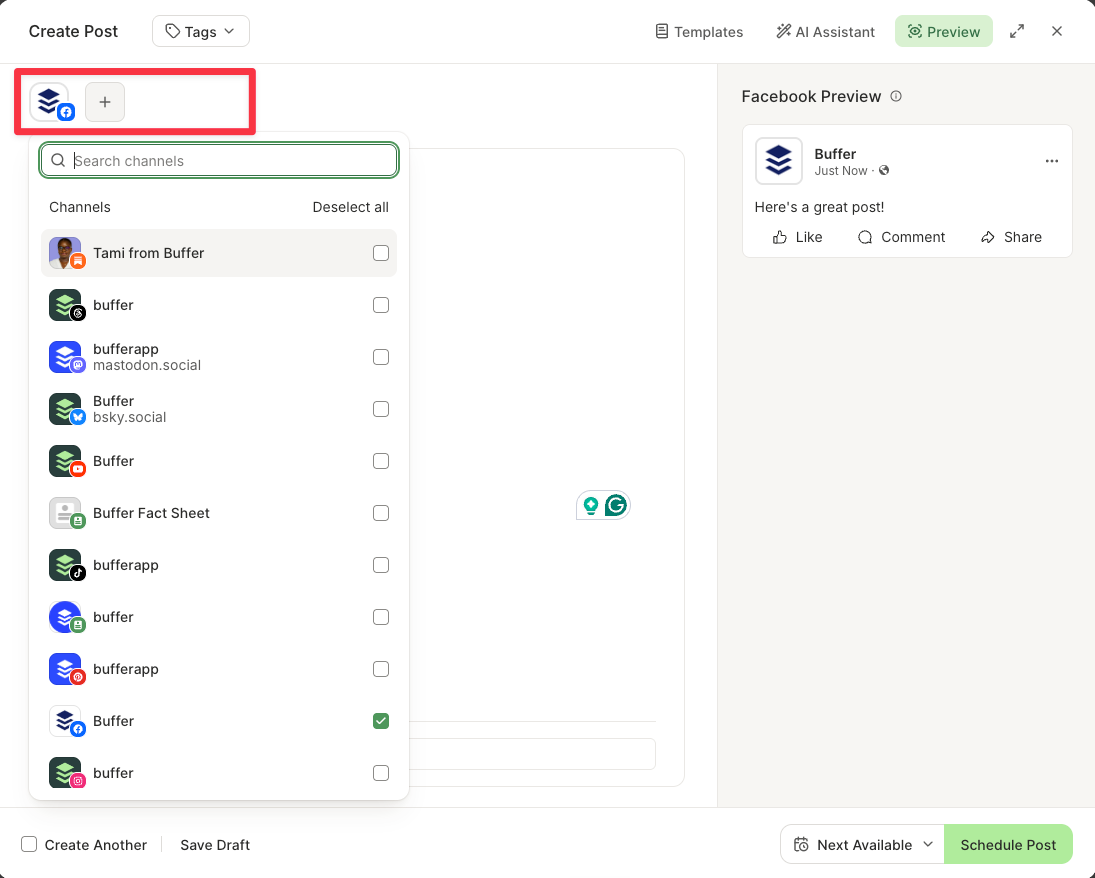
Third-Party Management Tools: Platforms like Buffer are engineered for scale. They provide a unified dashboard that connects to multiple social channels, allowing users to repurpose content by slightly modifying the copy or media for different audiences within a single interface. These tools often include advanced features such as team collaboration, approval workflows, and AI-assisted drafting, which are essential for larger organizations with multiple content contributors.
Troubleshooting Common Scheduling Failures
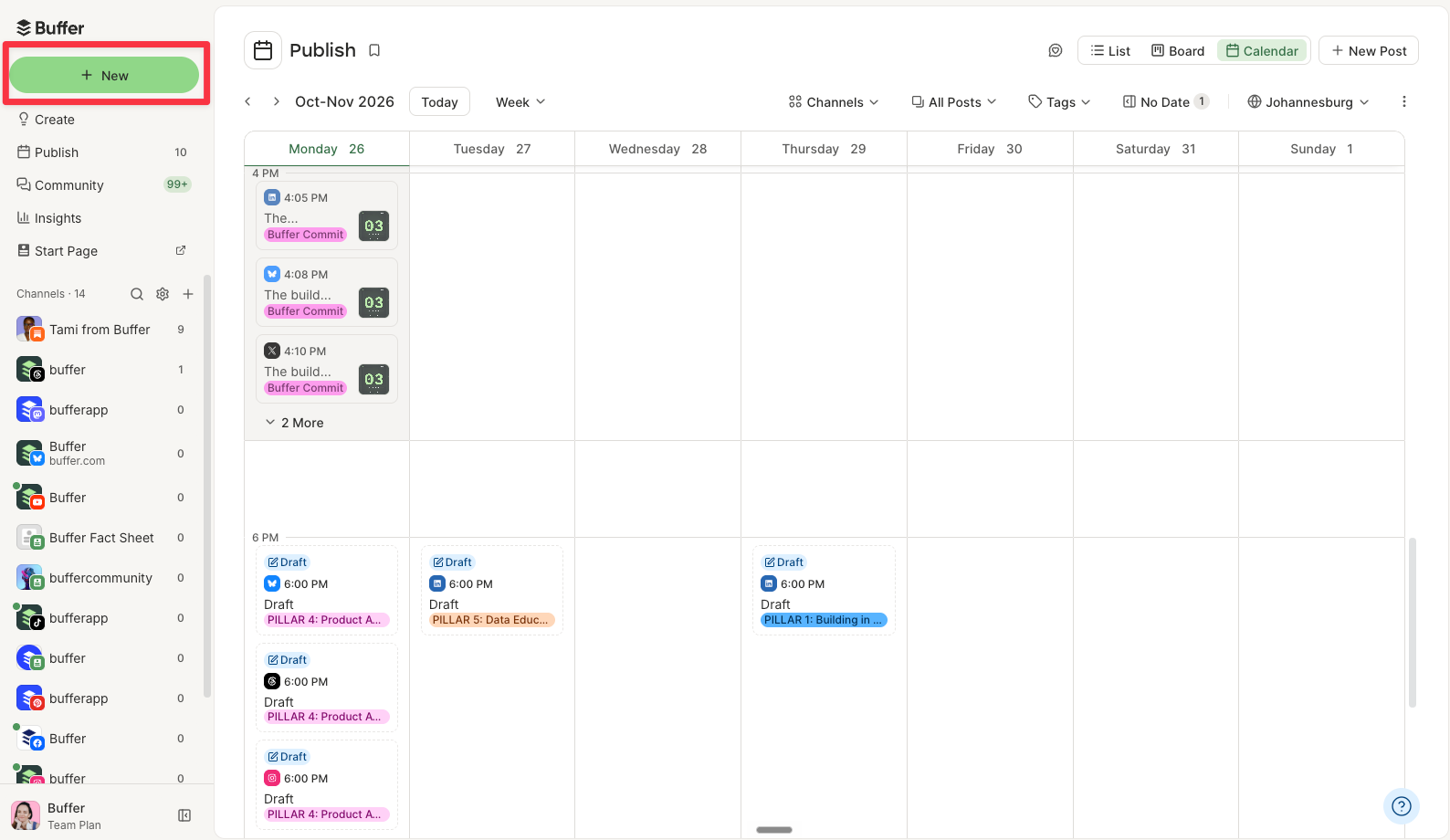
Despite the robustness of these tools, users occasionally encounter technical hurdles. The most frequent issue—the disappearance of the scheduling button—is usually a permissions-based error. If an administrator is added to a Page with restricted roles (such as "Advertiser" or "Analyst"), they will lack the permission to publish or schedule organic content.
Furthermore, discrepancies in feature availability often stem from interface updates. Meta frequently updates its dashboard layouts. When a button is not where it was previously, users are advised to check the "Planner" section in Meta Business Suite or the "Manage Posts" tab within the Facebook mobile application. If a third-party tool fails to schedule a post, it is often due to an unsupported media type; for instance, some APIs do not permit the scheduling of native interactive polls or specific legacy carousel formats.
The Future of Automated Social Media Management
As social media platforms continue to evolve, the reliance on automation tools is expected to deepen. The integration of generative AI within these scheduling platforms is already transforming the content creation process, allowing users to generate captions, resize media for different aspect ratios, and optimize posting times based on historical data.
For the modern professional, the goal of scheduling is not to remove the "human touch" from social media, but to automate the logistical burden so that time can be better spent on the high-value aspects of community management—specifically, engaging in comments, responding to direct messages, and fostering authentic relationships with an audience. By offloading the mechanical act of publishing to a reliable system, creators ensure that their presence remains constant, regardless of their immediate physical location or availability.
Ultimately, the transition to a scheduled workflow is an act of professional maturity. It acknowledges that effective digital communication requires strategy, planning, and consistency—qualities that are difficult to sustain through manual effort alone. Whether through native tools or comprehensive management suites, the implementation of a scheduling process is a foundational step in building a sustainable and impactful online presence.