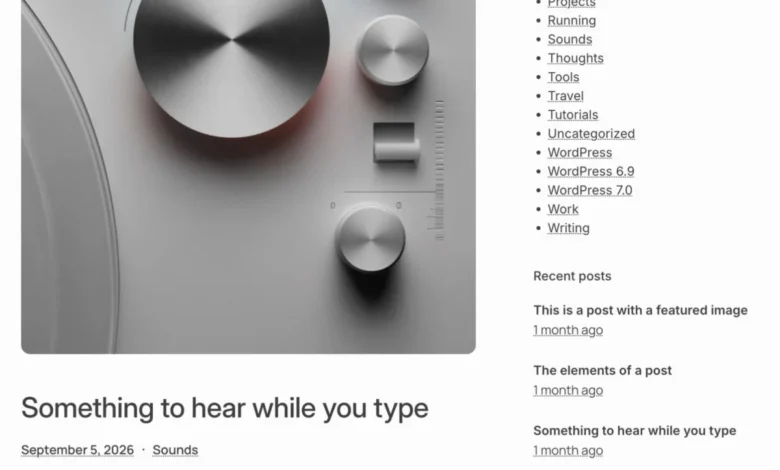
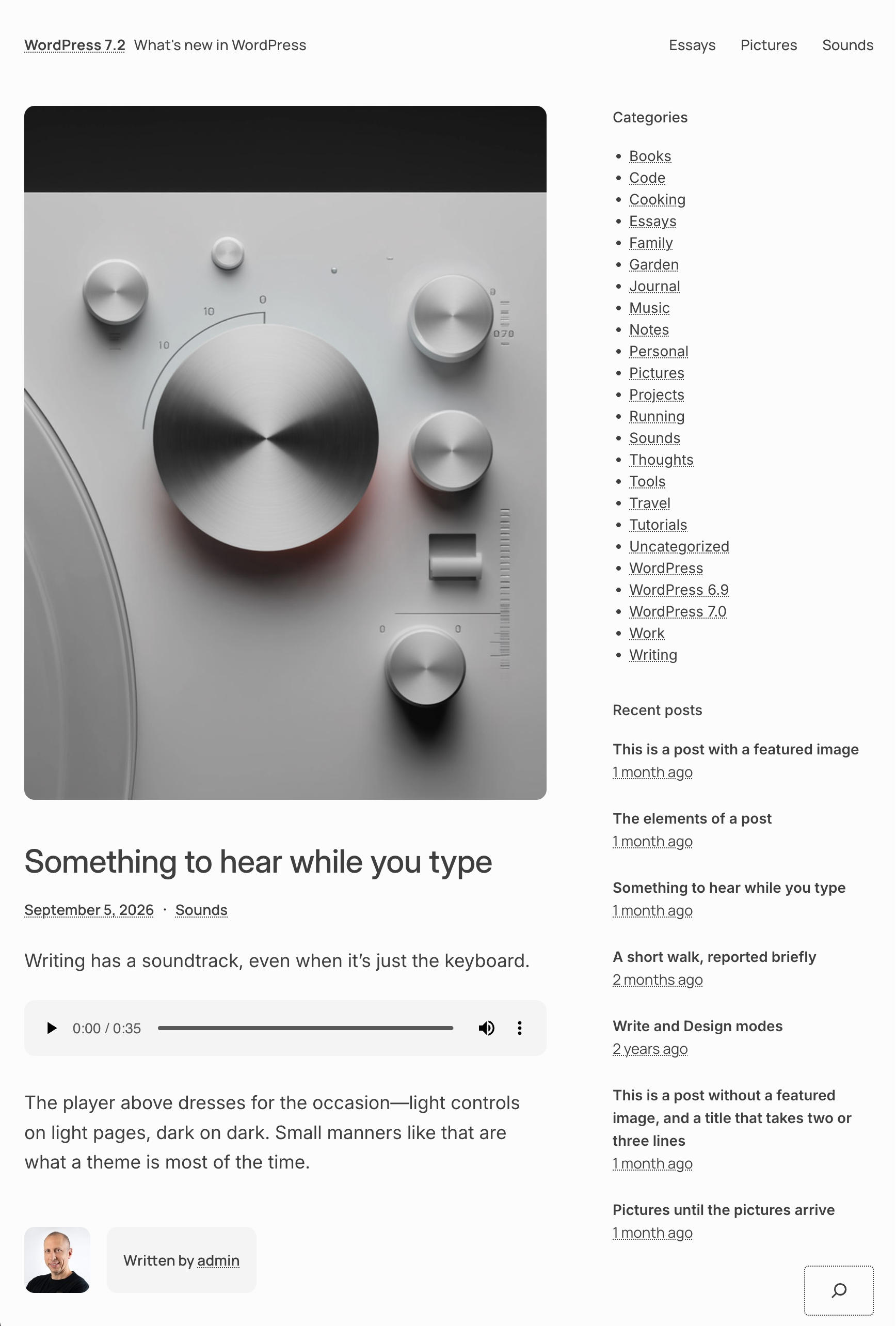
As the WordPress ecosystem prepares for the upcoming release of version 7.2 scheduled for December, developers and content creators are turning their attention to a significant milestone in the platform’s theme history. Marking a deliberate break from a nearly decade-long tradition, the core development team is retiring the conventional calendar-year naming scheme—such as Twenty Twenty-Four or Twenty Twenty-Five—in favor of a more thematic and descriptive identifier. Dubbed Ipsum, this new default block theme introduces a minimalist, lightweight, and modular architecture designed specifically to leverage the latest advancements in Full Site Editing (FSE) and strict modern Block Editor standards.

The introduction of Ipsum reflects a broader evolutionary shift within the WordPress project. Over recent development cycles, core contributors have focused heavily on refining performance, accessibility, and out-of-the-box utility. By stripping away extraneous design elements and focusing purely on streamlined publishing workflows, the development team aims to provide a versatile, understated foundation that serves both novice bloggers and enterprise developers alike.
Background Context and Evolution of WordPress Default Themes
Historically, default WordPress themes served primarily as showcases for the platform’s emerging technical capabilities. When Gutenberg and the Block Editor were first introduced, default themes were tasked with demonstrating how traditional PHP-based structures could transition into block-driven layouts. With the advent of Full Site Editing (FSE) in subsequent years, themes like Twenty Twenty-Two and its successors were forced to carry the weight of demonstrating global styles, template editing, and pattern integration.
However, these calendar-named themes frequently faced criticism for being overly complex or visually opinionated, requiring users to strip away heavy design assets before building custom sites. Ipsum represents a strategic pivot. By adopting a minimalist philosophy inspired by classic editorial design and modern typography, the core team has engineered a theme that prioritizes content legibility and speed. Rather than imposing a heavy aesthetic framework, Ipsum functions as an unpretentious, highly adaptable digital canvas.
Core Architectural Features and Accessibility Standards
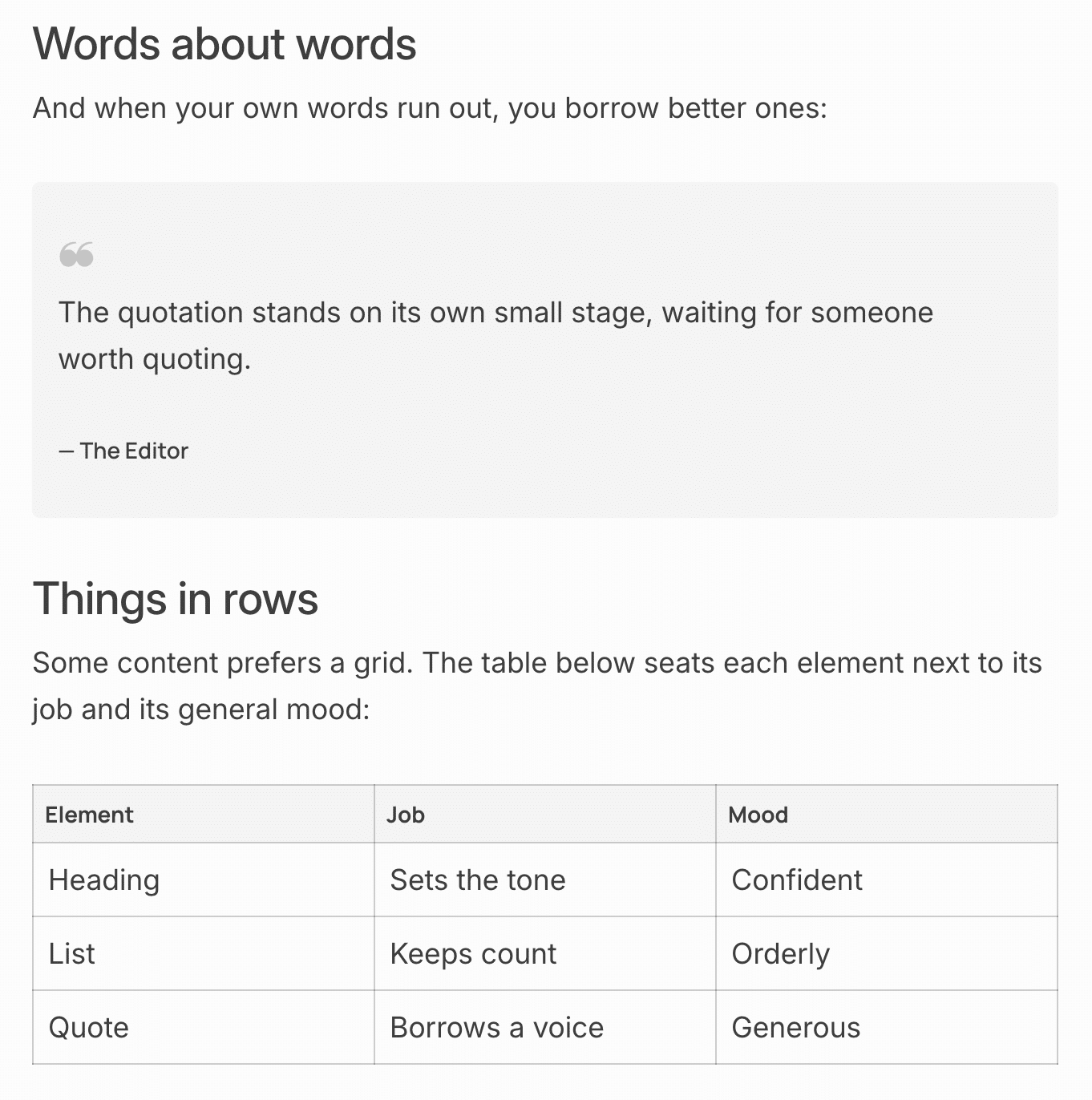
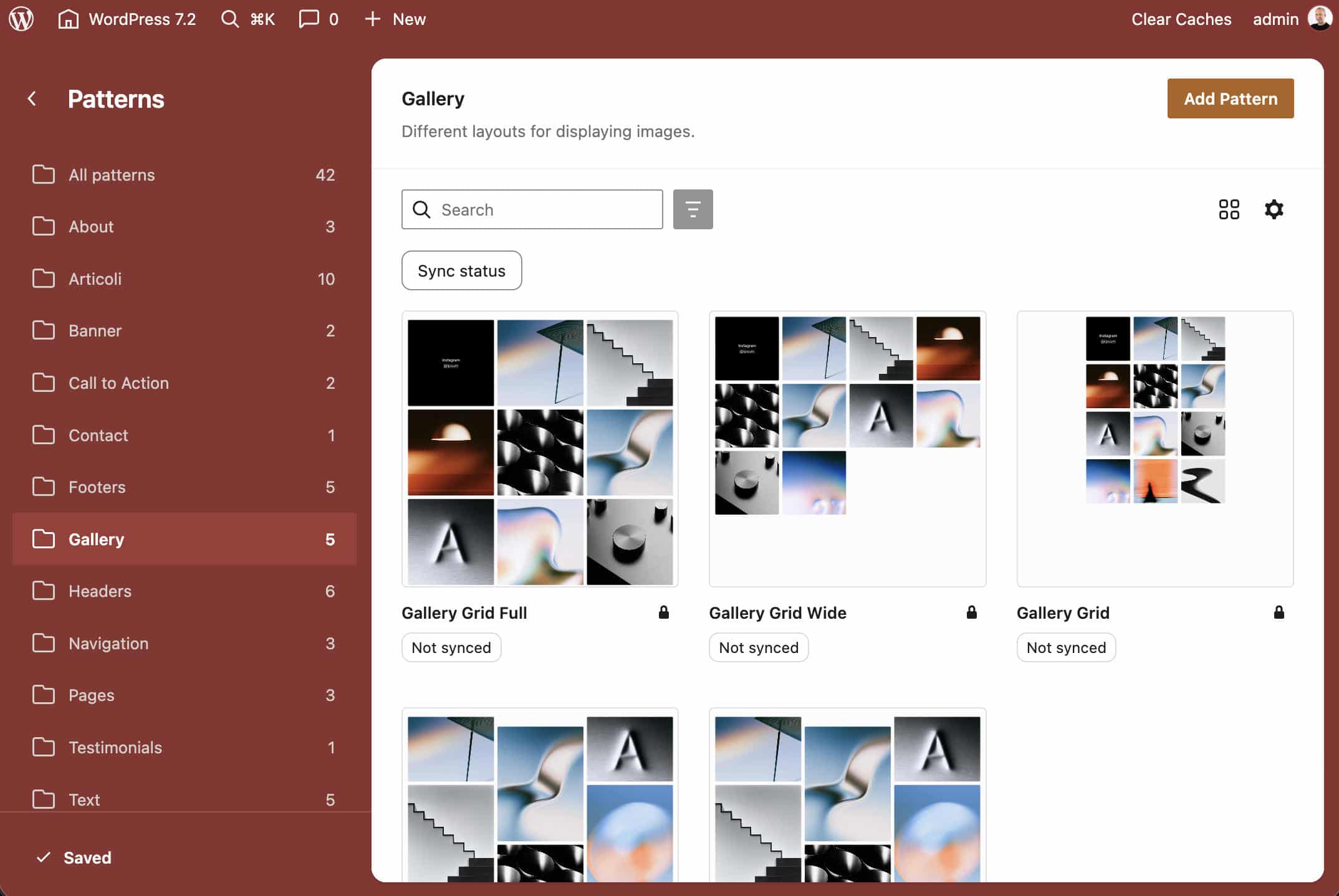
At its technical core, Ipsum is built entirely around modern block standards, featuring a remarkably lean footprint. The theme incorporates roughly 60 distinct patterns, a robust selection of global style variations, and deep integration with native WordPress APIs.
Accessibility sits at the forefront of Ipsum’s design methodology. Recognizing the strict compliance requirements demanded by modern web standards, the theme achieves a WCAG AAA rating through careful color contrast pairing. Specifically, its default background color, set at #fcfcfc, combined with a body text color of #000000bf, yields an exceptional contrast ratio of 10.26:1.
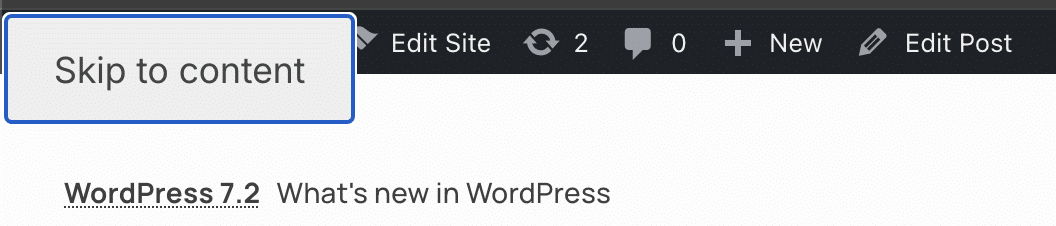
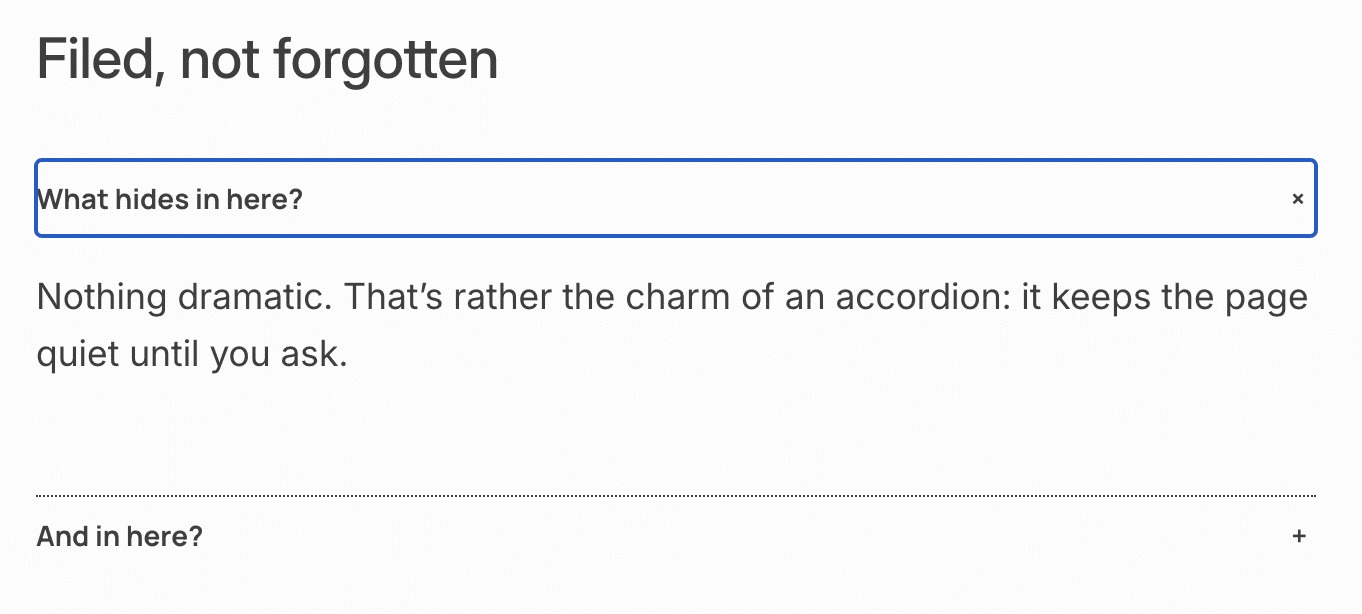
Furthermore, Ipsum enhances keyboard navigation by embedding a persistent "Skip to content" link on every page. This feature enables users navigating via assistive technologies or standard keyboard setups to bypass repetitive header elements and navigate directly to primary content. Focused interactive elements, such as links and accordion headings, are clearly delineated using high-contrast accent outlines, ensuring complete compliance with modern accessibility guidelines.
Typography and Fluid Design Mechanics
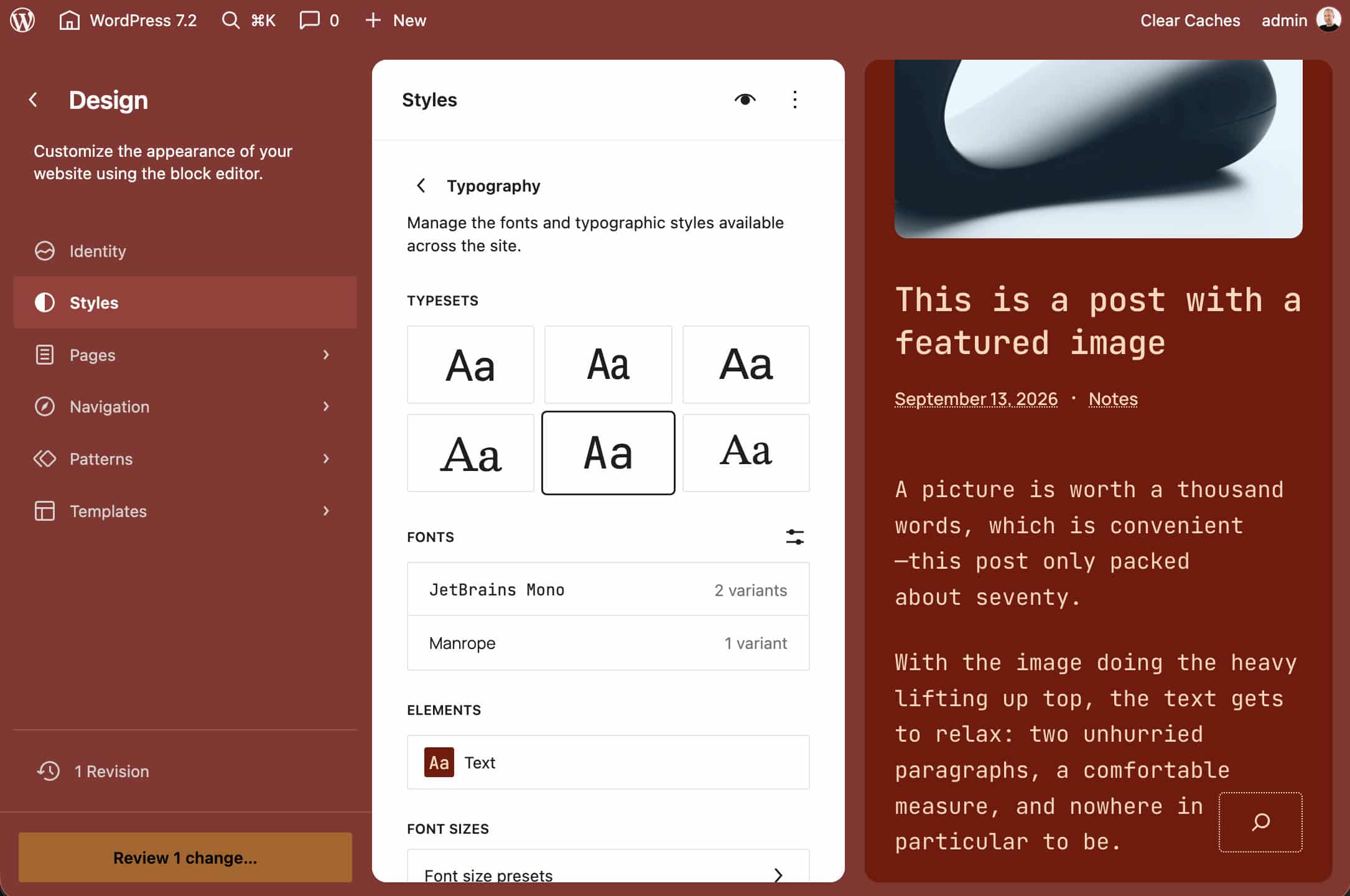
Typography plays a crucial role in establishing Ipsum’s understated aesthetic. The theme bundles a carefully curated selection of variable fonts in .woff2 format, hosted locally to eliminate external dependencies on third-party networks like Google Fonts. This local-hosting approach not only enhances privacy compliance under strict regional regulations such as GDPR but also significantly improves site loading speeds.
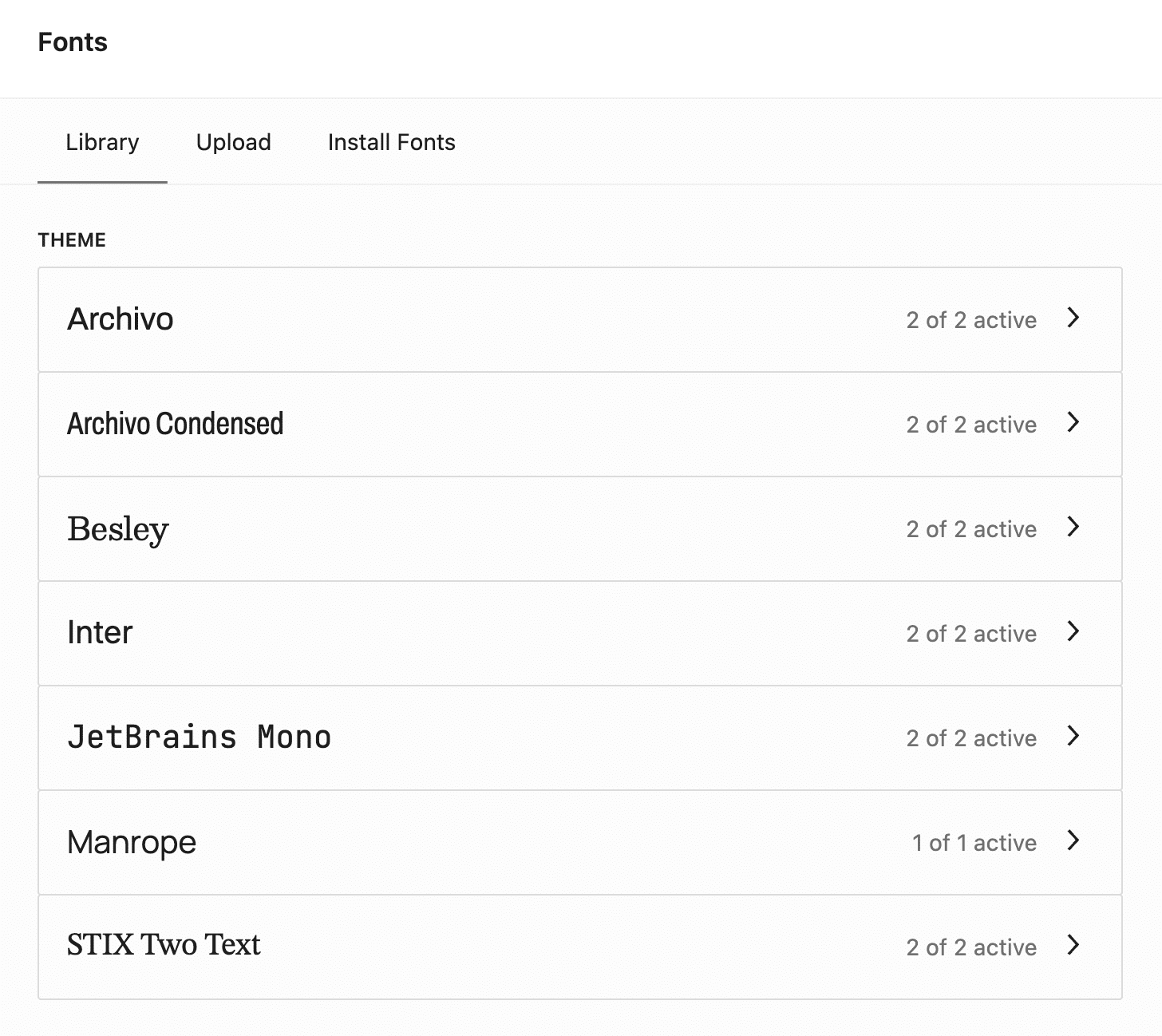
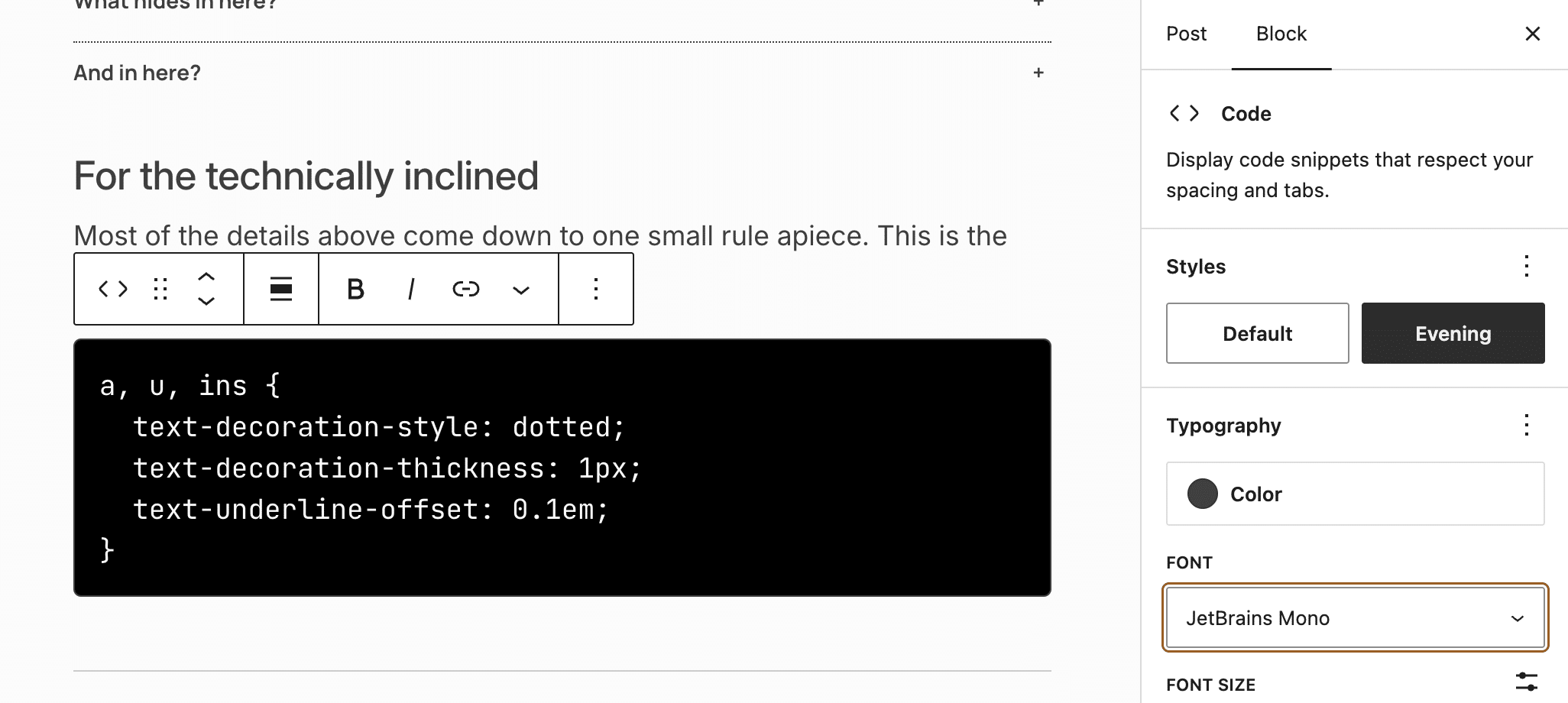
The typeface library covers a wide spectrum of stylistic needs, including sans-serif families such as Manrope, Inter, Archivo, and Archivo Condensed; serif options including Besley and STIX Two Text; and JetBrains Mono for code styling. Inter serves as the default body typeface, chosen for its high legibility across varying viewports.
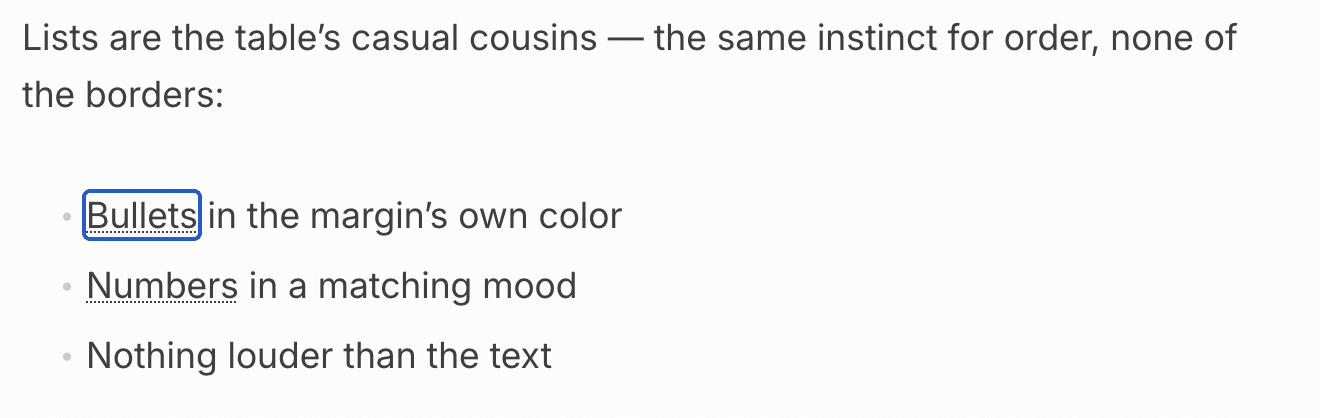
Complementing these font families is a sophisticated implementation of fluid typography. Utilizing native CSS clamp() functions defined within the theme’s configuration file, font sizes scale dynamically and smoothly across different screen dimensions. Five distinct typography presets allow site administrators to swap entire typeface pairings directly from the Site Editor’s Global Styles panel without disrupting the underlying color scheme.
Global Style Variations and Duotone Filtering
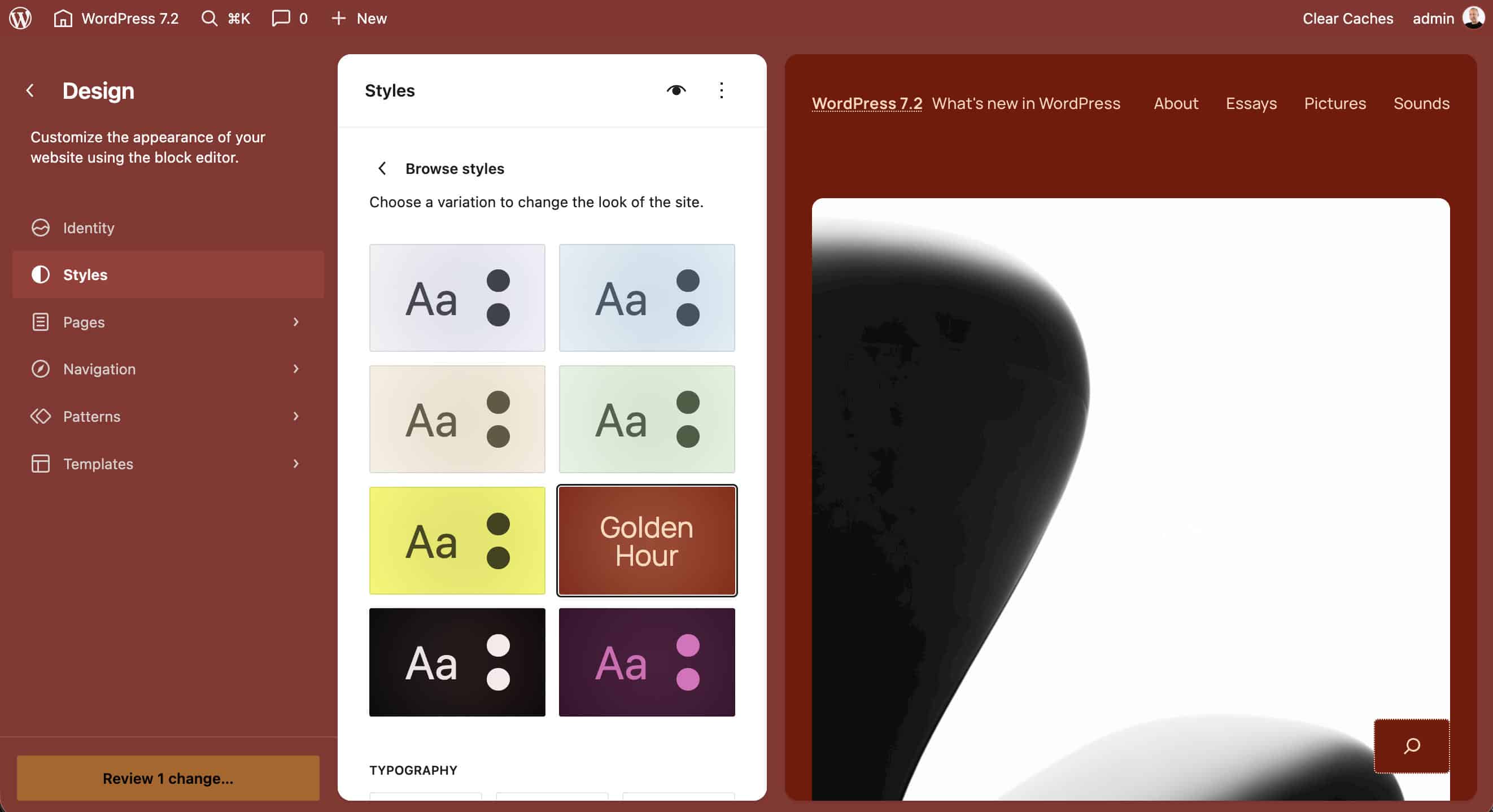
To accommodate diverse visual branding requirements, Ipsum ships with seven distinct Global Style variations. Each variation introduces a unique combination of color palettes, duotone filters, and typography hierarchies.
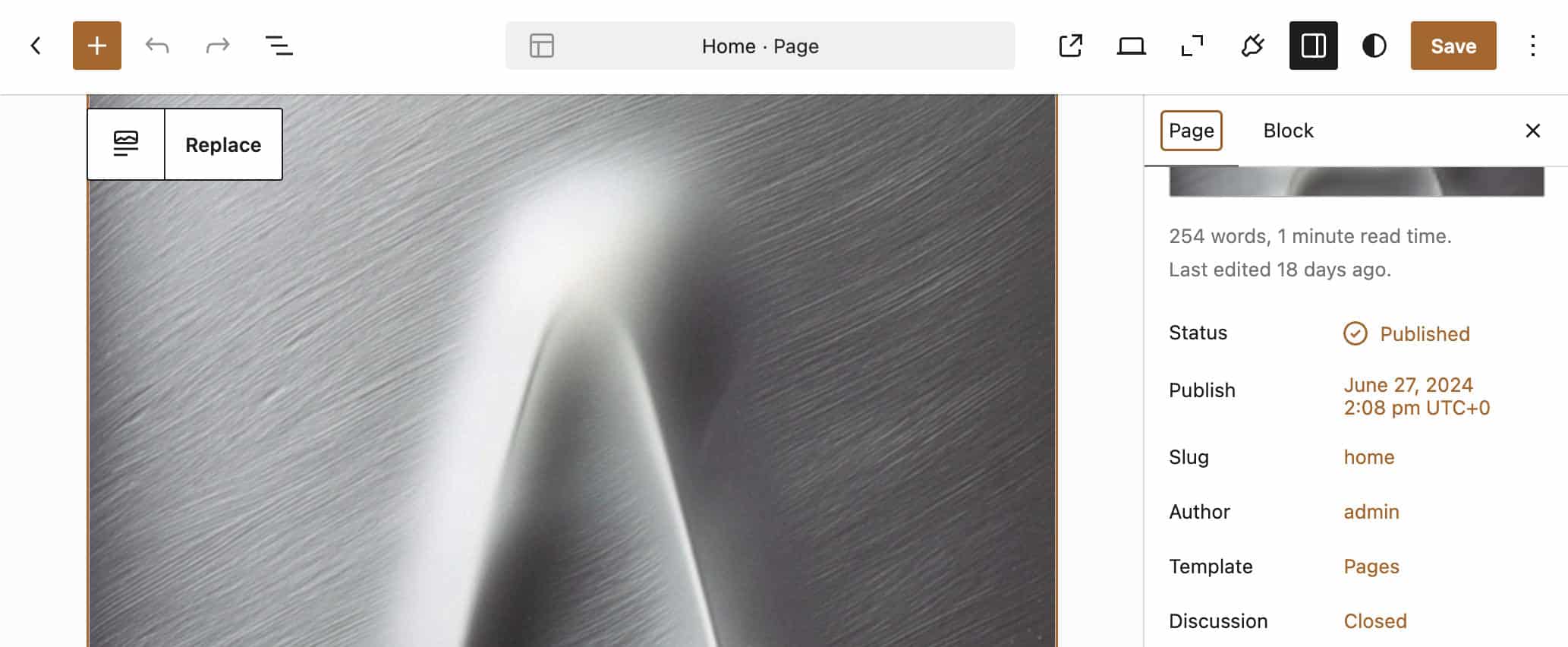
For instance, the "Golden Hour" style variation introduces a warm aesthetic characterized by a bespoke color palette, the "Peach on maroon" duotone filter for featured images, and the Manrope font family for heading elements. These variations are codified directly within structured JSON files, allowing developers to inspect, modify, or extend them programmatically via child themes. Additionally, block-specific style variations enable users to apply targeted design tweaks to individual elements—such as paragraphs, quotes, and tables—directly from the post editor sidebar.
Advanced Developer Integration: The Block Bindings API
Beyond its front-end aesthetics, Ipsum incorporates advanced backend features designed to showcase the power of modern WordPress core APIs. A primary example is its integration of the Block Bindings API.
In the theme’s template patterns, such as archive-full.php, dynamic content is injected programmatically using custom block sources. For instance, Ipsum registers a specialized comment call-to-action binding source via its functions.php file. By evaluating the comment count of the active post dynamically, the function returns either "Join the conversation" or "Be the first to comment," linking automatically to the appropriate comment anchor. This implementation demonstrates how developers can decouple static markup from dynamic runtime data within Gutenberg patterns.
Extending Ipsum via Child Themes: Building a Bento Grid Archive
For developers seeking to push Ipsum beyond its out-of-the-box capabilities, the theme serves as an ideal parent structure for custom child themes. Industry experts frequently recommend child theme development to introduce complex layout modifications—such as an asymmetrical Bento grid archive—without compromising future parent theme updates.
Implementing a custom Bento grid layout involves a structured, multi-step process:
- Child Theme Initialization: Developers establish a dedicated directory within
wp-content/themes/containing a properly configuredstyle.cssfile and afunctions.phpscript that correctly enqueues both the parent and child stylesheets. - Pattern Architecture: By creating custom pattern files—such as
archive-bento.phpand its associated wrapperhidden-archive-bento.php—developers can recombine native query loops, post templates, and featured image blocks. - CSS Grid Styling: A custom stylesheet leverages advanced CSS Grid properties, setting auto-flow density and utilizing structural pseudo-classes (such as
:nth-child(10n + 1)) to span posts across multiple columns and rows, creating a dynamic, magazine-style layout. - Template Hierarchy Integration: Placing an overridden
archive.htmlorindex.htmlfile within the child theme’s templates directory ensures that WordPress automatically serves the custom Bento layout for archive and home views.
Implications for the WordPress Ecosystem
The release of Ipsum alongside WordPress 7.2 marks a maturing of the Block Editor ecosystem. By moving away from restrictive annual themes and embracing a modular, high-performance, and accessible design philosophy, the WordPress project is providing creators with a robust foundation that bridges the gap between simplicity and advanced extensibility.
As digital publishers increasingly demand lightweight websites optimized for performance and accessibility, Ipsum establishes a new benchmark for default themes. Whether utilized in its minimalist out-of-the-box state or extended through sophisticated child themes and custom block bindings, Ipsum demonstrates the immense flexibility achievable within modern, block-based WordPress architectures.