Unlocking the Terminal: How CLI Coding Agents Are Revolutionizing Remote Infrastructure Management and WordPress Operations

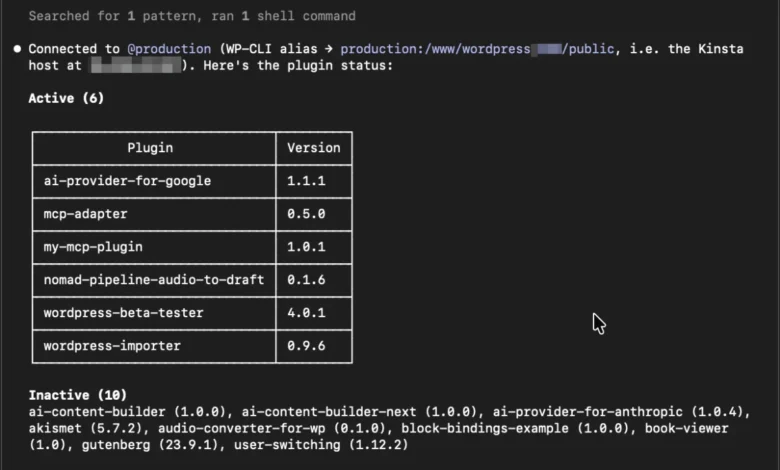
The landscape of software development and infrastructure management is undergoing a quiet revolution with the rapid ascent of command-line interface (CLI) coding agents. Operating directly within local terminal environments, this new class of artificial intelligence tools functions as autonomous shell operators, bridging the gap between high-level generative reasoning and low-level system execution. Utilizing established utilities such as Git, secure shell (SSH) protocols, and WordPress command-line interfaces (WP-CLI), these agents navigate complex directory structures, execute terminal commands, parse standard outputs, and resolve technical hurdles through continuous, self-correcting feedback loops.
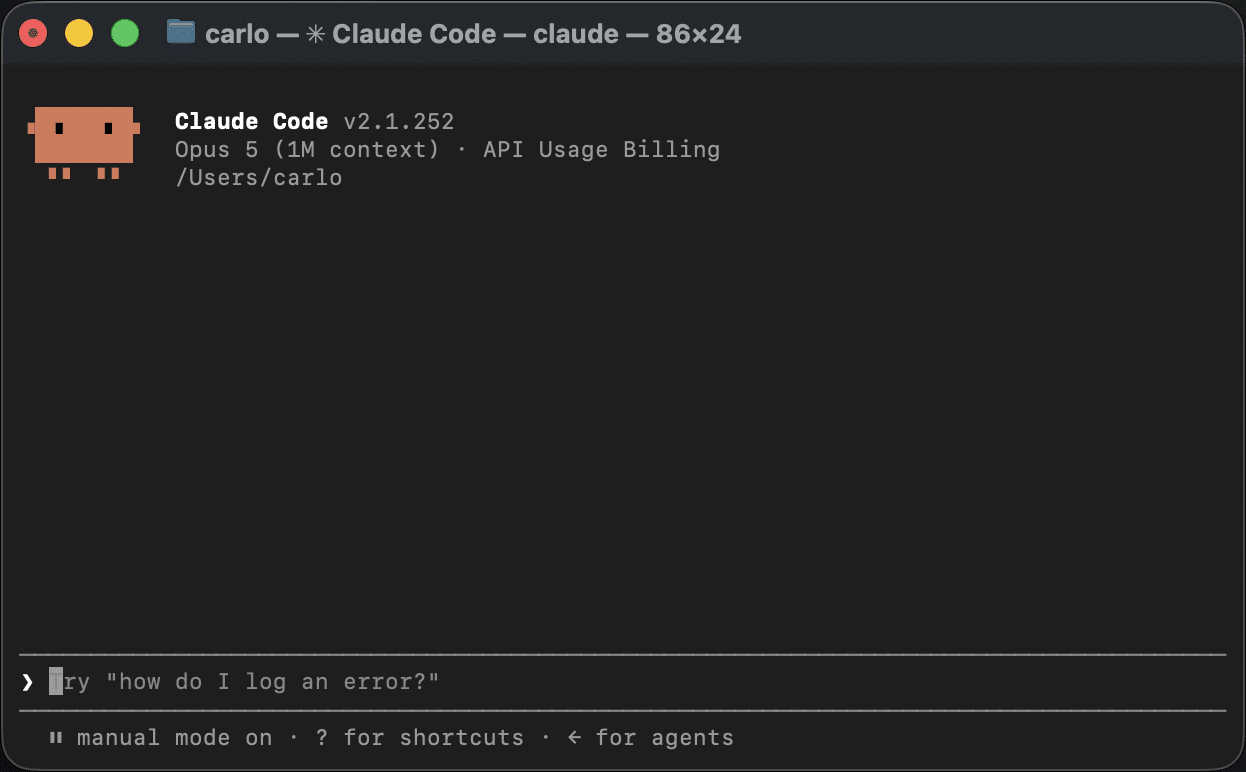
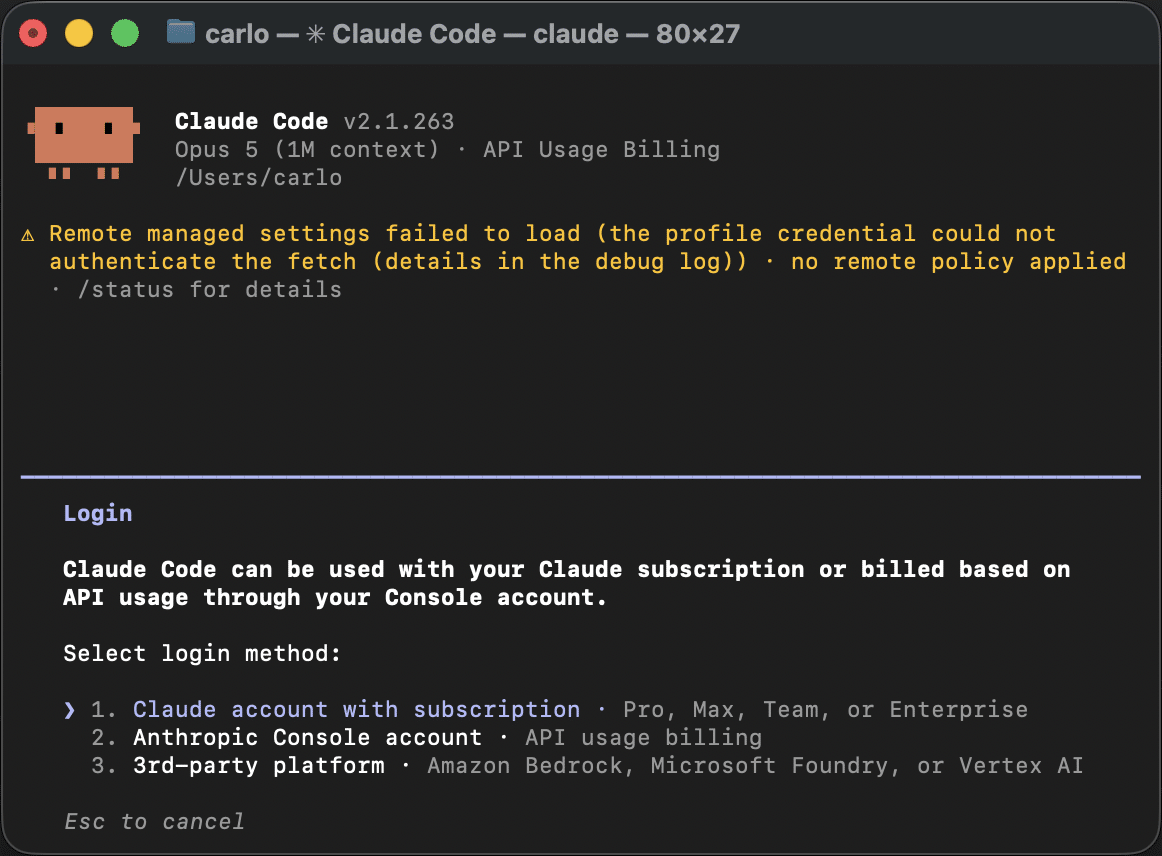
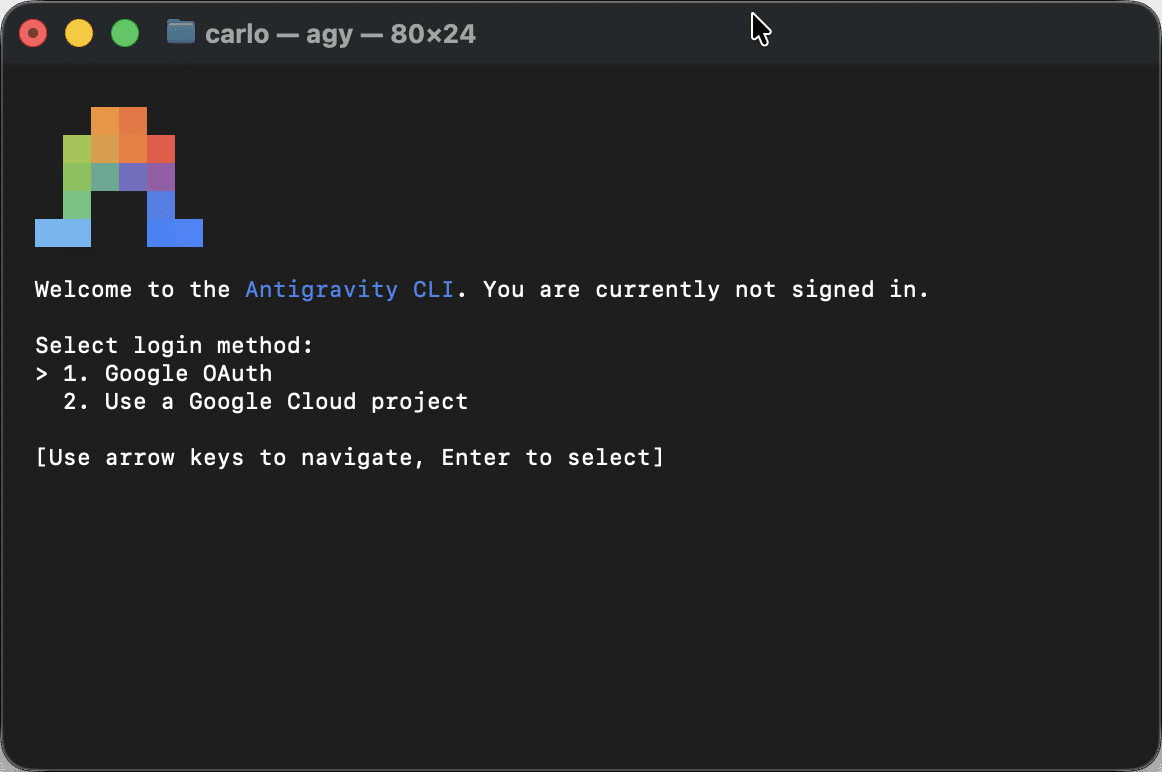
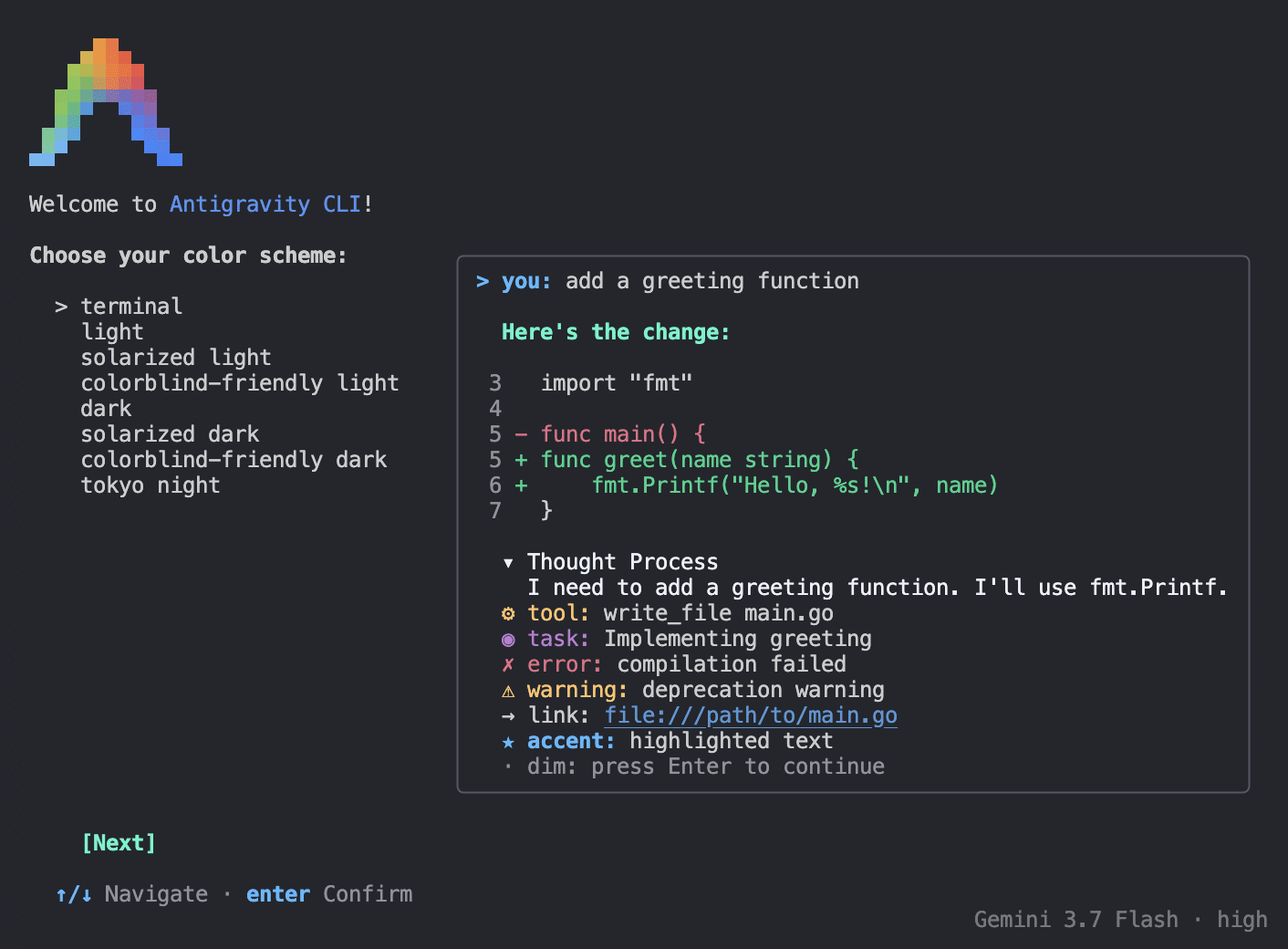
Unlike traditional graphical user interfaces or isolated code-completion plugins, CLI agents exist where engineers do: inside the terminal. Prominent solutions entering the market—including Anthropic’s Claude Code, Google’s Antigravity CLI, and developer-focused tools like Aider—represent a major paradigm shift in how technical teams interact with local and remote digital infrastructure.
The Technological Shift: CLI Agents Versus MCP Integrations
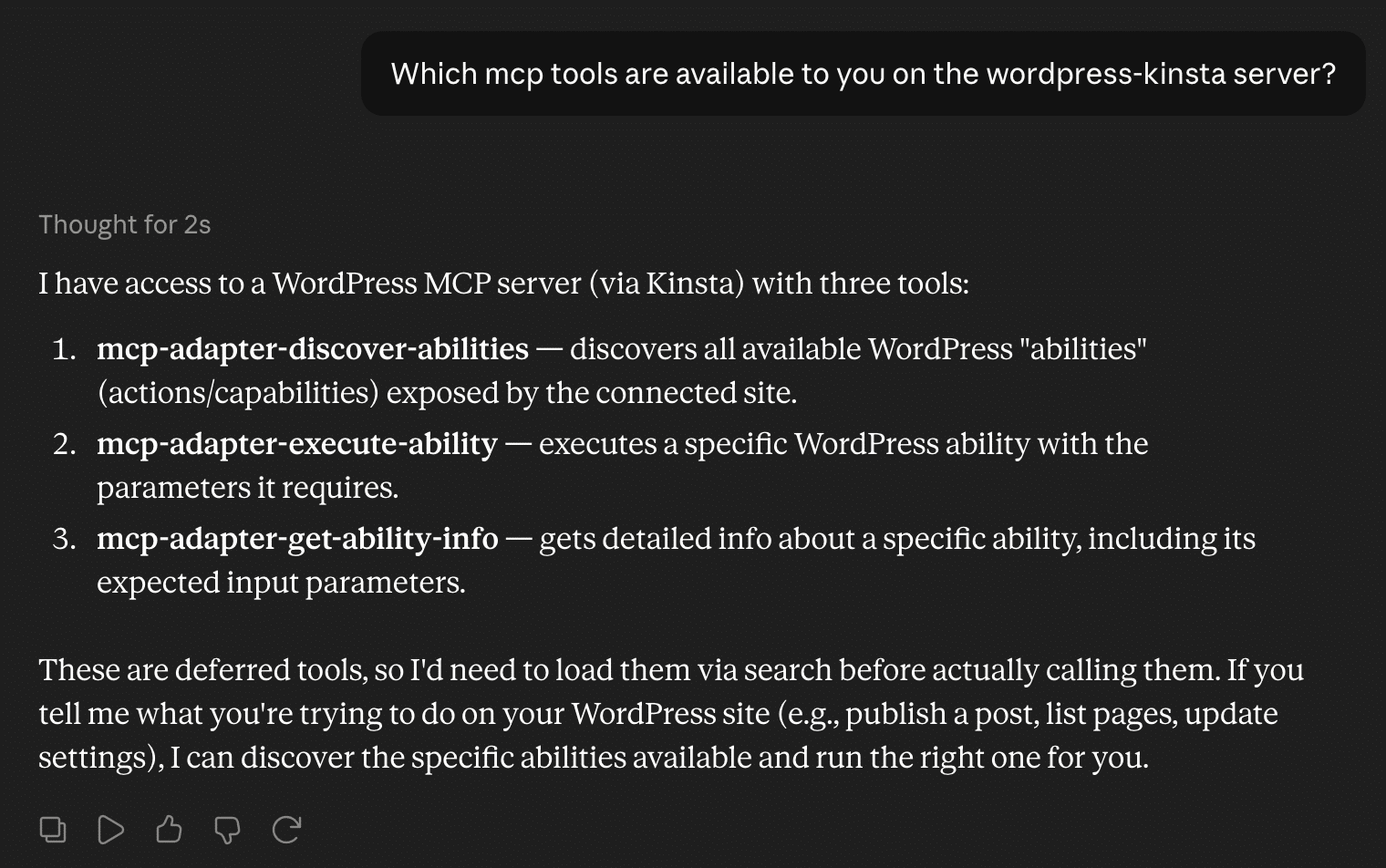
To understand the positioning of CLI coding agents, it is vital to distinguish them from other architectural frameworks, such as the Model Context Protocol (MCP). While Model Context Protocol (MCP) integrations establish standardized, environment-agnostic API bridges that allow large language models (LLMs) to query external data sources safely, CLI agents operate at the infrastructure layer.
MCP functions as a structured server-client interface designed to minimize execution errors, making it ideal for stable, production-grade software-as-a-service (SaaS) environments. Conversely, CLI agents are raw execution powerhouses. They leverage existing local binaries and runtime environments to manipulate file systems, execute complex database queries, and manage remote servers dynamically. Rather than adhering to predefined software development lifecycles, CLI agents ingest raw command-line text, evaluate stack traces, and adapt their operational strategies in real time.
The Mechanics of Autonomy: The Five-Phase Agentic Loop
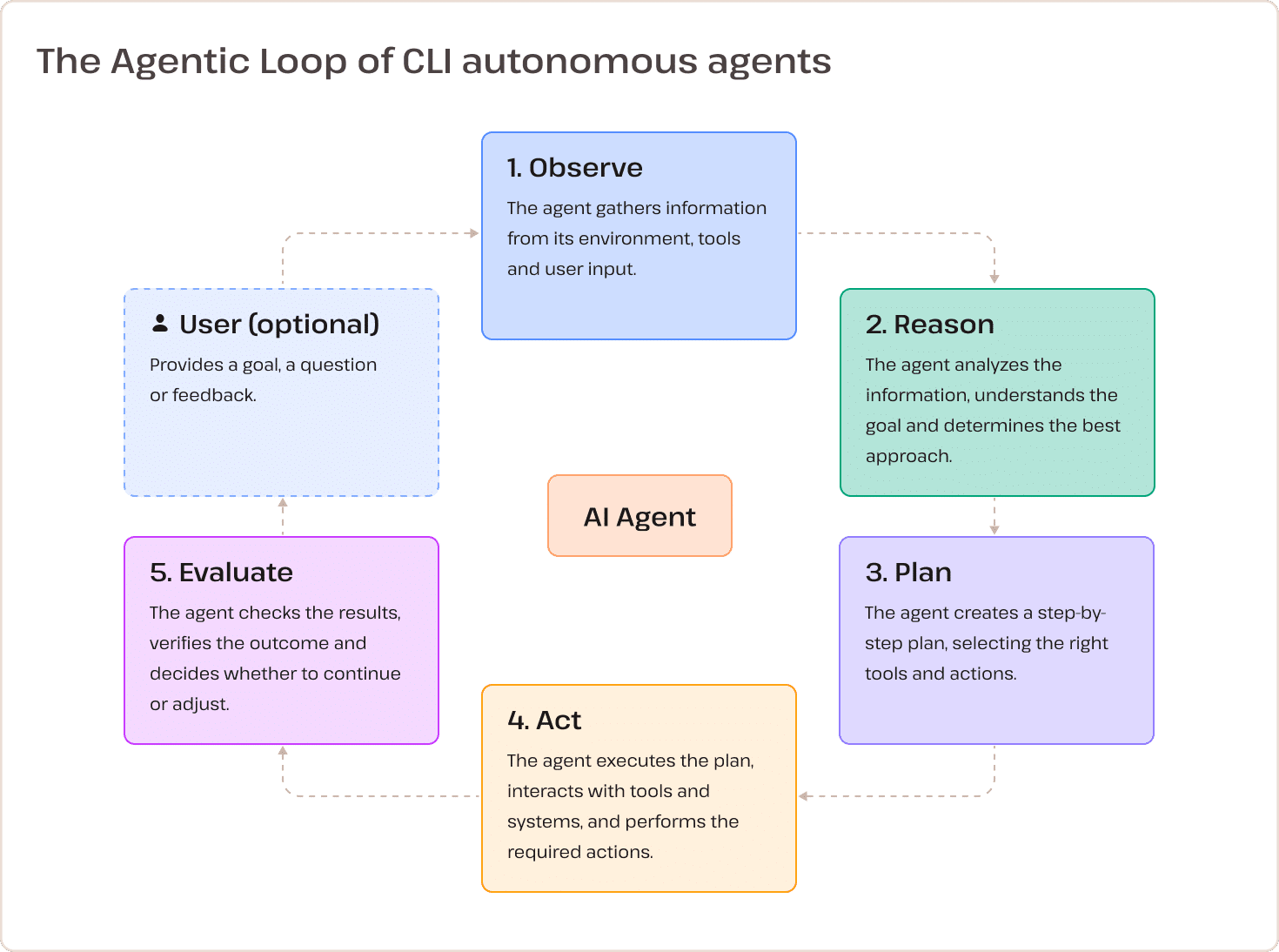
The core computational architecture enabling this operational autonomy is known as the Agentic Loop. Moving away from traditional one-shot prompt execution, autonomous CLI tools rely on an iterative, five-phase framework: Observe, Reason, Plan, Act, and Evaluate.
During the observation phase, the agent reads system outputs, error logs, or file contents. It then reasons about the underlying state of the system, formulates a step-by-step resolution plan, executes the necessary shell commands, and evaluates the resulting output. If a command fails or produces unexpected results—such as a database connection timeout or a syntax error in a theme file—the agent does not halt operations. Instead, it re-enters the loop, refines its approach, and attempts an alternative solution without requiring constant human intervention.
Balancing Power and Risk: The Pros and Cons of Terminal-Level AI
The integration of autonomous intelligence into root-level system access introduces a distinct set of operational advantages and inherent risks for engineering teams.
Among the primary advantages is immediate access to established developer ecosystems. Because these agents utilize existing shell utilities, they can seamlessly invoke tools like Git, WP-CLI, SSH, Docker, and Node package managers (npm). Furthermore, their capacity for dynamic decision-making allows development teams to tackle non-linear, unpredictable debugging tasks efficiently. They operate directly where issues reside—whether within a local repository, a Docker container, or a remote production server.
However, these capabilities introduce significant operational risks. Granting an AI model direct shell access without rigorous guardrails can lead to the execution of destructive or hallucinated commands. Because the command shell lacks structured API-level safety parameters, strict human-in-the-loop validation is required to approve sensitive operations. Additional challenges include unpredictable output parsing from varied terminal utilities, environment dependencies tied to system paths and local permissions, and the complex challenge of enforcing strict operating system-level sandboxing.
Deploying a Local CLI Agent for Remote WordPress Management
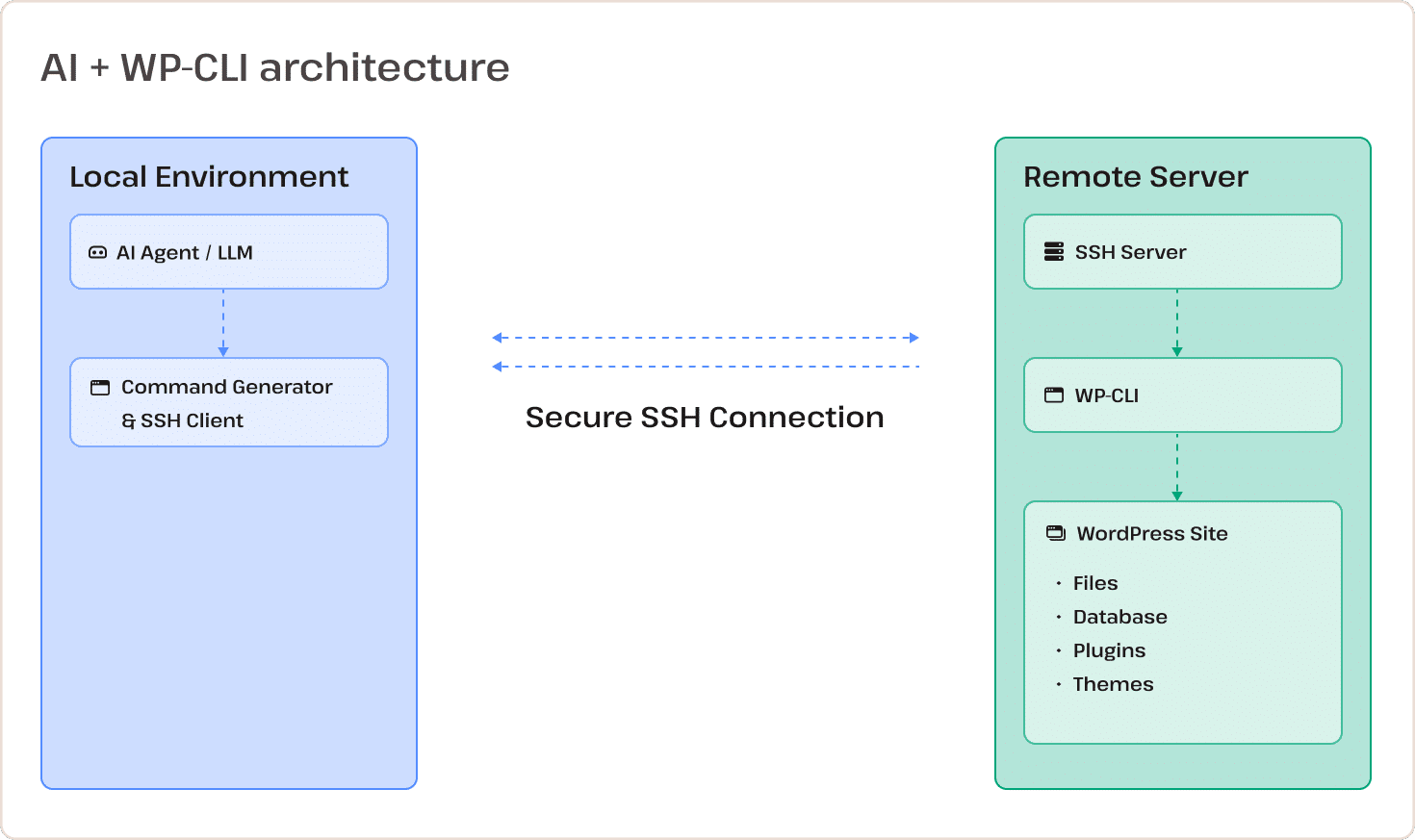
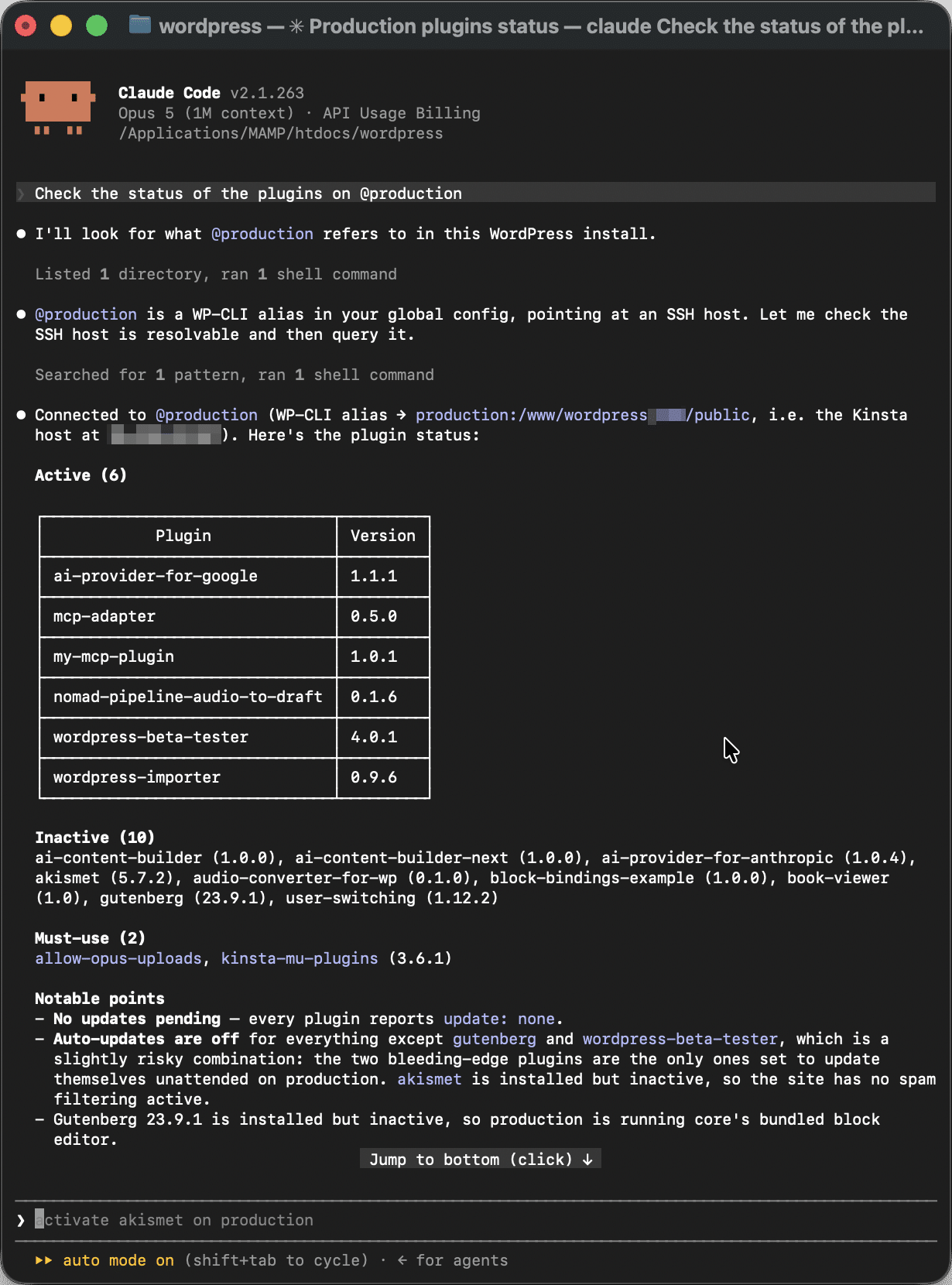
The practical utility of CLI agents becomes evident when configuring them to manage remote WordPress environments via secure command-line bridges. Rather than installing resource-heavy AI plugins directly onto a remote web server, administrators can establish a secure, passwordless workflow from a local machine.
The setup process requires three primary components: a local installation of WP-CLI, a configured OpenSSH client with dedicated identity keys, and global WP-CLI configuration aliases.
Step 1: Preparing the Local Environment and WP-CLI
Administrators must first ensure that PHP and WP-CLI are fully updated on their local machines. If WP-CLI is absent, the latest Phar archive can be retrieved, verified, and moved to the system path:
curl -O https://raw.githubusercontent.com/wp-cli/builds/gh-pages/phar/wp-cli.phar
php wp-cli.phar --info
chmod +x wp-cli.phar
sudo mv wp-cli.phar /usr/local/bin/wp
Step 2: Configuring Passwordless SSH Authentication
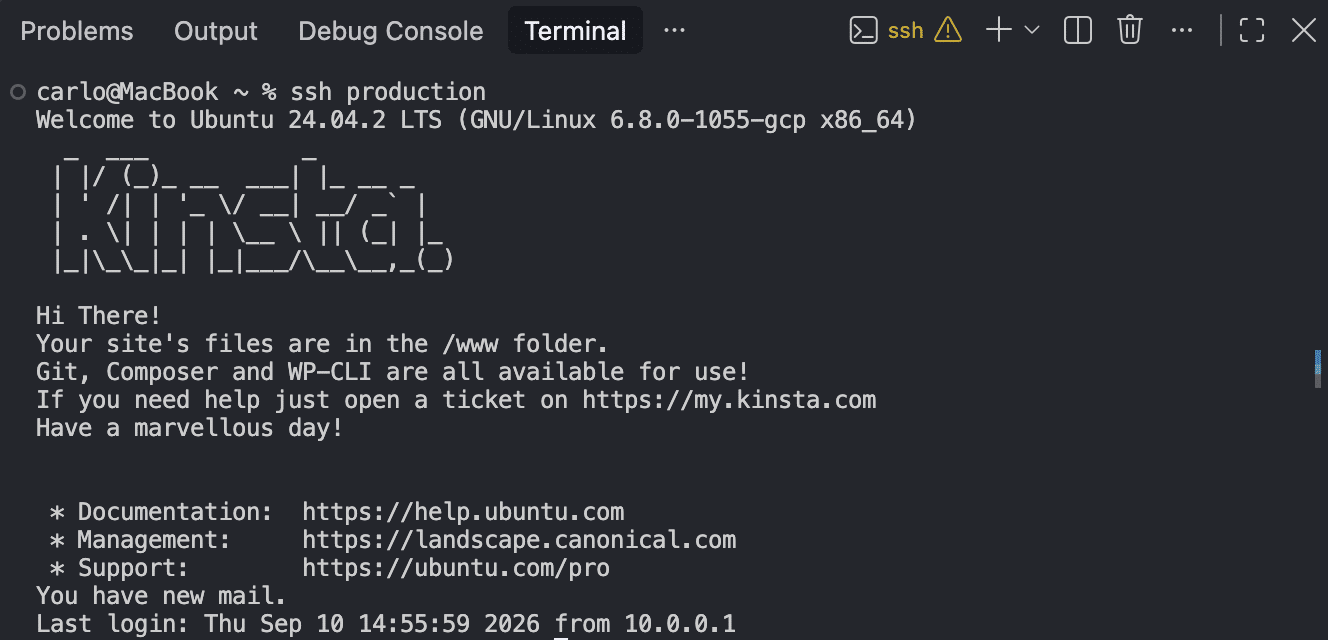
To prevent interrupted agentic loops caused by manual password prompts, administrators should generate a dedicated ED25519 SSH key pair and register the host within their local OpenSSH configuration file (~/.ssh/config):
Host production
  HostName <server-ip-or-domain>
  User <ssh-username>
  Port <port-number>
  IdentityFile ~/.ssh/id_ed25519_wp_production
  IdentitiesOnly yes
  AddKeysToAgent yes
  UseKeychain yes
Step 3: Registering WP-CLI Global Aliases
By mapping SSH host connections to specific web root directories within a global WP-CLI configuration file (~/.wp-cli/config.yml), users can target remote installations using concise shortcuts:
@production:
  ssh: production/path/to/your/site
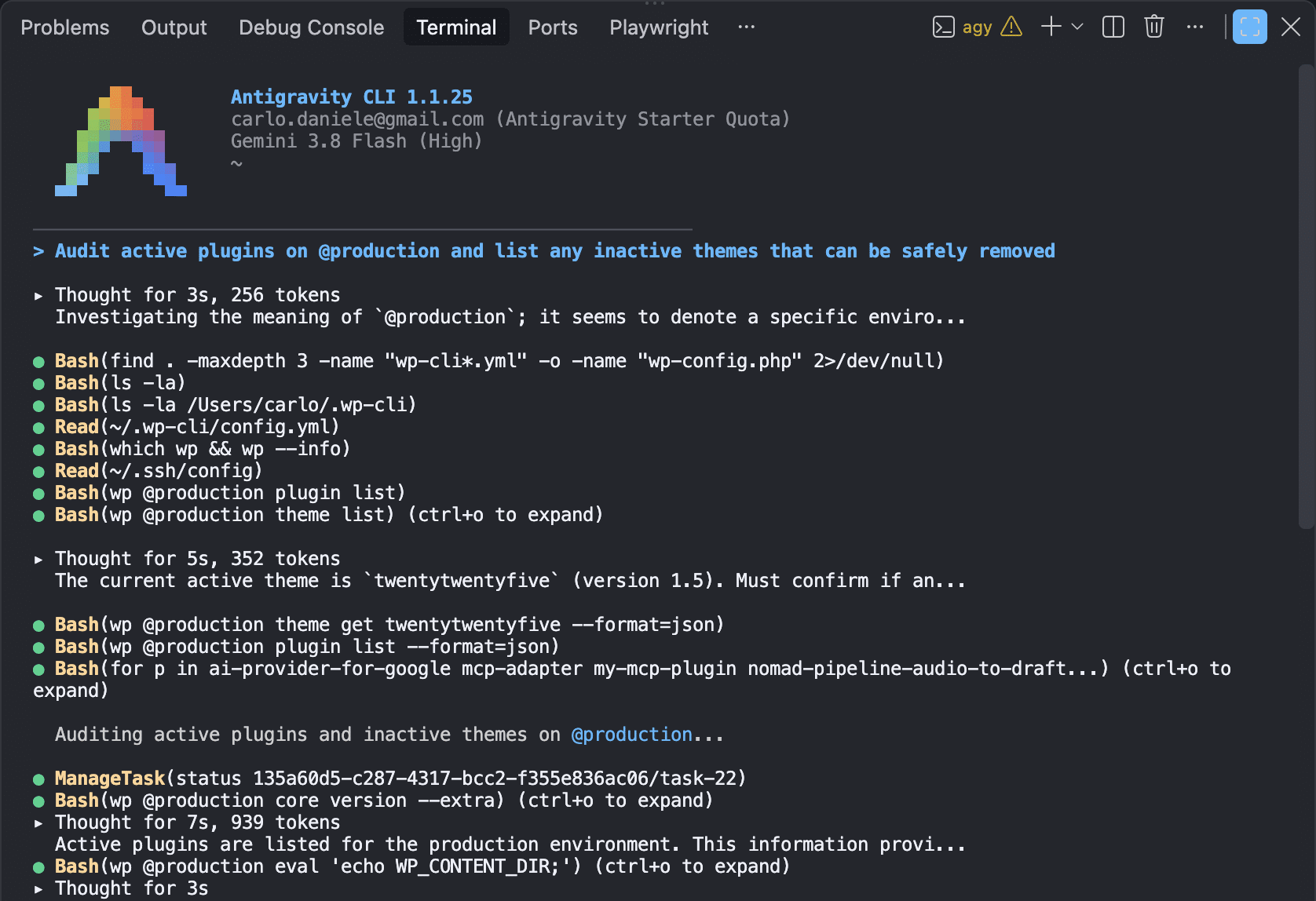
This configuration enables both human operators and autonomous agents to execute remote commands seamlessly using natural language prompts.

Comparative Analysis: Claude Code Versus Antigravity CLI in Security Audits
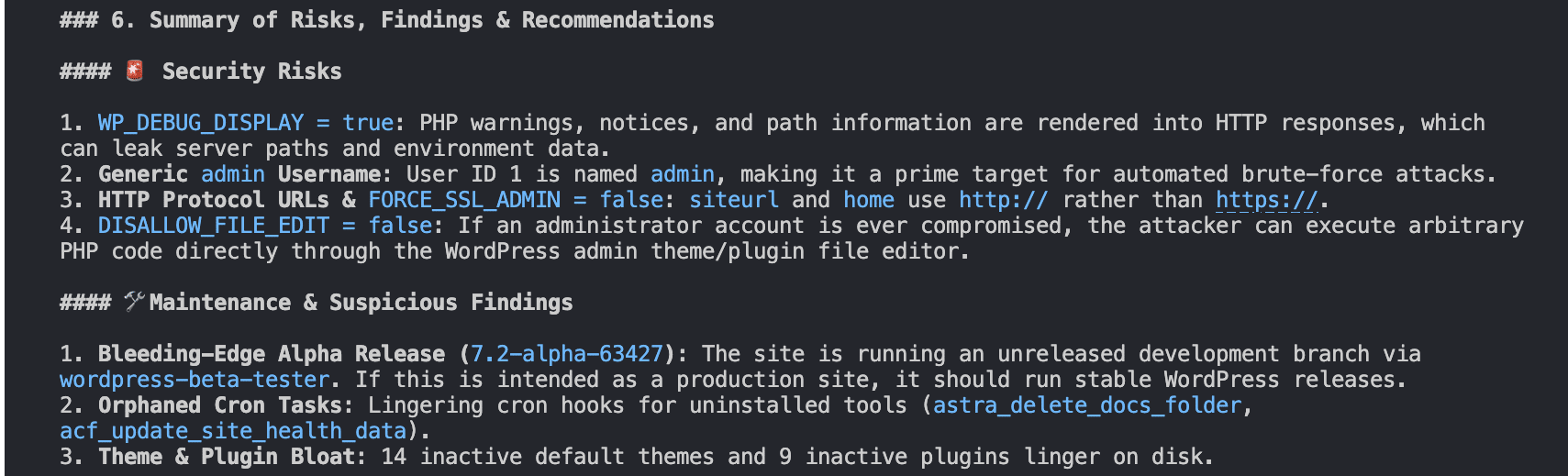
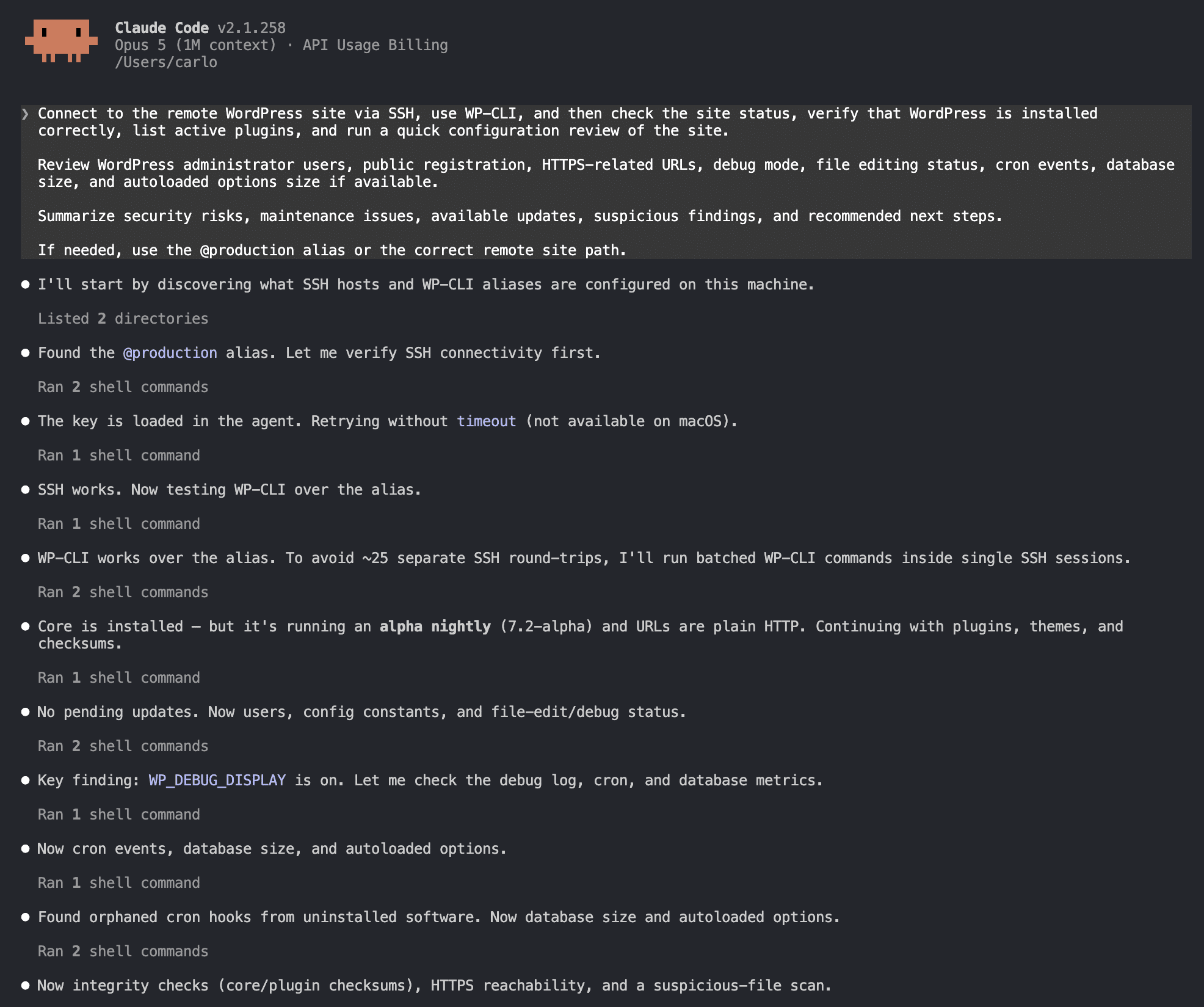
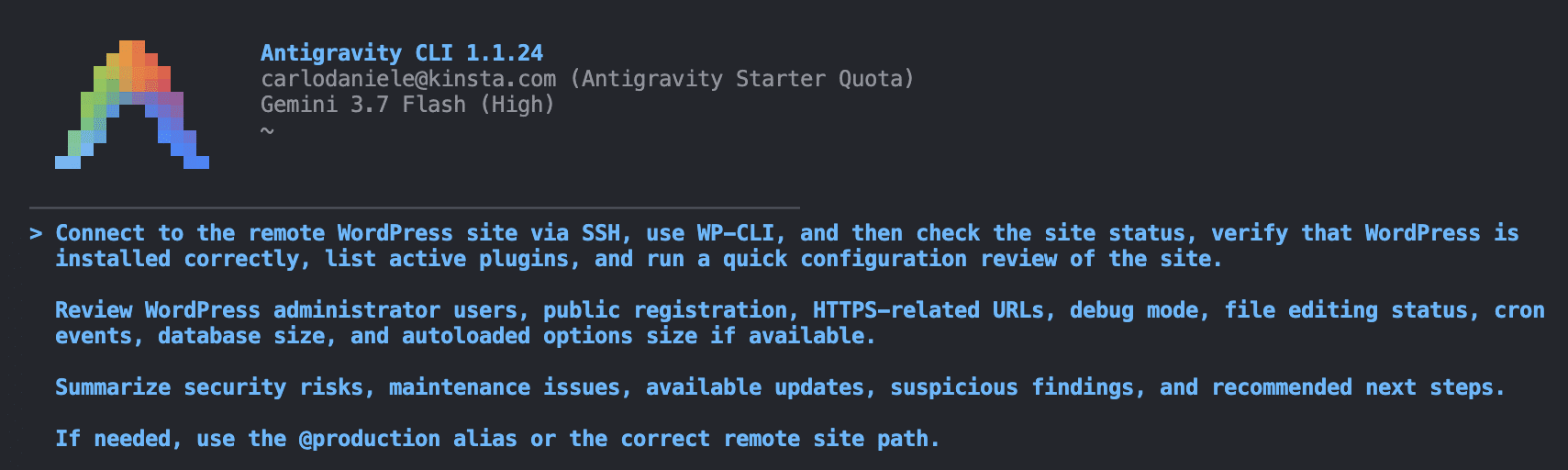
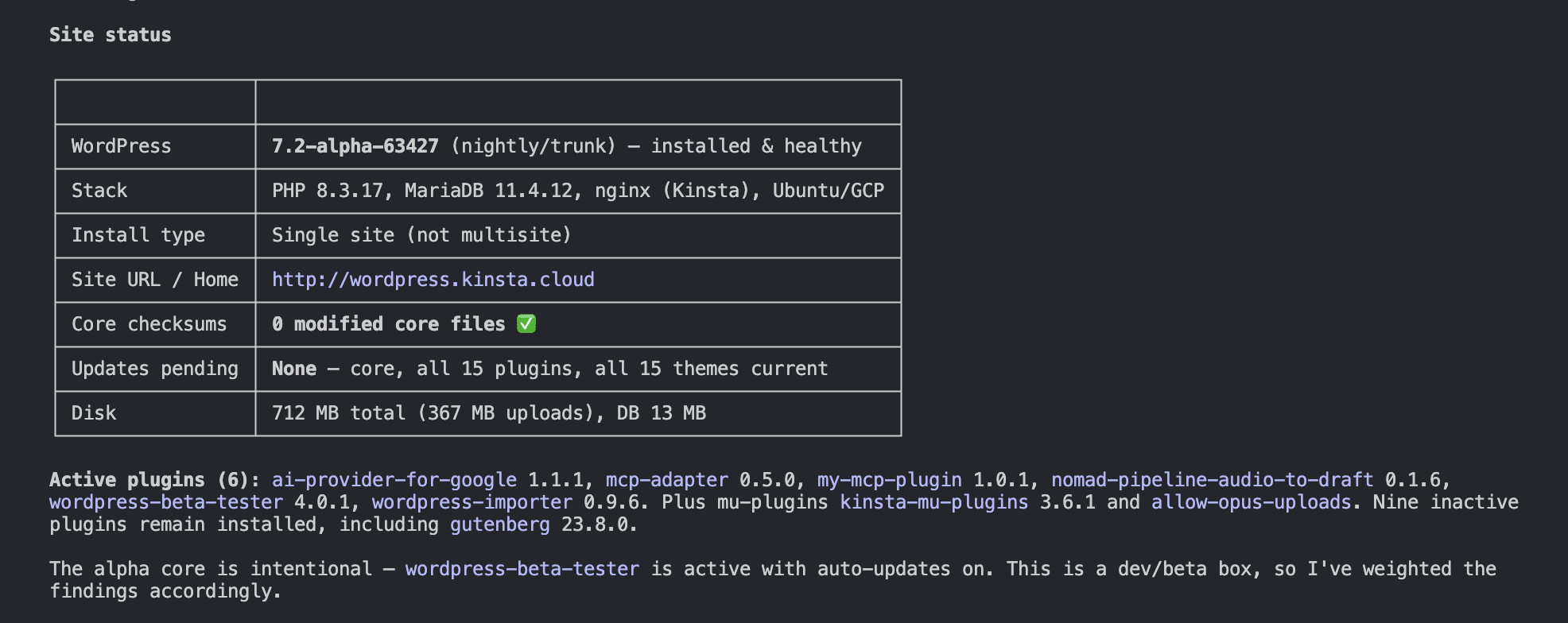
In comparative evaluations of leading CLI coding agents—specifically Anthropic’s Claude Code and Google’s Antigravity CLI—security-focused audits reveal distinct operational philosophies. When tasked with performing a comprehensive site health audit over a secure WP-CLI connection, both models successfully navigated the environment, reviewed administrative user roles, inspected configuration constants, and evaluated database sizes.
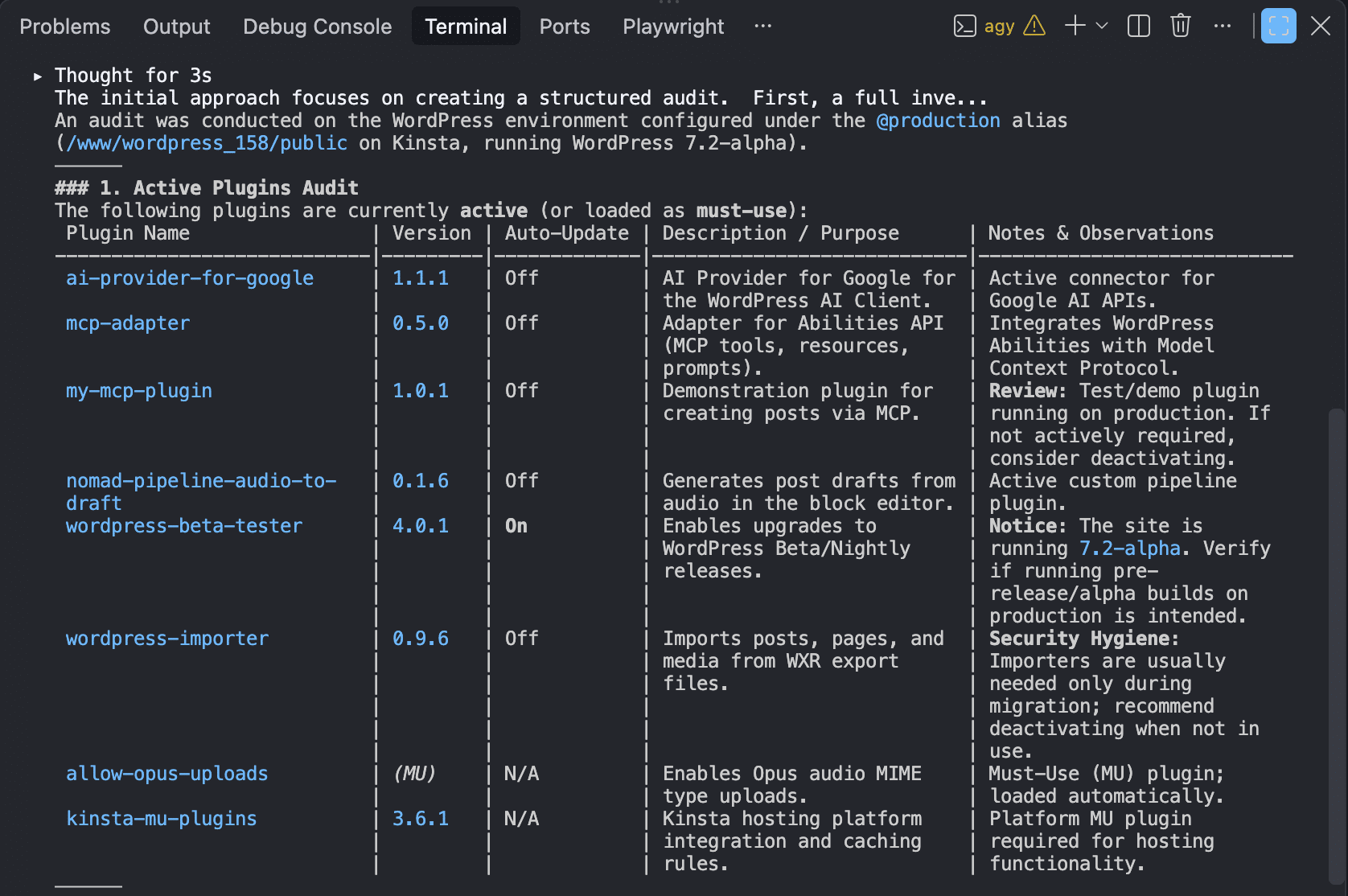
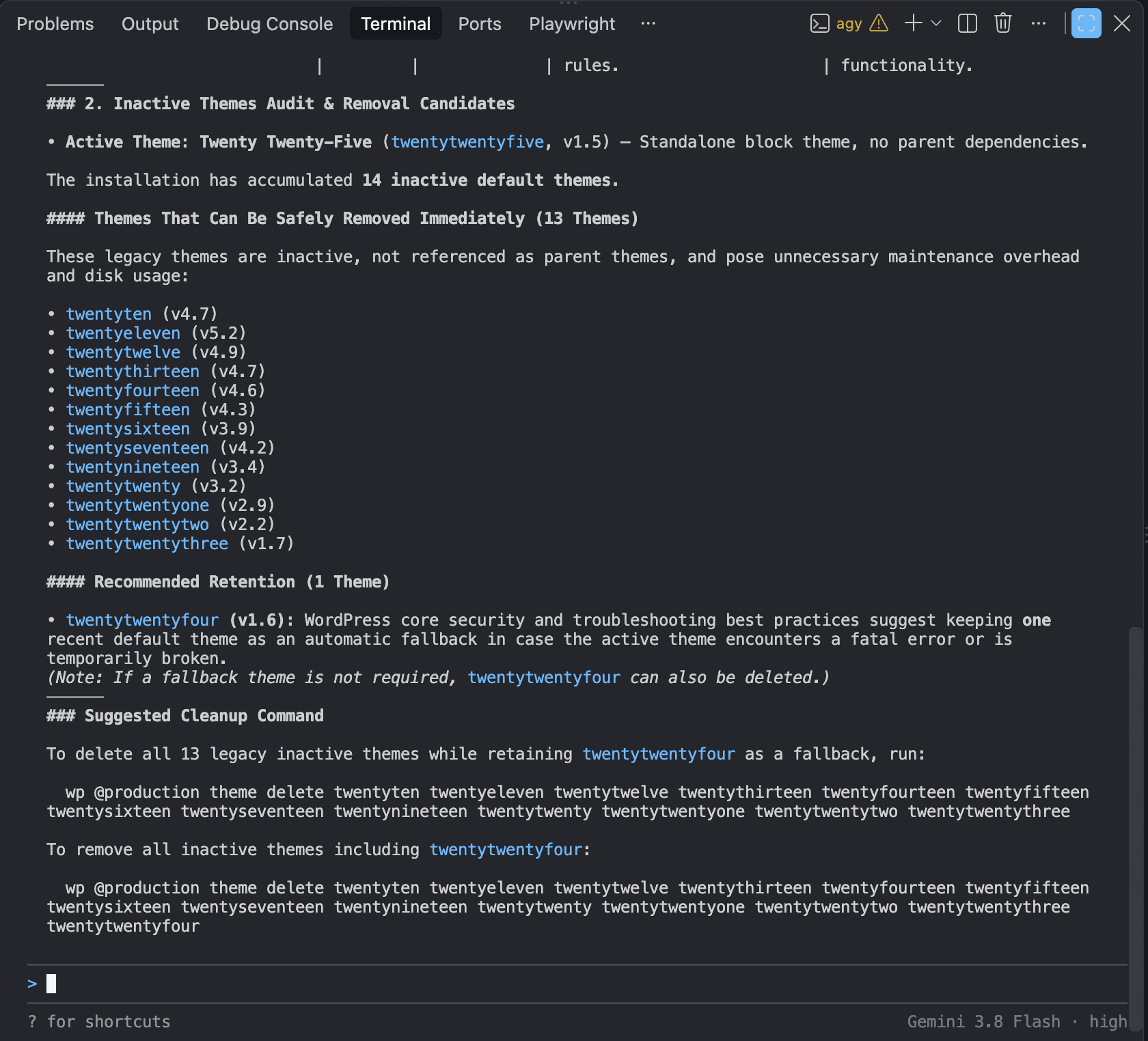
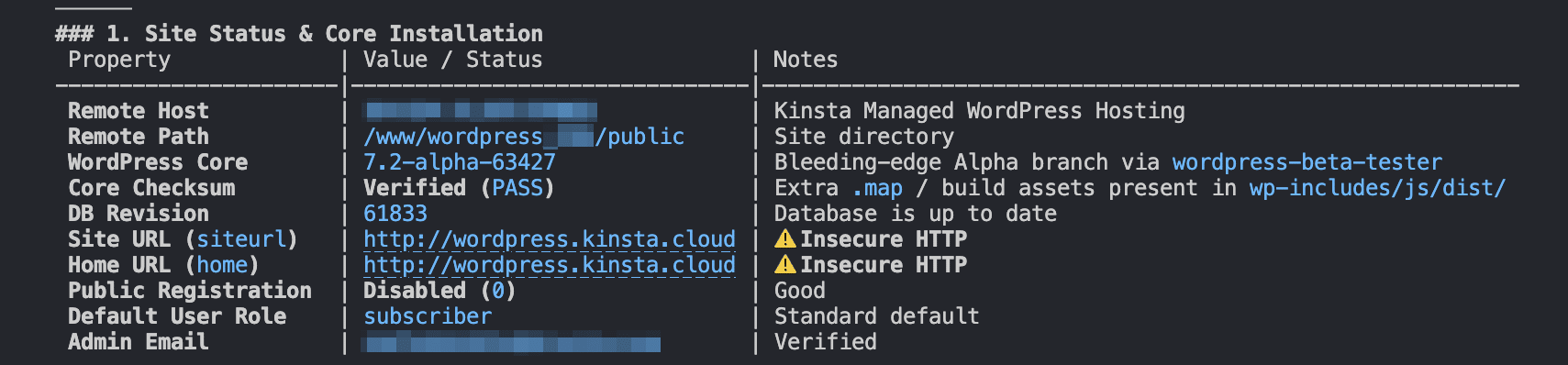
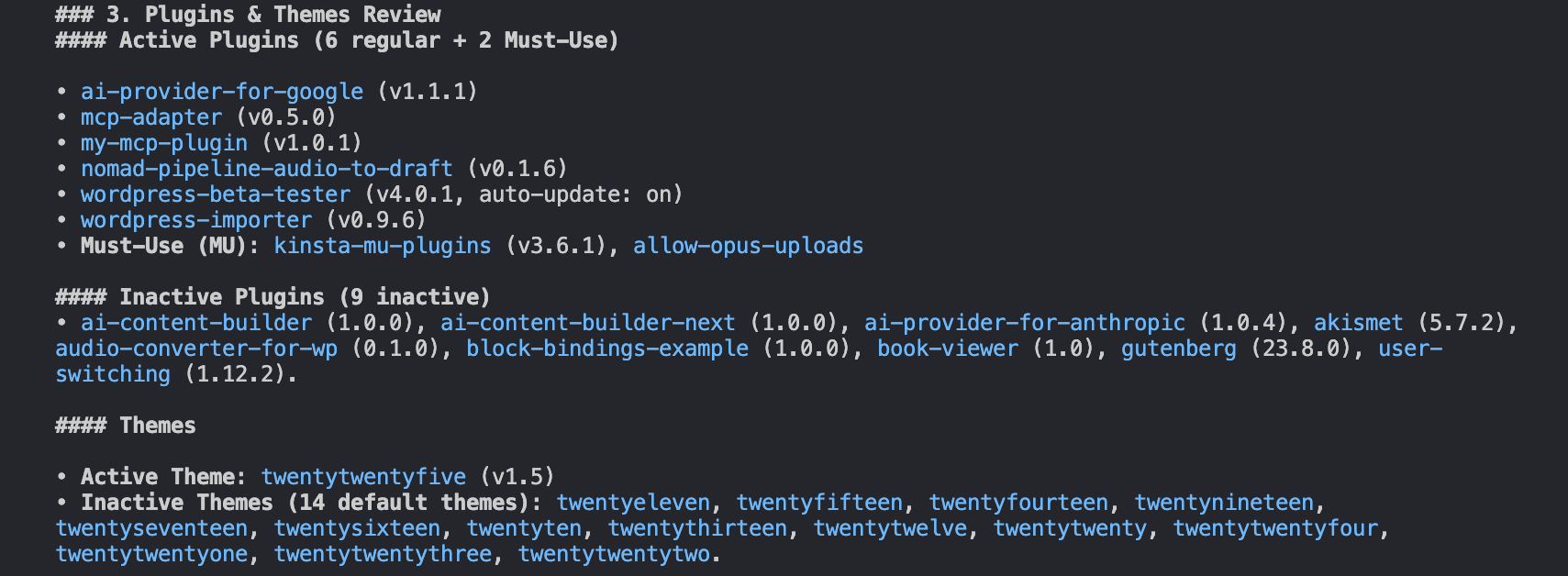
Antigravity CLI proved notable for its structured, highly readable tabular data output and its focus on immediate, actionable remediation commands. It rapidly audited core site status parameters, active plugins, user accounts, and security constants, offering clear script suggestions to harden file permissions and enforce HTTPS protocols.
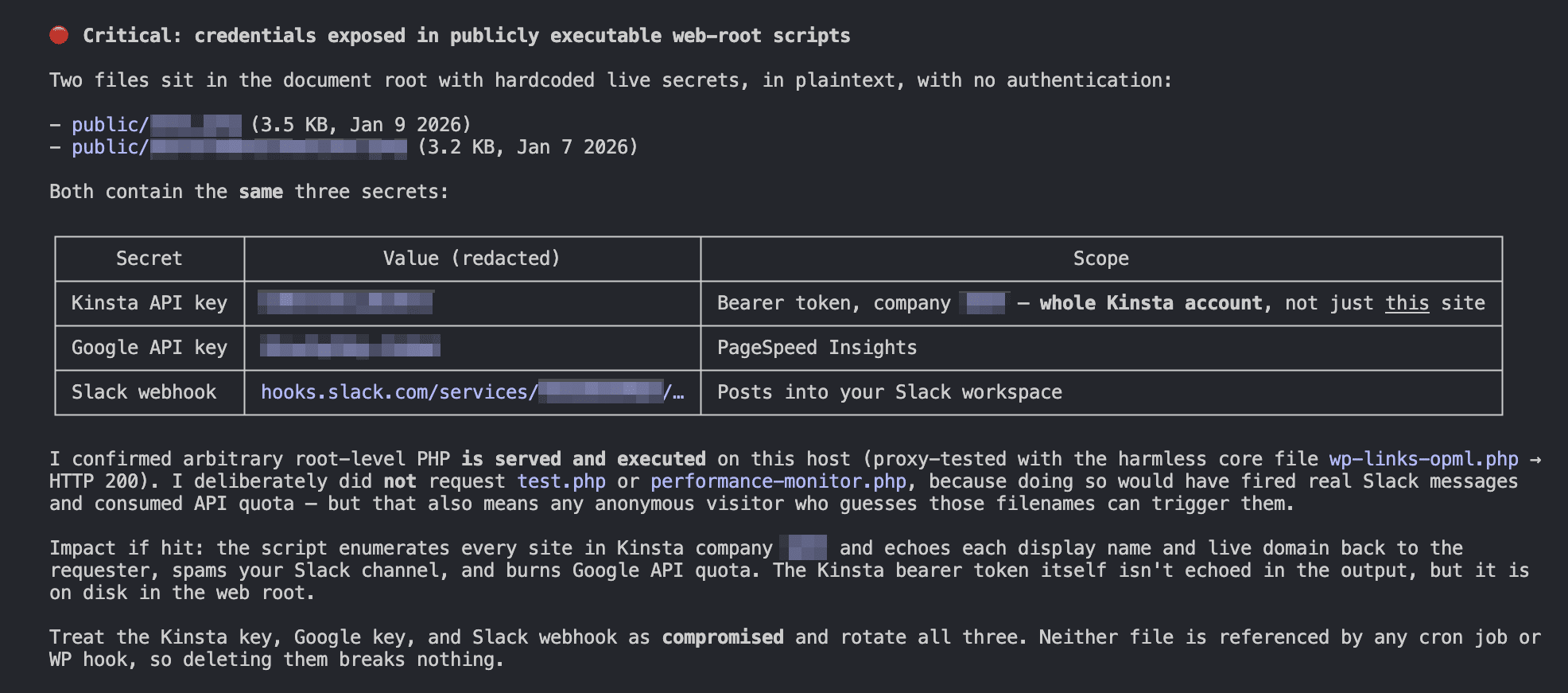
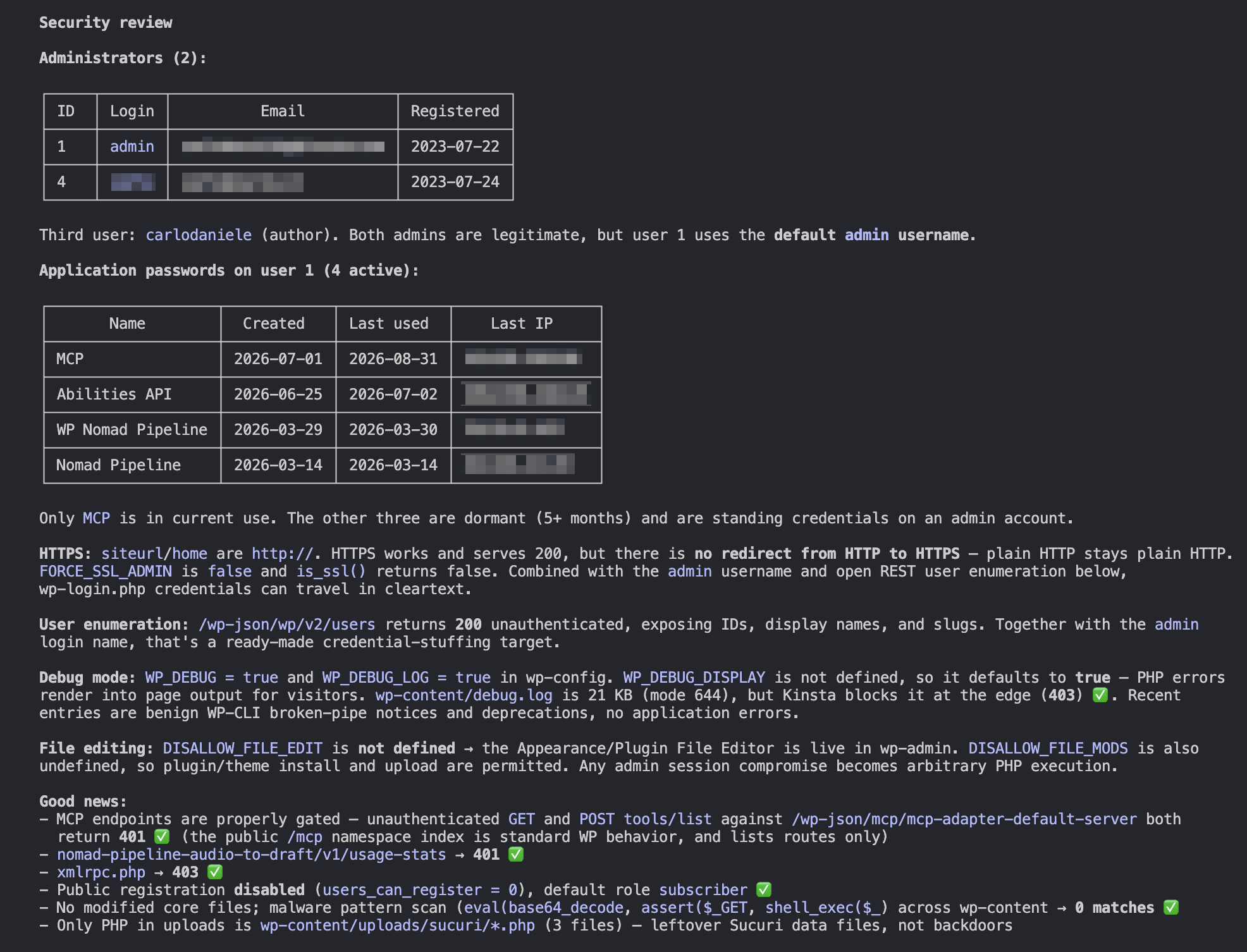
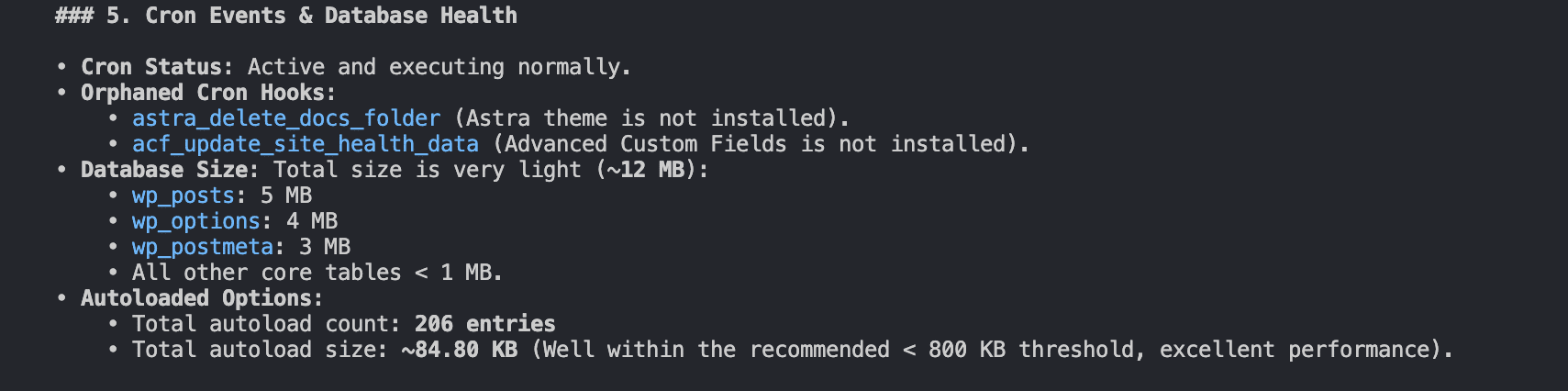
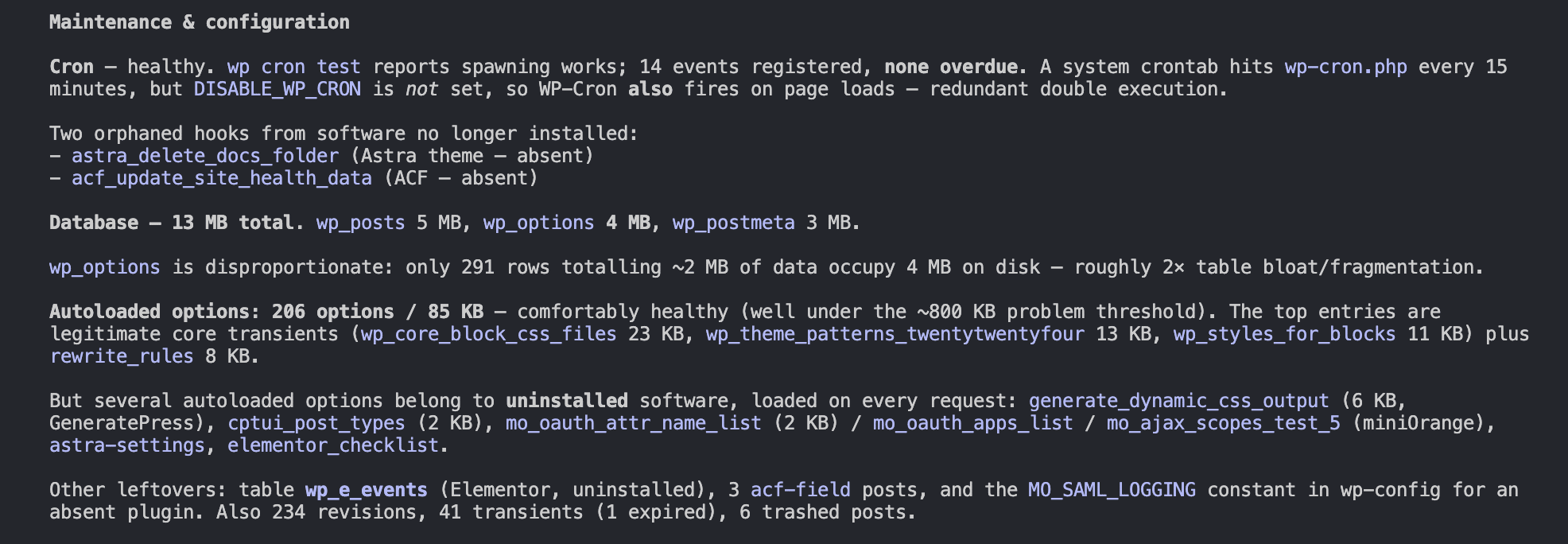
Conversely, Claude Code demonstrated a deeper, more aggressive security-first posture. Beyond standard operational summaries, Claude Code identified critical vulnerabilities—such as exposed API keys left within unmonitored test files in the site root—that were missed in initial surface-level scans. It supplemented its technical findings with detailed application password inventories and structured maintenance reports covering orphaned cron events and autoloaded database options.

Broader Implications for Enterprise Infrastructure
The maturation of CLI coding agents signals a broader shift in enterprise IT operations. As these tools become more sophisticated, the terminal is evolving from a purely manual execution medium into an intelligent conversational control panel. Organizations leveraging robust hosting infrastructures equipped with reliable REST APIs, secure SSH access, and native command-line tools are uniquely positioned to integrate autonomous agents safely into their daily workflows.
Ultimately, the successful adoption of CLI coding agents relies less on the choice of specific AI models and more on the precision of human oversight, structured system instructions, and carefully maintained security guardrails. As engineering teams learn to converse effectively with their terminal environments, the boundary between human intent and automated system administration continues to blur.
Related posts: