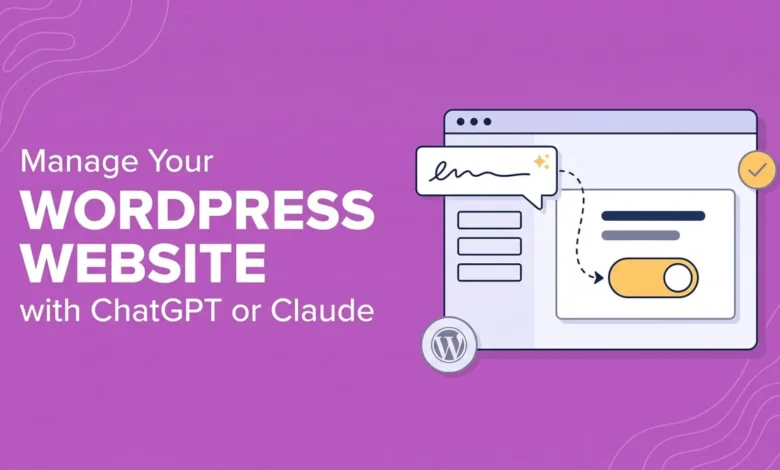
The landscape of website administration is undergoing a fundamental shift as artificial intelligence moves away from isolated chat interfaces and into direct administrative control over content management systems. The integration of advanced language models such as OpenAI’s ChatGPT and Anthropic’s Claude directly into WordPress environments represents a significant evolution in web management technology. Historically, webmasters relied on cumbersome copy-and-paste workflows or limited, single-purpose plugins that could generate text but remained incapable of touching underlying files, database configurations, or core management structures. Today, the advent of standardized integration protocols allows AI assistants to interact natively with a website’s backend, performing complex administrative tasks, audits, and content updates on command.
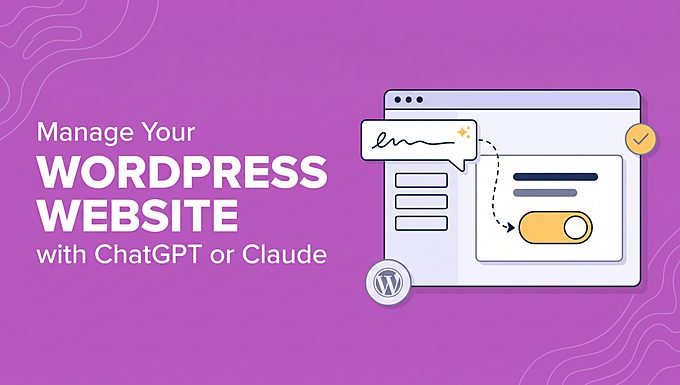
This technical transformation is largely made possible by the Model Context Protocol (MCP), an open standard developed to streamline how AI models connect to external data sources and developer tools. Rather than requiring bespoke, fragile custom connectors for every software application, MCP acts as a universal communication layer. In the context of WordPress, plugins such as WPVibe function as dedicated MCP servers, safely bridging the gap between external conversational interfaces and the restricted environment of a website’s dashboard. Industry analysts view this interoperability as a major milestone, moving AI from a novelty content writer into a fully operational digital assistant capable of executing multi-step technical workflows.
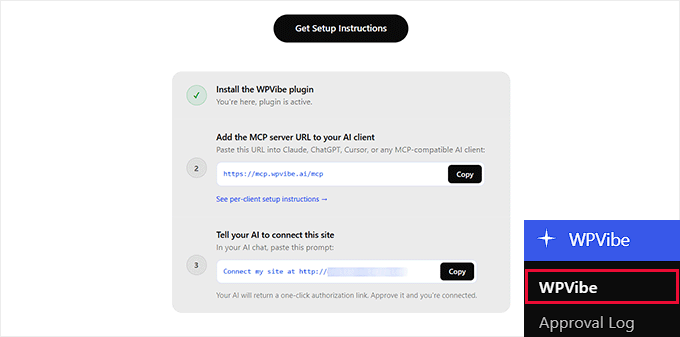
To understand how this technology operates in practice, recent testing of these AI-driven configurations reveals a high degree of functional autonomy. When connected to a live staging environment via an MCP server, models like Claude and ChatGPT can autonomously scan a website’s database, identify missing metadata, discover broken hyperlinks, locate outdated plugins, and flag underlying security configuration flaws within minutes. Rather than forcing administrators to manually navigate through dozens of dashboard screens, the conversational interface processes natural language commands, retrieves the relevant data through the MCP connection, and executes administrative directives—provided explicit authorization has been granted by the human operator.
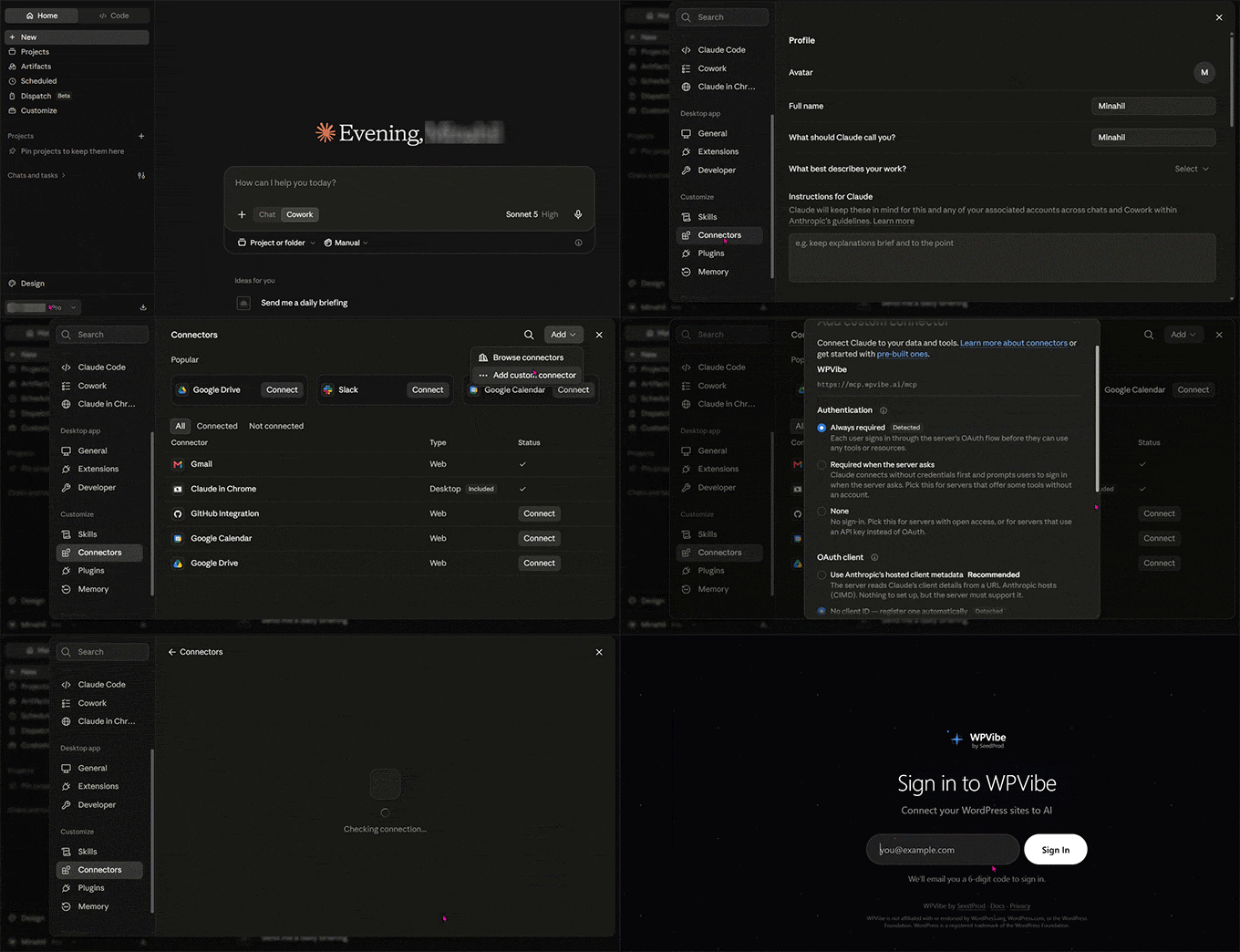
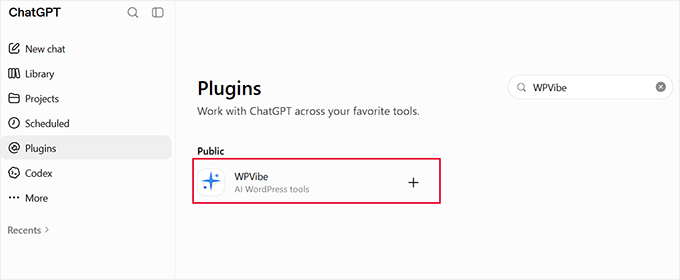
Setting up these integrations involves a systematic configuration process across both the WordPress dashboard and the preferred AI platform. For users of Anthropic’s Claude, administrators must install a compatible MCP server plugin, such as WPVibe, within their WordPress installation. This generates a unique server address and an authorization prompt. In the Claude settings panel, webmasters navigate to the connectors menu, establish a custom connector using the provided remote server URL, and complete a secure authentication sequence. ChatGPT requires a slightly different approach, utilizing its internal tool directory to locate and link the site integration, followed by pasting an authorization prompt to lock the connection to the specific conversation thread.
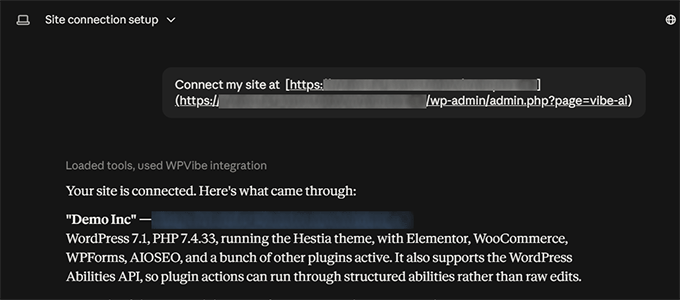
The practical applications of an AI-managed WordPress site extend across three primary operational pillars: content creation and editing, routine site maintenance, and comprehensive search engine optimization (SEO) management. In terms of content generation, conversational assistants can draft full-length blog posts, apply native block formatting, assign proper categories, and publish entries directly to the database without requiring manual text transfers. Furthermore, these tools can modify existing pages in real time, streamlining introductions, restructuring headings, and performing bulk media library updates such as generating descriptive alternative text for hundreds of unoptimized images simultaneously.
Website maintenance, traditionally a tedious chore prone to human oversight, also benefits significantly from direct AI integration. Routine operational checks—traditionally handled by a patchwork of separate diagnostic plugins—can be consolidated into a single conversational query. Site administrators can instruct the AI to cross-reference published URLs against live server responses, accurately isolating broken links and confirming 404 errors before they negatively impact user experience. Similarly, checking for vulnerable or outdated software, themes, and core files can be automated, allowing webmasters to maintain a secure digital posture with minimal friction across single or multi-site networks.
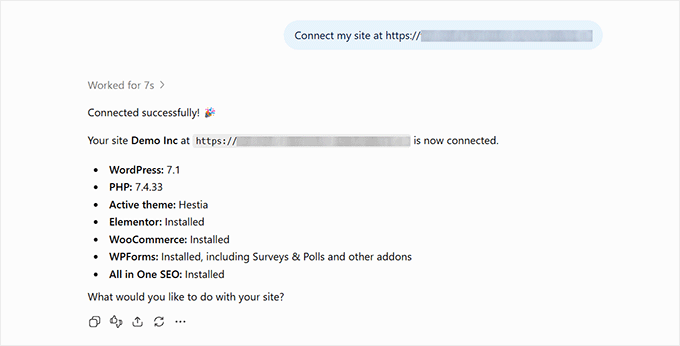
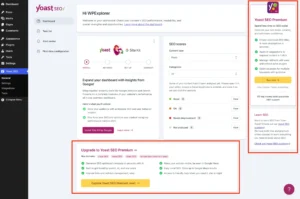
Search engine optimization represents perhaps the most impactful use case for AI-driven site management, particularly for content-heavy publications, e-commerce stores, and food blogs with hundreds of unoptimized pages. By integrating advanced SEO frameworks—such as All in One SEO (AIOSEO)—with the MCP server, the AI gains direct access to backend ranking metrics, sitemap configurations, and meta field editors. Instead of manually writing metadata for every individual post, administrators can execute site-wide audits, identify pages lacking focus keyphrases or descriptions, and command the AI to populate these crucial fields at scale, dramatically reducing the time required to maintain competitive search visibility.
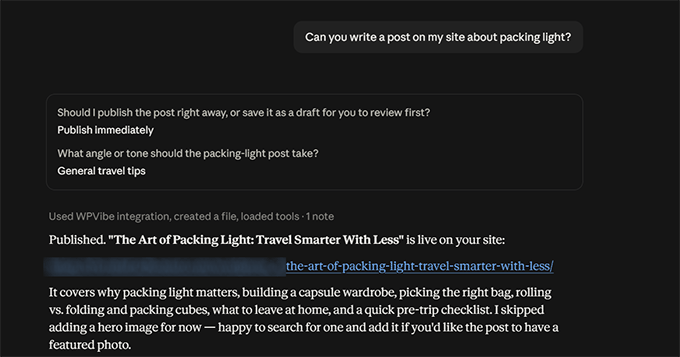
Despite the expansive capabilities of direct AI administration, industry security experts and developers emphasize the necessity of rigorous safety guardrails. Giving an external language model write access to a live production database introduces inherent operational risks, ranging from unintended mass deletions to configuration errors that could disrupt site accessibility. To mitigate these risks, modern MCP implementations rely on explicit permission protocols, requiring human approval for critical actions. Best practices recommended by platform developers include establishing regular, automated cloud backups, testing complex batch commands on a staging environment prior to live deployment, and restricting user access permissions to limit potential cascading failures.

Compatibility and cost considerations also play a vital role in the adoption of AI-driven WordPress management. While core MCP server plugins are typically free for standard operational limits—such as one hundred daily tool calls—heavy enterprise usage or bulk automated processing across thousands of pages generally requires premium subscription tiers. Furthermore, modern integration tools are engineered to recognize complex page builders like Elementor, Divi, and Bricks, ensuring that AI-generated modifications adhere to the custom save paths and structural frameworks of each specific builder rather than overwriting custom layouts. As the technology continues to mature, industry experts anticipate that conversational site administration will transition from an advanced developer technique into an indispensable standard for digital publishers worldwide.