How to Manage Your WordPress Site From Your Phone Using AI Assistants and Modern Mobile Tools

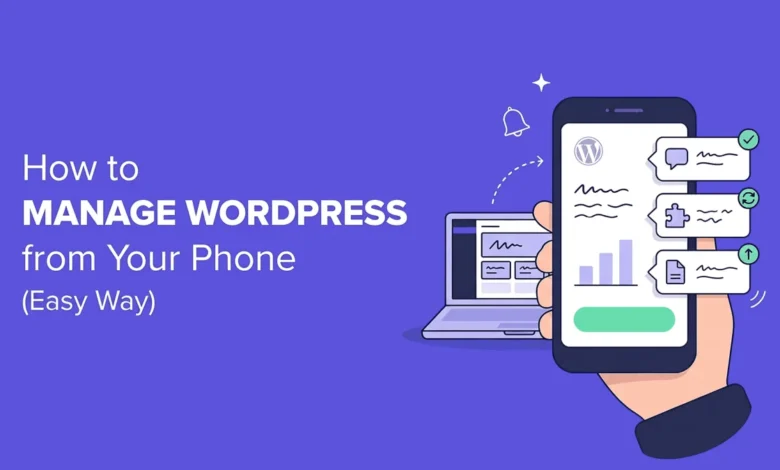
The proliferation of mobile-first content management has traditionally faced a significant bottleneck: performing administrative, architectural, and maintenance tasks on self-hosted websites from a smartphone screen. Historically, updating plugins, modifying core settings, or executing complex page edits away from a traditional desktop or laptop environment involved navigating cramped, unoptimized browser interfaces or relying on rigid companion mobile applications with limited functionality. However, recent developments in artificial intelligence integration—specifically the convergence of Model Context Protocol (MCP) servers with conversational AI assistants like Anthropic’s Claude and OpenAI’s ChatGPT—have fundamentally shifted the paradigm of remote website administration.
The Evolution of Mobile Content Management
For over two decades, managing a WordPress-powered website meant maintaining physical access to a personal computer or enduring the friction of standard mobile browsers. While the open-source community introduced official mobile applications for iOS and Android, these tools
were purposefully restricted. They excelled primarily at surface-level interactions: drafting blog posts, uploading media files, and moderating reader comments. Tasks requiring deep backend interaction—such as diagnosing plugin compatibility issues, updating security suites, or adjusting site-wide configurations—remained difficult, if not impossible, on smaller screens.
The introduction of MCP-based plugins, such as WPVibe, bridges this structural gap. By establishing secure, authorized connections between conversational AI applications and self-hosted WordPress installations, website administrators can now execute complex operational commands using plain, conversational English directly from their mobile devices.
Capabilities and Limitations: What Mobile Management Can and Cannot Achieve
Understanding the boundaries of mobile site administration is essential for maintaining operational security and workflow efficiency. While modern AI integrations and native applications significantly expand what can be achieved away from a desk, they do not entirely replace traditional desktop environments.
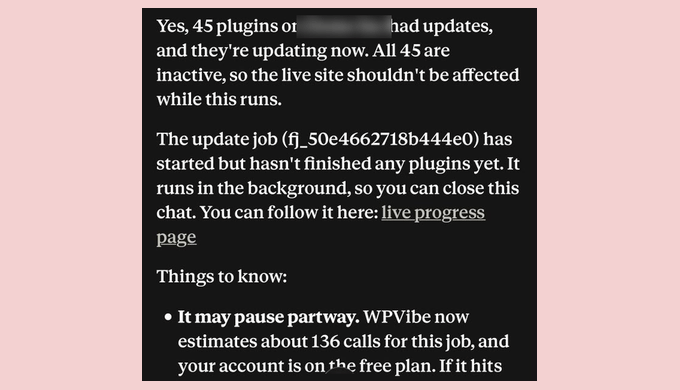
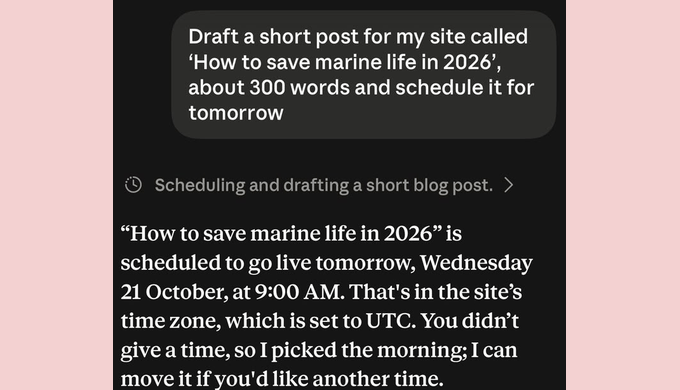
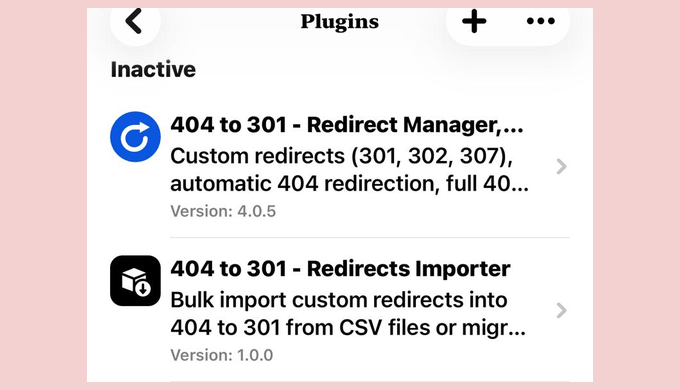
Administrators utilizing mobile AI assistants can effectively handle routine maintenance and rapid content updates. These tasks include checking and executing plugin updates, diagnosing site health issues, editing existing text on published pages, redirecting hyperlinks, drafting and scheduling new content, and reviewing pending user comments or pingbacks.
Conversely, substantial site development—such as building complex site architectures from scratch, designing custom layouts via advanced page builders like Elementor on cramped viewports, or executing major theme overhauls—remains impractical on mobile devices. Furthermore, free-tier limitations on AI platforms and API call quotas mean that heavy, multi-layered maintenance operations must be managed strategically.
Step-by-Step Implementation: Integrating Claude and WPVibe
Deploying an AI-assisted mobile management workflow requires a one-time configuration process. This architecture relies on self-hosted WordPress requirements or paid WordPress.com plans that permit third-party plugin installations.
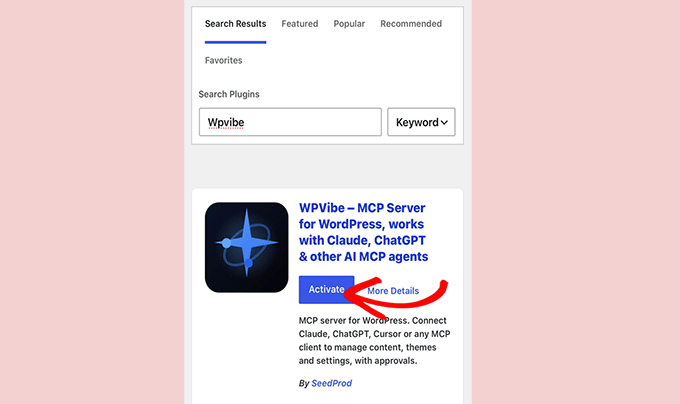
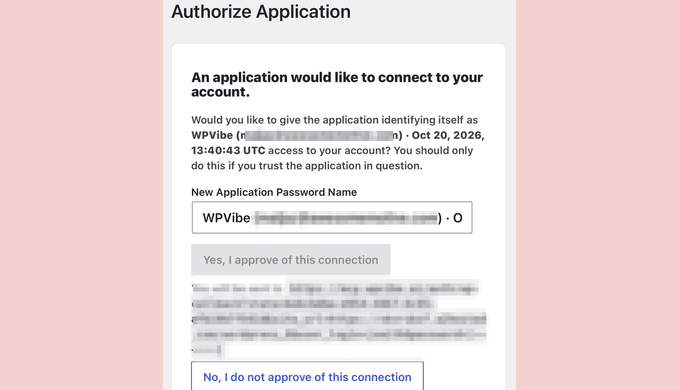
The integration process begins within the WordPress dashboard via a mobile browser by navigating to the plugin installation directory and activating WPVibe. Upon activation, WordPress generates a secure Application Password. This cryptographic key allows the site to communicate with external applications without exposing the administrator’s primary login credentials.
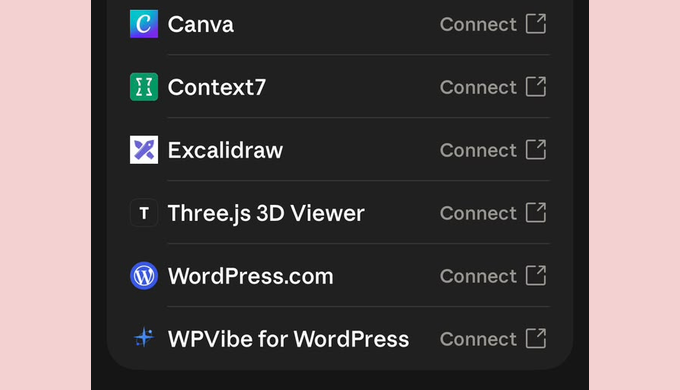
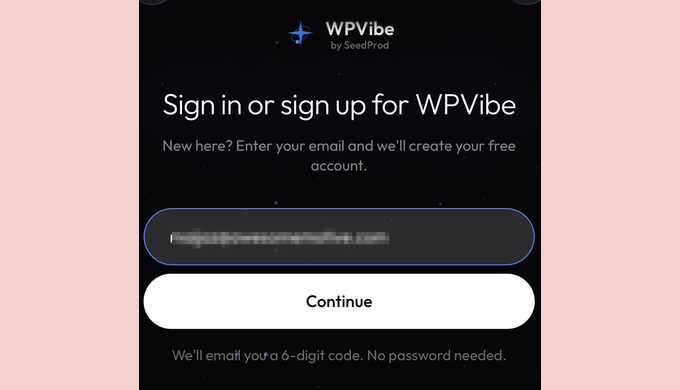
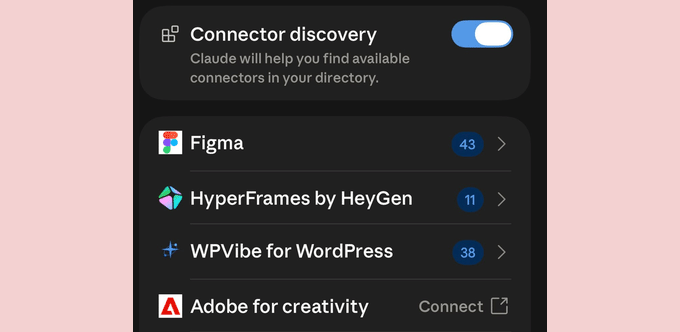
Next, administrators configure the assistant application—such as Claude—by accessing the connector directory within the application settings. By locating the WPVibe connector, verifying user credentials via a secure email confirmation code, and completing the handshake protocol, the mobile chat interface gains authorized access to the website’s backend infrastructure.
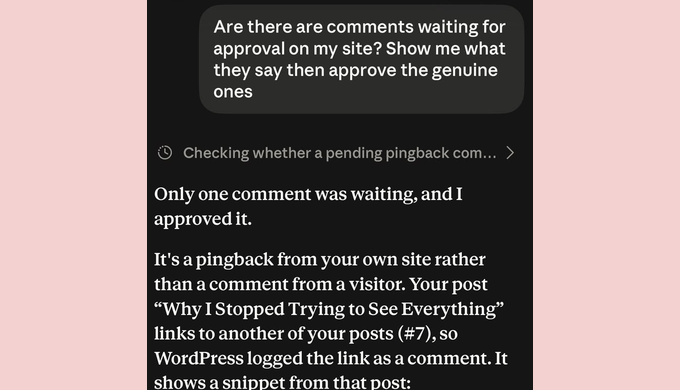
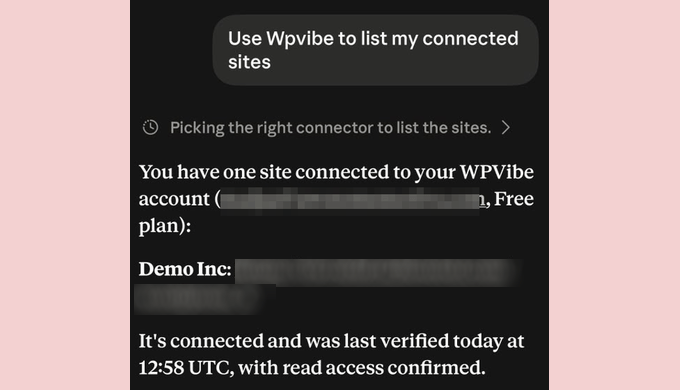
Once configured, simple natural language prompts—such as requesting a site health audit or checking for available plugin updates—allow the AI to query the site via its REST API and execute authorized administrative tasks.
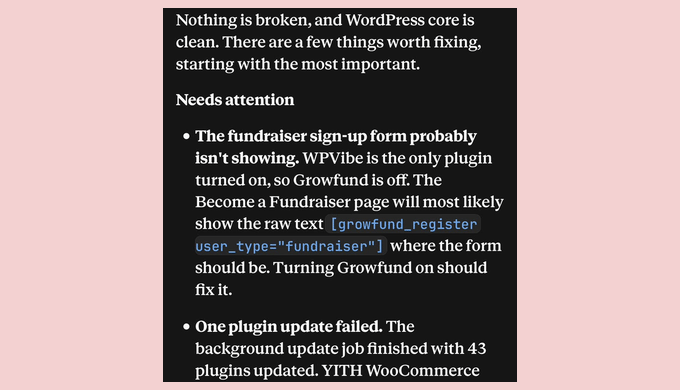
Security Architecture and Authorization Protocols
Granting artificial intelligence agents access to administrative web infrastructure introduces distinct security considerations. To mitigate potential risks, modern MCP integrations incorporate multi-layered authorization frameworks.
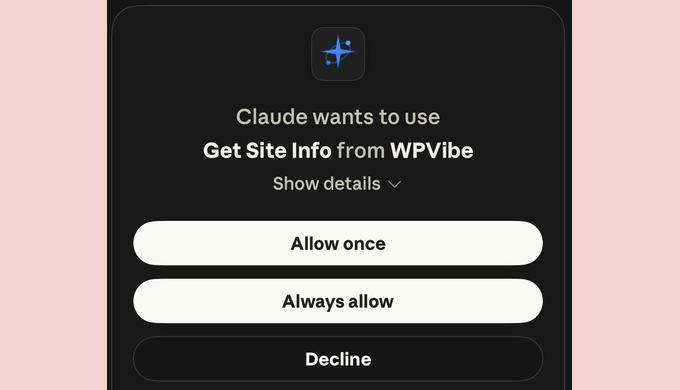
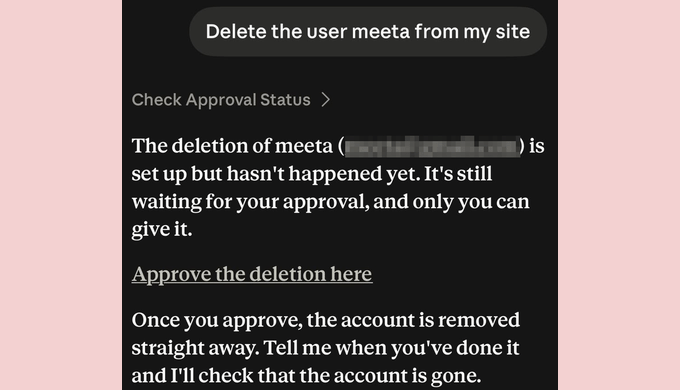
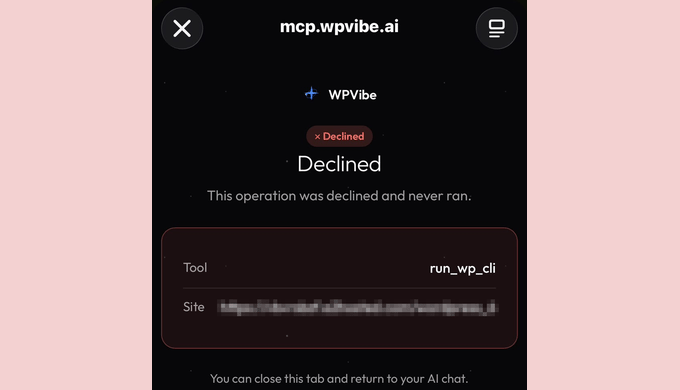
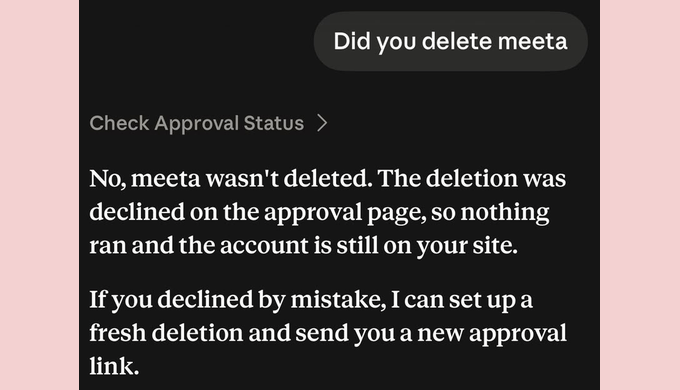
When executing standard, reversible operations—such as retrieving data, drafting posts, or checking site status—the AI operates within pre-approved parameters. However, destructive or irreversible actions, such as deleting user accounts or modifying core database structures, trigger a secondary validation safeguard. Rather than executing the command immediately, the AI generates a dedicated approval URL. Administrators must manually open this cryptographic link in a browser, review the precise tool call and target URL, and explicitly approve or decline the action.
Additionally, standard security hygiene remains paramount. Administrators must enforce device-level security measures, including biometric authentication (Face ID or fingerprint recognition), implement robust two-factor authentication (2FA) for all WordPress user accounts, and maintain off-site data backups prior to executing bulk software updates. In the event of a lost or compromised mobile device, administrators can instantly revoke access by deleting the generated Application Password directly from the WordPress user profile screen.
Alternative Mobile Administration Frameworks
While AI-driven conversational management represents a significant technological leap, administrators can choose from several alternative pathways depending on their operational requirements.
The official WordPress mobile application remains a reliable, free option for decentralized content creation. Optimized for iOS and Android, it provides a streamlined environment for writing, editing, and publishing posts on the go. However, its lack of plugin management and advanced settings panels limits its utility for comprehensive site maintenance.

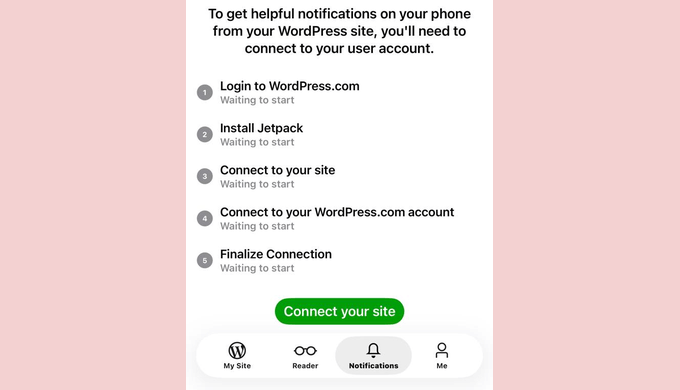
The Jetpack mobile application expands upon basic content management by incorporating real-time site statistics, push notifications, and access to the WordPress Reader network. While powerful, these features require an active connection to a WordPress.com account and the installation of the Jetpack plugin suite.
Finally, traditional mobile browser navigation provides unhindered access to the complete wp-admin dashboard. While this method guarantees access to every native feature and third-party tool, viewports on smaller mobile screens often render complex administration panels and visual builders cumbersome to operate.
Implications for the Future of Web Administration
The integration of conversational artificial intelligence into mobile content management workflows signifies a broader industry shift toward headless, API-driven administration. By abstracting complex backend operations into natural language commands, solo entrepreneurs, small business owners, and enterprise content teams can maintain operational continuity regardless of their physical location or access to traditional computing hardware. As API protocols mature and AI agent reliability improves, mobile device management is poised to transition from a secondary fallback option into a primary administrative standard for modern digital publishing.