Navigating the Evolving Landscape of Online Sales: Top Sellfy Alternatives for Creators and Small Businesses in 2026


Sellfy has long been a go-to platform for creators and small businesses seeking a straightforward method to market digital products, subscriptions, and basic merchandise online. Its integrated design and user-friendly tools address a specific need in the market. However, as businesses mature and their e-commerce requirements become more sophisticated, particularly concerning site design and scalability, Sellfy’s inherent limitations can become apparent. For many users in 2026, the pursuit of enhanced customization, greater scalability, and more competitive fee structures necessitates exploring a broader spectrum of e-commerce solutions. This analysis delves into leading alternatives to Sellfy, evaluating their capabilities in e-commerce functionality, integration breadth, and design flexibility.
The following breakdown is based on extensive research and hands-on testing of each platform, with a comparative focus on pricing, feature sets, advantages, disadvantages, and overall user experience.
| Platform | Starting Price (USD) | Best For |
|---|---|---|
| Shopify | $5 – $39/month | Full-featured e-commerce businesses |
| Wix | $29/month | Quick launch with custom design |
| Squarespace | $16 – $99/month | Creative brands and portfolios |
| WooCommerce | Free (plus hosting) | SEO-focused sellers on WordPress |
| Podia | $39 – $89/month | All-in-one creator businesses |
| Gumroad | 10% fee per sale | Fast, no-fuss digital selling |
| Payhip | Free – $99/month | Transparent pricing, small teams |
| Ko-fi | Free – $12/month | Fan support and lightweight shops |
| Fourthwall | Free – $19/month | Merch + digital for creators |
| Teachable | $39+/month | Course-first sellers |
| Big Cartel | Free – $30/month | Small catalogs, artist shops |
Shopify: The Premier E-commerce Powerhouse
Starting price: $5 per month (Starter plan), $39 per month (Basic, billed annually)
AI features: Yes – Shopify Sidekick (AI assistant), AI-generated product descriptions
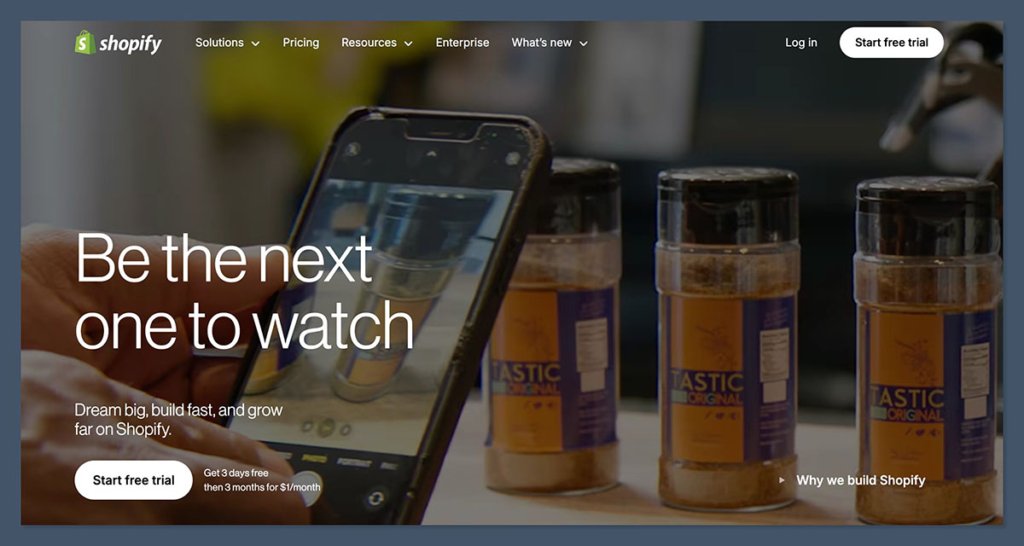
Shopify stands as the undisputed leader in e-commerce platforms for businesses of all sizes aiming to sell products online. Its comprehensive suite of sales tools makes it exceptionally well-suited for both independent creators and rapidly scaling brands. While its site editor may not possess the immediate intuitive appeal of some all-in-one builders, Shopify’s unwavering focus on performance optimization, robust inventory management, and a seamless checkout experience solidifies its position as the premier platform for online sales.
Recent advancements have seen the integration of AI capabilities, exemplified by Shopify Sidekick. This AI assistant has demonstrated remarkable efficacy in streamlining the setup process for new storefronts. Users have reported that Sidekick can suggest effective layouts, generate compelling product descriptions, and even propose discount strategies, functioning more as a strategic partner than a mere tool. This integration significantly reduces the time and technical expertise required to establish a professional online presence.
Pros:
- Scalability: Unmatched ability to grow with businesses from startup to enterprise level.
- Robust Features: Extensive built-in e-commerce tools including inventory management, shipping, taxes, and marketing.
- App Store: A vast ecosystem of third-party apps for extended functionality.
- AI Integration: Shopify Sidekick enhances content creation, automation, and customer support.
- Security: Highly secure platform with PCI compliance.
Cons:
- Transaction Fees: While tiered plans exist, additional fees can apply depending on the payment gateway.
- Learning Curve: Can be more complex for absolute beginners compared to simpler builders.
- Cost: Higher monthly fees and app costs can add up for small businesses.
Recent Shopify Updates and Features:

- Shopify Sidekick: AI-powered assistant for content creation, store setup, and customer service.
- Enhanced POS System: Improved in-person selling capabilities for omnichannel businesses.
- Global Expansion Tools: Enhanced features for international selling, including localized pricing and duties.
- New Theme Architectures: More flexible and performant theme options for advanced customization.
How Much Does Shopify Cost?
Shopify offers a tiered pricing structure to accommodate different business needs:
- Starter Plan: $5/month (for social selling, product links)
- Basic Shopify: $39/month (billed annually, for new businesses)
- Shopify: $105/month (billed annually, for growing businesses)
- Advanced Shopify: $399/month (billed annually, for scaling businesses)
Additional costs may include transaction fees, app subscriptions, and premium themes.
Why Use Shopify in 2026?
Shopify continues to dominate the market due to its powerful e-commerce-centric features, secure infrastructure, and inherent scalability. Unlike simpler website builders, Shopify provides comprehensive solutions for advanced shipping rules, international taxation, and abandoned cart recovery without the reliance on numerous third-party plugins. The introduction of Shopify Sidekick further streamlines operations, assisting with content generation, automation, and customer support, which is invaluable for solo entrepreneurs and small teams managing complex workflows. For businesses prioritizing e-commerce growth over mere website launch, Shopify offers the necessary tools and flexibility to scale confidently, whether selling digital downloads, print-on-demand items, or an extensive product catalog.
Shopify is suitable for:
- Businesses of all sizes seeking a dedicated e-commerce solution.
- Those planning significant growth and requiring robust scalability.
- Sellers needing advanced features like detailed inventory, shipping, and tax management.
- Brands aiming for a professional, high-converting online store.
Shopify isn’t suitable for:
- Individuals or businesses with very limited budgets and simple product offerings.
- Users who prioritize extreme simplicity and minimal features over comprehensive functionality.
Wix: Visual Design Meets E-commerce Functionality
Starting price: $29 per month (e-commerce plans)
AI tools: Yes – Wix ADI, AI image/text generation, Astro AI assistant
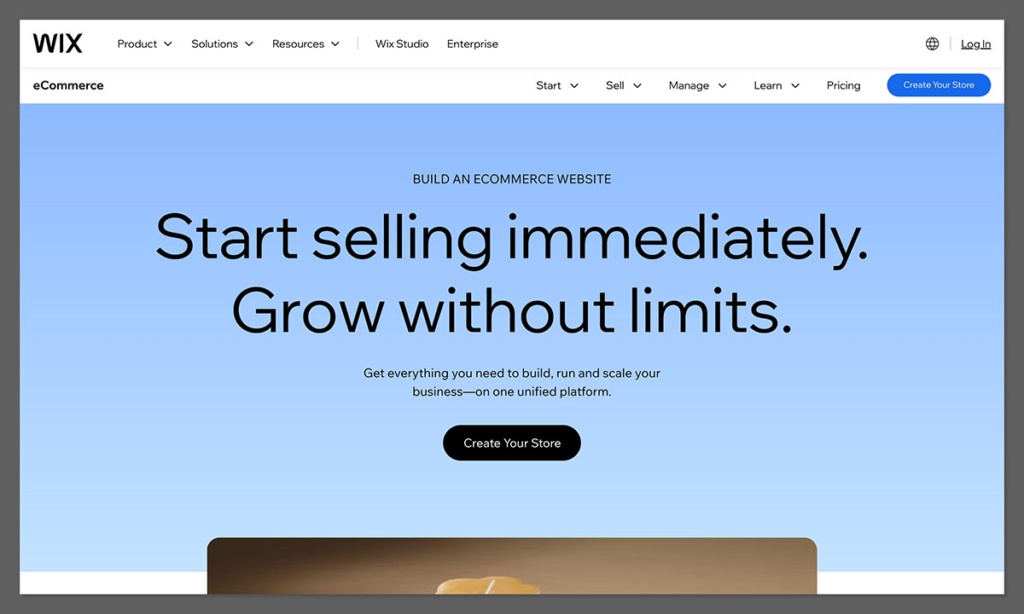
Wix emerges as one of the most accessible and design-flexible e-commerce builders available today, making it an excellent choice for sellers prioritizing a visually appealing website that can be launched rapidly without requiring coding expertise. Wix integrates built-in marketing tools, basic automation capabilities, and e-commerce functionalities that are particularly effective for smaller-scale retail operations.
The platform’s AI builder, when utilized for setting up a storefront for digital templates, proved remarkably efficient. It quickly generated a tailored layout complete with product pages, a checkout system, and email opt-in flows. Subsequent customization was easily managed through its intuitive drag-and-drop editor, allowing for granular control over the site’s appearance and user experience.
Pros:
- User-Friendly Interface: Drag-and-drop editor is highly intuitive for beginners.
- Design Flexibility: Offers extensive design customization options and a vast template library.
- All-in-One Solution: Integrates website building, e-commerce, marketing, and CRM tools.
- AI Features: Wix ADI and other AI tools simplify site creation and content generation.
- App Market: A decent selection of apps to extend functionality.
Cons:
- Scalability Limitations: May not be ideal for extremely large product catalogs or complex international sales.
- SEO Concerns: While improved, historically had some limitations compared to platforms built with SEO as a primary focus.
- Template Lock-in: Once a template is chosen, switching to another can be challenging.
How Much Does Wix Cost?
Wix offers several e-commerce plans:
- Business Basic: $27/month (billed annually)
- Business Unlimited: $32/month (billed annually)
- Business VIP: $59/month (billed annually)
These plans include varying levels of storage, bandwidth, and e-commerce features.
Why Use Wix in 2026?
Wix successfully consolidates website design, e-commerce capabilities, and marketing tools into a single, cohesive platform. It is a leading choice for creators, small brands, and boutique stores that aim to establish a strong, visually polished online presence. While it might not be the optimal solution for managing massive product inventories or intricate operational workflows, its strengths lie in its simplicity, aesthetic appeal, and ease of use.
Wix is suitable for:
- Small to medium-sized businesses and creators prioritizing visual appeal.
- Users who want to build and launch a professional-looking website quickly.
- Those who appreciate an all-in-one solution for design, sales, and marketing.
Wix isn’t suitable for:
- Large enterprises with complex, high-volume e-commerce needs.
- Users who require deep customization beyond what the drag-and-drop editor and apps offer.
Squarespace: Design Excellence for Creative Brands
Starting price: $25/month (monthly), $16/month (annual billing)
AI features: Yes – Squarespace Blueprint and AI content tools
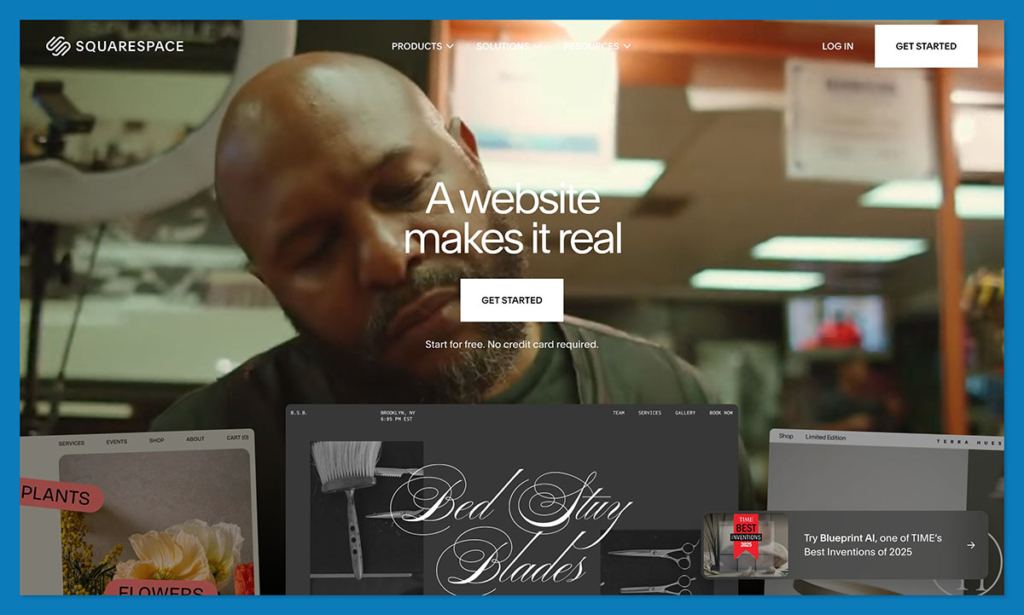
Squarespace is renowned for its aesthetically stunning templates and exceptionally smooth editing experience. It is the platform of choice for designers, artists, and premium brands looking to showcase their products and establish a sophisticated, high-end online storefront. Squarespace accommodates digital downloads, subscriptions, and physical products with minimal setup required, making it an attractive option for visually driven businesses.
During the testing phase, building a portfolio-style store on Squarespace highlighted the platform’s template-driven approach. The templates provided a strong foundation, requiring only content swaps and minor section adjustments to achieve a polished, professional result from the outset. The integration of AI tools, such as Squarespace Blueprint, further simplifies the design process, allowing for rapid creation of unique and functional website structures.
Pros:
- Stunning Templates: Industry-leading, award-winning design templates.
- Ease of Use: Intuitive interface and robust content management system.
- Integrated Features: Includes blogging, portfolio, and marketing tools.
- AI Design Assistance: Squarespace Blueprint and AI content tools aid in creation.
- Good for Visual Products: Ideal for art, photography, fashion, and design-related goods.
Cons:
- Less E-commerce Focused: Lacks some of the advanced e-commerce specific features found on platforms like Shopify.
- Limited App Store: A smaller selection of third-party integrations compared to competitors.
- Pricing: Can be more expensive than some basic alternatives, especially without annual billing.
How Much Does Squarespace Cost?
Squarespace offers various plans catering to different needs:
- Personal: $25/month (billed annually)
- Business: $33/month (billed annually)
- Basic Commerce: $36/month (billed annually)
- Advanced Commerce: $52/month (billed annually)
E-commerce specific features are more prominent in the Commerce plans.
Why Use Squarespace in 2026?
Squarespace excels when design is the paramount consideration. It empowers users to create modern, professional online stores without the necessity of hiring a dedicated designer. For individuals and businesses selling digital goods, print media, art, or any visually oriented product, Squarespace provides the essential visual edge needed to stand out in the competitive online marketplace. The ongoing development of AI-powered design tools and content generation further enhances its appeal for creative entrepreneurs.
Squarespace is suitable for:
- Creative professionals, artists, designers, and photographers.
- Brands that prioritize a high-end aesthetic and user experience.
- Businesses selling visual products, portfolios, or premium services.
Squarespace isn’t suitable for:
- Businesses requiring highly advanced e-commerce functionalities or extensive third-party integrations.
- Users who need a deeply customizable backend for complex operations.
WooCommerce: The WordPress E-commerce Powerhouse
Starting price: Free plugin, hosting from ~$20/month
AI features: No native AI tools
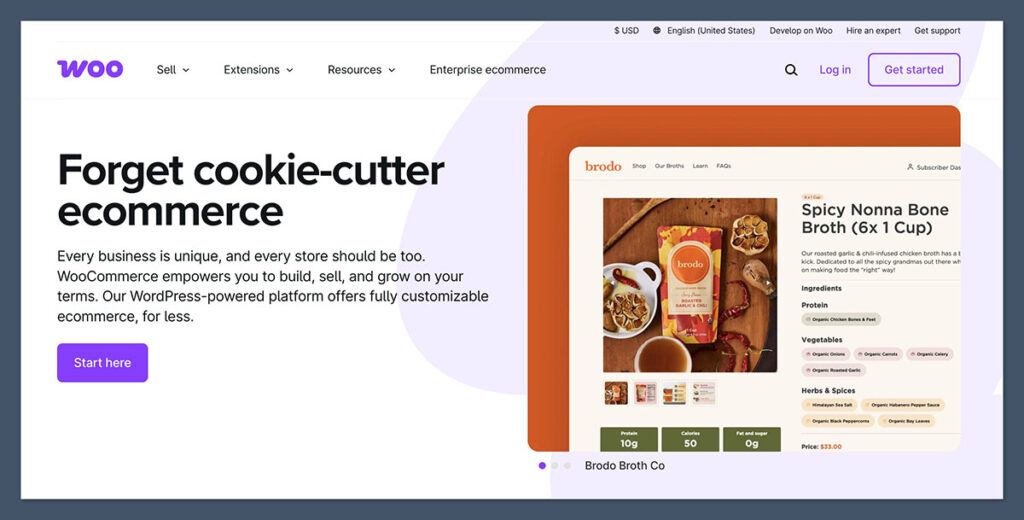
WooCommerce, a flexible e-commerce plugin for WordPress, grants users complete control over their store’s design, performance, and search engine optimization (SEO). It is particularly well-suited for sellers who are already integrated with the WordPress ecosystem or wish to synergize e-commerce operations with content marketing and blogging.
Integrating WooCommerce onto an existing WordPress blog proved to be a smooth transition. However, it was noted that the installation of additional plugins was necessary to enable digital delivery and payment processing. When paired with appropriate hosting and a well-chosen theme, WooCommerce transforms into a formidable e-commerce solution, offering unparalleled customization and control.
Pros:
- Open-Source & Flexible: Complete control over code and functionality.
- SEO Friendly: Integrates seamlessly with WordPress’s strong SEO capabilities.
- Vast Plugin Ecosystem: Thousands of plugins available for extended features.
- Cost-Effective: Free plugin, with costs primarily related to hosting and premium extensions.
- Scalable: Can handle large inventories and high traffic volumes with proper setup.
Cons:
- Steeper Learning Curve: Requires more technical knowledge for setup and maintenance.
- Reliance on Plugins: Essential features may require purchasing additional plugins.
- Self-Hosted: Users are responsible for hosting, security, and updates.
- No Native AI: Lacks integrated AI assistants found in newer platforms.
How Much Does WooCommerce Cost?
WooCommerce itself is a free plugin. The primary costs associated with running a WooCommerce store include:
- Domain Name: ~$10-20/year
- Web Hosting: ~$5-50+/month (depending on provider and plan)
- Premium Themes: ~$30-100 (one-time)
- Premium Extensions: Variable costs, often monthly or annual subscriptions.
Why Use WooCommerce?
WooCommerce presents itself as the ideal Sellfy alternative for individuals already proficient with WordPress, seeking greater flexibility and control. It is particularly advantageous for content-centric sellers or those aiming to optimize their online presence for organic search traffic. While it necessitates a more involved setup process than all-in-one platforms, it offers unparalleled command over functionality and performance, making it a robust choice for technically inclined users.
WooCommerce is suitable for:
- Existing WordPress users who want to add e-commerce capabilities.
- Sellers focused on content marketing and SEO.
- Businesses requiring extensive customization and control over their store.
- Users comfortable with managing their own hosting and website maintenance.
WooCommerce isn’t suitable for:
- Absolute beginners with no prior website management experience.
- Users who prefer a fully managed, all-in-one solution with minimal technical overhead.
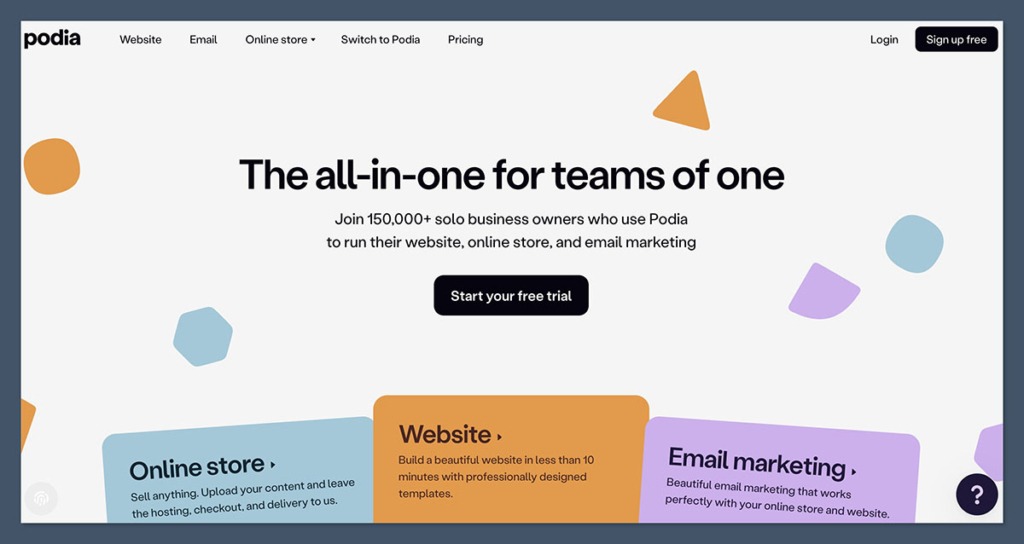
Podia: The Creator’s All-in-One Hub
Starting price: $39/month (5% fee), $89/month (0% fee)
AI tools: No AI assistant, but intuitive UI
Podia is meticulously designed for creators, catering to coaches, online course instructors, and digital product vendors. It seamlessly integrates storefront functionality, email marketing, membership management, and content hosting within a single, streamlined interface. For businesses whose core operations revolve around digital products and audience engagement, Podia represents a highly effective alternative to Sellfy.
The process of setting up an online course within Podia was notably efficient. The platform comprehensively handles lesson uploads, customer payments, and drip content delivery without the need for supplementary tools or plugins, simplifying the entire course creation and sales lifecycle.
Pros:
- All-in-One Platform: Bundles courses, digital downloads, memberships, and email marketing.
- User-Friendly: Simple and intuitive interface for creators.
- No Transaction Fees on Higher Plans: Offers 0% transaction fees on its higher-tier plans.
- Built-in Community Features: Facilitates engagement with audiences.
- Excellent for Digital Products: Optimized for selling courses and downloadable content.
Cons:
- Limited Design Customization: Less design flexibility compared to dedicated website builders.
- No Advanced E-commerce Features: Lacks features like complex discount codes or advanced shipping for physical products.
- Higher Starting Price: The entry-level plan is priced higher than some competitors.
How Much Does Podia Cost?
Podia offers a clear, tiered pricing structure:
- Mover: $39/month (billed annually, 5% transaction fee)
- Shaker: $89/month (billed annually, 0% transaction fees)
- EarthQuaker: $199/month (billed annually, 0% transaction fees)
A free plan is also available with limitations on features and a higher transaction fee.
Why Use Podia in 2026?
Podia consolidates the essential tools that most creators require, eliminating the need to manage separate platforms for courses, email marketing, and storefronts. For content-first businesses, Podia offers a more streamlined and efficient experience than Sellfy, enhanced by superior customer engagement and marketing tools. Its integrated approach simplifies operations and improves the overall customer journey.
Podia is suitable for:
- Online course creators, coaches, and educators.
- Digital product sellers looking for an integrated platform.
- Creators focused on building membership communities.
- Those who value a simple, all-in-one solution for their content business.
Podia isn’t suitable for:
- Businesses primarily selling physical products with complex inventory needs.
- Users who require extensive website design customization.
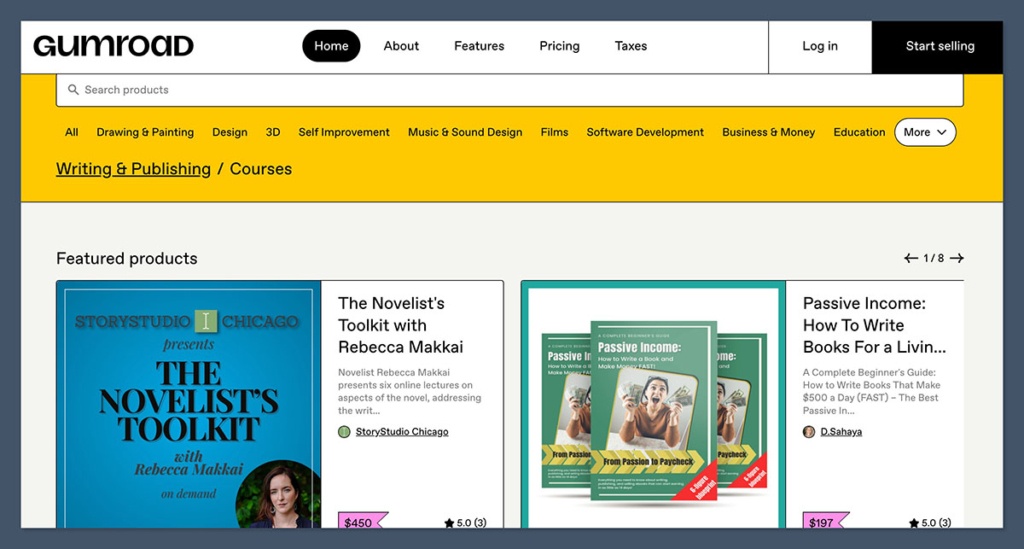
Gumroad: Simplicity for Rapid Digital Sales
Starting price: Free to use, with a 10% transaction fee
AI tools: No
Gumroad stands out as one of the most straightforward platforms for selling digital products online. If a creator has a digital file, a price point, and an existing audience, they can begin generating sales within minutes. Gumroad is engineered for creators who prioritize simplicity over intricate functionality, and its absence of subscription fees makes it particularly appealing to those in the nascent stages of their online selling journey.
The platform has been utilized effectively for launching and testing new products without the commitment of establishing a full-scale storefront. The setup process is notably effortless, although the branding and design customization options are notably limited, which can be a drawback for brands seeking a distinct visual identity.
Pros:
- Extreme Simplicity: One of the easiest platforms to get started with.
- No Monthly Fees: Primarily operates on a per-sale transaction fee model.
- Fast Setup: Ideal for quick product launches and testing.
- Good for Digital Products: Well-suited for PDFs, ebooks, software, and small creative assets.
- Built-in Audience Features: Can help creators discover and connect with buyers.
Cons:
- High Transaction Fee: The 10% fee can become substantial for high-volume sellers.
- Limited Customization: Basic design and storefront options.
- Scalability Issues: May not be robust enough for larger, more complex businesses.
- No Advanced Marketing Tools: Lacks integrated email marketing or CRM features.
How Much Does Gumroad Cost?
Gumroad’s pricing is based on a per-sale model:
- Transaction Fee: 10% of each sale.
There are no monthly subscription fees, making it accessible for new sellers.
Why Use Gumroad?
Gumroad is the quintessential Sellfy alternative for minimalist creators who prioritize swift product launches and wish to avoid recurring monthly expenses. It is exceptionally well-suited for the sale of PDFs, templates, short video content, or small software utilities. However, for sellers whose monthly sales volume exceeds approximately $1,000, the cumulative transaction fees can become a significant financial consideration.
Gumroad is suitable for:
- Creators launching their first digital products.
- Individuals seeking a quick and simple way to monetize content.
- Sellers who want to avoid monthly subscription fees.
- Those selling low-volume, niche digital goods.
Gumroad isn’t suitable for:
- Businesses with high sales volumes where the 10% fee becomes prohibitive.
- Users requiring extensive customization or advanced marketing tools.
- Sellers focused on building a comprehensive brand experience.
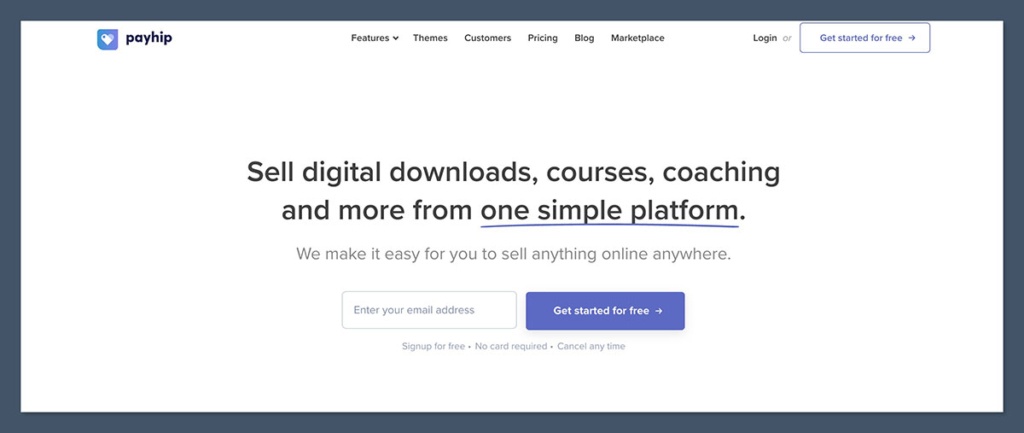
Payhip: Transparent Pricing and Streamlined Operations
Starting price: Free (5% fee), $29/month (2% fee), $99/month (0% fee)
AI tools: No
Payhip positions itself as a creator-centric platform, offering a clean, integrated environment for selling digital products, memberships, and even physical goods. It is recognized for its straightforward pricing structure and uncomplicated setup process. Businesses can become operational within an hour, benefiting from included tools for VAT management, coupon creation, and affiliate program management.
Payhip has been consistently recommended to creators seeking to avoid hidden fees or complex operational setups. While the storefront design is intentionally simple, it provides sufficient functionality for sellers whose primary focus is on efficient product delivery rather than elaborate aesthetic presentation.
Pros:
- Transparent Pricing: Clear fee structure with no hidden costs.
- Free Plan Available: Offers a free tier with a reasonable transaction fee.
- All-in-One Functionality: Supports digital products, memberships, and physical goods.
- Built-in Marketing Tools: Includes coupons, bundles, and affiliate programs.
- User-Friendly Interface: Easy to navigate and set up.
Cons:
- Limited Design Options: Storefront customization is somewhat basic.
- Transaction Fees: Even on paid plans, transaction fees can apply.
- Scalability Concerns: May not be the best fit for very large or complex e-commerce operations.
How Much Does Payhip Cost?
Payhip offers flexible pricing options:
- Free Plan: 5% transaction fee per sale.
- Plus Plan: $29/month (billed annually, 2% transaction fee).
- Pro Plan: $99/month (billed annually, 0% transaction fees).
Why Use Payhip?
For those seeking a no-nonsense approach to selling digital goods, Payhip provides substantial value without unnecessary complexity. Its pricing model is easy to comprehend, and its tools are highly effective for solo entrepreneurs. While it may not be suitable for scaling into an enterprise-level operation, it is more than adequate for lean, digitally focused businesses.
Payhip is suitable for:
- Creators and small businesses focused on digital products.
- Sellers who appreciate transparent and competitive pricing.
- Those looking for an easy-to-use platform with built-in marketing features.
- Users who want to avoid monthly fees by opting for the free plan.
Payhip isn’t suitable for:
- Businesses requiring extensive design customization or advanced e-commerce features.
- Large-scale operations with very high sales volumes that might still incur significant transaction fees on lower tiers.
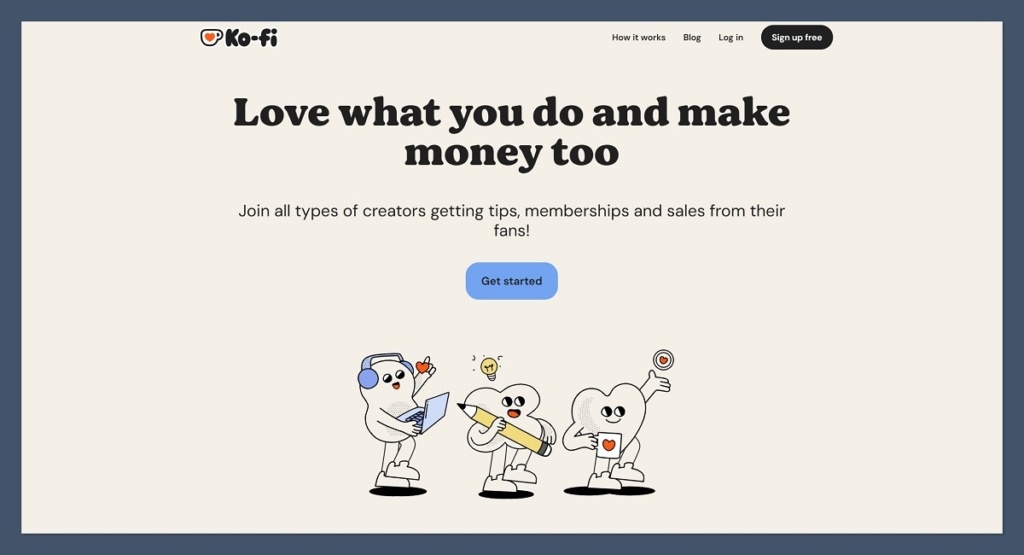
Ko-fi: Fan Support Meets Lightweight Commerce
Starting price: Free with 5% fee, $12/month for Ko-fi Gold (0% fee)
AI tools: No
Ko-fi operates as a support-centric platform, enabling fans to tip creators, subscribe to their content, or purchase digital products from a simple, integrated shop. It has garnered significant popularity among artists, writers, and streamers who desire a straightforward method for monetization without the complexities of establishing a full-fledged online store.
Ko-fi is an ideal solution for those seeking a hybrid model that combines donation features with product sales. The platform’s ease of setup is noteworthy, and it alleviates concerns about product hosting or design, making it a hassle-free option for creators.
Pros:
- Fan Support Focus: Excellent for donations, tips, and recurring support.
- Free Tier: Generous free plan with minimal fees for basic usage.
- Simple Shop Functionality: Easy to add and sell digital products.
- Low Barrier to Entry: Quick setup and minimal technical requirements.
- Community Building: Facilitates direct engagement with fans.
Cons:
- Limited E-commerce Features: Not designed for robust inventory management or complex sales.
- Transaction Fees: Fees apply on the free plan, though Ko-fi Gold removes them.
- Basic Design: Storefront and shop pages are functional but not highly customizable.
- Not a Full Website Builder: Primarily a monetization tool, not a comprehensive website solution.
How Much Does Ko-fi Cost?
Ko-fi offers flexible pricing:
- Free: 5% platform fee on all transactions.
- Ko-fi Gold: $12/month (or $120/year) for 0% platform fees and additional features.
Donations and direct payments to creators are generally free of platform fees.
Why Use Ko-fi?
Ko-fi serves as a creator-friendly alternative to Sellfy, effectively balancing donation-based income with direct sales without overwhelming users with features. If a creator already possesses an established audience and seeks a low-effort monetization strategy, Ko-fi presents one of the most accessible and hassle-free avenues available.
Ko-fi is suitable for:
- Artists, writers, musicians, and streamers seeking fan support.
- Creators selling small digital products or commissions.
- Individuals who want to combine tipping and sales in one place.
- Those who prioritize community engagement and direct fan interaction.
Ko-fi isn’t suitable for:
- Businesses focused on selling a wide range of physical products.
- Sellers requiring advanced e-commerce features or extensive storefront customization.
Fourthwall: Merch and Digital Products for Creators
Starting price: Free plan available, Pro plan is $19/month or $180/year
AI tools: No
Fourthwall is specifically engineered for creators aiming to sell merchandise, memberships, and digital products directly to their audiences. It incorporates built-in fulfillment services for physical products and integrates seamlessly with platforms such as YouTube and Twitch, making it an ideal choice for social media influencers with an existing follower base.
The platform’s capability to streamline the process from order processing to custom domain setup was evident when used to create a combined merchandise and digital product page for a YouTube client. This integration eliminated the need for manual fulfillment and shipping management, simplifying the entire sales process.
Pros:
- Creator-Centric: Designed specifically for the needs of content creators.
- Merch Fulfillment: Integrates with print-on-demand and fulfillment services.
- Digital & Physical Products: Supports a diverse range of product types.
- Community Features: Enables memberships and exclusive content.
- Streamlined Setup: Easy to connect social media and custom domains.
Cons:
- Fewer Integrations: Limited third-party app integrations compared to larger platforms.
- Design Flexibility: While good, it might not offer the deep customization of dedicated website builders.
- Pricing for Pro Plan: The Pro plan’s monthly cost might be a barrier for some.
How Much Does Fourthwall Cost?
Fourthwall offers a competitive pricing structure:
- Free Plan: Available with a percentage-based transaction fee.
- Pro Plan: $19/month (or $180/year) with reduced transaction fees and advanced features.
Why Use Fourthwall?
Fourthwall simplifies the process of converting an audience into a revenue stream. Whether the offering includes apparel, digital content packs, or membership tiers, the platform is built with creators as the primary user, rather than general e-commerce stores. For individuals whose income is directly tied to content creation, Fourthwall emerges as one of the most relevant and effective monetization tools available today.
Fourthwall is suitable for:
- Streamers, YouTubers, and social media influencers.
- Creators selling merchandise alongside digital products or memberships.
- Those who want integrated fulfillment for physical goods.
- Individuals looking to build a dedicated community around their content.
Fourthwall isn’t suitable for:
- Businesses primarily focused on high-volume physical product sales with complex logistics.
- Users requiring extensive website design flexibility beyond creator-focused templates.
Teachable: The Dedicated Platform for Online Courses
Starting price: $39/month (7.5% fee), higher plans reduce fees
AI tools: No
Teachable is a purpose-built platform for online courses, offering all the necessary tools for hosting, selling, and managing educational content. It is ideal for educators and digital creators who wish to deliver structured content, whether in the form of video lessons, coaching sessions, or downloadable supplementary materials.
The experience of creating a sample course on Teachable demonstrated its robust capabilities. The platform enabled seamless management of students, tracking of lesson progress, and the provision of certificates, all without the need for external plugins or coding. The student experience was notably polished and intuitive.
Pros:
- Course-Focused Features: Optimized for creating and selling online courses.
- Student Management: Tools for tracking progress, grading, and communication.
- Flexible Content Delivery: Supports various content formats.
- Affiliate Program Management: Built-in tools for managing affiliates.
- Branding Options: Good customization for course pages and branding.
Cons:

- Transaction Fees: Fees apply on lower-tier plans.
- Limited E-commerce Scope: Primarily focused on courses, less so for general product sales.
- Design Limitations: Website customization is functional but not as extensive as dedicated builders.
- Higher Starting Price: The entry-level plan is priced for serious course creators.
How Much Does Teachable Cost?
Teachable’s pricing is structured around its course-selling focus:
- Basic: $39/month (billed annually, 7.5% transaction fee)
- Pro: $119/month (billed annually, 5% transaction fee)
- Business: $249/month (billed annually, 0% transaction fees)
Higher tiers offer reduced transaction fees and more advanced features.
Why Use Teachable?
Teachable stands as a powerful Sellfy alternative for businesses whose primary focus is on education and structured content delivery. Its learning-centric features make it a far more suitable choice for course-based ventures than generic e-commerce platforms. The platform’s dedication to the online learning experience ensures that both creators and students have a highly optimized environment.
Teachable is suitable for:
- Online course creators and educators.
- Businesses offering coaching or membership programs based on educational content.
- Experts looking to package and sell their knowledge.
Teachable isn’t suitable for:
- Businesses primarily selling physical products or a wide variety of digital downloads.
- Users who need a general-purpose e-commerce website builder.
Big Cartel: Ideal for Small Artist Shops
Starting price: Free for up to 5 products, paid plans at $15/month and $30/month
AI tools: No
Big Cartel is a lightweight e-commerce platform designed for artists, makers, and small-scale sellers. It offers an intuitive interface, minimal overhead, and a clean storefront experience tailored for businesses with a limited product catalog.
The setup process for a Big Cartel shop was remarkably swift, taking less than an hour. The platform provided just enough customization to align with brand identity. While not engineered for extensive scaling, it effectively serves its intended niche with efficiency and simplicity.
Pros:
- Affordable: Very budget-friendly, with a free plan for up to 5 products.
- Simple to Use: Designed for ease of use by artists and makers.
- Clean Design: Offers a minimalist and aesthetically pleasing storefront.
- No Transaction Fees: No additional fees on sales beyond payment processor charges.
- Good for Physical & Digital: Supports both types of products.
Cons:

- Limited Product Count: Free and lower-tier plans have strict product limits.
- Basic Features: Lacks advanced e-commerce functionalities.
- Limited Customization: Less design flexibility compared to more robust platforms.
- No App Store: No third-party integrations available.
How Much Does Big Cartel Cost?
Big Cartel’s pricing is structured around product limits:
- Goldplan (Free): Up to 5 products.
- Platinumplan: $15/month for up to 50 products.
- Diamondplan: $30/month for up to 500 products.
All plans are free of transaction fees.
Why Use Big Cartel in 2026?
Big Cartel remains a top choice for small artists or hobbyists selling a limited selection of products. It is the perfect solution for individuals who wish to avoid complex e-commerce dashboards or high monthly subscription costs. Its focus on simplicity and affordability makes it an accessible entry point into online selling for creatives.
Big Cartel is suitable for:
- Individual artists, crafters, and makers.
- Small businesses with a limited product catalog.
- Sellers prioritizing ease of use and low costs.
- Those looking for a straightforward way to sell unique items online.
Big Cartel isn’t suitable for:
- Businesses with large or rapidly expanding product inventories.
- Sellers requiring advanced marketing tools or extensive third-party integrations.
Final Thoughts
For creators and small businesses finding Sellfy’s capabilities restrictive, the multitude of alternatives available in 2026 offers significant advantages. Whether the focus is on building a comprehensive e-commerce operation, selling digital downloads, or launching a first online store, selecting the appropriate platform can profoundly impact growth trajectory and profitability.
Shopify and WooCommerce stand out as leading options for long-term scalability and sophisticated e-commerce features. Wix and Squarespace are ideal for users who prioritize visual design and user-friendly interfaces. For creators primarily focused on selling content, platforms like Podia, Gumroad, Ko-fi, and Fourthwall provide clear, streamlined pathways to monetization.
The critical decision lies in choosing a platform that aligns with current business needs while offering sufficient capacity for future expansion, thereby avoiding the premature necessity of migrating platforms. The objective is to select a tool that provides optimal value without overcomplication or excessive cost, ensuring it doesn’t inadvertently limit a brand’s potential.