The Ultimate Guide to Social Media Content Calendars: 11 Free Templates to Streamline Your Workflow

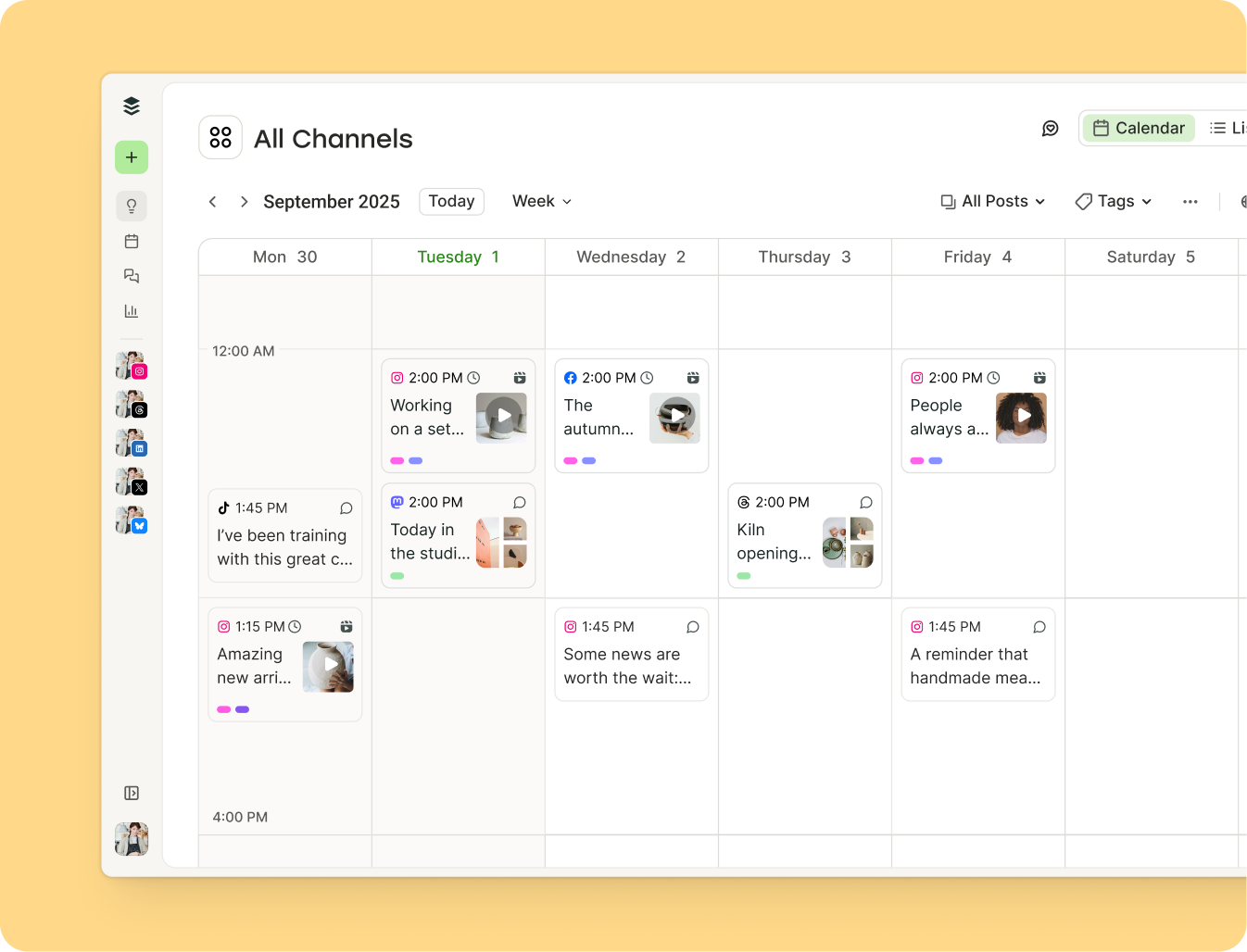
In the rapidly evolving landscape of digital marketing, the ability to maintain a consistent online presence has become a critical differentiator for brands, creators, and small businesses alike. For many, the challenge of managing multiple platforms—each with its own algorithmic nuances and peak engagement windows—often leads to burnout or sporadic, ineffective posting. A social media content calendar serves as the foundational architecture for professional digital strategy, transforming the chaotic process of daily content creation into a structured, data-driven operation. By mapping out content weeks or months in advance, organizations can align their social outputs with overarching business objectives, ensuring that every post serves a strategic purpose rather than simply occupying space in a feed.
The Strategic Necessity of Editorial Planning
The primary function of a social media calendar is to eliminate the cognitive load associated with daily content decisions. Industry data consistently indicates that creators who utilize a documented planning system are 400 percent more likely to report success in their marketing efforts than those who operate on an ad-hoc basis. The transition from reactive posting—where content is created in response to immediate pressure—to proactive publishing allows for higher production quality, better visual cohesion, and more deliberate messaging.
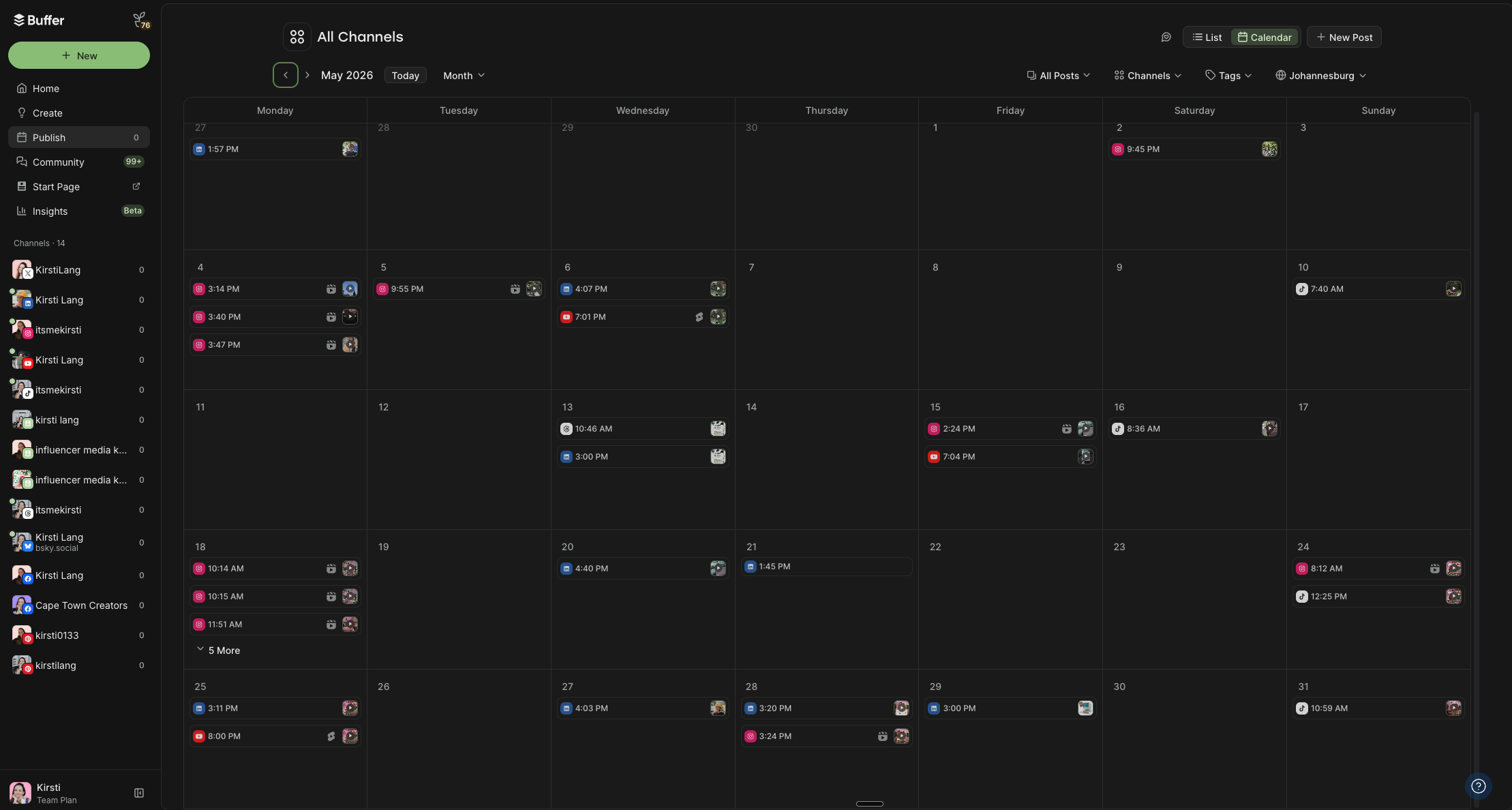
Furthermore, a calendar provides a panoramic view of a brand’s narrative arc. It allows managers to identify content gaps, ensure a balanced mix of educational, entertaining, and promotional material, and prevent the unintentional clustering of similar posts across different channels. This structural foresight is essential for managing the "content mix," a standard marketing practice that dictates how often a brand should sell versus how often it should provide value.
Selecting the Right Framework: An Overview of Templates
The optimal content calendar is not necessarily the most complex one; it is the one that an individual or team will consistently utilize. There are four primary categories of scheduling tools currently dominating the professional landscape:
- Integrated Scheduling Platforms: Tools such as Buffer, Hootsuite, and Sprout Social, which combine planning, approval workflows, and automated publishing. These are best suited for teams that require efficiency and cross-platform synchronization.
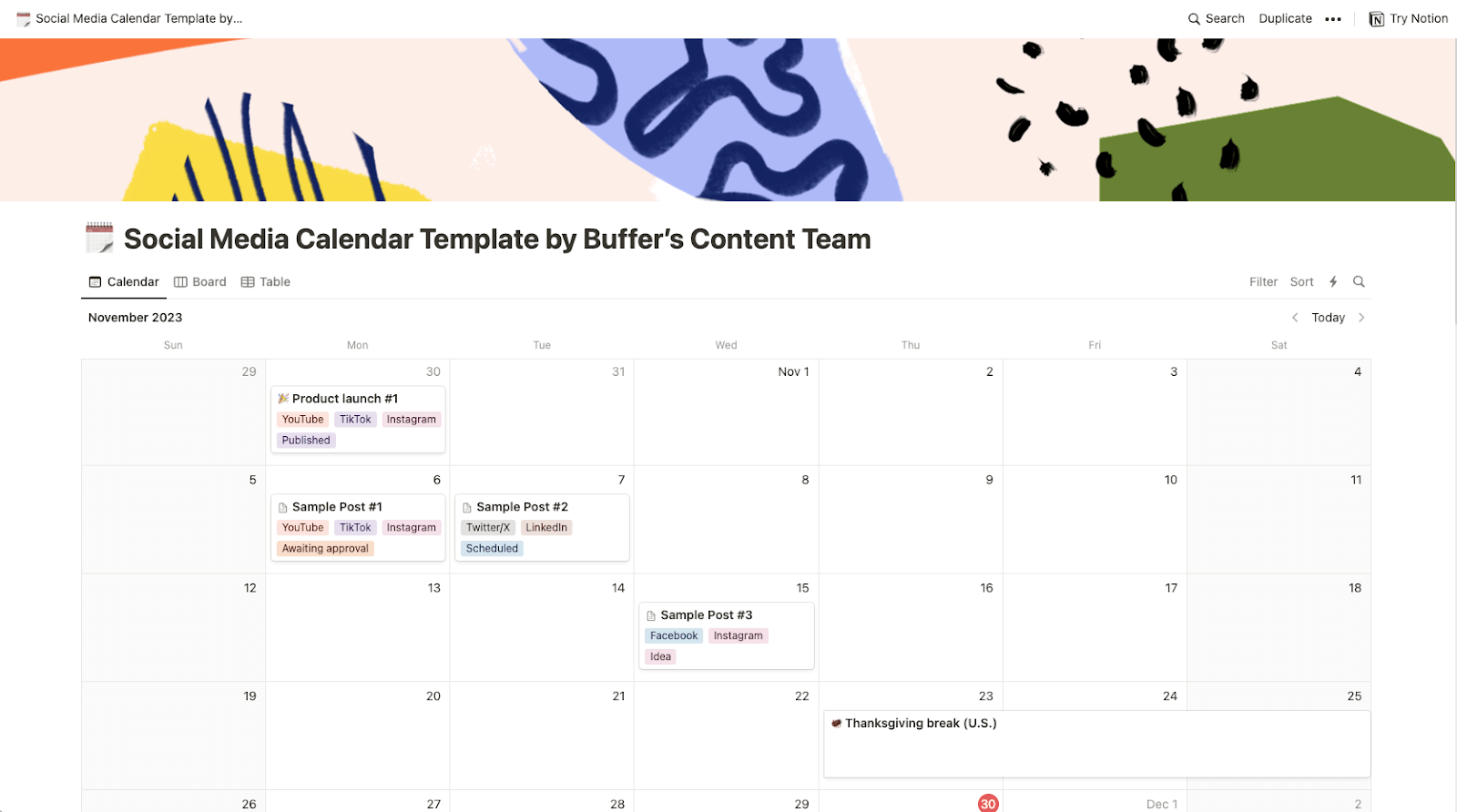
- Flexible Workspaces: Applications like Notion or Trello that allow for Kanban-style organization. These are ideal for content-heavy strategies that require extensive documentation, brainstorming, and internal collaboration.
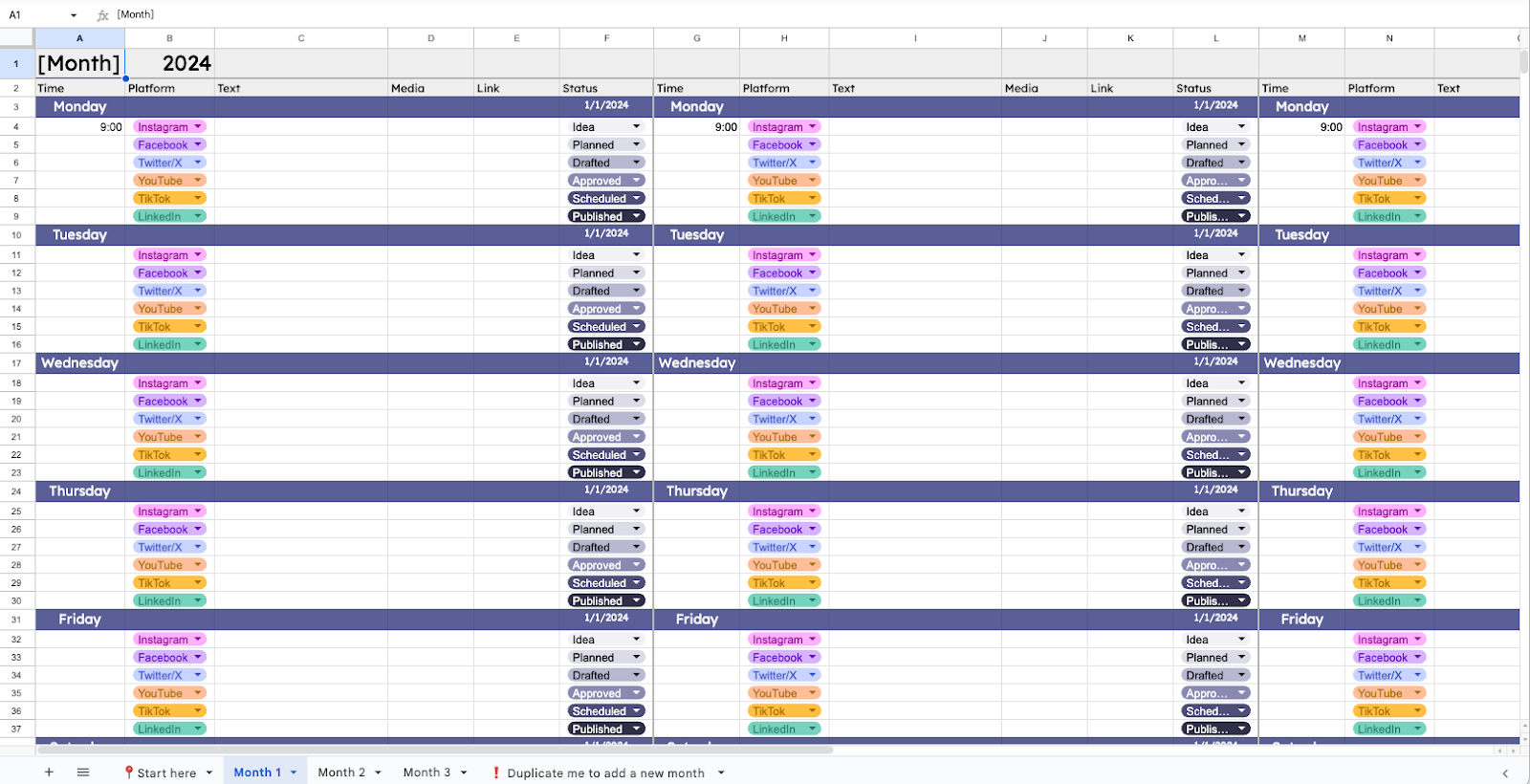
- Spreadsheet-Based Planners: Google Sheets or Microsoft Excel templates. These remain the gold standard for those who prefer granular control, custom data tracking, and a low barrier to entry.
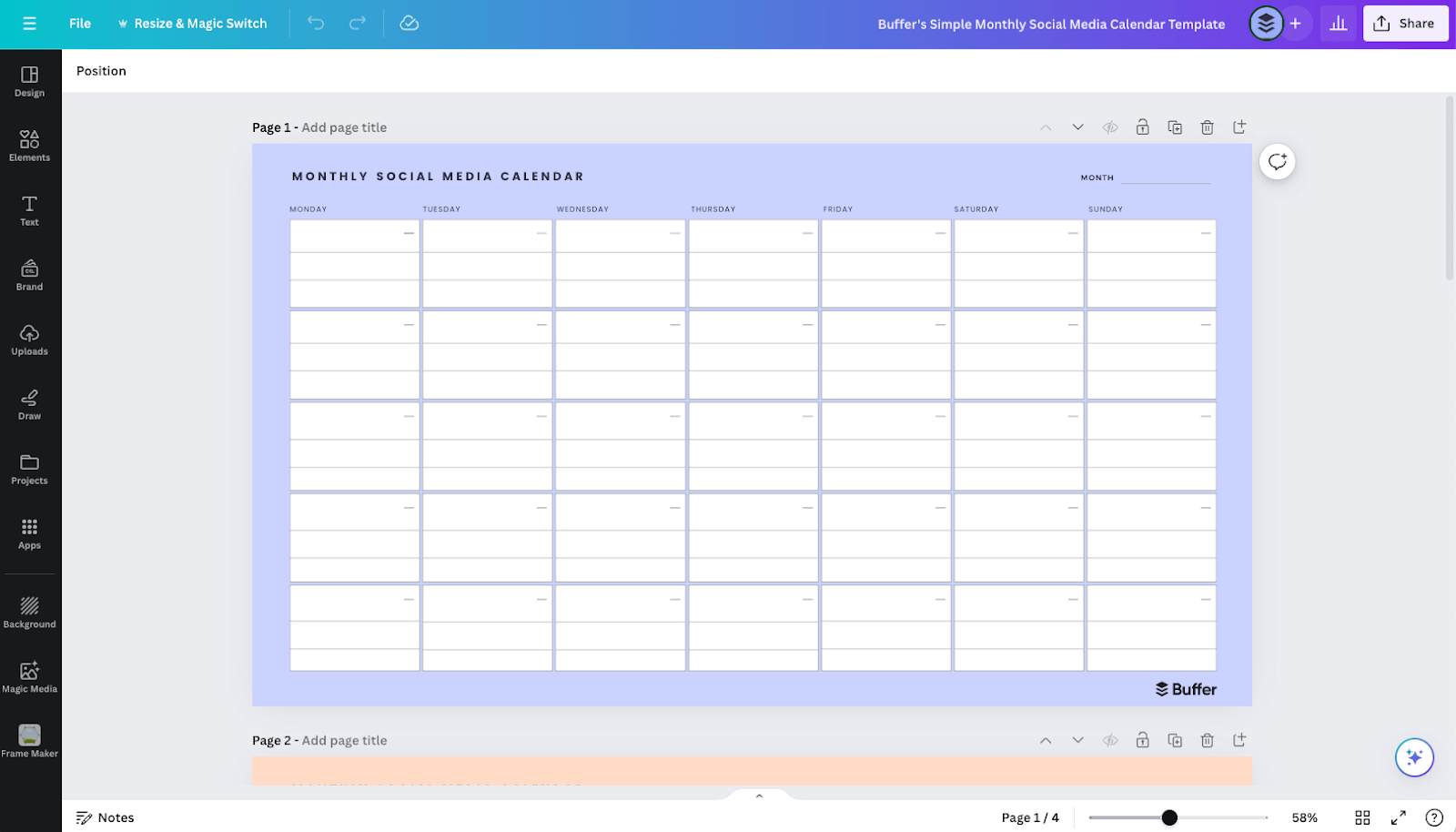
- Visual Design Tools: Platforms like Canva, which incorporate design and scheduling into a single interface, catering specifically to visual-first brands.
Comparing 11 Standardized Calendar Formats
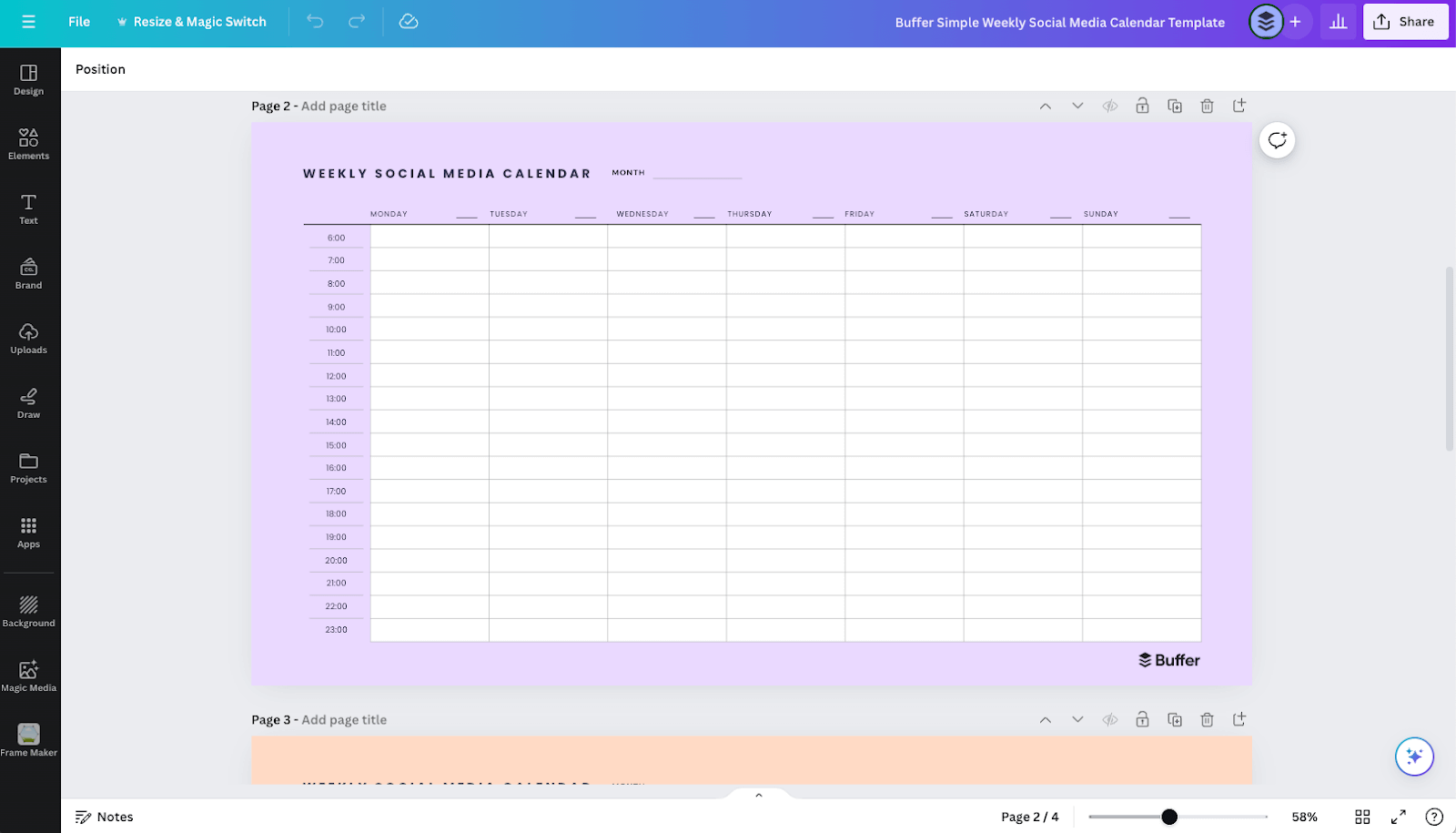
To accommodate diverse workflows, the following templates have emerged as industry standards for planning and execution:
| # | Template Type | Primary Format | Best Application |
|---|---|---|---|
| 1 | Buffer Integrated Scheduler | SaaS Dashboard | Direct auto-publishing and real-time analytics. |
| 2 | Peak Engagement Tracker | Aligning content with optimal posting hours. | |
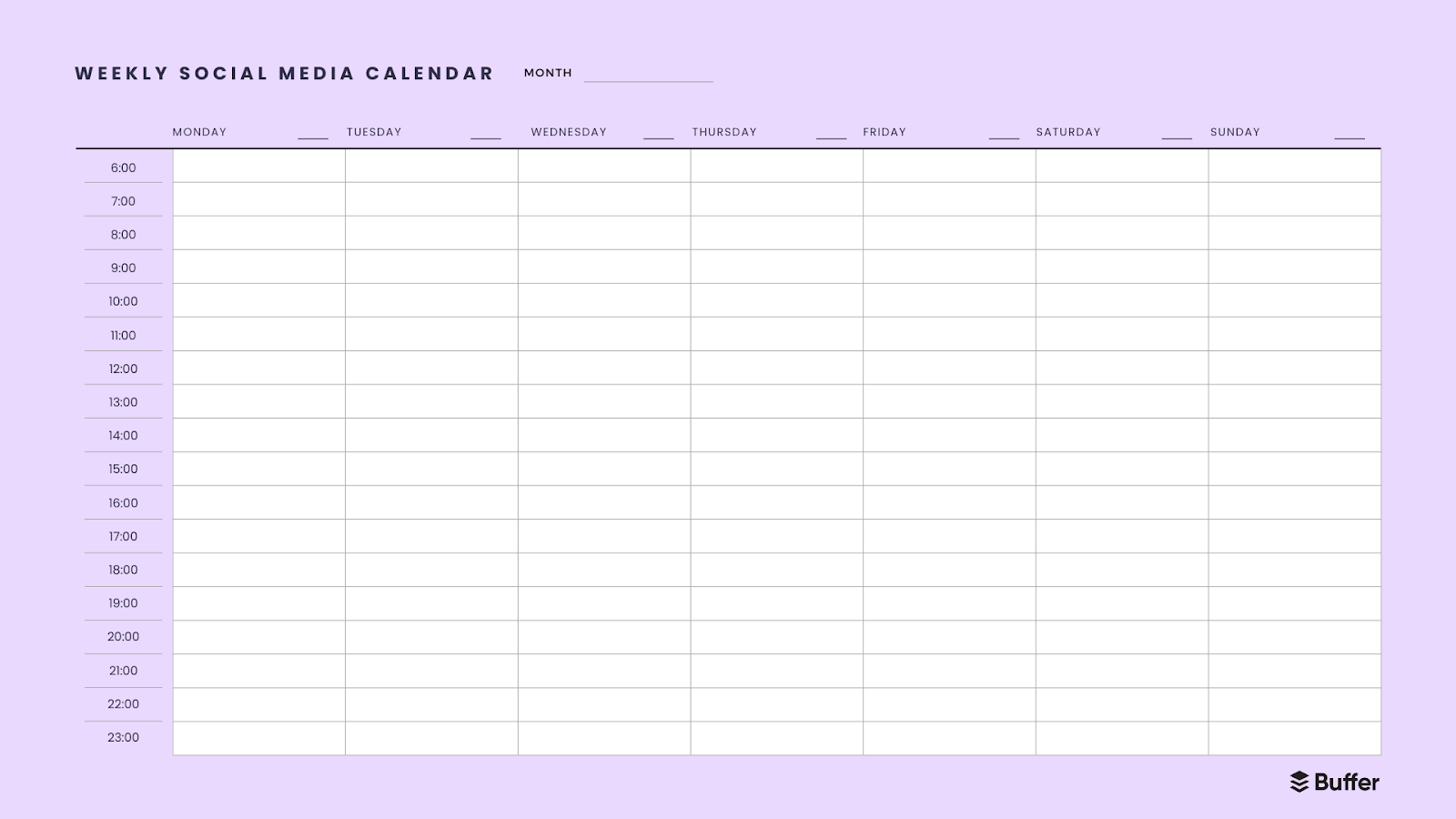
| 3 | Tactical Weekly Planner | Short-term, granular execution. | |
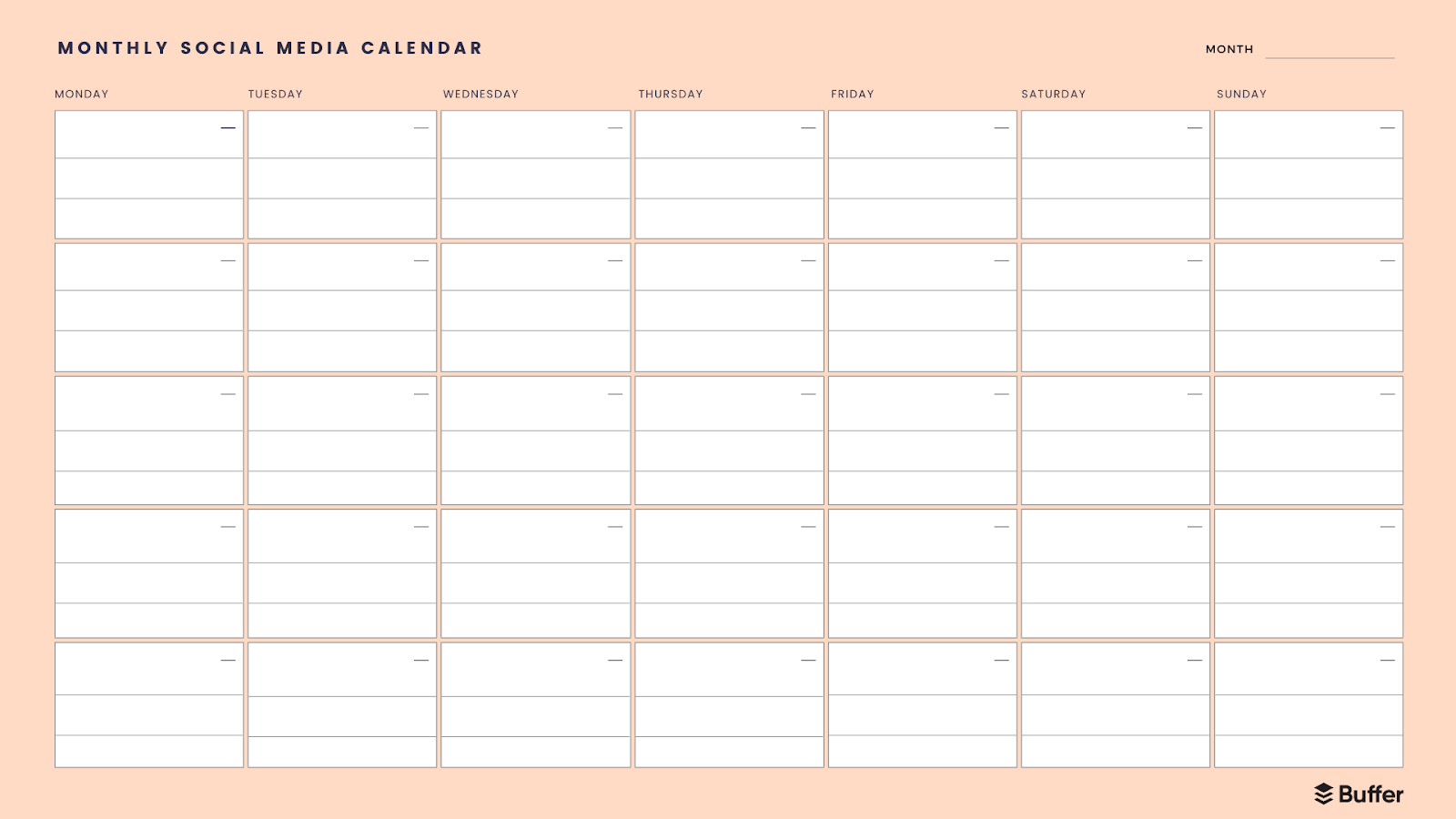
| 4 | Long-Range Monthly View | High-level campaign milestone tracking. | |
| 5 | Canva Visual Layout | Canva | Aesthetic and image-heavy planning. |
| 6 | Notion Content Hub | Notion | Centralized storage for media and copy. |
| 7 | Google Sheets Master Plan | Spreadsheet | Customizable, high-data-capacity tracking. |
| 8 | Kanban Workflow | Buffer/Trello | Managing content from ideation to final approval. |
| 9 | AI-Driven Prompt Calendar | ChatGPT/Email | Automating the creative ideation process. |
| 10 | Frequency-Specific Tracker | Buffer | Maintaining high-volume, platform-specific habit. |
| 11 | Personal Brand Portfolio | Notion | Long-term tracking for personal thought-leadership. |
The Mechanics of Integrated Scheduling
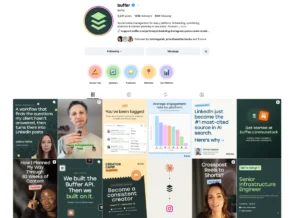
For organizations managing multiple social profiles, the primary benefit of an integrated tool like Buffer is the centralization of the publishing pipeline. Traditional methods often require manual input, which increases the risk of human error, such as posting at the wrong time or missing a critical campaign launch. By utilizing a "queue" system, users can define specific time slots—based on their audience’s historical engagement data—and simply drop content into those slots.
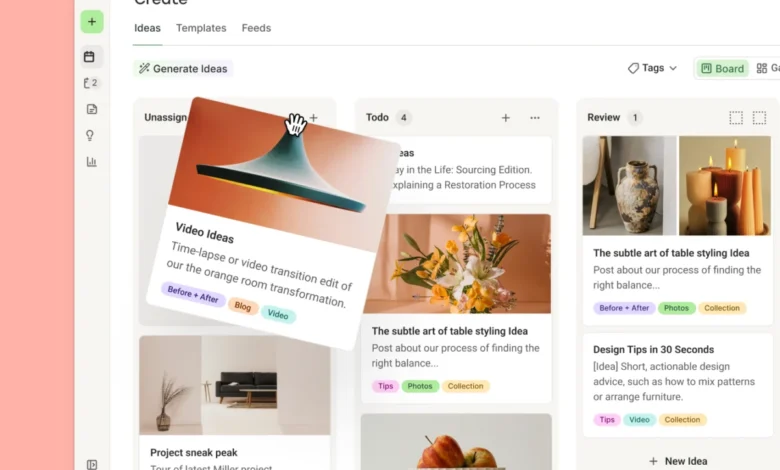
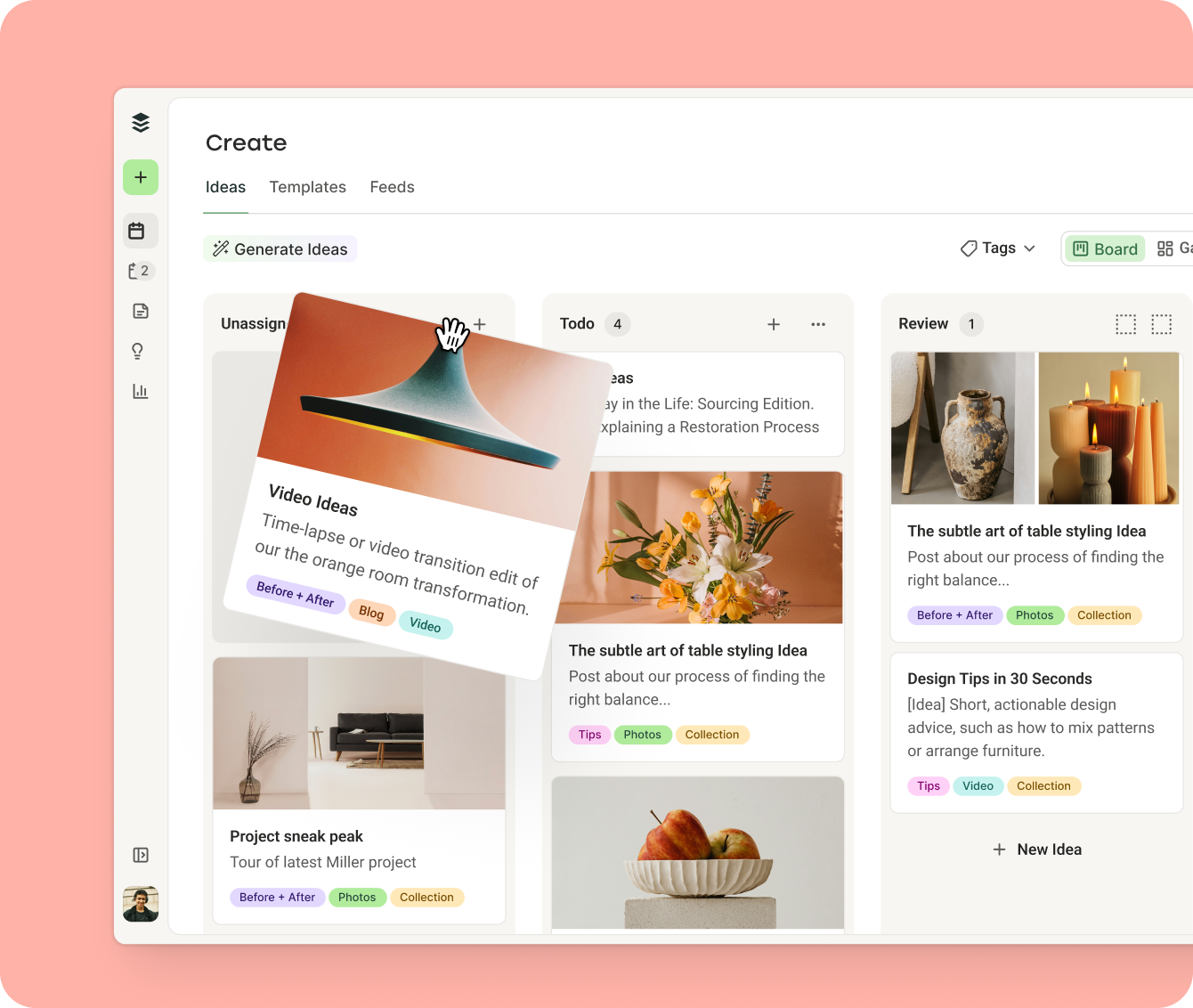
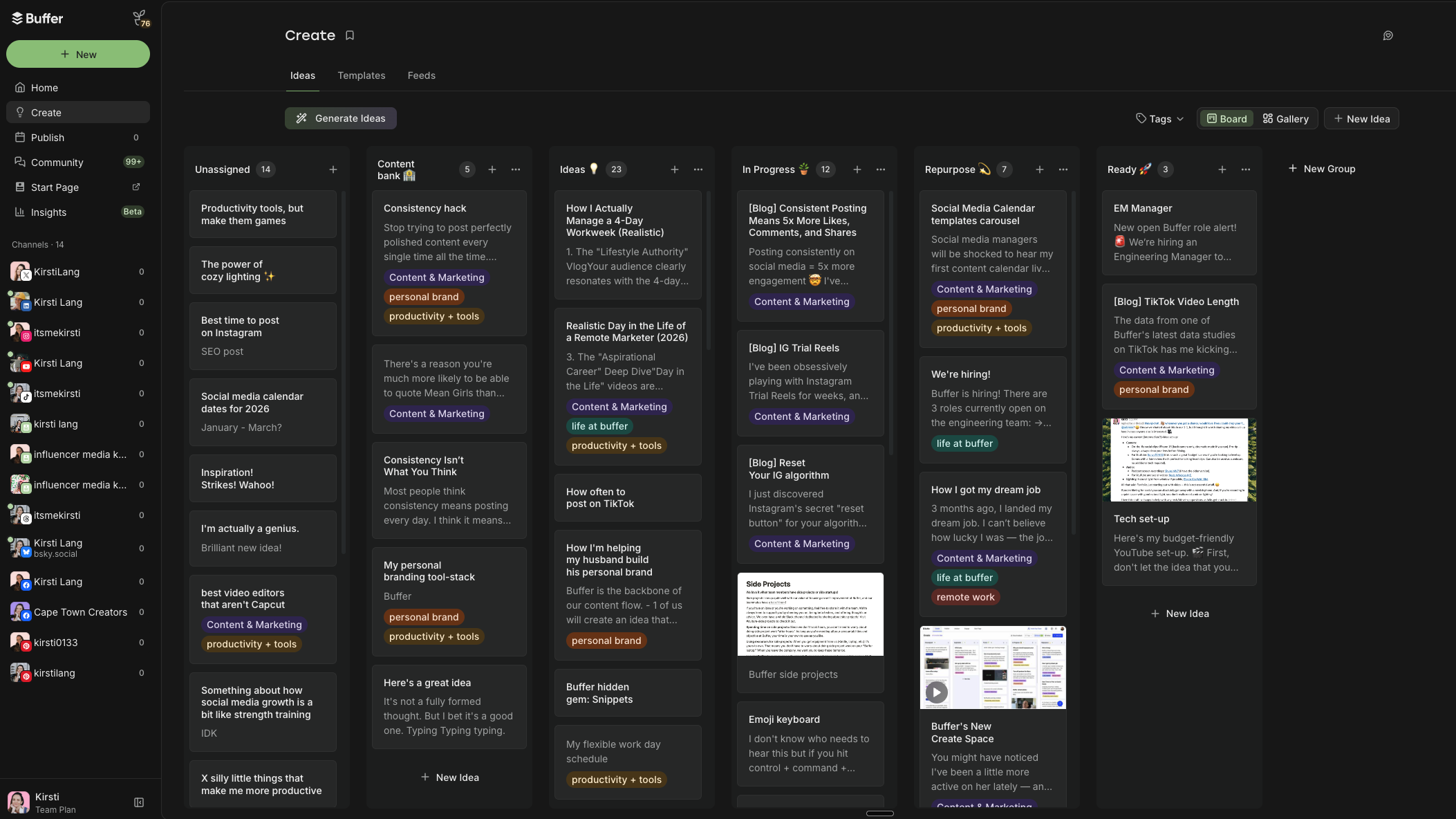
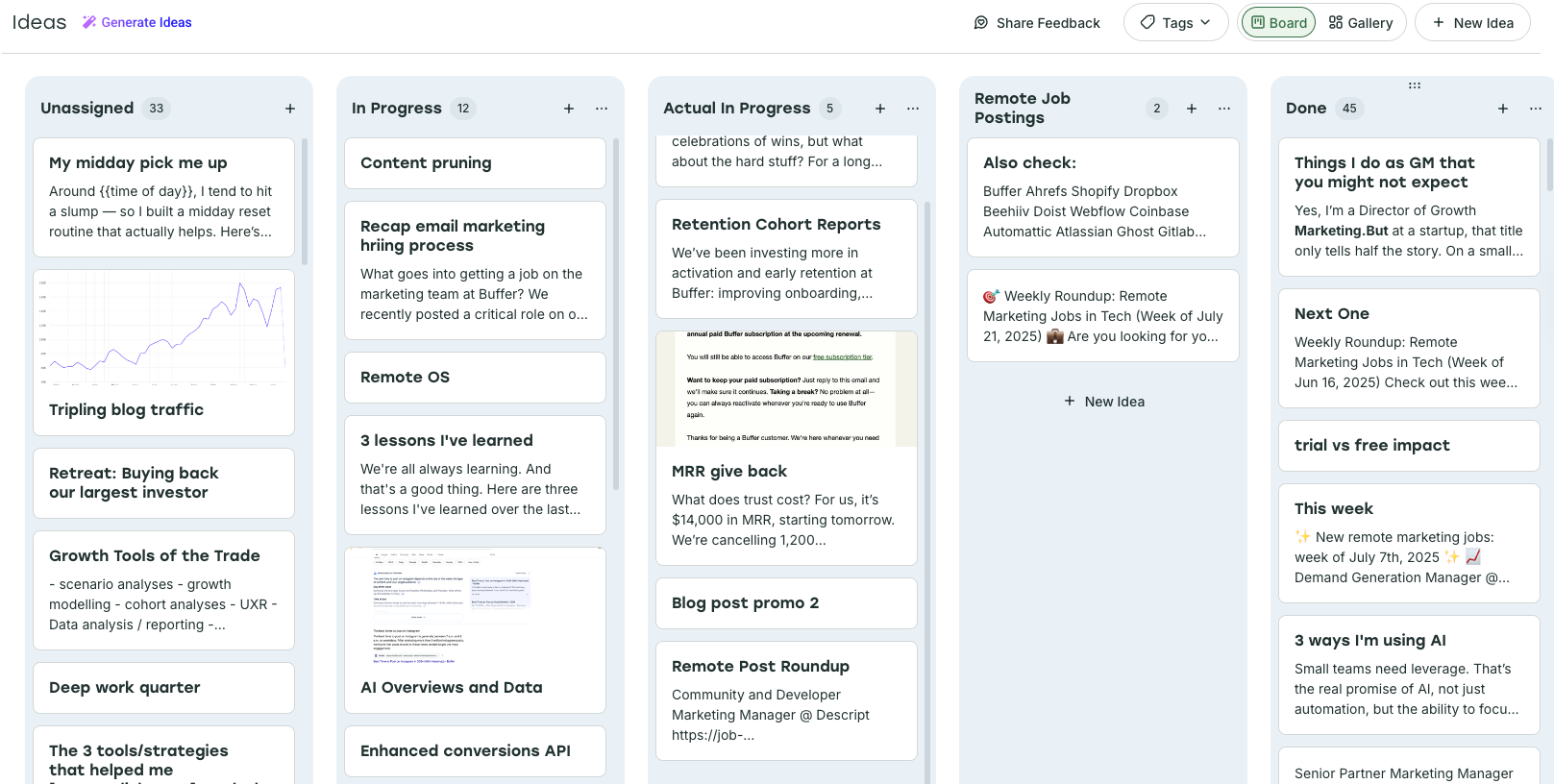
Modern scheduling tools have evolved to include "Create Spaces" or Kanban-style boards. These allow for a multi-stage lifecycle for every post: "Idea," "Drafting," "Review," "Scheduled," and "Published." This workflow is particularly vital for teams, as it creates a clear audit trail and ensures that no content reaches a public channel without undergoing a formal approval process.
Leveraging Data for Strategic Timing
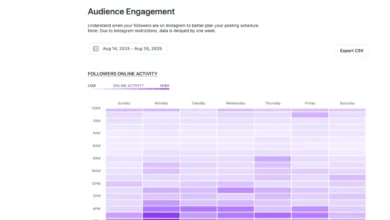
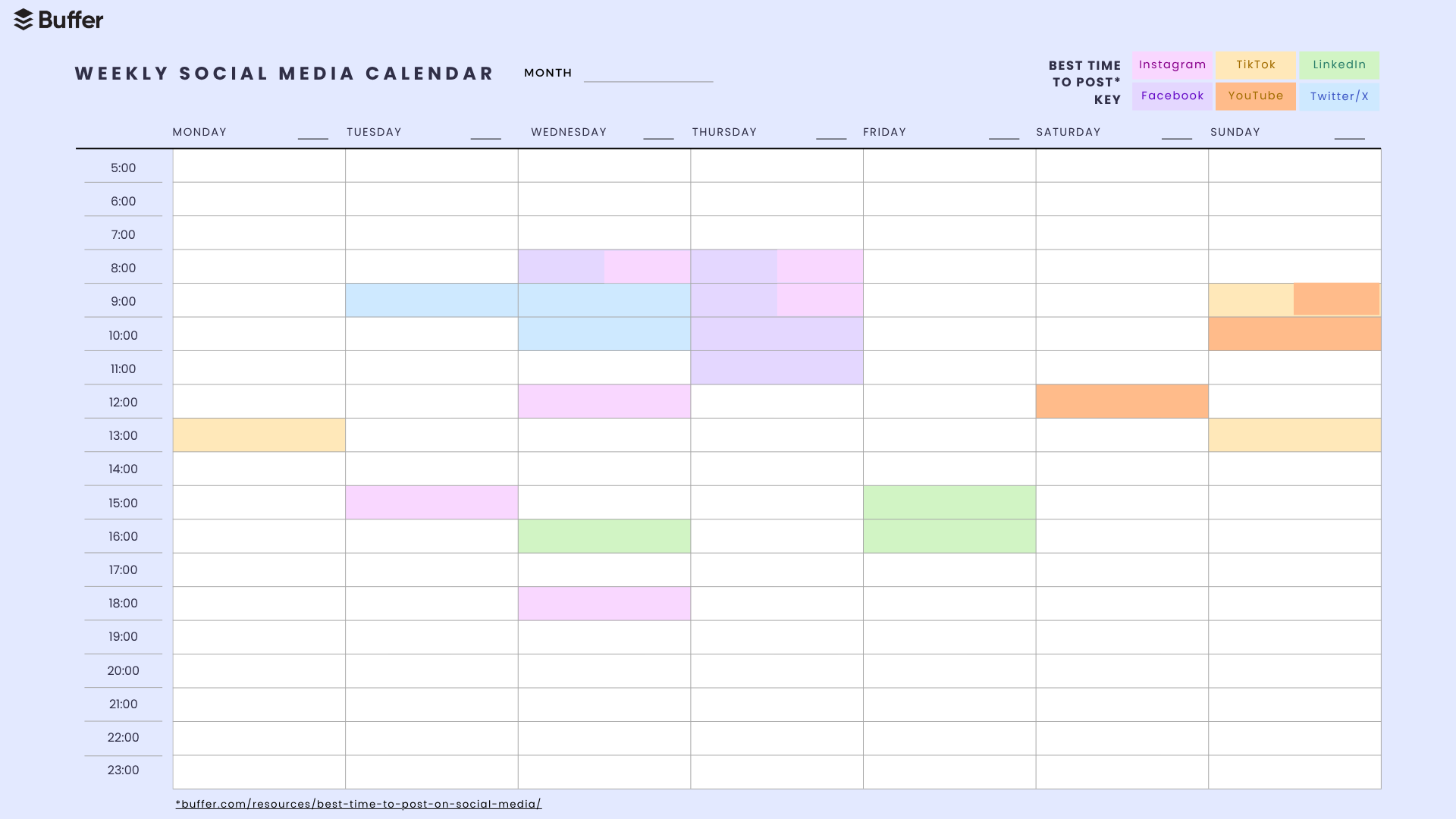
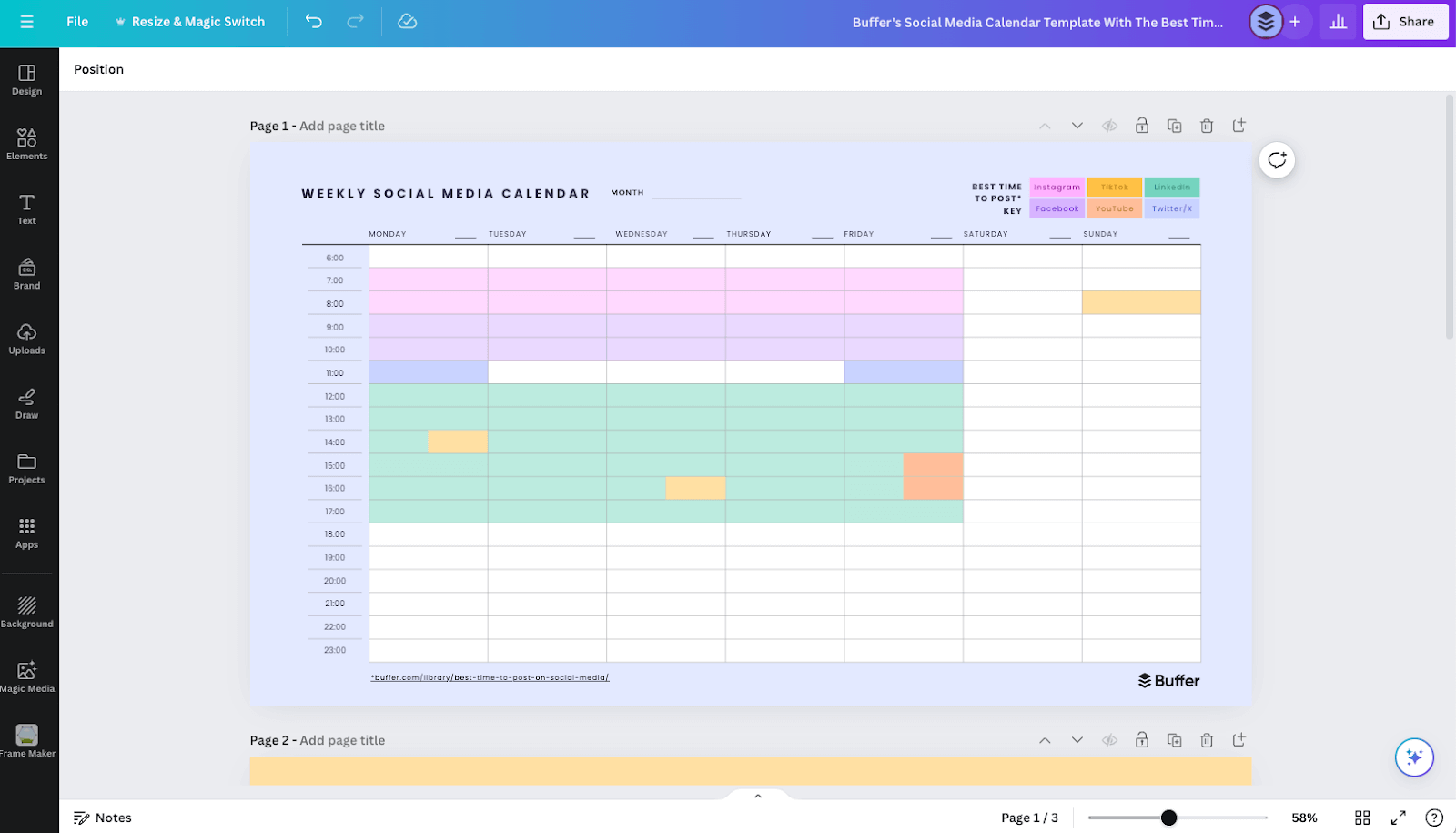
A frequent mistake in social media management is the assumption that a "one-size-fits-all" posting schedule exists. Comprehensive studies of millions of posts across Facebook, Instagram, TikTok, LinkedIn, and X demonstrate that audience behavior is highly platform-specific. For instance, LinkedIn engagement often peaks during mid-week business hours, whereas TikTok activity is significantly higher during evening hours and weekends.
By importing these data-backed "best times" into a calendar template, users can ensure their content is front-loaded for the highest probability of organic reach. This is not to suggest that experimentation should be abandoned, but rather that a baseline schedule grounded in historical performance data provides a statistically superior starting point.
The Role of AI in Content Ideation
The emergence of Generative AI, such as ChatGPT, has introduced a new layer to the content planning process. Professional marketers are now using AI not to replace their creative voice, but to act as a research assistant. By inputting specific prompts—such as, "Analyze the engagement metrics of my last five posts and suggest three content pillars for the next month"—creators can overcome "writer’s block" and generate a sustained stream of content ideas that align with their established niche.
When integrating AI into a calendar workflow, it is recommended to set up an automated feed or a recurring task that delivers these prompts to an email inbox. This turns the planning process into a proactive routine rather than a frantic search for inspiration.
Best Practices for Building a Custom Calendar from Scratch
If existing templates do not meet specific organizational requirements, building a custom calendar is a straightforward eight-step process:
- Strategic Foundation: Define the "Why." Every post should contribute to a specific marketing goal, such as brand awareness, lead generation, or community building.
- Tool Selection: Choose a tool that fits your current technical comfort level. Avoid complex enterprise-grade software if your current needs can be met by a simple spreadsheet.
- Establishing Cadence: Determine a sustainable frequency. Consistency is more important than volume. It is better to commit to three high-quality posts per week than to attempt daily posts that lapse after a month.
- The Skeleton Framework: Create your weekly "queue." Block out the specific days and times for each channel.
- Ideation Hub: Maintain a central repository for "half-baked" ideas. This prevents the loss of creative thoughts that occur outside of formal planning sessions.
- Organizing and Tagging: Use color coding or categorical tags (e.g., "Education," "Product Update," "Behind the Scenes"). This makes the calendar readable at a glance and allows for future performance analysis.
- Execution and Scheduling: Move content from the ideation hub to the publishing schedule.
- Iterative Review: Conduct a monthly audit of performance metrics. Use the data to refine the strategy, keeping what works and discarding what does not.
The Future of Social Media Planning
As social media algorithms continue to favor authentic, high-value content, the role of the content calendar is shifting from a simple administrative task to a strategic asset. The ability to pivot based on real-time feedback, while maintaining a long-term plan, is the hallmark of a successful digital presence. By adopting a structured approach—whether through a simple Google Sheet or a robust scheduling platform—marketers can ensure that their brand voice remains clear, consistent, and effective in an increasingly noisy digital environment.
Ultimately, the goal of any social media calendar is to facilitate the transition from "posting to fill the feed" to "posting to build a legacy." By removing the friction from the planning process, individuals and teams can focus on the core of their business, trusting that their digital footprint is being managed with precision, care, and professional intent.