Beyond Sellfy: Navigating the Top E-commerce Platforms for Creators and Small Businesses in 2026


Sellfy, a platform lauded for its straightforward approach to selling digital products, subscriptions, and simple merchandise online, has long served as a popular entry point for creators and burgeoning businesses. Its all-in-one design and user-friendly tools address a clear need for speed and simplicity. However, as businesses evolve and their e-commerce ambitions grow, many users find Sellfy’s capabilities becoming restrictive. In 2026, the landscape of e-commerce solutions offers a robust array of alternatives, each providing enhanced customization, greater scalability, and more flexible fee structures, alongside advanced e-commerce functionalities and broader integration possibilities. This analysis delves into the leading platforms that stand out as superior alternatives to Sellfy, based on comprehensive research and testing of their pricing, features, strengths, weaknesses, and overall user experience.
The selection of an appropriate e-commerce platform is a critical strategic decision for any business aiming for online success. Sellfy’s appeal lies in its ease of use, allowing individuals to quickly set up a digital storefront without extensive technical expertise. It excels in enabling creators to monetize their digital assets, from e-books and software to online courses and graphic design templates. However, the platform’s limitations become apparent when businesses aim to diversify their product lines, manage complex inventory, implement advanced marketing strategies, or require deeper integrations with other business tools. The need for more sophisticated design control, robust scalability to handle increased traffic and sales volume, and potentially more competitive transaction fees drives creators and businesses to seek out alternatives.
The following platforms represent the vanguard of e-commerce solutions available to entrepreneurs in 2026, each offering distinct advantages for various business models and growth stages.
Shopify: The Premier E-commerce Powerhouse
Starting Price: $5 – $39 per month
AI Features: Shopify Sidekick (AI assistant), AI-generated product descriptions
Best For: Full-featured e-commerce businesses
Shopify has solidified its position as the leading e-commerce platform for businesses of all sizes looking to sell products online. Its comprehensive suite of dedicated sales tools makes it an unparalleled choice for those ready to scale their operations, from independent creators to rapidly expanding brands. While its website editor might not possess the same level of intuitive drag-and-drop simplicity as some all-in-one builders, Shopify’s unwavering focus on performance, sophisticated inventory management, and optimized checkout experience cements its status as the strongest platform for serious online selling.
In practical application, the integration of Shopify Sidekick has been a game-changer. This AI assistant significantly streamlines the process of setting up a new storefront. During testing, Sidekick proved remarkably effective in suggesting optimal layouts, crafting compelling product descriptions, and even recommending targeted discounts. It functions less like a mere tool and more like an integrated business partner, accelerating the initial setup and ongoing optimization phases.
Pros:
- Scalability: Designed to handle businesses of all sizes, from startups to enterprise-level operations.
- Extensive App Store: Access to over 8,000 apps for enhanced functionality, marketing, and customer service.
- Robust E-commerce Features: Advanced shipping options, international tax management, abandoned cart recovery, and extensive payment gateway integrations.
- AI Integration: Shopify Sidekick offers AI-powered assistance for content creation, store setup, and automation.
- Security and Reliability: Enterprise-grade security and uptime guarantees.
Cons:

- Transaction Fees: While Shopify Payments eliminates additional fees, other payment gateways may incur charges.
- Learning Curve: The platform can be complex for absolute beginners due to its vast feature set.
- App Costs: While many apps are free, advanced functionalities often require paid subscriptions, increasing overall costs.
Recent Shopify Updates and Features:
Shopify continuously innovates, with recent updates focusing on enhancing AI capabilities, improving international selling features, and refining the customer checkout experience. The introduction of Shopify Flow allows for advanced workflow automation, and ongoing enhancements to Shopify Markets facilitate seamless global expansion.
How Much Does Shopify Cost?
Shopify offers several pricing tiers:
- Starter Plan: $5/month (allows selling on social media and messaging apps with Shopify-generated links).
- Basic Plan: $39/month (billed annually) or $49/month (billed monthly), offering full online store capabilities.
- Shopify Plan: $105/month (billed annually) or $130/month (billed monthly), with lower transaction fees and additional staff accounts.
- Advanced Plan: $299/month (billed annually) or $399/month (billed monthly), providing the lowest transaction rates and advanced reporting.
Why Use Shopify in 2026?
Shopify remains the market leader due to its unparalleled combination of powerful e-commerce features, secure infrastructure, and inherent scalability. Unlike simpler website builders, Shopify natively incorporates advanced functionalities such as intricate shipping rules, international tax calculations, and abandoned cart recovery, often eliminating the need for numerous third-party plugins. The new AI assistant, Shopify Sidekick, significantly reduces setup time by aiding with content generation, automation, and customer support, thereby easing the operational burden on solo entrepreneurs and small teams.
For businesses prioritizing e-commerce growth over mere website launch, Shopify provides the essential tools and flexibility for confident scaling. Whether selling digital downloads, print-on-demand merchandise, or managing an extensive product catalog, Shopify is engineered to meet the demands of dynamic online retail.
Shopify is suitable for:
- Businesses of all sizes seeking a scalable, robust e-commerce solution.
- Entrepreneurs looking for a comprehensive platform with extensive app integrations.
- Sellers who need advanced features like multi-channel selling, complex shipping, and international tax management.
- Brands focused on long-term growth and sophisticated online sales strategies.
Shopify isn’t suitable for:
- Individuals or businesses with extremely limited budgets seeking only basic product listings.
- Users who require absolute simplicity and a highly constrained feature set.
- Businesses primarily focused on content creation with minimal e-commerce needs.
Wix: Visual Design Meets E-commerce Functionality
Starting Price: $29 per month (e-commerce plans)
AI Tools: Wix ADI, AI image/text generation, Astro AI assistant
Best For: Quick launch with custom design
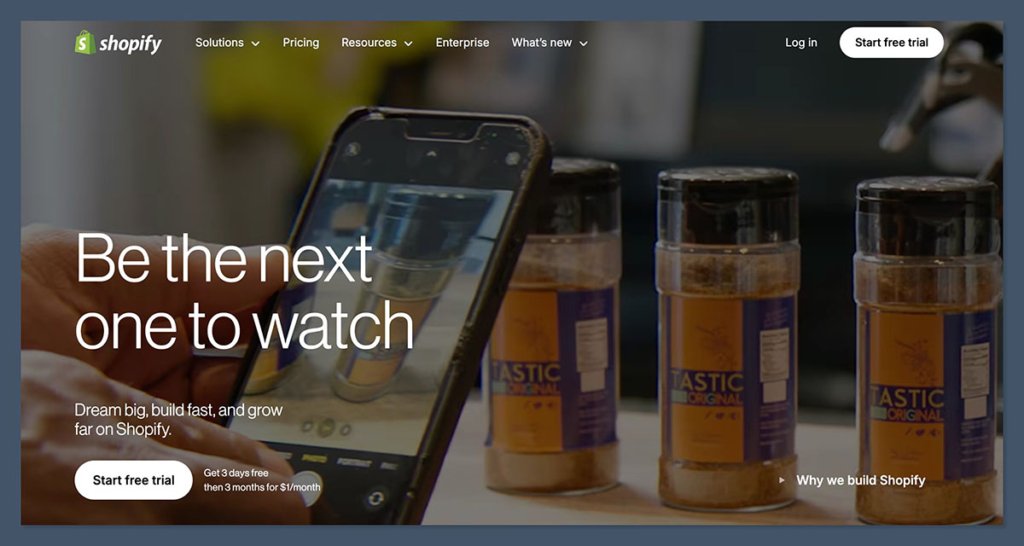
Wix stands out as one of the most accessible and design-flexible e-commerce builders available today. It is particularly well-suited for sellers who prioritize visually appealing websites and desire a rapid launch without the need for coding expertise. Wix integrates built-in marketing tools, basic automation capabilities, and e-commerce functionalities that are highly effective for smaller-scale online stores.
During a recent test, Wix’s AI builder was utilized to construct a storefront for digital templates. The experience was impressive, with the AI swiftly generating a tailored layout that included product pages, a seamless checkout process, and email opt-in flows. The drag-and-drop editor then allowed for comprehensive customization of the initial AI-generated design.
Pros:
- User-Friendly Interface: Intuitive drag-and-drop editor makes design accessible to everyone.
- Extensive Templates: A vast library of professional, mobile-responsive templates for various industries.
- AI-Powered Design: Wix ADI and other AI tools accelerate website creation and content generation.
- Integrated Marketing Tools: Built-in SEO, email marketing, and social media tools.
- App Market: A decent selection of apps to extend functionality.
Cons:
- Limited Scalability: Can become less efficient for very large product catalogs or high-traffic stores compared to Shopify.
- Design Flexibility Constraints: While highly customizable, certain design elements can be restrictive once a template is chosen.
- No E-commerce on Free Plan: E-commerce capabilities require a paid subscription.
How Much Does Wix Cost?
Wix offers several e-commerce plans, typically starting around $29 per month, which includes online store features, custom domain connection, and increased storage. Higher tiers offer more advanced e-commerce tools, abandoned cart recovery, and priority customer support.
Why Use Wix in 2026?
Wix effectively consolidates website design, e-commerce functionality, and marketing tools into a single platform. It is a leading choice for creators, small brands, and boutique retailers aiming to establish a strong online presence with a high degree of visual polish. While it may not be the optimal solution for managing massive product inventories or highly complex operational workflows, Wix excels in its simplicity, user experience, and presentation capabilities.
Wix is suitable for:
- Small to medium-sized businesses prioritizing visual appeal and brand aesthetics.
- Creators and entrepreneurs who want to launch a professional-looking website quickly.
- Users who value an intuitive drag-and-drop website builder.
- Businesses needing integrated marketing and basic automation tools.
Wix isn’t suitable for:
- Businesses requiring extremely advanced e-commerce features or custom development.
- Sellers with very large product catalogs that may strain the platform’s performance.
- Users who need complete control over the underlying code or hosting environment.
Squarespace: The Epitome of Design-Focused Branding
Starting Price: $16 – $99 per month (annual billing)
AI Features: Squarespace Blueprint and AI content tools
Best For: Creative brands and portfolios
Squarespace is renowned for its aesthetically stunning templates and a remarkably fluid editing experience. For designers, artists, and premium brands, it presents an ideal platform for showcasing products and cultivating a sophisticated, high-end online storefront. Squarespace supports digital downloads, subscription services, and physical products, all with a minimal setup effort.
During the creation of a portfolio-style store on Squarespace, the platform’s templates proved to be highly effective, handling the majority of the design work. The process primarily involved swapping placeholder content and making minor adjustments to existing sections, resulting in a polished and professional look from the outset.
Pros:
- Exceptional Design Templates: Award-winning, visually appealing templates that are mobile-responsive.
- Intuitive Editor: User-friendly interface for creating beautiful websites.
- Integrated E-commerce: Robust features for selling physical products, digital downloads, and subscriptions.
- All-in-One Platform: Includes website hosting, domain registration, and marketing tools.
- Strong SEO Capabilities: Tools to help optimize your site for search engines.
Cons:
- Limited Customization Beyond Templates: While stylish, templates can sometimes feel restrictive for highly unique branding.
- Fewer Third-Party Integrations: Compared to Shopify, its app ecosystem is smaller.
- No Free E-commerce Plan: E-commerce functionality requires a paid subscription.
How Much Does Squarespace Cost?
Squarespace offers tiered pricing, with e-commerce plans starting at $25 per month (billed monthly) or $16 per month (billed annually) for the Personal plan, and Business plans starting at $33 per month (billed monthly) or $23 per month (billed annually). Higher tiers, such as the Commerce Basic and Commerce Advanced plans, offer more robust e-commerce features, lower transaction fees, and advanced tools, ranging from $37 to $65 per month (billed monthly).
Why Use Squarespace in 2026?
Squarespace is the premier choice when design is a paramount consideration. It simplifies the process of creating a modern, professional online store without the need for a dedicated web designer. For those selling digital goods, print media, art, or any visually oriented product, Squarespace provides the necessary visual edge to distinguish a brand in the competitive online marketplace. The platform’s commitment to design excellence ensures that businesses can present their offerings in a way that resonates with their target audience.
Squarespace is suitable for:
- Creative professionals, artists, designers, and photographers.
- Brands that prioritize high-quality visual presentation.
- Businesses selling physical products, digital downloads, or offering subscription services.
- Users who want a beautiful, all-in-one website solution.
Squarespace isn’t suitable for:
- Businesses requiring highly complex e-commerce functionalities or extensive third-party integrations.
- Users who need absolute freedom to manipulate code or hosting environments.
- Sellers with exceptionally large product catalogs that might benefit from more specialized inventory management.
WooCommerce: The WordPress E-commerce Powerhouse
Starting Price: Free plugin, hosting from ~$20/month
AI Features: No native AI tools
Best For: SEO-focused sellers on WordPress
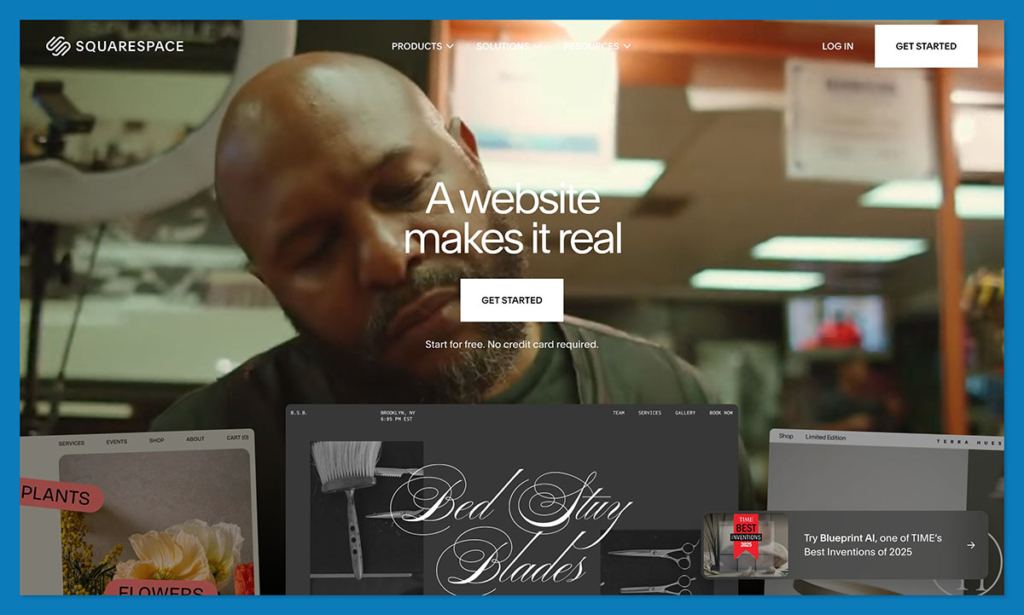
WooCommerce, a highly flexible e-commerce plugin for WordPress, grants users complete dominion over their store’s design, performance, and search engine optimization (SEO). It is ideally suited for sellers who already utilize the WordPress ecosystem or wish to integrate e-commerce capabilities with robust content marketing and blogging strategies.
Integrating WooCommerce into an existing WordPress blog proved to be a smooth transition. However, the setup necessitated the installation of several supplementary plugins to enable digital delivery and payment processing. With appropriate hosting and a well-chosen theme, WooCommerce transforms into an exceptionally powerful e-commerce engine.
Pros:
- Ultimate Flexibility and Control: Full customization of design, features, and data.
- Vast Plugin Ecosystem: Access to thousands of WordPress plugins for extended functionality.
- SEO Advantages: Leverages WordPress’s strong SEO foundation.
- Cost-Effective: Free plugin, with costs primarily associated with hosting and premium extensions.
- Scalable: Can handle businesses of any size with proper optimization and hosting.
Cons:
- Steeper Learning Curve: Requires familiarity with WordPress and managing plugins.
- Ongoing Maintenance: Users are responsible for updates, security, and backups.
- Potential for Hidden Costs: Premium themes and plugins can add up.
- No Native AI Tools: Relies on third-party plugins for AI features.
How Much Does WooCommerce Cost?
The WooCommerce plugin itself is free. The primary costs involve WordPress hosting (which can range from $20/month for basic shared hosting to hundreds of dollars for dedicated servers), a domain name, and potentially premium themes and extensions for advanced features.
Why Use WooCommerce?
WooCommerce emerges as a superior Sellfy alternative for users well-versed in WordPress who seek unparalleled flexibility. It is particularly advantageous for content-driven sellers or those aiming to maximize organic search traffic. While requiring more initial setup than an all-in-one platform, it offers unmatched control over functionality and operational performance. The open-source nature of WooCommerce ensures that businesses are not locked into a proprietary ecosystem and can adapt their store as their needs evolve.
WooCommerce is suitable for:
- Existing WordPress users who want to add e-commerce functionality.
- Businesses that rely heavily on content marketing and SEO.
- Sellers who require extensive customization and control over their store.
- Developers and technically inclined users who can manage their own hosting and maintenance.
WooCommerce isn’t suitable for:
- Absolute beginners who are not familiar with WordPress.
- Users who prefer a fully managed, all-in-one solution with minimal technical overhead.
- Businesses that need immediate access to advanced AI features without integrating third-party solutions.
Podia: The Creator’s All-in-One Solution
Starting Price: $39 – $89 per month
AI Tools: No AI assistant, but intuitive UI
Best For: All-in-one creator businesses
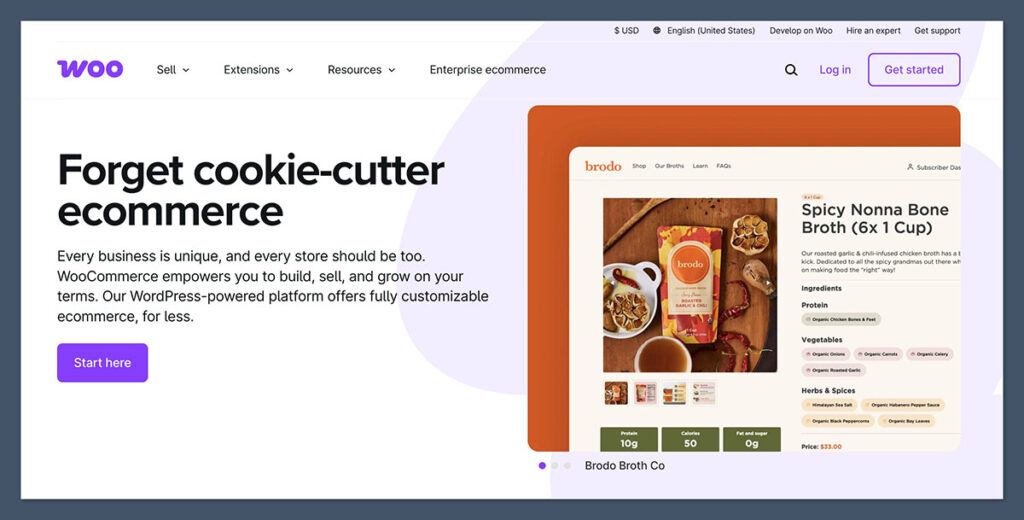
Podia is meticulously engineered for creators, including coaches, online course instructors, and digital product vendors. It elegantly consolidates a storefront, email marketing capabilities, membership management, and content hosting into a single, streamlined interface. For businesses whose core operations revolve around digital products and audience engagement, Podia presents itself as an intelligent alternative to Sellfy.
The process of setting up an online course within Podia proved remarkably swift. The platform efficiently handled all aspects, from uploading course materials and managing customer payments to implementing drip content schedules, all without the necessity of additional tools or plugins.
Pros:
- All-in-One Platform: Combines courses, memberships, digital downloads, and email marketing.
- Creator-Focused: Designed specifically for the needs of online educators and digital product sellers.
- User-Friendly Interface: Clean and intuitive design for easy management.
- No Transaction Fees on Higher Tiers: Offers 0% transaction fees on premium plans.
- Built-in Marketing Tools: Email marketing and sales page builder included.
Cons:
- Limited Design Customization: Storefront design options are more restricted compared to dedicated website builders.
- No Free Plan: Requires a paid subscription to use.
- Fewer Integrations: Less extensive integration options compared to larger platforms like Shopify.
How Much Does Podia Cost?
Podia offers tiered pricing:
- Mover Plan: $39/month (billed annually) or $49/month (billed monthly), with a 5% transaction fee.
- Shaker Plan: $89/month (billed annually) or $109/month (billed monthly), offering 0% transaction fees and advanced features.
- Earthquaker Plan: $199/month (billed annually) or $224/month (billed monthly), for larger teams and advanced needs.
Why Use Podia in 2026?
Podia integrates the essential tools that most creators require into a unified package. This eliminates the need to manage separate platforms for courses, email communications, and storefront management. For content-first businesses, Podia offers a more efficient and user-friendly experience than Sellfy, complete with enhanced customer engagement and marketing tools. Its focus on the creator economy makes it a highly relevant and powerful platform for digital entrepreneurs.
Podia is suitable for:
- Online course creators, coaches, and digital product sellers.
- Businesses looking for an integrated solution for content delivery and marketing.
- Creators who want to build membership sites and offer community features.
- Entrepreneurs seeking a simplified platform to manage multiple revenue streams.
Podia isn’t suitable for:
- Businesses primarily focused on selling physical products or large retail inventories.
- Users who require extensive website design customization and flexibility.
- Those looking for a free entry-level option for basic product sales.
Gumroad: Simplicity for Rapid Digital Sales
Starting Price: Free to use, with a 10% transaction fee
AI Tools: No
Best For: Fast, no-fuss digital selling
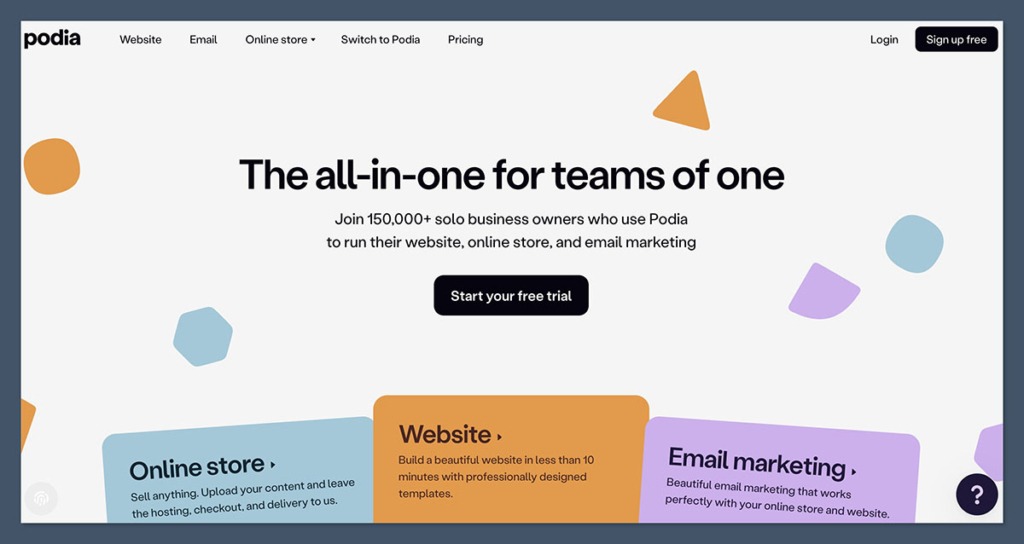
Gumroad stands out as one of the most expeditious methods for selling digital products online. For creators possessing a digital asset, a price point, and an audience, sales can be initiated within minutes. Its design philosophy emphasizes simplicity over complexity, and its absence of subscription fees is particularly appealing to those at the nascent stages of their entrepreneurial journey.
Gumroad has been instrumental in launching and testing new products without the commitment of establishing a full-fledged storefront. The setup process was effortlessly managed, though the branding and design customization options were notably limited.
Pros:
- Extremely Easy to Use: Minimal setup required to start selling.
- No Monthly Fees: Free to use, with a revenue-share model.
- Fast Product Launch: Ideal for quickly releasing digital products.
- Supports Various Digital Products: E-books, software, music, art, and more.
- Creator-Friendly: Designed with independent creators in mind.
Cons:
- High Transaction Fee: 10% fee can become costly for high-volume sellers.
- Limited Customization: Design and branding options are very basic.
- No Advanced E-commerce Features: Lacks features like abandoned cart recovery or advanced analytics.
- Not Ideal for Physical Products: Primarily designed for digital goods.
How Much Does Gumroad Cost?
Gumroad operates on a simple revenue-share model: a 10% transaction fee is applied to each sale. There are no monthly subscription fees, making it an attractive option for creators with unpredictable sales volumes.
Why Use Gumroad?
Gumroad is the optimal Sellfy alternative for minimalist creators who prioritize rapid product launches and wish to avoid recurring monthly expenses. It is particularly well-suited for the sale of PDFs, templates, short video content, or small software utilities. However, for sales volumes exceeding $1,000 per month, the cumulative transaction fees can become a substantial financial consideration.
Gumroad is suitable for:
- Creators launching their first digital product and wanting to test the market.
- Artists, writers, and designers selling individual digital assets.
- Sellers who prefer a simple, no-frills sales process.
- Individuals who want to avoid monthly subscription costs.
Gumroad isn’t suitable for:
- Businesses with high sales volumes where the 10% fee becomes prohibitive.
- Sellers requiring extensive branding customization and advanced website design.
- Retailers primarily selling physical products.
- Those needing detailed analytics and marketing automation tools.
Payhip: Transparent Pricing for Lean Operations
Starting Price: Free – $99/month
AI Tools: No
Best For: Transparent pricing, small teams
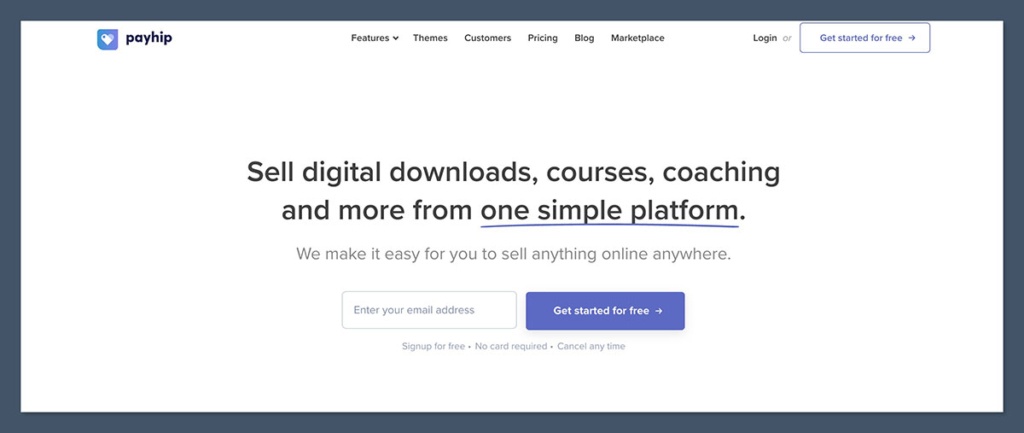
Payhip is a creator-centric platform offering a clean, all-in-one solution for selling digital products, memberships, and even physical goods. It is recognized for its transparent pricing structure and straightforward setup process. Businesses can become operational within an hour, benefiting from included tools for VAT, coupon creation, and affiliate program management.
Payhip has been consistently recommended to creators seeking to avoid hidden fees or complex configurations. While the storefront design is inherently simple, it provides sufficient functionality for sellers whose primary focus is on product delivery rather than elaborate aesthetics.
Pros:
- Transparent Pricing: Clear fee structures with 0% transaction fees on higher plans.
- All-in-One Functionality: Supports digital downloads, memberships, and physical products.
- User-Friendly: Easy to set up and manage, even for beginners.
- Built-in Marketing Tools: Includes coupons, bundles, and affiliate marketing.
- No Monthly Fees on Free Plan: Allows selling with a percentage-based transaction fee.
Cons:
- Limited Design Flexibility: Customization options for storefront design are basic.
- Fewer Integrations: Does not offer as extensive a range of third-party integrations as some competitors.
- Transaction Fees on Lower Tiers: The free plan incurs a 5% transaction fee.
How Much Does Payhip Cost?
Payhip offers a flexible pricing model:
- Free Plan: 5% transaction fee per sale.
- Plus Plan: $29/month (billed annually) or $39/month (billed monthly), with a 2% transaction fee.
- Pro Plan: $99/month (billed annually) or $119/month (billed monthly), with 0% transaction fees.
Why Use Payhip?
For those seeking a no-nonsense approach to selling digital goods, Payhip delivers substantial value without unnecessary complexity. Its pricing is easily comprehensible, and its tools are highly effective for solo entrepreneurs. While it may not be engineered to scale into an enterprise-level operation, it is more than adequate for lean, digitally focused businesses.
Payhip is suitable for:
- Solo creators and small businesses selling digital products and memberships.
- Sellers who prioritize transparent pricing and low transaction fees.
- Entrepreneurs looking for a simple, all-in-one e-commerce solution.
- Businesses that want to offer tiered pricing for memberships or digital content.
Payhip isn’t suitable for:
- Large businesses with extensive product catalogs and complex inventory needs.
- Users who require advanced design customization and extensive branding options.
- Retailers primarily focused on selling a high volume of physical goods.
Ko-fi: Fan Support and Lightweight Shops
Starting Price: Free with 5% fee, $12/month for Ko-fi Gold (0% fee)
AI Tools: No
Best For: Fan support and tipping plus simple sales
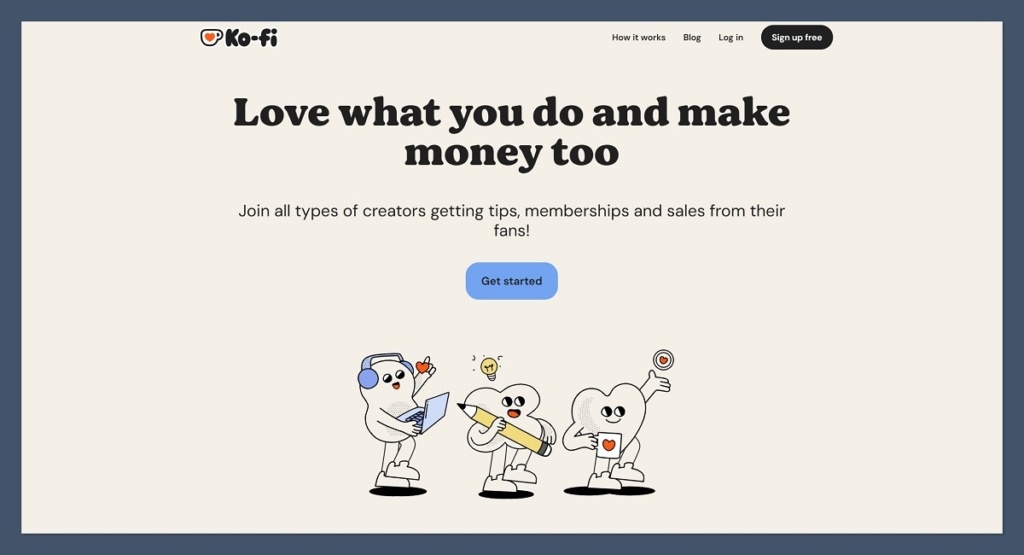
Ko-fi is a platform designed around supporter engagement, enabling fans to offer tips, subscribe to content, or purchase digital products directly from a straightforward shop. It has garnered significant popularity among artists, writers, and streamers who seek a low-overhead method for monetization without the complexities of establishing a full online store.
Ko-fi serves as an ideal solution for those desiring a hybrid model that combines donation capabilities with product sales. Its ease of setup was particularly noteworthy, and the absence of concerns regarding product hosting or design significantly simplified the process.
Pros:
- Fan Support Focused: Excellent for receiving donations, tips, and recurring support.
- Simple Shop Functionality: Easy to list and sell digital products.
- Low Barrier to Entry: Free to start, with optional paid tiers for enhanced features.
- No Transaction Fees on Ko-fi Gold: Offers 0% transaction fees for subscribers.
- Community Features: Built-in tools for engaging with supporters.
Cons:
- Limited E-commerce Features: Not designed for robust inventory management or complex sales.
- Basic Design Options: Storefront customization is minimal.
- Transaction Fees on Free Tier: A 5% fee applies to sales and donations on the free plan.
How Much Does Ko-fi Cost?
Ko-fi offers a freemium model:
- Free Plan: A 5% Ko-fi platform fee on payments received.
- Ko-fi Gold: $12/month, which waives the platform fee and unlocks additional features.
Why Use Ko-fi?
Ko-fi presents itself as a creator-friendly Sellfy alternative, effectively balancing donation collection with product sales without overwhelming users with an excessive feature set. For creators who already have an established audience and wish to monetize with minimal effort, Ko-fi offers one of the most hassle-free pathways available.
Ko-fi is suitable for:
- Artists, writers, musicians, and streamers seeking fan support.
- Creators selling small digital products alongside accepting donations.
- Individuals who want a simple way to monetize their content.
- Those looking for a platform that fosters community engagement.
Ko-fi isn’t suitable for:
- Businesses primarily focused on large-scale retail or extensive product catalogs.
- Users requiring advanced e-commerce analytics and marketing automation.
- Sellers who need deep customization of their storefront’s appearance.
Fourthwall: Merch and Digital Products for Creators
Starting Price: Free plan available, Pro plan is $19/month
AI Tools: No
Best For: Merch + digital for creators
Fourthwall is specifically designed for creators aiming to sell merchandise, memberships, and digital products directly to their audiences. It includes integrated fulfillment services for physical products and seamlessly connects with platforms like YouTube and Twitch, making it an ideal choice for social media influencers with an existing follower base.
Fourthwall was utilized to establish a combined merch and digital product page for a YouTube client, significantly streamlining the entire process from order processing to custom domain setup. Manual fulfillment or shipping management was entirely bypassed.
Pros:
- Creator-Centric Design: Tailored for influencers and content creators.
- Integrated Merch Fulfillment: Handles production and shipping of physical products.
- Supports Digital Products and Memberships: Versatile for various revenue streams.
- Social Media Integrations: Connects with platforms like YouTube and Twitch.
- Free Plan Available: Allows creators to start selling without upfront costs.
Cons:
- Transaction Fees: Applies transaction fees on sales, particularly on the free plan.
- Less Flexibility for Non-Merch Focus: While it supports digital products, its core strength is in merchandise.
- Limited Design Customization: Primarily focused on product display and brand consistency.
How Much Does Fourthwall Cost?
Fourthwall offers a tiered pricing structure:
- Free Plan: No monthly fee, but a 10% transaction fee on sales.
- Pro Plan: $19/month (billed monthly) or $180/year (billed annually), with a reduced 5% transaction fee.
Why Use Fourthwall?
Fourthwall simplifies the process of transforming an online audience into a revenue stream. Whether selling apparel, digital content packs, or exclusive memberships, it is fundamentally built for creators, not general e-commerce enterprises. If a creator’s livelihood is tied to content production, Fourthwall stands out as one of the most relevant and effective tools available today.
Fourthwall is suitable for:
- YouTubers, Twitch streamers, and social media influencers.
- Creators looking to sell branded merchandise and digital products.
- Businesses that want integrated fulfillment for physical goods.
- Those seeking a platform that understands the creator economy.
Fourthwall isn’t suitable for:
- Businesses primarily focused on selling a high volume of diverse physical products without a merchandise component.
- Users who require extensive website design flexibility beyond product showcases.
- Individuals who need a platform solely for selling digital downloads without merchandise.
Teachable: The Dedicated Course Platform
Starting Price: $39+/month
AI Tools: No
Best For: Course-first sellers
Teachable is a purpose-built platform designed to equip educators and digital creators with everything necessary to host, market, and manage online courses. It is particularly ideal for those offering structured content, including video lectures, coaching sessions, and downloadable resources.
During the creation of a sample course on Teachable, the platform facilitated seamless management of students, progress tracking, and the distribution of certificates, all without the need for additional plugins or coding. The student experience was polished and intuitively navigable.

Pros:
- Specialized for Online Courses: Comprehensive features for course creation and delivery.
- User-Friendly Interface: Easy to build and manage course content.
- Built-in Payment Processing: Handles student payments securely.
- Marketing and Sales Tools: Features for coupons, affiliates, and sales pages.
- Drip Content and Course Structuring: Tools for organizing and releasing content over time.
Cons:
- Higher Transaction Fees on Lower Tiers: The Basic plan incurs a 10% transaction fee.
- Less Versatile for Non-Course Products: Primarily focused on educational content.
- Limited Website Design: More focused on course pages than full website customization.
How Much Does Teachable Cost?
Teachable offers tiered pricing plans:
- Basic Plan: $39/month (billed annually) or $49/month (billed monthly), with a 10% transaction fee.
- Pro Plan: $119/month (billed annually) or $149/month (billed monthly), with a 5% transaction fee and advanced features.
- Business Plan: $249/month (billed annually) or $299/month (billed monthly), with 0% transaction fees and custom branding.
Why Use Teachable?
Teachable stands as a powerful Sellfy alternative when the primary focus is on education and structured content delivery. Its learning-centric features make it far more suitable for course-based businesses than general e-commerce platforms. The platform’s dedication to the online learning experience provides a superior environment for both instructors and students.
Teachable is suitable for:
- Educators, coaches, and experts creating and selling online courses.
- Businesses offering training programs or educational content.
- Creators who want to bundle courses with coaching or community features.
- Individuals prioritizing a dedicated learning management system.
Teachable isn’t suitable for:
- Businesses primarily selling physical products or a wide range of digital downloads.
- Users who require extensive website design customization and advanced e-commerce features.
- Creators looking for a simple platform to sell single digital items without the structure of courses.
Big Cartel: For the Small Artist Shop
Starting Price: Free for up to 5 products, paid plans at $15/month and $30/month
AI Tools: No
Best For: Small catalogs, artist shops
Big Cartel is a lightweight e-commerce platform designed specifically for artists, makers, and small-scale sellers. It offers an intuitive interface, minimal operational overhead, and a clean storefront experience tailored for businesses with a limited product selection.
Setting up a shop on Big Cartel was completed in under an hour, providing just enough customization to align with brand identity. While not intended for large-scale operations, it effectively serves its niche market.

Pros:
- Affordable Pricing: Free plan available for up to 5 products.
- Simple to Use: Straightforward interface for easy setup and management.
- Artist-Focused: Ideal for selling handmade goods, art, and limited editions.
- No Transaction Fees: Charges no fees on sales beyond standard payment processor fees.
- Clean Storefront Design: Focuses on product presentation.
Cons:
- Limited Product Count: Free and lower-tier plans have restrictions on the number of products.
- Basic E-commerce Features: Lacks advanced features found on larger platforms.
- Limited Customization: Design options are somewhat restricted.
- No Built-in Marketing Tools: Relies on external integrations for marketing.
How Much Does Big Cartel Cost?
Big Cartel offers several pricing tiers:
- Gold Plan: Free for up to 5 products.
- Platinum Plan: $15/month for up to 50 products.
- Diamond Plan: $30/month for up to 500 products.
Why Use Big Cartel in 2026?
Big Cartel continues to be an excellent option for small artists or hobbyists selling a limited range of products. It is perfect for those who wish to avoid complex e-commerce dashboards and high monthly expenses. Its simplicity and focus on core selling functionalities make it an attractive choice for niche creators.
Big Cartel is suitable for:
- Independent artists, makers, and crafters.
- Small businesses selling a limited number of unique products.
- Sellers who prioritize simplicity and low costs.
- Individuals looking for a straightforward way to sell online without extensive features.
Big Cartel isn’t suitable for:
- Businesses requiring advanced e-commerce features or extensive product management.
- Sellers with large inventories or a need for complex shipping solutions.
- Users who desire a highly customizable website design.
- Retailers aiming for rapid, large-scale growth in online sales.
Final Thoughts on Evolving E-commerce Needs
The observation that Sellfy can become limiting for growing businesses is a sentiment shared by many. Whether managing a creator enterprise, distributing digital downloads, or launching a debut online store, selecting the right platform is paramount for fostering growth and optimizing profit margins.
For long-term scalability and comprehensive e-commerce functionalities, platforms like Shopify and WooCommerce stand out. Wix and Squarespace are ideal for those who prioritize intuitive design and user-friendly interfaces. For creators focused on content monetization, Podia, Gumroad, Ko-fi, and Fourthwall provide clear, streamlined pathways to revenue generation.
The most critical factor in platform selection is aligning the choice with the current business model while ensuring sufficient room for future expansion, thereby avoiding the need for frequent platform migrations. While overbuilding or overspending is unnecessary, being constrained by a tool that hinders a brand’s potential is equally detrimental. The e-commerce landscape in 2026 offers diverse solutions to meet these evolving needs.